6
Using with a computer
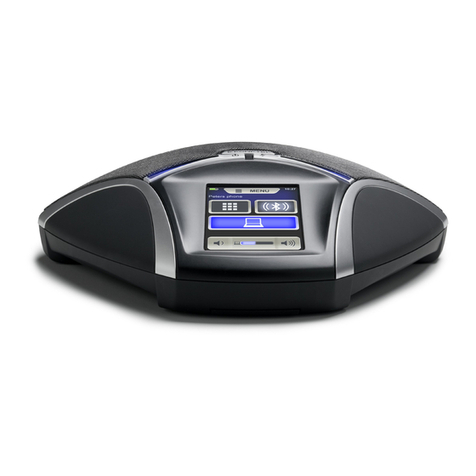
The 8105s EGO transforms your computer into high-quality conferencing equipment
with OmniSound®. Unlike normal computer speakers and microphones, the 8105s
EGO provides full duplex (two-way audio) and ecient echo cancellation and static
reduction.
The computer identies the 8105s EGO as an echo cancellation device which me-
ans that communication software usually leaves the audio processing to the 8105s
EGO, resulting in better sound quality.
OmniSound®performs over the full audio bandwidth (50–7,000 Hz).
However, there may be some factors that limit the sound quality, depending on the
equipment in the network and that used by the other call participants.
If you are playing music, or some other one-way audio stream, the 8105s EGO swit-
ches automatically to music mode so that the sound is not altered by OmniSound®.
Connecting to a computer
Connect the computer to the 8105s EGO with a suitable USB cable.
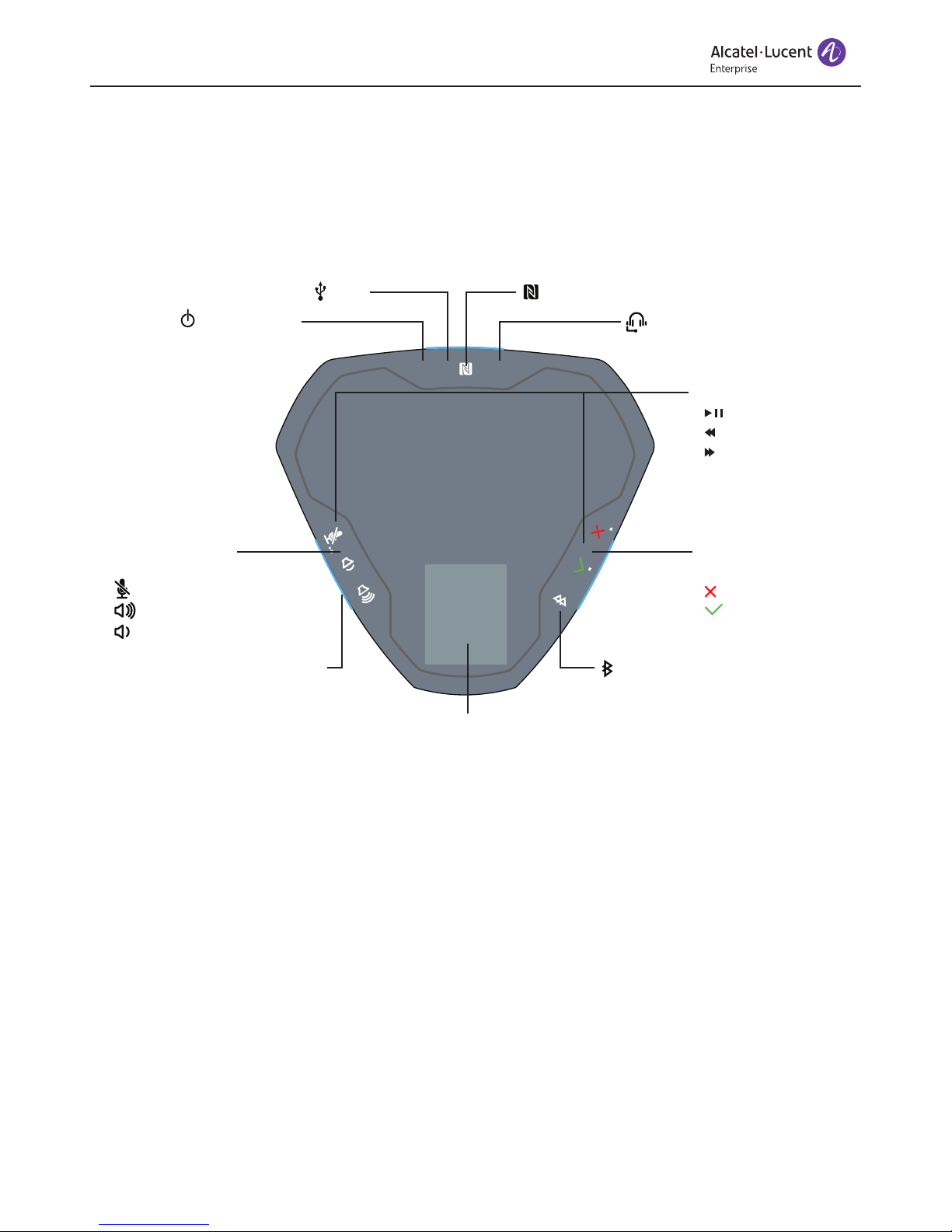
The icon is displayed on the 8105s EGO.
The computer's operating system normally automatically selects the 8105s EGO
as a speaker and microphone. If the 8105s EGO is not automatically selected as
an audio device in the computer, you may have to access the computer settings
and manually select 8105s EGO.
If the computer has active software that is using the computer's built-in
speakers, you may need to restart the software to switch to the new speaker
(8105s EGO).
Using as a computer speaker (music mode)