OmniAccess AP60 Enclosure Installation Notes: Installation Guide
4Part 031662-00 Rev. 01June 2005
3. Locate the cable seal on the bottom or side allowing for as direct a cable
path inside the enclosure as possible while preventing moisture from
entering the enclosure housing. (Here the cable seal is centered on the
bottom of the enclosure.)
4. Using a sharp knife, make an X cut on the top of the cable seal to allow the
network cable to penetrate the seal.
5. Measure the inside diameter of the cable seal base and drill the hole for the
cable seal. Any wood or metal high-speed or hole bit will work.
6. Snap the cable seal into place.
7. Drill the holes for the ventilation cap using the template (enclosed) as a drill
guide. Be sure to orient the ventilation cap to prevent moisture from
entering the enclosure housing.
8. Using the three screws provided, attach the ventilation cap.
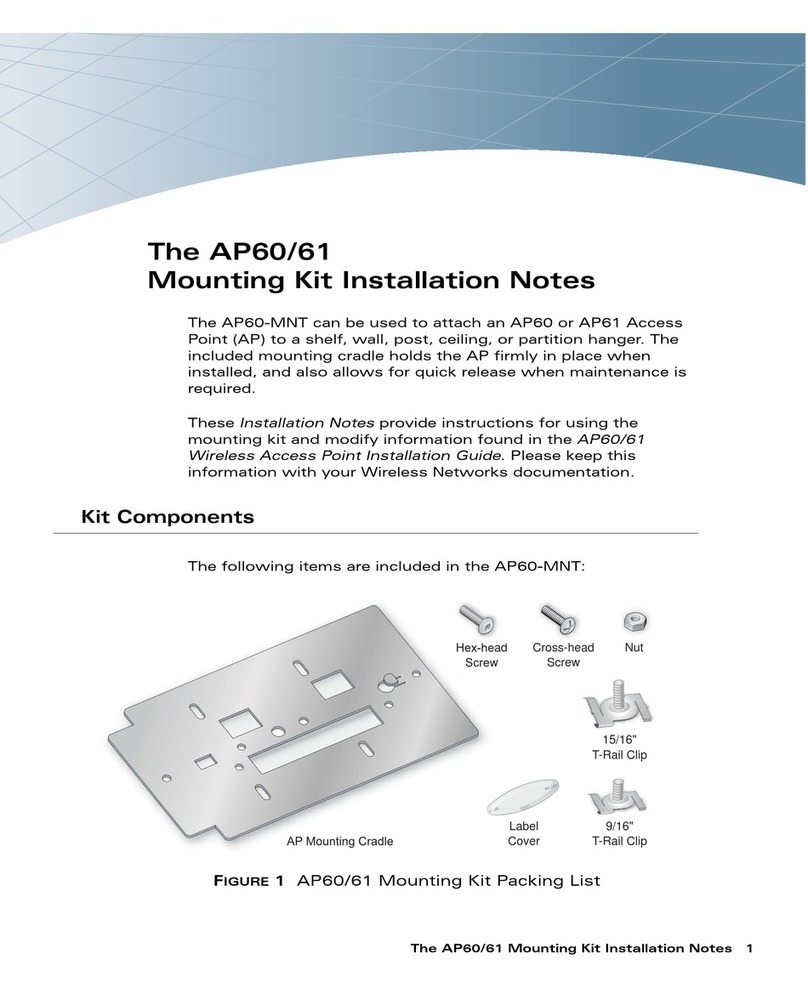
9. Orient the mounting plate into position and attach to the enclosure base
with the two screws provided.
10. Push out the mounting tabs enough for the mounting holes on the back of
the AP to engage and snap the AP into place.
11. Using the four screw holes on the corners of the enclosure base, attach
the base in its external location.
12. Thread the raw network cable through the cable seal and into the
enclosure housing.
13. Attach the end connector (RJ-45).
14. Attach the cable connector to the AP (as described in the appropriate
Installation Guide).
15. Secure the enclosure cover with the six screws provided.
16. Secure the network cable from the enclosure to the WLAN switch. The
network cable must be POE-enabled to supply power to the Access Point.
17. Verify that the AP is functioning properly.