WSERD30B MOTOR GUIDE p3
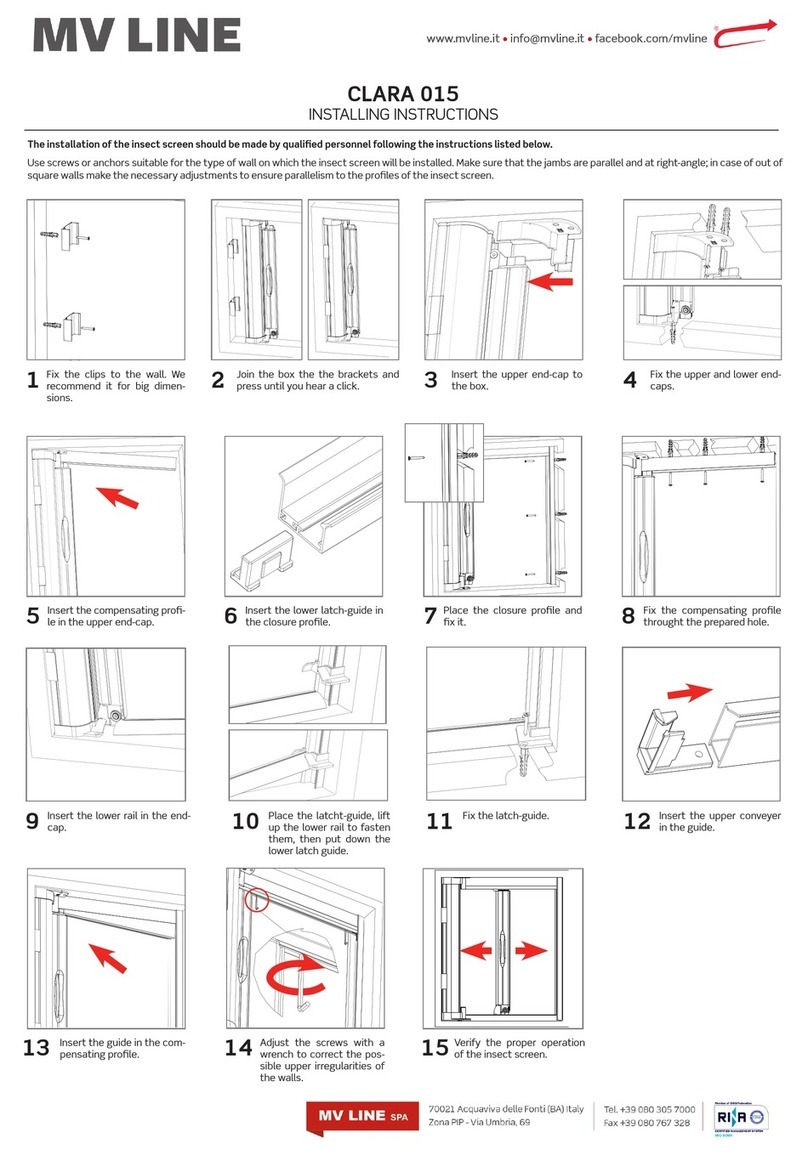
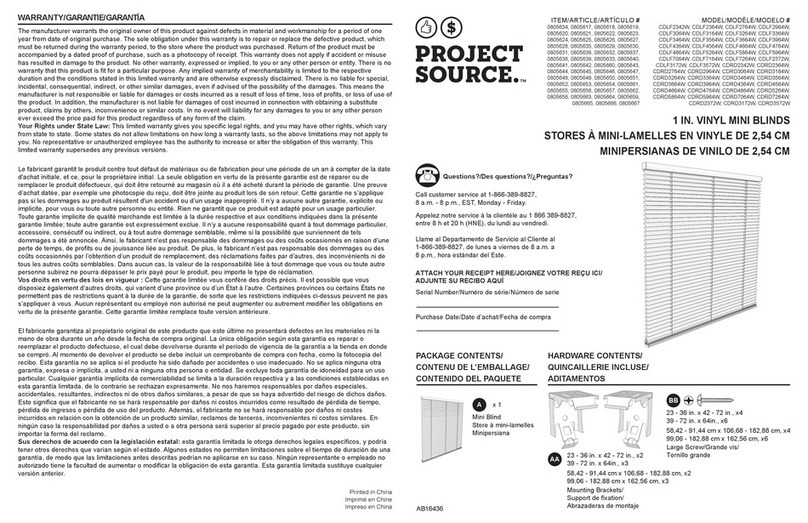
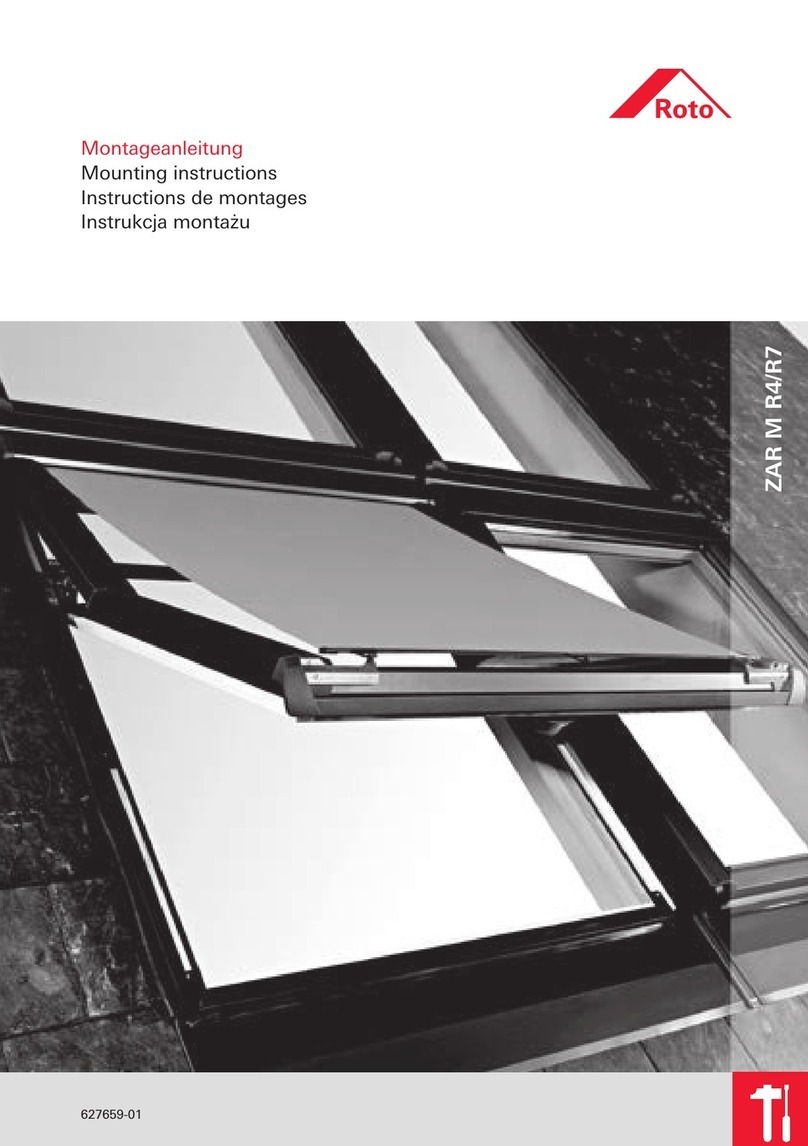
13. THE THIRD LIMIT
A. Set the Third Limit
B Reset. the Third Limit
Note: The third limit is also named as the intermediate limit, it is available at any position between
up and down limit. The third limit will be deleted automatically if the up or down limit is deleted.
The third limit will be deleted automatically if the up or down limit is deleted.
press for 2 seconds
press for 2 seconds
Move the blind to the desired
position and press STOP 4 times.
Move the blind to the desired
position and press STOP 4 times.
The motor will vibrate; it means the
current position is set as the third limit.
The motor will vibrate; it means the
current position is set as the third limit.
Press the STOP button for 2s, the motor
will run to the third limit position from any
other current position.
Press the STOP button for 2s, the motor
will run to the third limit position from any
other current position.
Press UP and DOWN
buttons simultaneously.
Press the STOP button
6 times within 10s.
Press the UP and DOWN
buttons simultaneously.
Press the STOP button
7 times within 10s.
Press the UP button once
within 10s, the motor will vibrate.
All channels from the remote you
are holding are now deleted from
this motor. Others will remain.
Press the UP button once within
10s, the motor will vibrate.
All the remote channels in the
motor’s memory are deleted.
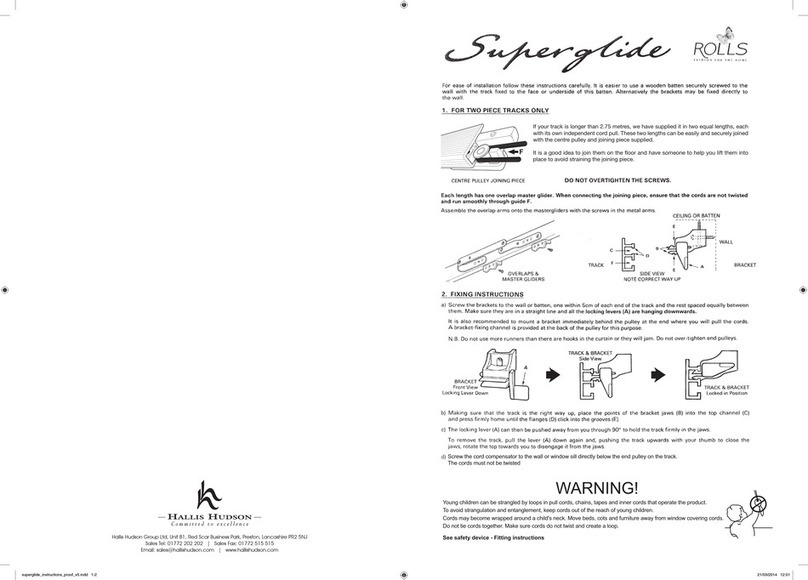
Method A: This method deletes all channels from the remote you are holding from the motor.
Method :B This method deletes all channels from all remotes from the motor’s memory.
11. CODE DELETING
X
X
Press UP and DOWN together
and release on the existing remote.
Press STOP 8 times,
the motor will vibrate.
Press UP and DOWN together
and release on the new remote.
Press STOP once and the motor
will vibrate. The new remote channel
will now operate the motor.
12. ASSIGNING AN ADDITIONAL REMOTE
EXISTING EXISTING NEW NEW
First, move the blind to the desired position.
First, move the blind to the desired position.
ALPHA SUPPORT PHONE (02) 4355 4775