6-EN
Basic Operations
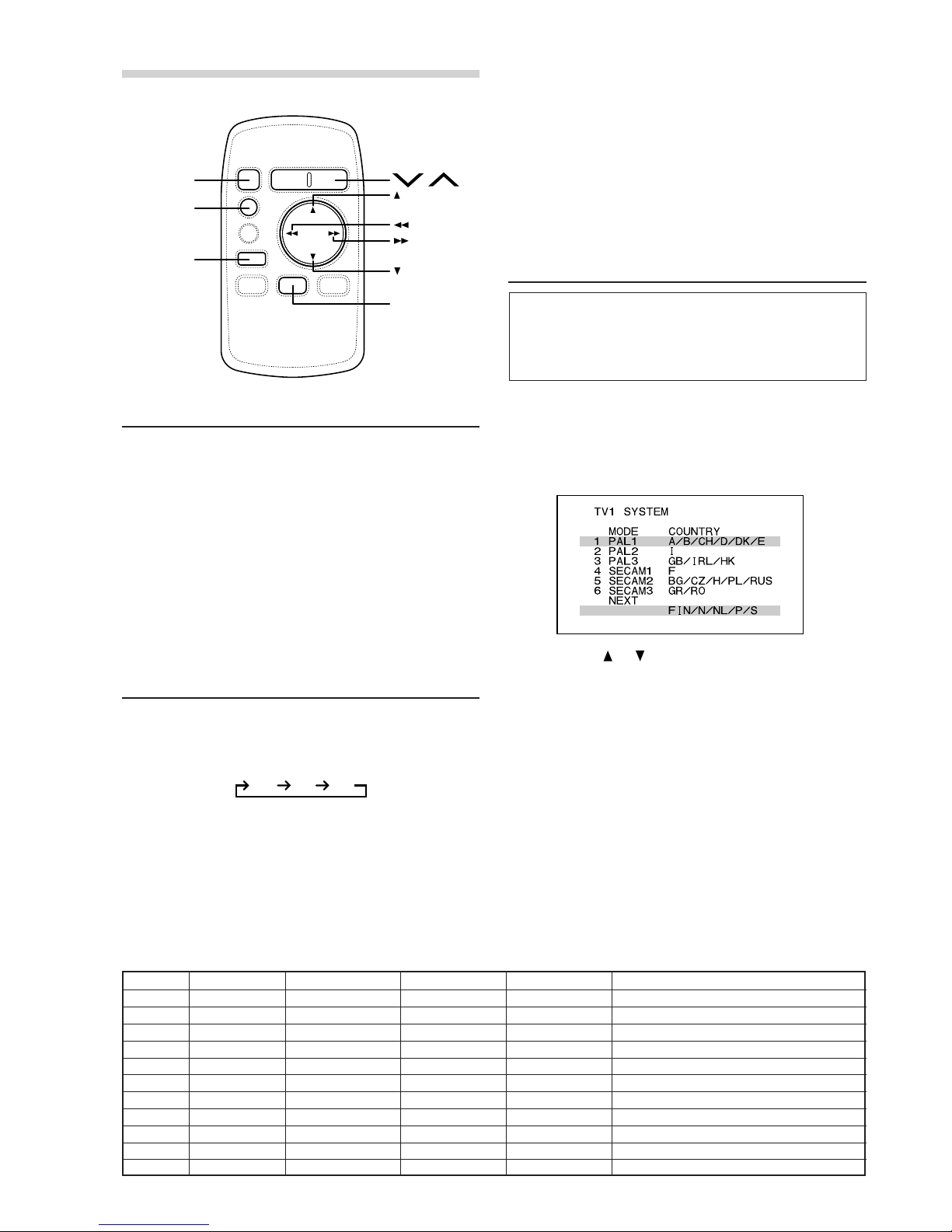
TV Area Setting
This operation registers the channel bandwidth
selecting yourTV area on the screen.
Be sure to make this setting before the product is
put to use.
1Press the BAND button and select the band of
TV1 orTV2.
2Press the MODE button.
The TV area setup menu appears.
3Press the or button to select your TV area.
4Press and hold the MODE button for at least 1
second.
The auto preset operation starts.
NOTES
• Only TV1 and TV2 bands can be used for TV area
selection. TV3 band is not usable for this purpose.
• If the present broadcasting reception area is selected,
auto preset operation is not performed. If this is the
case, the operation returns to the status before TV
area selection.
• TV3 band can be used only when selecting No. 1 to 6
of TV area list. When selecting No. 7 to 11, only TV1
or TV2 can be used.
• If TV system is the same as in countries listed in TV
area list, these channels are receivable in other
countries not listed there.
Turning Power On and Off
1Turn the monitor power on and change over the
source to AUX1 or AUX2.
The source to be selected is changed by the
connector to whichTUE-T152 was connected.
2Press the PWR (Power) button of the remote
control unit.
The TV Tuner power is turned on.
3Press the PWR button again to turn off the unit.
The TV Tuner power is turned off.
MODE
PWR
BAND
A.MEMO
TV Area List
Area No.
Indication Mode
TV System VHF CH UHF CH Country
1 PAL-1 PAL B•G/H 02 to 12 ch 21 to 69 ch A, B, CH, D, DK, E, FIN, N, NL, P, S
2 PAL-2 PAL B•G A to H2 ch 21 to 69 ch I
3 PAL-3 PAL I•I A to J ch 21 to 69 ch GB, IRL, HK
4 SECAM-1 SECAM L – 21 to 69 ch F
5 SECAM-2 SECAM D•K R1 to R12 ch 21 to 69 ch BG, CZ, H, PL, RUS
6 SECAM-3 SECAM B•G 02 to 12 ch 28 to 69 ch GR, RO
7 PAL-4 PAL B•H 0 to 12 ch 21 to 69 ch AUS
8 PAL-5 PAL B•G 01 to 12 ch 21 to 69 ch NZ
9 PAL-6 PAL B•G 01A to 11 ch 21 to 69 ch RI
10 PAL-7 PAL B•G 02 to 12 ch 21 to 69 ch IND, MAL
11 PAL-8 PAL I•I 04 to 13 ch 21 to 69 ch ZA
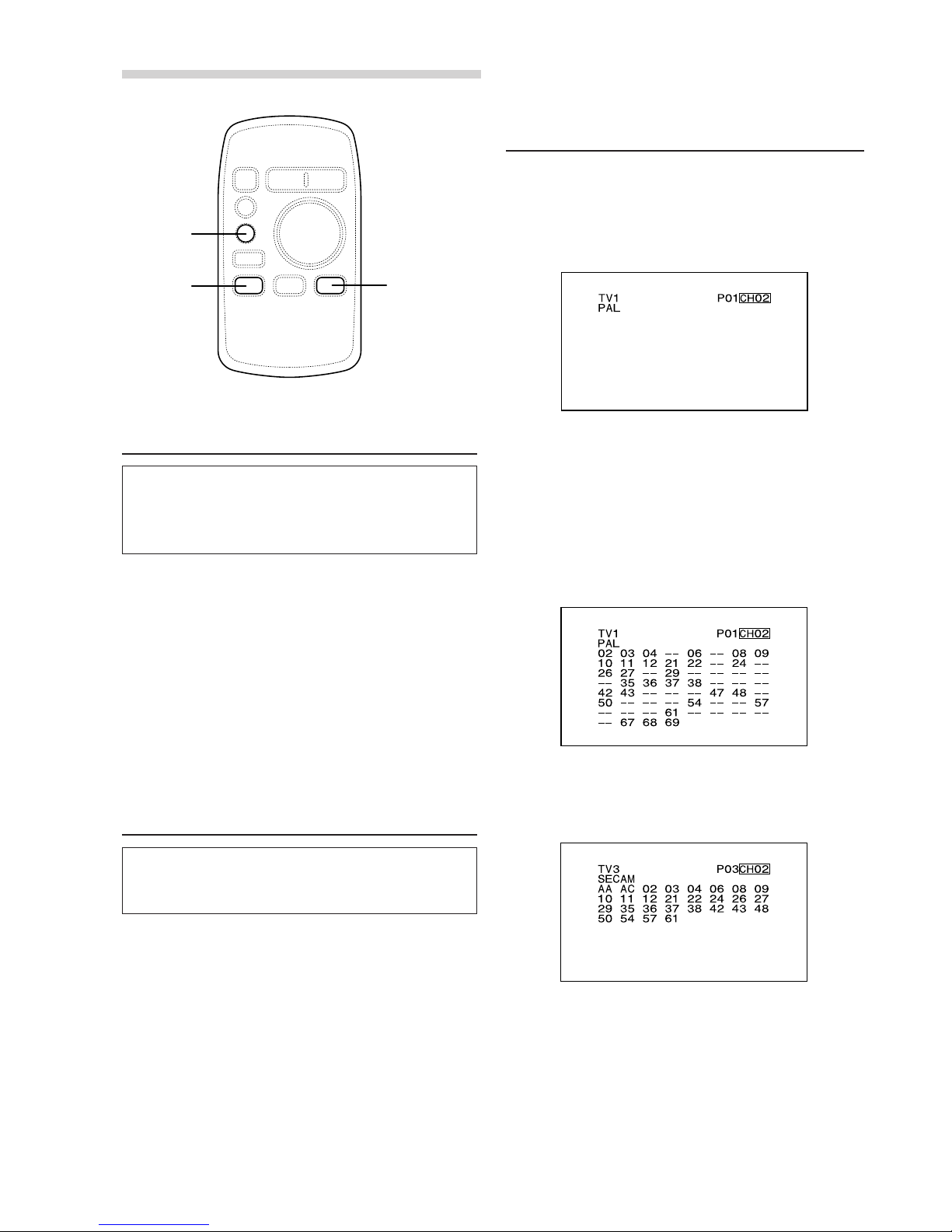
Switching the TV Band
1Press the BAND button.
The band is switched each time the button is
pressed.
TV1/TV2:
PAL or SECAM Broadcasting Reception Band
Fixing Mode
Refer to “TV Area Setting”.
TV3:
PAL and SECAM Broadcasting Reception Band
Automatic Changeover Mode
(factory default)
NOTE
TV3 band can be used only when selecting No.1 to 6 of
TV area list. When selecting No.7 to 11, only TV1 or
TV2 can be used.
TV3*TV1 TV2