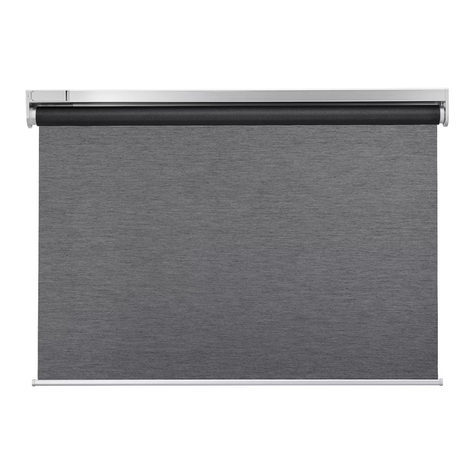
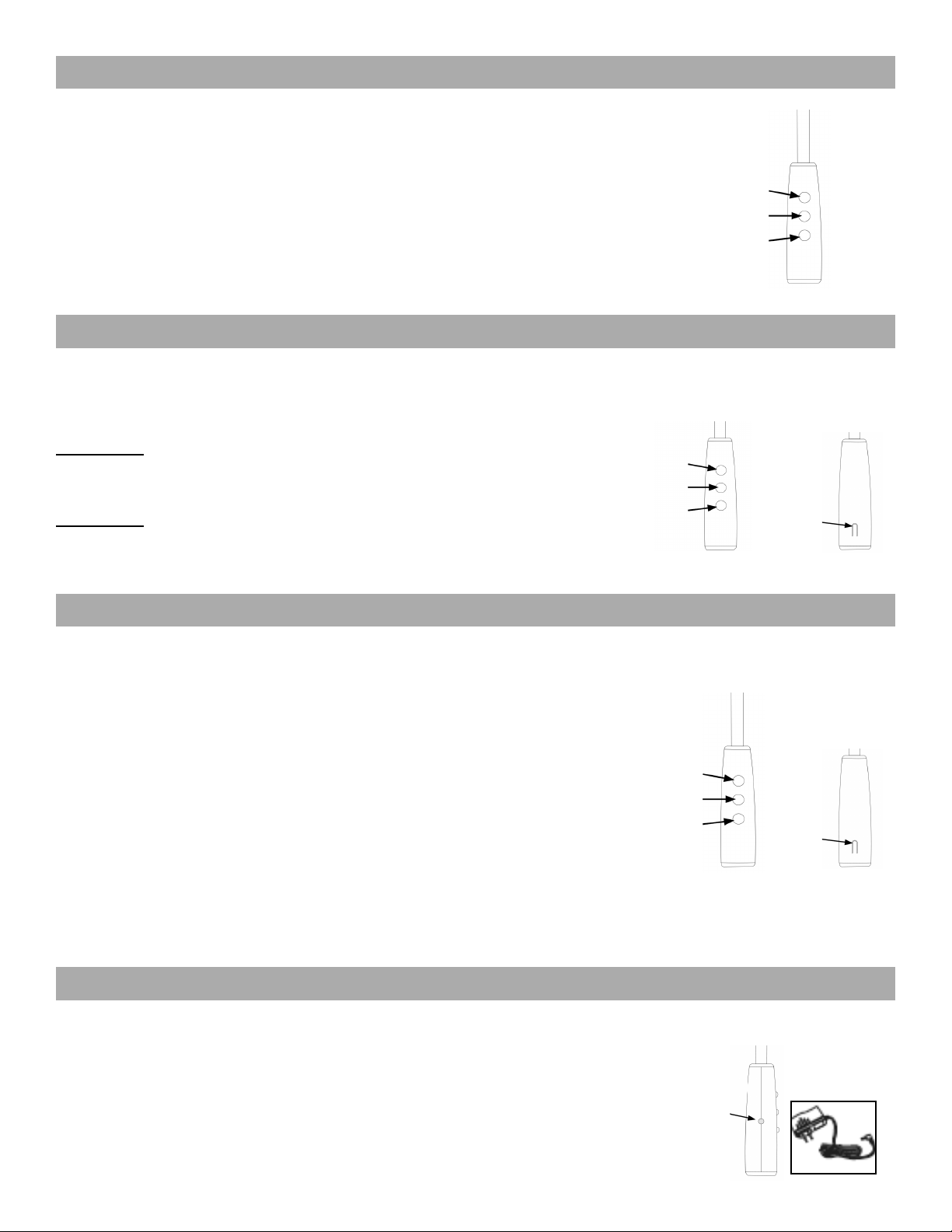
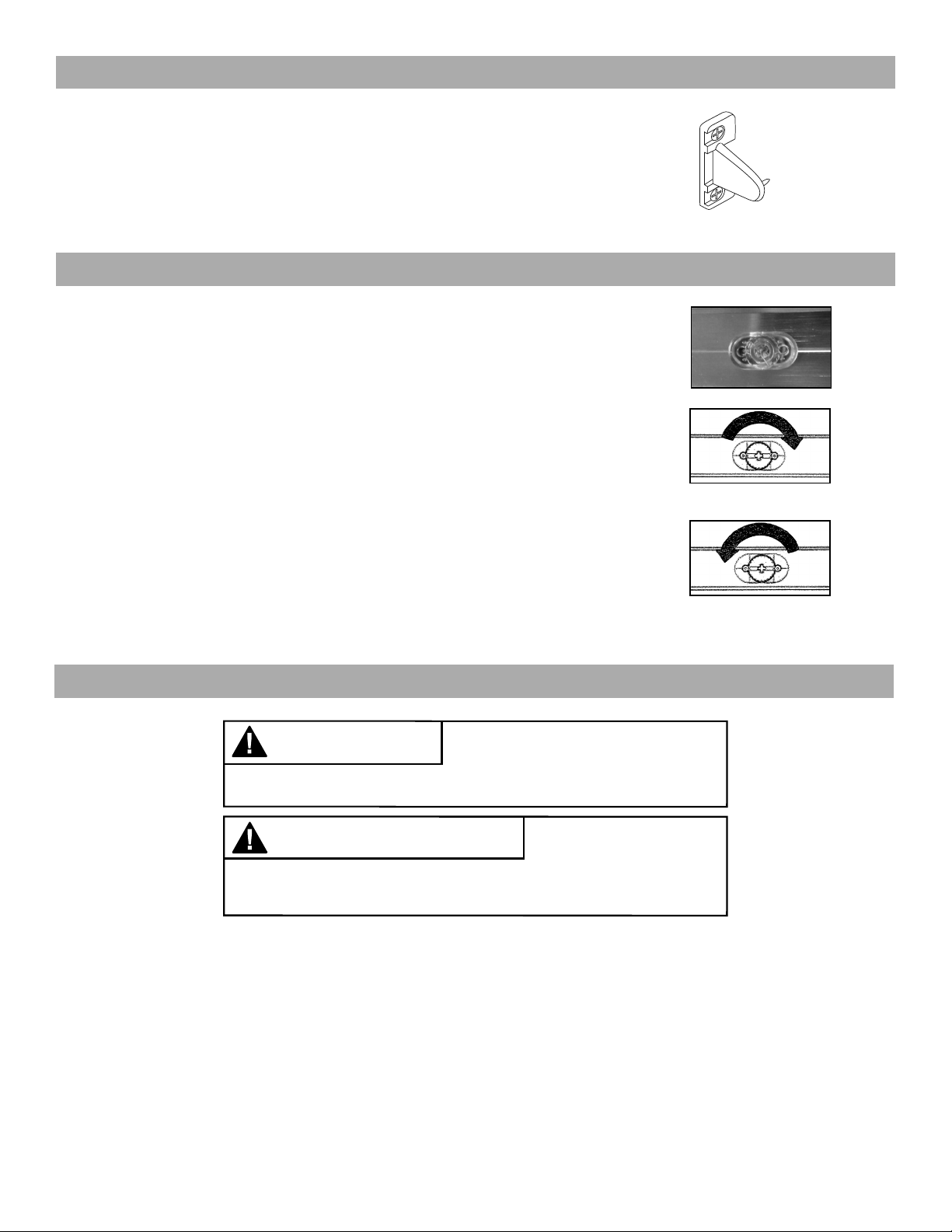
Press the DOWN or UP button to lower or raise the shade. Press the STOP/FAVORITE to stop the shade
at the desired position.
Touch & Go Feature:
To fully raise or lower the shade, simply press the UP or DOWN button and then release. The shade will
automatically stop when it reaches the upper or lower limit. (If the upper or lower limits are not set at the
desired positions, see the Adjust Motor Limits section)
Note: Upper and lower limits stops are set at the factory. An intermediate or “favorite” position is not set at
the factory. See “Setting a Favorite Position” section for more information.
The upper and lower limits have been set at the factory. If you need to make adjustments to the limits, follow the instructions below.
Press the SETTING button on the back of the wand and hold it in until the motor stops beeping.
This will clear both the upper and lower factory limits as well as a favorite if one was set.
Set Upper Limit - Press the UP button to get the shade close to the desired upper limit and then
press the STOP button to stop the shade. Tap the UP or DOWN button to move the shade to the
desired position. To save the location, press the SETTING button until the motor beeps.
Set Lower Limit - Press the DOWN button to get the shade close to the desired lower limit and
then press the STOP button to stop the shade. Tap the UP or DOWN button to move the shade
to the desired position. To save the location, press the SETTING button until the motor beeps.
Setting and Using a Favorite Position
Use the UP or DOWN buttons to position the shade at the desired “favorite” position. First press
and hold the SETTING button on the back of the wand. While holding the SETTING button press
and hold the UP button. Release both buttons when the shade beeps.
With the shade at either the upper or lower limit, simply press the STOP/FAVORITE button to
bring the shade to the “favorite” position. To go to the “favorite” position from any other location,
make sure the shade has been stopped for at least three seconds before pressing the STOP/
FAVORITE button.
Changing a Favorite Position
Use the UP or DOWN buttons to position the shade at the desired “favorite” position.
First press and hold the SETTING button on the back of the wand. While holding the SETTING
button press and hold the UP button. Release both buttons when the shade beeps.
This establishes a new “favorite” position and erases the old.
5
When the shade begins to operate slower than normal or only beeps when you attempt to operate, it is time to charge the battery.
• Plug the 8.4v charger into the port on the wand.
• Plug the charger into an electrical outlet.
• A red light on the charger indicates that the battery is charging.
• To fully charge the batteries, allow the batteries to charge for at least 1 hour after the
light on the charger turns green. A typical charge cycle can take between 4-6 hours.
UP
Stop/Favorite
Down
UP
Stop
Down Setting
Button
UP
Stop/Favorite
Down Setting
Button
Charging Port
Operating the Shade
Adjust Motor Limits (if desired)
Setting a Favorite Position
Charging the Motor Battery