manuals.online logo
Brands
  1. Home
  2. •
  3. Brands
  4. •
  5. Amcor
  6. •
  7. Dehumidifier
  8. •
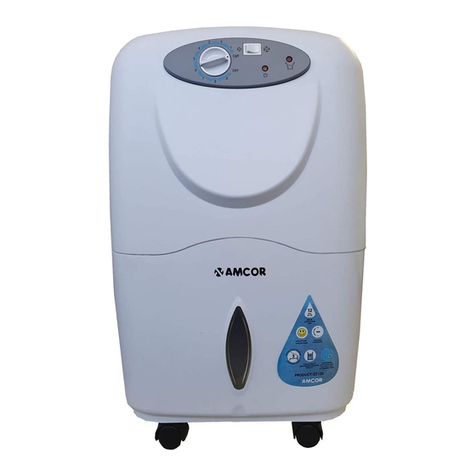
  9. Amcor AM-DD8L User manual

Amcor AM-DD8L User manual

Other manuals for AM-DD8L

1

Other Amcor Dehumidifier manuals

Amcor DSR-12/20 User manual

Amcor

Amcor DSR-12/20 User manual

Amcor SD12 User manual

Amcor

Amcor SD12 User manual

Amcor Ad 140 User manual

Amcor

Amcor Ad 140 User manual

Amcor System QT 120 User manual

Amcor

Amcor System QT 120 User manual

Amcor D-1000 User manual

Amcor

Amcor D-1000 User manual

Amcor SD12 User manual

Amcor

Amcor SD12 User manual

Amcor DES 80 User manual

Amcor

Amcor DES 80 User manual

Amcor DC 14 User manual

Amcor

Amcor DC 14 User manual

Amcor PLDA 25EH User manual

Amcor

Amcor PLDA 25EH User manual

Amcor AHD-65E User manual

Amcor

Amcor AHD-65E User manual

Amcor MD250 User manual

Amcor

Amcor MD250 User manual

Amcor AM-DD8L User manual

Amcor

Amcor AM-DD8L User manual

Amcor D-850 User manual

Amcor

Amcor D-850 User manual

Amcor D850E User manual

Amcor

Amcor D850E User manual

Amcor PLDM 16E User manual

Amcor

Amcor PLDM 16E User manual

Amcor TC 120 User manual

Amcor

Amcor TC 120 User manual

Amcor HD220 User manual

Amcor

Amcor HD220 User manual

Amcor HD 2000HT User manual

Amcor

Amcor HD 2000HT User manual

Amcor DC-900 User manual

Amcor

Amcor DC-900 User manual

Amcor MD250 User manual

Amcor

Amcor MD250 User manual

Amcor HD220H User manual

Amcor

Amcor HD220H User manual

Amcor A D100Y User manual

Amcor

Amcor A D100Y User manual

Amcor D850E User manual

Amcor

Amcor D850E User manual

Amcor AD12 User manual

Amcor

Amcor AD12 User manual

Popular Dehumidifier manuals by other brands

GET DHMD102 User instructions

GET

GET DHMD102 User instructions

Daewoo COL1471 user manual

Daewoo

Daewoo COL1471 user manual

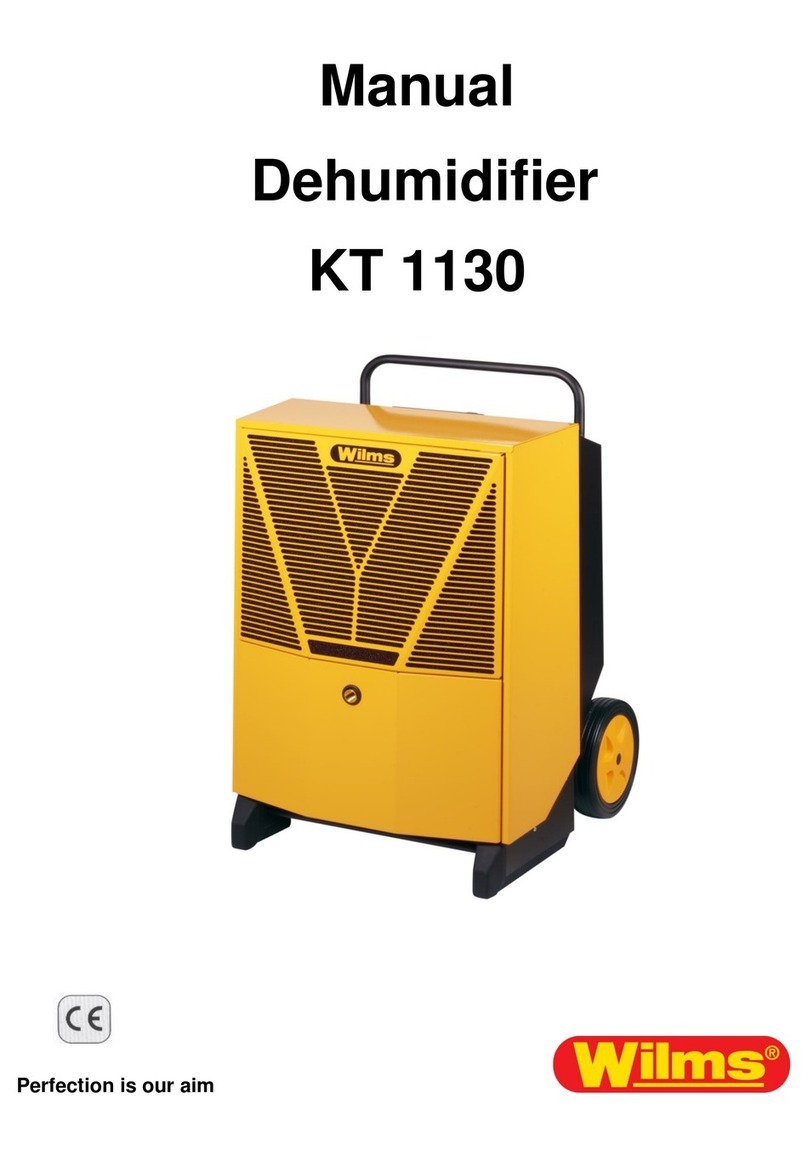
WILMS KT 1130 manual

WILMS

WILMS KT 1130 manual

Aprilaire E080 quick start guide

Aprilaire

Aprilaire E080 quick start guide

fisair DFLEX Series user manual

fisair

fisair DFLEX Series user manual

Daitsu CD031IU-DFA owner's manual

Daitsu

Daitsu CD031IU-DFA owner's manual

Fehom PDGT701BE user manual

Fehom

Fehom PDGT701BE user manual

Trotec TTR 400 D User instructions

Trotec

Trotec TTR 400 D User instructions

Westpoint MDF1-30AE instruction manual

Westpoint

Westpoint MDF1-30AE instruction manual

SOLIS easy dry compact user manual

SOLIS

SOLIS easy dry compact user manual

Sinclair R-9112 instruction manual

Sinclair

Sinclair R-9112 instruction manual

Kenmore 580.54701 owner's manual

Kenmore

Kenmore 580.54701 owner's manual

Demargo DM828NF Installation and operating instructions

Demargo

Demargo DM828NF Installation and operating instructions

Altrad Lescha LDH 600 Original instructions

Altrad Lescha

Altrad Lescha LDH 600 Original instructions

BOMANN LE 1150 CB instruction manual

BOMANN

BOMANN LE 1150 CB instruction manual

SPT SD-46 instruction manual

SPT

SPT SD-46 instruction manual

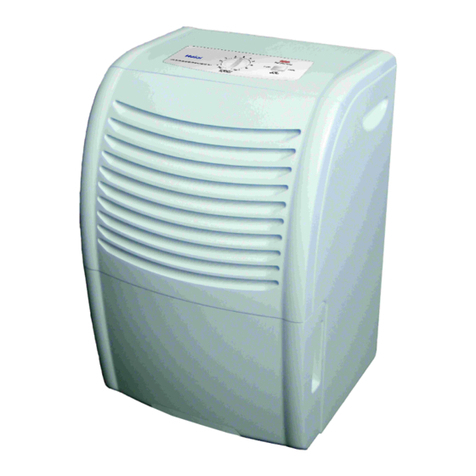
Haier HD458 user manual

Haier

Haier HD458 user manual

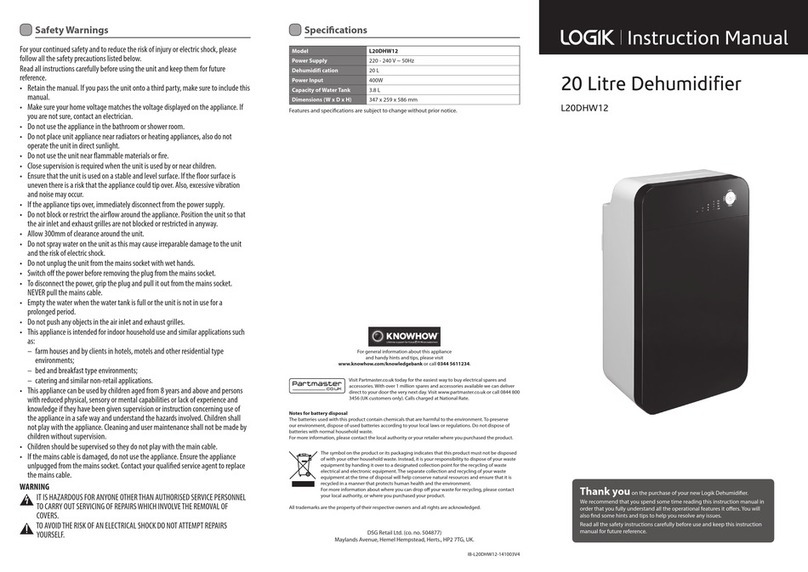
Logik L20DHW12 instruction manual

Logik

Logik L20DHW12 instruction manual

manuals.online logo
manuals.online logoBrands
  • About & Mission
  • Contact us
  • Privacy Policy
  • Terms and Conditions

Copyright 2025 Manuals.Online. All Rights Reserved.

Wall Mountable Desiccant Dehumidifier
with Humidistat and Ioniser
8 litres per day
USER MA UAL
Thank you for choosing Amcor
Please read this user manual before using this innovative Dehumidifier
and keep it safe for future reference.
Visit our page www.amcoruk.com for our entire range of Air Treatment products
Contents
Safety Instructions ………………..……………….. 1
Installation ………………..……………….. 3
Parts ………………..……………….. 4
Control Panel ………………..……………….. 5
Quick reference guide ………………..……………….. 5
Operation ………………..……………….. 6
Positioning ………………..………………..
Water Drainage ………………..……………….. 9
Care and Maintenance ………………..……………….. 11
FAQ ………………..……………….. 12
Troubleshooting ………………..……………….. 13
Technical Data ………………..……………….. 15
SAFETY I STRUCTIO S
Important
• Carefully read the instructions before operating the unit
• This appliance is for indoor use only and intended for use in a domestic
environment only. Any other use is not recommended by the manufacturer and
may cause fire, electrical shocks or other injury to person or property.
• Rating: This unit must be only connected to a 220-240 V / 50 Hz earthed outlet.
• Installation must be in accordance with regulations of the country where the unit
is used.
• If you are in any doubt about the suitability of your electrical supply have it
checked and, if necessary, modified by a qualified electrician.
• This dehumidifier has been tested and is safe to use. However, as with any
electrical appliances - use it with care.
• Disconnect the power plug from socket before dismantling, assembling or
cleaning.
• Avoid touching any moving parts of the appliance.
• Never insert fingers, pencils or any other objects though the guard
• This appliance is not intended for use by persons (including children) with reduced
physical, sensory or mental capabilities. It is also not intended for use by those with
a lack of experience and knowledge, unless they have been given supervision or
instruction concerning the use of the appliance by a person responsible for their
safety.
• Do not leave children unsupervised with this appliance.
• Do not clean the unit by spraying it or immersing it in water.
• Never connect the unit to an electrical outlet using an extension cord. If a power
outlet is not available, one should be installed by a qualified electrician.
• Never operate this appliance if the cord, power adapter or plug is damaged.
Ensure the power cord is not stretched or exposed to sharp object/edges.
• A damaged power supply cord should be replaced by the manufacturer or a
qualified electrician in order to avoid a hazard.
• Any service other than regular cleaning or filter replacement should be performed
by an authorized service representative. Failure to comply could result in a voided
warranty.
• Do not use the appliance for any other purposes than its intended use.
• Do not tilt the unit while in use. The unit is design to work only in vertical
position.
• This dehumidifier must always be stored upright, otherwise irreparable damage
may be caused
• This unit will still operate for approximatively 5 minute after pressing the power
off button. This is normal and ensures the desiccant wheel is drained of water.
Avoid restarting the dehumidifier unit unless 5 minutes have passed since being
turned off.
• Never use the mains plug as a switch to start and turn off the dehumidifier. Use
the provided ON/OFF switch located on the control panel.
• Always place the unit on a dry and stable surface.
• The appliance should not be installed in laundry or wet rooms where the humidity
1
1

is higher than 5% RH. Operate this unit in an ambient temperature between 0°C
and 40°C.
• Do not dry laundry above the unit to prevent water entering the dehumidifier.
Place the laundry at least 1 meter away from your dehumidifier.
• Do not place the unit next to heat sources (e.g. electrical fires, fireplaces, etc.)
Energy Saving and Unit Safety Protection Tips
• Do not cover or restrict the airflow from the outlet or inlet grills.
• For maximum performance the minimum distance from a wall or objects
should be 20 cm
• Unit can be wall mounted but only with the manufacturer supplied brackets
• Keep the filters or grills of the unit clean. Under normal conditions, filters or
grills should only need cleaning once every three weeks (approximately). Do not
use the unit without the air filter as this will allow dirt to gather inside the
dehumidifier and could invalidate the warranty. A dirty filter will restrict the air
flow into the machine which will increase the resistance on the fan and could
result in damage and might invalidate the warranty.
Since the filters remove airborne particles, more frequent cleaning maybe
necessary, depending on the air quality. Vacuum and wash the mesh filters with
hot soapy water and dry them before placing them back in the unit.
Features
Your Amcor dehumidifier is a top of the range desiccant dehumidifier with
features not found in other units
1. Efficient, easy to use, quiet
2. Intelligent CPU controlled humidistat with 4 humidity settings
40%, 50%, 60%, 70% RH settings and power saving logic
3. Touch control panel with led indicators
4. Works very well at low temperatures compared with classic compressor
dehumidifiers
5. Desiccant Dehumidifiers are very effective at low temperatures and do
not lose their ability to dehumidify effectively
5. Power Saving Laundry mode to help with clothes-drying
6. Heats the air passing through between 5-10⁰C, making the air dry and
warm reducing the heating bills
7. Water tank level window, and tank full alarm & auto-stop function
. Folding carry handle for easy transportation
9. 3D design swinging louvres for improved air flow
10. Ionizer sterilize the air
11. Anti-tilt safe design
12. Wall mountable with optional brackets
2
Installation
Remove any water from the water tank before starting the unit. In
order to save energy, do not open windows or doors while the unit is
running. Place the unit on a hard / flat surface. On first use run the
unit continuously for 24 hrs.
To reduce noise levels:
Place a piece of carpet or a rubber mat under the unit to reduce any
vibrations while the unit is running.
Amcor desiccant dehumidifiers use compressor free desiccant
technology to extract water from the environment. The desiccant
dehumidifiers are ideal both at standard and low temperatures
working on ambient range between 0-37⁰C. Amcor desiccant
dehumidifiers are light and easy to move around as they do not have
heavy compressors. They are also intelligent dehumidifiers which will
extract unwanted humidity while saving money due to their
humidistat and advanced power saving logic. They features an
intelligent humidistat with 4 set settings including laundry mode at
40%, 50%, 60%, 70% RH insuring your room is not dried too much
and power is not wasted.
3
PARTS
(1) Carrying Handle
(2) Control panel
(3) Air outlet grill with swinging louvres
(4) Water tank
(5) Water level window
(6) Air inlet and grill
(7) Washable antibacterial mesh filter
( ) Continuous Drainage Hole and Rubber Stopper
(9) Power cord
(10) Power plug (varies according to region)
4
CO TROL PA EL
Operating Keys and Quick Guide
Power On / Off Key
Turns the unit On / Off
Timer Selection Key
Selects the stopping timer to 2 / 4 / hrs
or continuous operation (without timer lights on)
Ioniser On / Off Key
Dehumidification Level Controls Keys
Target humidity level set to 50% RH; fan on HIGH
Target humidity level set to 60% RH; fan on MEDIUM
Target humidity level set to 70% RH; fan on LOW
Laundry Mode On / Off Key
Target humidity level set to 40% RH, fan to low
Louvres position selection Key
Sets the louvres to static position or swinging front / top
5
Selection / Indicator Lights
Power O Key light (green)
Humidity selection Indicators (green)
Laundry Mode On indicator (green)
Stopping timer selection (green)
Ioniser On (green)
! Warning indicator light (red)
Tank full indicator light (red)
OPERATIO
Switching the unit O and OFF
Press the “ON/OFF” switch to turn on the unit. The power light will
be green as soon as it switches on. To turn off the unit press the
“ON/OFF” key again.
Please note that when turning it off, the dehumidifier will still
operate for a while to discharge the remaining water from the
desiccant disk and prevent mould growth.
Setting the Laundry Mode
Press Laundry Mode button, the LED light will turn on. Laundry
mode will set the target humidity to Lo
Press louvers position key to set louvers swing direction:
front→top→static, corresponding indicator turns on.
Front: Air comes out from front with the louvers swing angle scale
about 0°~60°
Top: Air comes out from front with the louvers swing angle
scale about 30°~90°
Static: Louvers stop swinging in the desired position.
Setting the Stopping Timer
On selecting stopping timer at /4/2 hours, the indicating light turns
on until the desired selection is made.
When selecting ' hours', the indicator light will progress to 4 and
respectively 2 hours until the unit stops irrespective of the humidity
settings. This setting is ideal for drying laundry. No selection will
make sure the unit operates continuously subject to humidistat
settings.
6
Setting the Dehumidification level
Press dehumidify level key to select Low / Medium / High level.
Corresponding indicator turns on the humidistat set range for this
unit from 70%, 60% and respective 50% RH.
Use the unit on Low mode for maximum power savings with a target
humidity below 70% RH. Medium settings will ensure good humidity
level below 60% RH with less power being used. High mode ensure
a target humidity of 50%RH while the humidistat ensure that the air
will not get too dry.
Laundry mode is set to a 40% RH while the power consumption is
reduced to a spectacular for a desiccant dehumidifier 260 Watts.
Recommended humidity for human habitation is between 50-60%
RH.
Intelligent dehumidification and power saving
Your Amcor dehumidifier features an intelligent micro CPU that
ensure maximum water extraction with minimum power use.
Once the desired set humidity was been achieved the
dehumidification cycle will stop for 30 minutes unit going in to a
standby mode. At the end of the sleep period the dehumidifier will
wake up for 5 minutes in fan mode to measure the humidity in the
air. If humidity is higher than target humidity the unit will start
working until the desired humidity is achieved. This process ensure
maximum power savings while maintaining the desired humidity.
Setting the Ioniser
Press IONISER key on / off. Ioniser will sterilise the air preventing
mould growth and improving air quality.
Operational Advice
1.
Plug to power, press ON/OFF key to turn-on the machine; press
ON/OFF key again to turn-off the dehumidifier.
2.
Make sure water-tank is placed/ fitted correctly. If the water tank
is not fitted/placed correctly the 'water full' light will turn on and
the machine will not operate.
3.
When the dehumidifiers first starts, default dehumidify setting is
set to “LOW “.
7
4.
After being turned off the machine will remember the last settings
for the next power cycle.
5.
When unplugging from the wall socket use one hand to hold the
plug and the other hand against socket to avoid power cord
damage.
Warning: Using poor quality sockets, extensions or overloading
the circuits may cause damage to the machine or may start a fire.
6.
When switching OFF the machine, do not simply unplug the unit
from the socket - ensure you turn off the machine properly before
unplugging. After dehumidifiers is OFF, the fan will keep running
for a couple of minutes and heat will be produced to dry the
dehumidifier.
Auto-Restart
If the unit stops off unexpectedly due to the power cut, it will restart with the
previous function selected automatically when the power resumes. Wait at
least 3 minutes for power to resume.
Tilt Protection
Your Amcor dehumidifier was designed with safety in mind. When unit is tilted
it will be shut down to minimize safety risk or damage. Please do not use if the
unit is tilted by mistake for a day or two until the internals are completely dried.
Consult the service centre if in any doubts
Positioning the dehumidifier
Badly positioned dehumidifiers will have little effect in effectively drying the
place. In positioning the dehumidifier please ensure circulation of air in not
restricted around the unit. Please observe figure bellow in installing the unit.
Your AMCOR dehumidifier will begin to protect
your home from the harmful effects of excessive
moisture as soon as it is turned on.
Excess moisture travels throughout your home, in
the same way that cooking smells spread around
the house. For this reason, the dehumidifier
should be positioned in a central and clear
location so that it can draw this moist air towards it from all over the home. A
warm hallway or landing is an excellent position for your dehumidifier. If
possible, leave interior doors ajar to allow air circulation.
Alternatively, if you have a serious problem in one area you can begin by
8