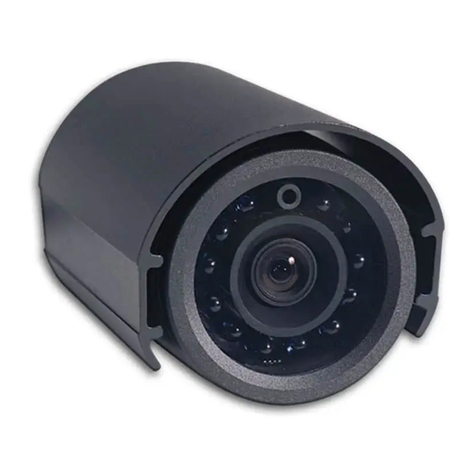
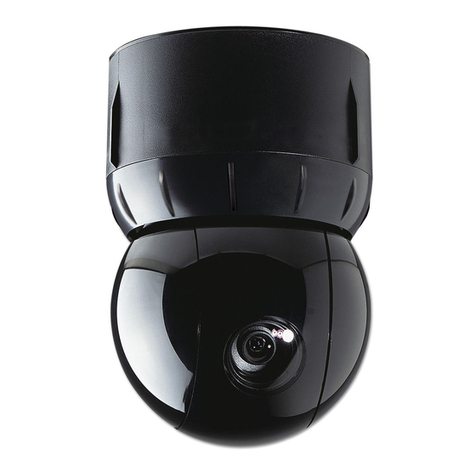
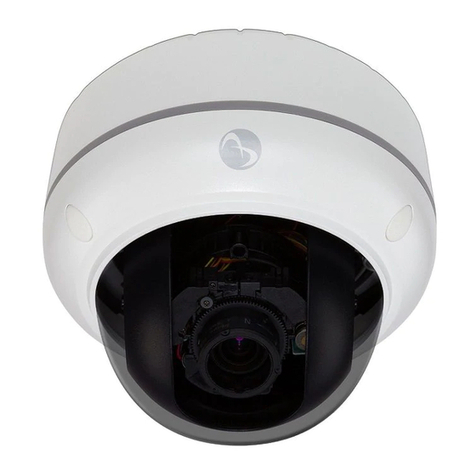
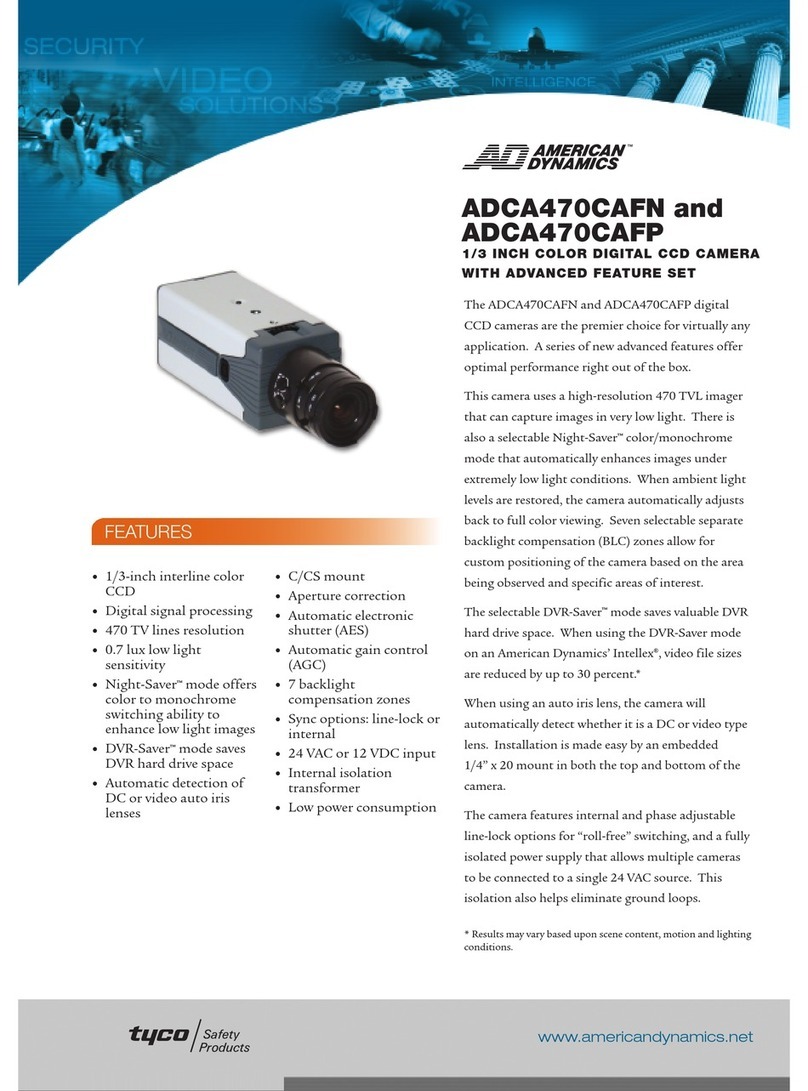
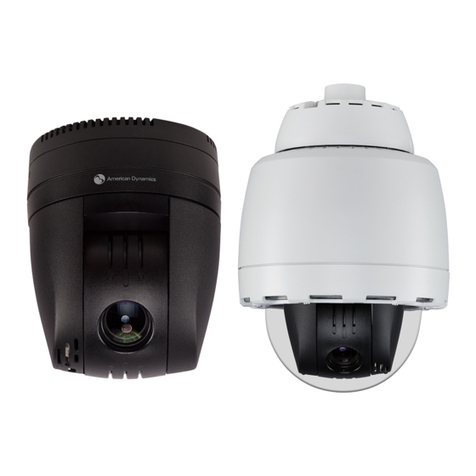
Illustra Flex 1MP & 3MP Indoor Dome
3
Table of Content
WARNING ....................................................................................................................................................... 4
Preface............................................................................................................................................................ 5
1. Product Overview................................................................................................................................... 6
1.1 Physical Characteristics...................................................................................................................... 6
2. Installation and Connection ............................................................................................................. 10
2.1 Unpack Everything............................................................................................................................ 10
2.2 Installation......................................................................................................................................... 10
2.2.1 Checking Appearance........................................................................................................... 10
2.2.2 Disassembling the Camera....................................................................................................11
2.2.3 Connecting the wires..............................................................................................................11
2.2.4 Mounting the camera............................................................................................................. 12
2.2.5 Adjusting the Position............................................................................................................ 13
2.2.6 Adjusting Zoom and Focus.................................................................................................... 14
2.2.7 Locking the camera............................................................................................................... 14
2.2.8 Network Topology.................................................................................................................. 14
2.2.9 System Requirements........................................................................................................... 15
2.3 Connection........................................................................................................................................ 16
2.3.1 Default IP address................................................................................................................. 16
2.3.2 Connecting from a computer & Viewing Preparation............................................................ 16
2.4 Using the illustra Connect Tool to Manage Cameras........................................................................ 20