manuals.online logo
Brands
  1. Home
  2. •
  3. Brands
  4. •
  5. Andrea
  6. •
  7. Headset
  8. •
  9. Andrea EDU-455M User manual

Andrea EDU-455M User manual

Other Andrea Headset manuals

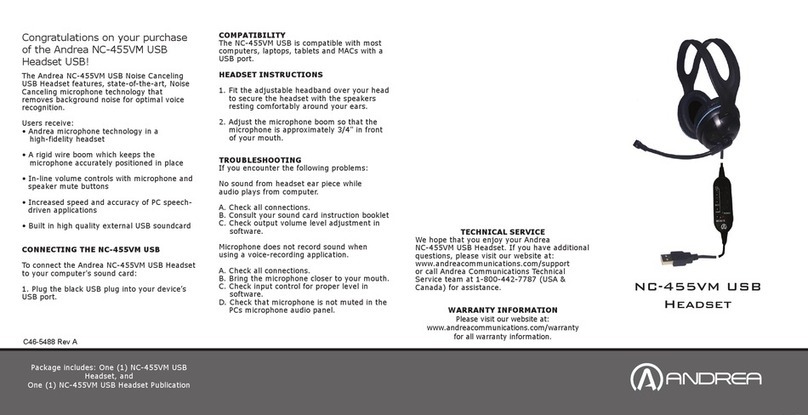
Andrea NC-455VM User manual

Andrea

Andrea NC-455VM User manual

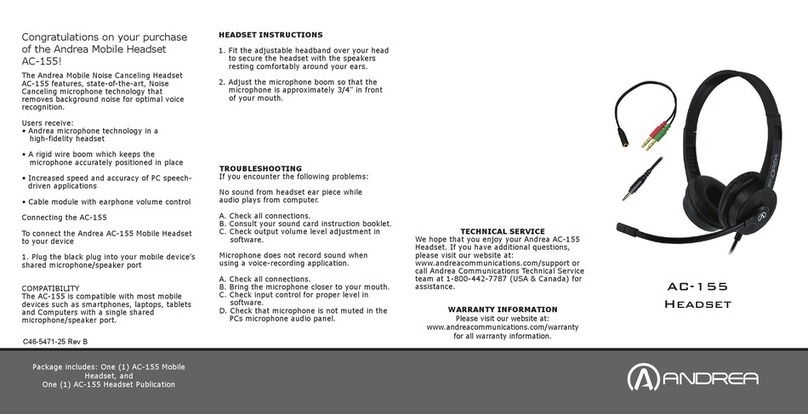
Andrea AC-155 User manual

Andrea

Andrea AC-155 User manual

Andrea NC-8 User manual

Andrea

Andrea NC-8 User manual

Andrea PureAudio BT-201 User manual

Andrea

Andrea PureAudio BT-201 User manual

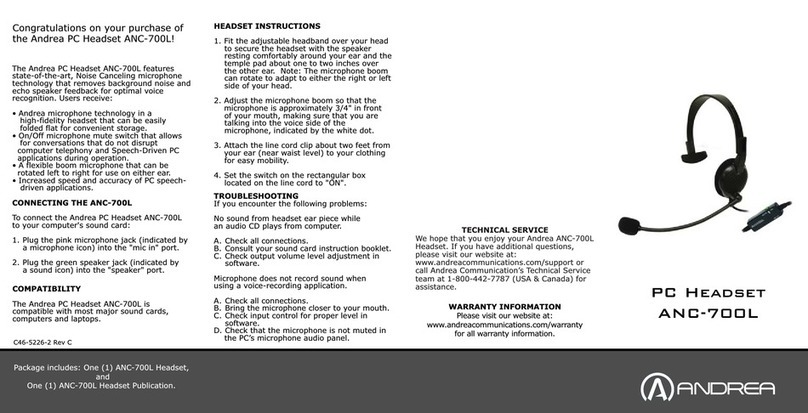
Andrea ANC-700L User manual

Andrea

Andrea ANC-700L User manual

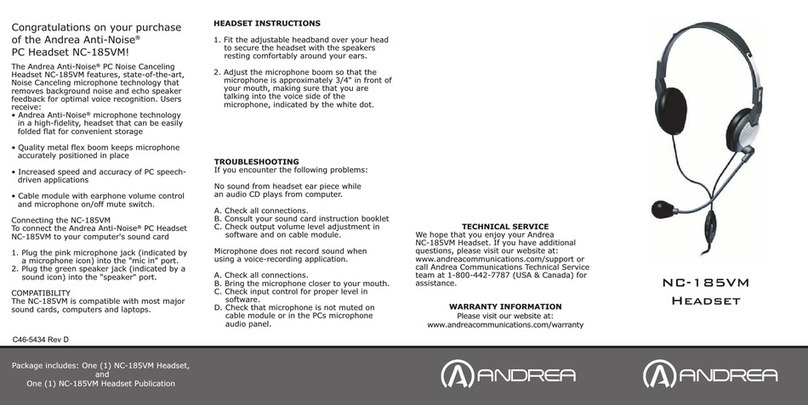
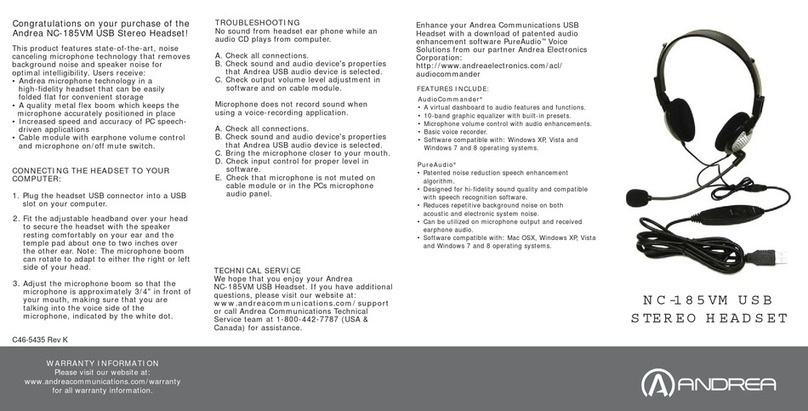
Andrea NC-185VM User manual

Andrea

Andrea NC-185VM User manual

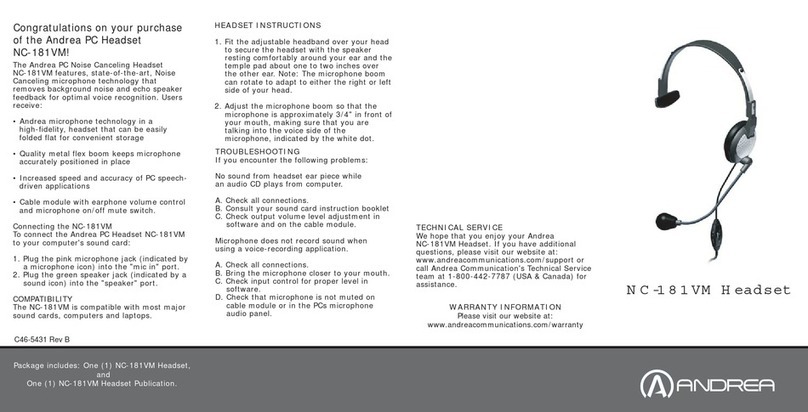
Andrea NC-181VM User manual

Andrea

Andrea NC-181VM User manual

Andrea NC-185M User manual

Andrea

Andrea NC-185M User manual

Andrea EDU-255M User manual

Andrea

Andrea EDU-255M User manual

Andrea ANC-750 User manual

Andrea

Andrea ANC-750 User manual

Andrea NC-185VM User manual

Andrea

Andrea NC-185VM User manual

Andrea NC-181 User manual

Andrea

Andrea NC-181 User manual

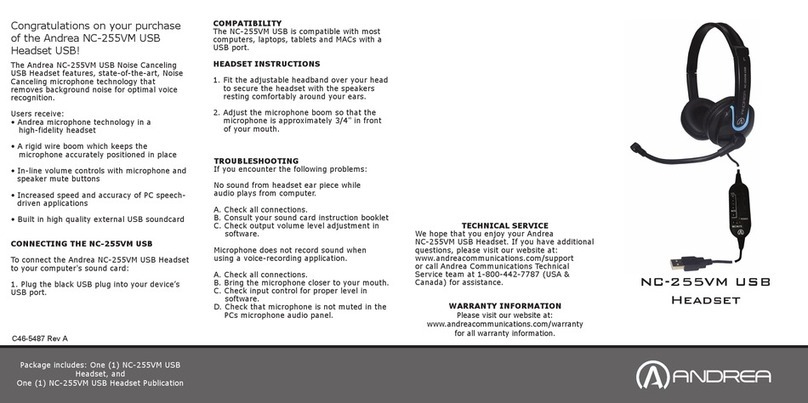
Andrea NC-255VM User manual

Andrea

Andrea NC-255VM User manual

Popular Headset manuals by other brands

Sony WI-SP510 Help guide

Sony

Sony WI-SP510 Help guide

LYSAR INDUSTRIES EQ1 manual

LYSAR INDUSTRIES

LYSAR INDUSTRIES EQ1 manual

Nacon RIG 500 PRO Series user guide

Nacon

Nacon RIG 500 PRO Series user guide

HUHD HW-933M instruction manual

HUHD

HUHD HW-933M instruction manual

H2O Audio Natalie Coughlin Signature Series iSH2-5A1 user guide

H2O Audio

H2O Audio Natalie Coughlin Signature Series iSH2-5A1 user guide

Bose IN-EAR HEADPHONES owner's guide

Bose

Bose IN-EAR HEADPHONES owner's guide

Intaride S-3 manual

Intaride

Intaride S-3 manual

Jabra Elite 7 Pro How do

Jabra

Jabra Elite 7 Pro How do

Sena SMH10 quick start guide

Sena

Sena SMH10 quick start guide

IASUS Stealth  IA-NT4-BASIC-BT manual

IASUS

IASUS Stealth IA-NT4-BASIC-BT manual

Sennheiser EPOS ADAPT 230 user guide

Sennheiser

Sennheiser EPOS ADAPT 230 user guide

Anycom PAROS-10 user manual

Anycom

Anycom PAROS-10 user manual

GE 98971 datasheet

GE

GE 98971 datasheet

Jabra PRO 9460 - PRO 9460-DUO user manual

Jabra

Jabra PRO 9460 - PRO 9460-DUO user manual

Hama 00184070 quick start guide

Hama

Hama 00184070 quick start guide

Plantronics Blackwire 3200 Series user guide

Plantronics

Plantronics Blackwire 3200 Series user guide

Blue Tiger Advantage PLUS user manual

Blue Tiger

Blue Tiger Advantage PLUS user manual

Jabra FR 20 user guide

Jabra

Jabra FR 20 user guide

manuals.online logo
manuals.online logoBrands
  • About & Mission
  • Contact us
  • Privacy Policy
  • Terms and Conditions

Copyright 2025 Manuals.Online. All Rights Reserved.

C46-5468-25 Rev B
The Andrea EDU-455M Mobile Noise Canceling
Headset features, state-of-the-art, Noise
Canceling microphone technology that
removes background noise for optimal voice
recognition.
Users receive:
• Andrea microphone technology in a
high-fidelity headset
• A rigid wire boom which keeps the
microphone accurately positioned in place
• Increased speed and accuracy of PC speech-
driven applications
• Cable module with earphone volume control
Connecting the EDU-455M
To connect the Andrea EDU-455M Headset to
your computer's sound card:
1. Plug the black plug into your mobile device’s
shared microphone/speaker port
COMPATIBILITY
The EDU-455M is compatible with most mobile
devices such as smartphones, laptops, tables
and Computers with a single shared
microphone/speaker port.
HEADSET INSTRUCTIONS
1. Fit the adjustable headband over your head
to secure the headset with the speakers
resting comfortably around your ears.
2. Adjust the microphone boom so that the
microphone is approximately 3/4" in front
of your mouth.
Package includes: One (1) EDU-455M Mobile
Headset, and
One (1) EDU-455M Headset Publication
C46-5468-25 Rev B
WARRANTY INFORMATION
Please visit our website at:
www.andreacommunications.com/warranty
for all warranty information.
Congratulations on your purchase
of the Andrea Mobile Headset
EDU-455M!
EDU-455M
Headset
TROUBLESHOOTING
If you encounter the following problems:
No sound from headset ear piece while
audio plays from computer.
A. Check all connections.
B. Consult your sound card instruction booklet.
C. Check output volume level adjustment in
software.
Microphone does not record sound when
using a voice-recording application.
A. Check all connections.
B. Bring the microphone closer to your mouth.
C. Check input control for proper level in
software.
D. Check that microphone is not muted in the
PCs microphone audio panel.
TECHNICAL SERVICE
We hope that you enjoy your Andrea EDU-455M
Headset. If you have additional questions, please
visit our website at:
www.andreacommunications.com/support
or call Andrea Communications Technical Service
team at 1-800-442-7787 (USA & Canada) for
assistance.

C46-5468-25 Rev A
STANDARD SET-UP
POSITION MICROPHONE 3/4" (20 MM)
FROM MOUTH
Visit www.andreacommunications.com or call 1-800-442-7787 U.S.A./Canada
ADJUSTABLE MICROPHONE BOOM