manuals.online logo
Brands
  1. Home
  2. •
  3. Brands
  4. •
  5. Andrew
  6. •
  7. Power Distribution Unit
  8. •
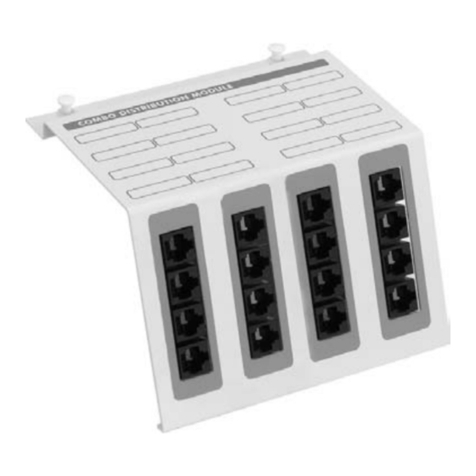
  9. Andrew Multimode Power Distribution Unit User manual

Andrew Multimode Power Distribution Unit User manual

Popular Power Distribution Unit manuals by other brands

Lightcorp Nik installation instructions

Lightcorp

Lightcorp Nik installation instructions

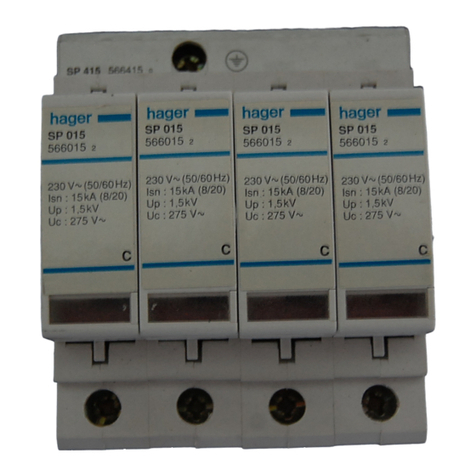
hager SP 015 User instructions

hager

hager SP 015 User instructions

Pakedge PowerPak 9 user guide

Pakedge

Pakedge PowerPak 9 user guide

Pts 9042 Series installation guide

Pts

Pts 9042 Series installation guide

Shure WA405 user guide

Shure

Shure WA405 user guide

CORNING CCH 4U quick start guide

CORNING

CORNING CCH 4U quick start guide

Panamax M4LT-EX datasheet

Panamax

Panamax M4LT-EX datasheet

PANCONNECT FLAT 3M Assembly instruction

PANCONNECT

PANCONNECT FLAT 3M Assembly instruction

Raytheon 138-118 manual

Raytheon

Raytheon 138-118 manual

StarTech.com RKPW161915 Spec sheet

StarTech.com

StarTech.com RKPW161915 Spec sheet

D&R ELECTRONICS PDU-6SS user manual

D&R ELECTRONICS

D&R ELECTRONICS PDU-6SS user manual

Botex PSA 322-6 DL quick start guide

Botex

Botex PSA 322-6 DL quick start guide

GE QuiXtra 4000 Assembly and mounting instructions

GE

GE QuiXtra 4000 Assembly and mounting instructions

Vertiv Knürr DI-Strip Rack PDU manual

Vertiv

Vertiv Knürr DI-Strip Rack PDU manual

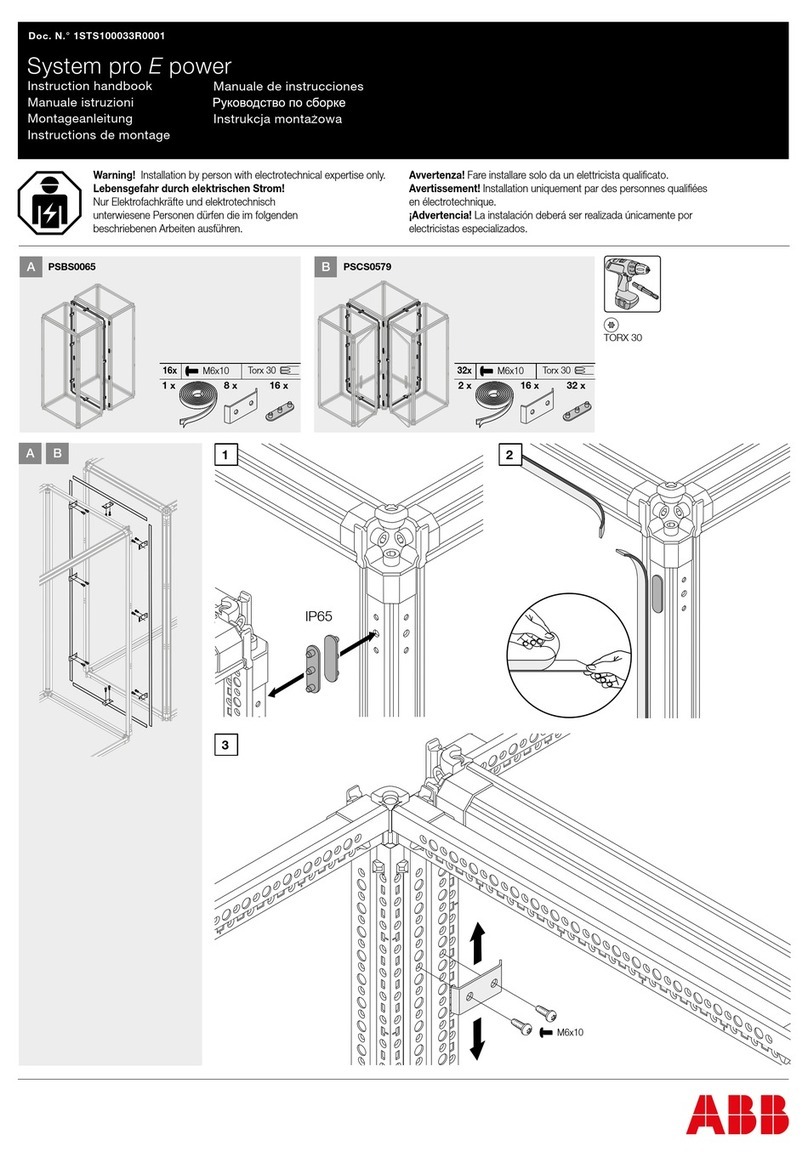
ABB PSBS0065 Instruction handbook

ABB

ABB PSBS0065 Instruction handbook

Baumuller BFN 3-1-0007-001 Instruction handbook

Baumuller

Baumuller BFN 3-1-0007-001 Instruction handbook

Eaton StructuredWiringSolutions ESWT41600 Instruction leaflet

Eaton

Eaton StructuredWiringSolutions ESWT41600 Instruction leaflet

GE GEK-45404F instructions

GE

GE GEK-45404F instructions

manuals.online logo
manuals.online logoBrands
  • About & Mission
  • Contact us
  • Privacy Policy
  • Terms and Conditions

Copyright 2025 Manuals.Online. All Rights Reserved.






Installation and Operation
User Guide








Bulletin II-102051-EN • Revision B November-2007 iii


1.1 Purpose and Intended User of this Manual........................................................................ 1
1.2 Scope................................................................................................................................ 1
1.3 Glossary of Abbreviations.................................................................................................. 1
1.4 Reference Documents....................................................................................................... 1

2.1 Radio Frequency Radiation Hazard................................................................................... 2
2.2 High Current Hazard.......................................................................................................... 2
2.3 Electrostatic Discharge (ESD) ........................................................................................... 2
 
3.1 Dual Band Systems........................................................................................................... 3
3.2 Single Band System .......................................................................................................... 5
 
4.1 General.............................................................................................................................. 7
4.2 Front Panel........................................................................................................................ 7
4.3 Rear Panel ........................................................................................................................ 8
4.4 Power Cable...................................................................................................................... 9
4.5 Alarm Cable....................................................................................................................... 9
4.6 Bias Tee Harness.............................................................................................................. 9
4.7 Rack Extender................................................................................................................. 10
!! 
5.1 Preparation...................................................................................................................... 11
5.2 Tools and Supplies.......................................................................................................... 11
5.3 Installation Procedure...................................................................................................... 11
5.4 Functional Test................................................................................................................ 15
" 
6.1 Start-Up........................................................................................................................... 17
6.2 Voltage Regulation .......................................................................................................... 17
6.3 Current Monitoring........................................................................................................... 17
6.4 Short Circuit Protection.................................................................................................... 17
6.5 Alarm Indications............................................................................................................. 17
6.6 Resetting Alarms ............................................................................................................. 18
6.7 Shut-Down....................................................................................................................... 18
#!$%&
7.1 Instruments...................................................................................................................... 19
7.2 Check Lists...................................................................................................................... 19
7.3 Technical Support............................................................................................................ 20
'( $!
A.1 Functional Detail.............................................................................................................. 21
A.2 Current Monitoring and Alarm.......................................................................................... 21
A.3 Alarm Interface ................................................................................................................ 22
A.4 Connector Pin-Out........................................................................................................... 22
A.5 Mechanical Detail ............................................................................................................ 23
'#( #
B.1 Identification .................................................................................................................... 24
B.2 Part Number List.............................................................................................................. 24
B.3 Model Numbers ............................................................................................................... 25
'( )# "
C.1 Description ...................................................................................................................... 26

C.2 Alarm Range Selector Setting.......................................................................................... 26
C.3 Operation......................................................................................................................... 26
iv November-2007 Bulletin II-102051-EN • Revision B
*++$+,-
!" # #"$%&"
  
  
 !
!"#$%
!&''
(
&)'($%
')$'
"*
*
&$$%'
  
&) + )$ ,' $ (   '   #$ $     
% - ''   ./  $ 0 ' )$   %  
(  % $'  #$ $ ,'    
  )$ ,' %- '-     ,'
% -'   #$ $ ' '-  '
$'    ' &  $ ,'   
1'$'#$$$'#(,'
$$#*
Bulletin II-102051-EN • Revision B November-2007 1

 
This manual provides a complete description of the Multimode Power Distribution Unit (PDU) along
with installation and operating instructions for its use in general purpose applications.
The intended user of this manual is an engineer or technician with adequate and specific experience
in installing base transceiver station (BTS) and antenna line equipment such as base station
antennas and tower mounted amplifiers (TMAs).
 
The manual covers the PDU and associated accessories, including Power Cable, Alarm Cable, Bias
Tee Harness, and Rack Extender. See Appendix B for a complete parts list.
The user is encouraged to read the important information in the Safety section.
The System Information section covers a selection of TMA system configurations. The information
is intended to familiarize the user with the application of the PDU together with other TMA system
components.
In the Product Description section, the user is acquainted with the external features of the PDU
and its accessories as they are identified and their functions described.
The Installation section provides all necessary information to correctly install and set up the PDU,
and perform a functional test.
The Operation section is organized by the different functions and operating states. It provides the
user with a general understanding of what the PDU does and how to perform various operations.
Should any problems occur with installation or operation, the user may find helpful information in the
Troubleshooting section.
For the interested reader, more in-depth information about the design of the PDU has been placed in
Appendix A.
Supplementary details on special purpose modes M
ODE
A and M
ODE
B are found in Appendix C.
This information is not applicable to the general purpose use of the PDU that is the exclusive topic of
the manual.
 
BTS Base Transceiver Station
EAI External Alarm Interface
OMC Operations and Maintenance Center
PDU Power Distribution Unit
TMA Tower Mounted Amplifier
 !"
PA-102050-EN Product Specifications: Multimode Power Distribution Unit
2 November-2007 Bulletin II-102051-EN • Revision B

All operations relating to the installation of the PDU must be executed in accordance with industry
approved safety standards and practices. The installer shall also follow the safety practices
recommended by the BTS provider to insure that the BTS operation is not compromised.
 #$ %&
The BTS, antenna line equipment, and the
antennas generate high frequency electric and
magnetic fields when in operation. The high
density energy can damage the eyes and
certain tissues of the human body in persons
exposed to radiation near the antenna.
Shut down transmitters when work is
performed on the transmitter antenna and
antenna line equipment. Avoid remaining in the immediate vicinity of the antenna when the
transmitter is in operation.
 %'(%&
The BTS equipment contains circuits that
generate high available short circuit currents.
Unintentional short circuits can cause
dangerous heating, fire, or equipment
damage.
Turn off circuit breakers or remove fuses
when work is performed on the power supply
circuits. Install or replace fuses with
appropriate voltage and amperage rating. Do not bypass or defeat overcurrent protection devices.
Do not remove equipment covers.
 )!'*)!+
ESD can damage the BTS equipment or the
PDU during installation if proper precautions
are not taken. The damage may cause an
immediate failure of the device, or remain
latent and lead to a failure some time in the
future.
Discharge static build-up by touching the metal
enclosure before making connections. Do not
remove equipment covers.
RADIO FREQUENCY
ENERGY CAN CAUSE
INJURY OR BURNS.
Turn off transmitters before
servicing antenna line equipment.
HIGH CURRENT HAZARD.
Short circuit currents can cause
burns or fire.
Use only fuse of appropriate
voltage and amperage rating.
ELECTROSTATIC SENSITIVE
DEVICES.
Use proper grounding techniques
to prevent equipment damage.
Bulletin II-102051-EN • Revision B November-2007 3

A typical TMA system consists of TMAs, Bias Tees, and PDU with accessories. For its function, the
system also depends on the proper configuration of other antenna line equipment, including feeders
and jumpers, surge arrestors, antennas, etc.
This section provides single sector illustrations of several RF path configuration examples. While
frequency bands vary and variations can occur, the examples provide guidance for many common
situations.
Contact your Andrew Corporation Sales Representative for recommendations on applicable system
components.
 !,"
 *++./0
Figure 1 shows a dual-band TMA system using shared feeders. Diplexers (crossband couplers)
combine the bands at the BTS level. At the tower top, the TMA incorporates a diplexer at its BTS
port.
Figure 1: Conventional diplexed TMA system
4 November-2007 Bulletin II-102051-EN • Revision B
Bias Tees are installed on the antenna ports of one of the base stations. The diplexers must pass
DC through that branch. DC blocks must be present in the other branch, either integral to the
diplexers or in external devices as shown.
 #1+./0
In Figure 2, dual-band, diplexed Andrew OneBase™ TMAs are used with shared feeders and
shared antennas. OneBase™ diplexers at the BTS level incorporate DC redundancy circuitry,
automatically routing the DC to the feeder and blocking the opposite branch.
Figure 2: OneBase™ diplexed TMA system
Bulletin II-102051-EN • Revision B November-2007 5
 #12+./0
Figure 3 shows a TMA system with Andrew OneBase™ TMAs and separate feeders for each band.
The OneBase™ dual-band TMAs incorporate DC redundancy circuitry that allows DC supply for
both bands to be provided to either BTS/Node-B port.
Figure 3: OneBase™ non-diplexed dual-band TMA system
 ',"
A detailed connection diagram for a typical single-band TMA system is shown in Figure 4. The PDU
receives DC input power from the BTS and outputs a summary alarm signal to the BTS. The Bias
Tee Harness is connected from the PDU to up to six Bias Tees to provide +12 VDC power to the
TMAs via the feeder cables. Embossed or engraved markings or labels are used to identify the ports
of the Bias Tees and TMAs. All equipment should be properly grounded.
 3++4#0
Twin TMAs include two identical RF paths (main and diversity). Conventional twin TMAs require DC
supply to both BTS ports, similar to two single TMAs. Andrew OneBase™ Twin TMAs incorporate
DC redundancy circuitry. DC supply for both RF paths can be provided to either BTS/Node-B port.
6 November-2007 Bulletin II-102051-EN • Revision B
White or 2: neg (-)
Brown: NC
White: COM
Blue: NO
To EAI
To DC supply: ±20 to ±60 VDC
Blue: 6
Green: 5
Red: 4
White: 3
To Sector 3
To Sector 2
Gray or Yellow: 2
Black: 1
To BTS
RX/TX
To BTS
RX/TX
To Antenna To Antenna
A N T
TMA
Bias Tee
Bias Tee Harness
PDU
Power Cable
Alarm Cable
Feeder
Tower
Base Station
Red or 1: pos (+)
2 1
GND GND
GND
GND
GND
Figure 4: Single-band TMA system connection diagram