manuals.online logo
Brands
  1. Home
  2. •
  3. Brands
  4. •
  5. Aopos
  6. •
  7. Touch Terminal
  8. •
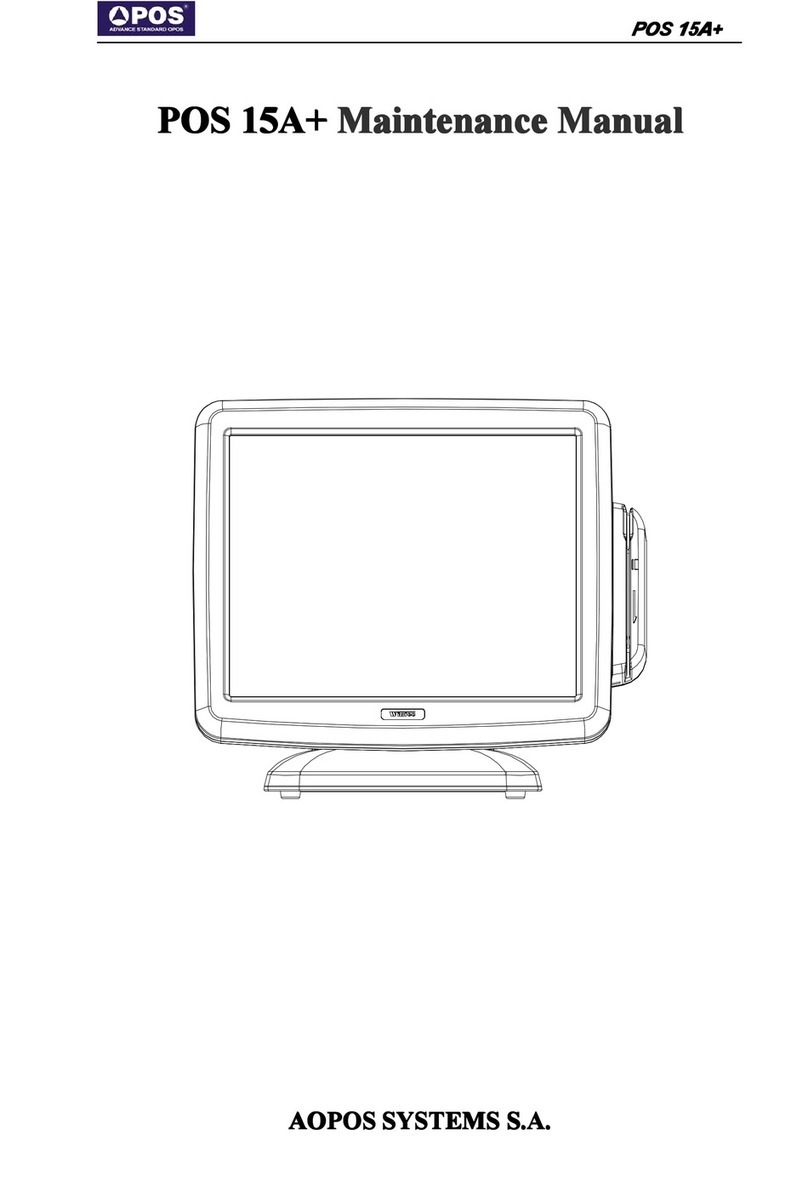
  9. Aopos POS 15A Plus User manual

Aopos POS 15A Plus User manual

Other Aopos Touch Terminal manuals

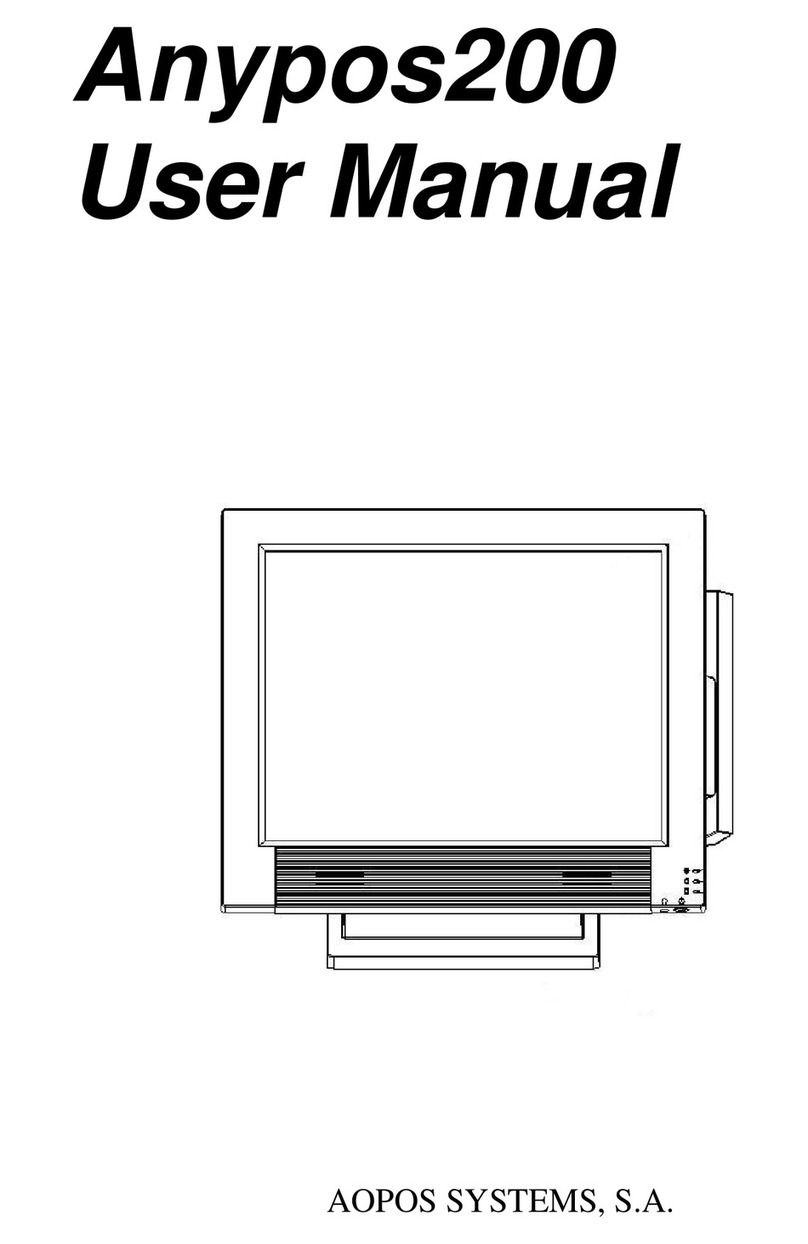
Aopos Anypos200 User manual

Aopos

Aopos Anypos200 User manual

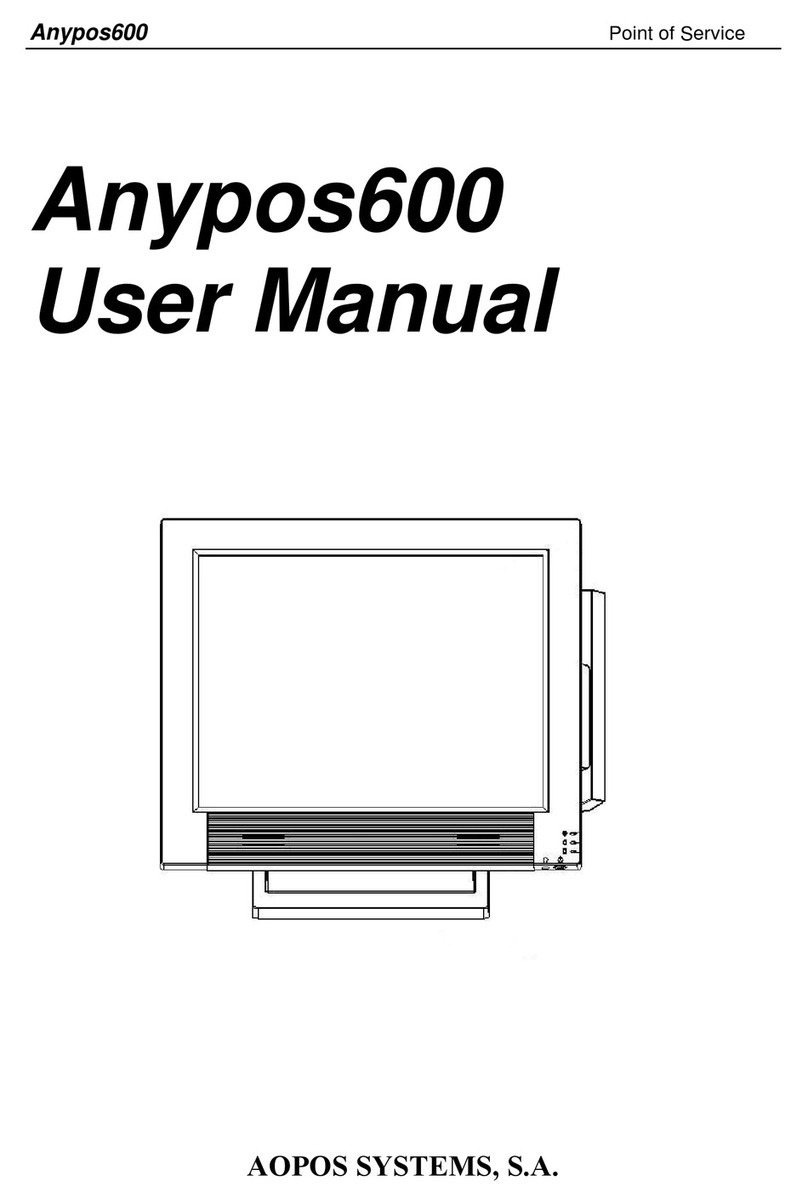
Aopos Anypos600 User manual

Aopos

Aopos Anypos600 User manual

Aopos Anypos200 User manual

Aopos

Aopos Anypos200 User manual

Aopos POS 15A+ User manual

Aopos

Aopos POS 15A+ User manual

Popular Touch Terminal manuals by other brands

Omron NT11S Operation manual

Omron

Omron NT11S Operation manual

Partner SP-820 user manual

Partner

Partner SP-820 user manual

BBPOS WisePad 2 instruction manual

BBPOS

BBPOS WisePad 2 instruction manual

Anywire ASLINKAMP L-A1AW Series Product guide

Anywire

Anywire ASLINKAMP L-A1AW Series Product guide

Festo VIFB4 Series Brief description

Festo

Festo VIFB4 Series Brief description

Linksz CMDA FWT-8828 user manual

Linksz

Linksz CMDA FWT-8828 user manual

Heisei Electronics Q-POS 815 user guide

Heisei Electronics

Heisei Electronics Q-POS 815 user guide

ANUBIS POS50 Series quick guide

ANUBIS

ANUBIS POS50 Series quick guide

Amano MTX-15 installation guide

Amano

Amano MTX-15 installation guide

FLOWBIRD CWT Compact Touch manual

FLOWBIRD

FLOWBIRD CWT Compact Touch manual

Demco SP7 installation guide

Demco

Demco SP7 installation guide

Lathem PC600 Series user guide

Lathem

Lathem PC600 Series user guide

Partner MF-2352 user manual

Partner

Partner MF-2352 user manual

NCR RealPOS 7460-2 supplementary guide

NCR

NCR RealPOS 7460-2 supplementary guide

Simrad MS50 Manual guide

Simrad

Simrad MS50 Manual guide

Unitech MR350 MKII Software guide

Unitech

Unitech MR350 MKII Software guide

Jungheinrich WMT 210 Service manual

Jungheinrich

Jungheinrich WMT 210 Service manual

Motorola MTP850 user guide

Motorola

Motorola MTP850 user guide

manuals.online logo
manuals.online logoBrands
  • About & Mission
  • Contact us
  • Privacy Policy
  • Terms and Conditions

Copyright 2025 Manuals.Online. All Rights Reserved.

POS
POS
POS
POS 15A+
15A+
15A+
15A+
POS
POS
POS
POS 15A+
15A+
15A+
15A+ M
M
M
M aintenance
aintenance
aintenance
aintenance M
M
M
M anual
anual
anual
anual
AOPOS
AOPOS
AOPOS
AOPOS SYSTEMS
SYSTEMS
SYSTEMS
SYSTEMS S.A.
S.A.
S.A.
S.A.
All manuals and user guides at all-guides.com
all-guides.com
POS
POS
POS
POS 15A+
15A+
15A+
15A+
Preface
Preface
Preface
Preface
Copyright
Copyright
Copyright
Copyright
All of the manual's copyright belongs to Aopos System s S.A.
This manual is only used to guide users to use the commercial terminals
of Aopos . N o person shall, for any other purpose, in any form or means
to use copy or spread any part of this work unless it gets Aopos
’
s written
permission.
Registered
Registered
Registered
Registered trademark
trademark
trademark
trademark
“ AOPOS ” is the registered trademark of Aopos Syste ms S.A. All of the
other registered trademark in this manual b elong to other companies.
Responsibility
Responsibility
Responsibility
Responsibility
The contents of this manual has been carefully reviewed, Aopos would
not be responsible for the mistake or wrongly using of this manual.
Safety
Safety
Safety
Safety instr
instr
instr
instr uctions
uctions
uctions
uctions
Before installation and using the product, please read carefully the
following instruction items :
This product shall not be placed on unstable place, in case this product
may be severely damaged by drop or vibration.
Don't put ot her goods into the slot . I t has high voltage inside the
m achine, which may lead to macro shock or fire, or damage the
sensitive components
The slot or hole of product shell is use d for ventilation and heat output.
Please don't cover t hese holes in case of overheating.
T he power specification of the product can be found at its back. P lease
follo w the above specification. If you are not sure of the voltage, please
consult the local dealer or the local power company.
In China, p lease use the A C power line comes together wit h the machine .
I n other countr ies , please use the power line comply with local standard.
Do not step or put any items on the power line
All the products attention and warning mark must well noticed .
Please do not open this product by yourself, for your safety, please look
for professional staff to help you .
Please do no t use or store this product in the water, high temperature or
under direct sunshine.
All manuals and user guides at all-guides.com
POS
POS
POS
POS 15A+
15A+
15A+
15A+
Catalogue
1 POS 15A+ introduction ........................................................................................... 1
1.1 The t echnica l specifications: ............................................................................. 2
1.2 Product description ...................................................................................... 3
1.2.1 Appearance ......................................................................... 3
1.2.2 IO ports ............................................................................ 5
2 Machine Assembly ............................................................................................... 6
2.1 Disassemblin
g
machine .................................................................................. 6
2.2 Dismantle the HDD ..................................................................................... 9
2.3 Install the MSR ....................................................................................... 10
2.4 Install the Customer Display ........................................................................... 11
2.4.1 Mounting the VFD Customer Display ............................................... 11
2.4.2 Mounting the 2nd Display ......................................................... 11
2.5
Wall
Mounting ........................................................................................ 12
2.6 Installation of Mini PCI-E Equipment ................................................................... 13
3 Main Compone nt Technical Specifications ........................................................................ 14
3.1 Motherboard ......................................................................................... 14
3.2 LCD ................................................................................................. 21
3.3 Touch Screen ......................................................................................... 22
3.4 Power Adapter ........................................................................................ 23
3.5 3G module ........................................................................................... 24
3.6 MSR ................................................................................................. 26
3.7 WIFI ................................................................................................. 27
3.8 Internal Cables ....................................................................................... 28
3.8.1 LVDS cable ...................................................................... 28
3.8.2
SATA
cable ....................................................................... 28
3.8.3 Inverter cable ..................................................................... 28
3.8.4 MSR cable ....................................................................... 28
3.8.5 Serial port cable .................................................................. 29
3.8.6 Touch screen USB cable ........................................................... 29
3.8.7 Interface board FPC cable ......................................................... 29
3.8.8 Switch cable ...................................................................... 29
3.8.9 Indicator cable .................................................................... 30
4 System Setting ................................................................................................. 31
4.1 System diagram ....................................................................................... 31
4.2 The BIOS Descriptions and Settings .................................................................... 32
4.3 Software Installation and Settings ...................................................................... 36
4.3.1 Chipset driver .................................................................... 36
4.3.2 VGA driver ....................................................................... 36
4.3.3 LAN driver ....................................................................... 36
4.3.4 Audio driver ...................................................................... 36
4.3.5 Touch screen driver ............................................................... 36
4.3.6 WIFI driver ....................................................................... 36

All manuals and user guides at all-guides.com
POS
POS
POS
POS 15A+
15A+
15A+
15A+
4.3.7 Setup the touch screen ............................................................. 36
4.3.8 Setup the MSR .................................................................... 38
All manuals and user guides at all-guides.com
POS
POS
POS
POS 15A+
15A+
15A+
15A+
1
1
1
1
1 POS
POS
POS
POS 15A+
15A+
15A+
15A+ introduction
introduction
introduction
introduction
Aopos with ten years experience of commercial POS systems . It
contains the full function s which a mainstream product has and can
satisfy the demands of commercial and related industry , for example,
cashing function in retail business, c atering industry and self-service . It
has high configuration, multi-functional , low power consumption and
high reliability characteristics . It is widely used in shopping center,
department stores, supermarkets, shops, convenience stores, hotels,
restaurants and commercial enterprises, also used in places need
self-service, like telecommunications, bank s , postal services, airport and
government s .
POS 15A+ is an innovational solution of POS (point of s ale ) and Kiosks .
I t use s u pper cable management design into system to keep simply
cabling; Ship with the latest Intel Atom processor of high performance
for low power consumption; The t ouch screen and hard disk are easy to
remove for quick maintenance; Aluminum housing guarantees efficient
heat elimination and steady performance; Streamline design offers
artistic appearance ; Modular design can expand peripheral application s
easily; Waterproof structure design for spill proof; Fan free structure for
harsh environment.
All manuals and user guides at all-guides.com
POS
POS
POS
POS 15A+
15A+
15A+
15A+
2
1.1
1.1
1.1
1.1 The
The
The
The t
t
t
t echnica
echnica
echnica
echnica l
l
l
l specifications
specifications
specifications
specifications :
:
:
:
Model POS 15A+
CPU D525 1.8GHz D 4 25 1.8GHz
Chipset Intel NM10 , with max TDP 2.1W
Memory 2GB DDR3 1GB DDR3
Graphic
Interface
Integrate Intel GMA 3150 graphic core ,
support DX9.0c
1*LVDS, 1*VGA
Storage 2.5'' HD,
SAT
AII; SSD optional
LCD 15
''
TFT 1024*768 resolution
Touch Screen 5 wires resistive
Audio
Realtek ALC662 5.1 Channel HD Audio
Codec
Line-in/Line-out (onboard header)
Power DC 12V/5A
Port
USB 4*USB, 1*USB/+12V
RS232
6*RS232
( COM3 1pin&9pin 12V or
5V, set by BIOS)
Others
1*LPT
1*KB/MS
1*VGA
1*Drawer
2* Audio Jack
Ethernet
Realtek 8111DL PCI-E
Gigabyte Ethernet Controller
1*10/100/1000M
OS
Windows2000,XP,
XPE,Win7,WEPOS,
POS Ready 2009
Linux
Dimensions(W)*(D)*(H)(mm) 370 * 247 * 325 max
Customer display ( Option al )2*20 VFD or LCD
MSR(Option al ) 3 tracks
WiFi( Option al ) IEEE802.11 /n
3G Module( Option al ) WCDMA or CDMA200 0
All manuals and user guides at all-guides.com
all-guides.com
POS
POS
POS
POS 15A+
15A+
15A+
15A+
3
1.2
1.2
1.2
1.2 Product
Product
Product
Product description
description
description
description
1.2.1
1.2.1
1.2.1
1.2.1 A
A
A
A ppearance
ppearance
ppearance
ppearance
Front
Front
Front
Front view
view
view
view
NO.
NO.
NO.
NO. DESCRIPTION
DESCRIPTION
DESCRIPTION
DESCRIPTION
1
15-inch TFT LCD and Touch screen
2
Magnet Stripe Reader (Optional )
3
Power LED and HDD LED
All manuals and user guides at all-guides.com
POS
POS
POS
POS 15A+
15A+
15A+
15A+
4
Rear
Rear
Rear
Rear view
view
view
view
NO.
NO.
NO.
NO. DESCRIPTION
DESCRIPTION
DESCRIPTION
DESCRIPTION
1 Cable Cover
2
HDD Cover
3 Hinge Cover
4 Base
5
The hole for cables
6
Power Switch
7
Speaker (Optional )
All manuals and user guides at all-guides.com
POS
POS
POS
POS 15A+
15A+
15A+
15A+
5
1.2.2
1.2.2
1.2.2
1.2.2 IO
IO
IO
IO ports
ports
ports
ports
NO.
NO.
NO.
NO. DESCRIPTION
DESCRIPTION
DESCRIPTION
DESCRIPTION MARK
MARK
MARK
MARK
1 AC adapter jack
2 PS2 KB
3 PS2 MS
4 Parall el port (LPT1)
5 VGA port
6 USB 1&2&3&4
7Power USB 1
12V
12V
12V
12V
8Power USB 2 (Optional)
12V
12V
12V
12V
9 RJ-45 LAN port
10 Microphone
11 Line-out
12 +12V Output jack
OUT
OUT
OUT
OUT 12V
12V
12V
12V
13 COM1 port
COM1
COM1
COM1
COM1
14 COM2 port COM2
COM2
COM2
COM2
15 COM3 port
COM3
COM3
COM3
COM3
16 COM4 port (with 12V )
COM4
COM4
COM4
COM4
17 Cash Drawer Port 1
CD1
CD1
CD1
CD1
18 Cash Drawer Port 2 (Optional )
CD2
CD2
CD2
CD2
19 Wi-Fi Antennae (Optional )
NOTE
NOTE
NOTE
NOTE :The
The
The
The default
default
default
default setting
setting
setting
setting of
of
of
of customer
customer
customer
customer display
display
display
display port
port
port
port is
is
is
is
COM4.The
COM4.The
COM4.The
COM4.The 1
1
1
1 or
or
or
or 9
9
9
9 pin
pin
pin
pin of
of
of
of COM3
COM3
COM3
COM3 can
can
can
can set
set
set
set 12V
12V
12V
12V or
or
or
or 5V
5V
5V
5V by
by
by
by BIOS.
BIOS.
BIOS.
BIOS.
All manuals and user guides at all-guides.com
POS
POS
POS
POS 15A+
15A+
15A+
15A+
6
2
2
2
2 Machine
Machine
Machine
Machine A
A
A
A ssembly
ssembly
ssembly
ssembly
2
2
2
2 .1
.1
.1
.1 Disassemblin
Disassemblin
Disassemblin
Disassemblin g
g
g
g machine
machine
machine
machine
Step 1 , Remove the cab le cover
Step 2; Open the har d disk cover, u ninstall screw s , pull out har d disk.
All manuals and user guides at all-guides.com