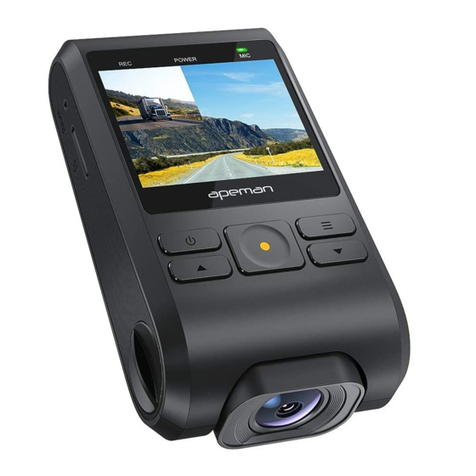
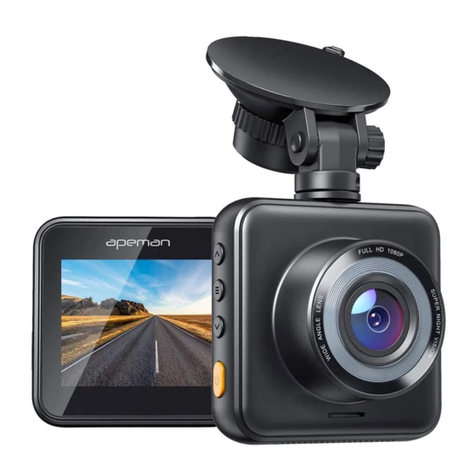
APEMAN C370 Detailed User Guide
Contents
1. How to Install the Dash Cam C370...............................................- 0 -
2. Prepare a Compatible Memory Card.............................................- 1 -
A. Get a Right SD Card.....................................................................- 1 -
B. How to Format a New SD Card Using Your PC.................. - 2 -
C. How to format the SD card on the Dash Cam...................- 4 -
3. Getting to Know the Camera Body................................................- 5 -
A. Interfaces......................................................................................... - 5 -
B. Indicator Lights & Buttons.........................................................- 6 -
C. Icons on the Screen..................................................................... - 7 -
4. Getting to Know the Operations.....................................................- 8 -
A. Camera Settings & System Settings..................................... - 8 -
B. How to Start Recording............................................................ - 12 -
C. How to Stop Recording.............................................................- 13 -
D. How to Switch to Photo Mode................................................- 13 -
E. How to Check and Reply Videos on Dash Cam............... - 15 -
Clarification: This document is a detailed operating instruction,
which is different from the physical user manual in the box.