Apollo VP220 User manual

USER MANUALUSER MANUAL
TWO TONE VOICE PAGER
WITH DISPLAY
MODEL : VP220


WARNING .................................................................................................. 1
BATTERY TYPES ..................................................................................... 2
BATTERY INSTALLATION ....................................................................... 2
STANDARD FEATURES AND CONTROLS (All Models) ..................... 4
LCD Display ..................................................................................................8
OPERATION .............................................................................................. 9
SCAN OPERATION (TWO FREQUENCY ONLY) ................................. 12
STORED VOICE MODEL FEATURES AND CONTROLS .................... 15
STORED VOICE OPERATION ................................................................ 15
FIELD INSTALLED OPTIONS ................................................................. 19
BATTERY LIFE .......................................................................................... 20
ACCESSORIES ......................................................................................... 22
VP200 CHARGER USER MANUAL .................................................. 23
WARNING .................................................................................................. 24
BATTERY CHARGER DESCRIPTION ................................................... 25
OPERATION GENERAL .......................................................................... 27
CHARGER INDICATOR LIGHTS ............................................................ 28
SPECIFICATIONS .................................................................................... 29
CONTENTS

WAR ING
N
1
WARNING :
1. Do not operate this product in a hazardous atmosphere.
2. Do not replace or charge batteries in a hazardous atmosphere.
Contact sparking may occur while installing or removing batteries
and cause an explosion or fire.
3. Do not replace or change accessories in a hazardous atmosphere.
Contact sparking may occur while installing or removing accessories
and cause an explosion or fire.
4. Turn a radio off before removing or installing a battery or accessory.
5. Do not disassemble this unit in any way that exposed the internal
electrical circuits of the unit.
6. Do not substitute components. This could void the intrinsic safety
rating.
X
X
X
X
X
X
WARNING

BATTERY TYPES
The VP220 is powered by 3 rechargeable Ni-MH batteries, type
" AAA ".
BATTERY INSTALLATION
NOTE: For optimum performance, the Ni-MH batteries must be fully
charged before operating your VP220.
Install your batteries as follows:
1. Release the belt clip by pressing the latch, and slide the belt
clips upwards. (see Fig.1)
2. Unlock the "lock switch" on the battery cover.
3. Follow the arrow " " on the battery cover and slide it out.
4. After inserting the batteries, slide in the battery cover into place
, and then slide the battery cover latch to the locked position.
X
X
X
2
EBATTERY TYP S
E O
/ BATT RY INSTALLATI N

AT N T L N
BTERY ISAL ATIO
3
CAUTION: If the batteries are improperly installed, the VP220 will
not function and the batteries will not charge.
3. unlock the
" lock switch "
2. Slide the belt clip upwards
4. Follow the arrow on
the battery cover and
slide it out
Battery/Programmer
Contacts
/
1. Release the belt clip
by pressing the latch
Fig.1

STANDARD FEATURES AND CONTROLS (All Models)
Amber
On/Off Switch
Volume Control Battery Alert Indicators
Reset / Button 1
External Accessory
Jack(Plugged)
Red
PLAYBACK / Button 2
Fig.2
ET
STANDARD F A URES AND
R o
CONTOLS (All M dels)
4

E T
STANDARD F A URES AND
R
CONT OLS (All Models)
5
ON/OFF Switch/Volume Control
The ON/OFF SWITCH/VOLUME CONTROL is a combined single
control located on the top of the VP220. (see Fig.2)
Turning the control knob a few degrees in a clockwise direction
applies power to the receiver, and an audible beep is sounded
to indicate that the VP220 is turned on. As the control is rotated in
a clockwise direction, the volume level of any received message
and alert tone is increased. Rotating the control in the opposite
direction reduces the audio level, and turns the VP220 off.
Audible/Visual Alert Indicators
When your VP220 is initially turned on, both the red and amber
LEDs on the control panel light and an alert tone is sounded until
the decoder circuit power-up is complete. Thereafter, whenever
a properly encoded message is received, the red LED flashes
and an audio alert is sounded.
X
X

If the battery voltage falls below the level required for operation,
a low battery pulse tones sounds and the red LED flashes. If in
vibration mode, just the red LED flashes to indicate a low battery
state.
Function Switch
According to the specific model ordered, the function switch will
be configured to 4 positions. Different function modes (monitor/
selective call, scan, etc.) can be configured for any position of
the switch.
Channel Monitoring
When the function switch is set to a monitor position, all voice
communications on the selected channel is heard through the
speaker. When monitoring channel 1 or 2 all ordered alert options
are functional.
X
X
X
X
TE TS ANDARD F A URES AND
N RO o
CO T LS (All M dels)
6

STANARD FEATURES ANDD
CONTROLS (A l Models) l
7
Reset Button / Batton 1
After receipt of a properly coded message and after completion of
that message, the VP220 will automatically reset to the programmed
operational mode (see reset on pager 2 options). Some of these
reset functions will place the pager in the monitor mode. In these
cases, or when the manual reset function is programmed into the
pager, press the reset button to return your VP220 to the standby
mode.
External Speaker Jack
When the VP220 is used in high-noise environments or when
privacy is needed, an optional Gold Apollo approved lapel speaker
or earpiece can be connected to the external accessory jack located
at the bottom of the VP220. The jack is fitted with a protective plug.
(see Fig.2)
NOTE: To prevent entry of dust and moisture, the plug should be
inserted whenever the external accessory jack is not being
used.
X
X
X
Other Apollo Pager manuals

Apollo
Apollo AP-812 User manual
Apollo
Apollo VP200 User manual

Apollo
Apollo AL-A25e User manual

Apollo
Apollo AP-824 User manual
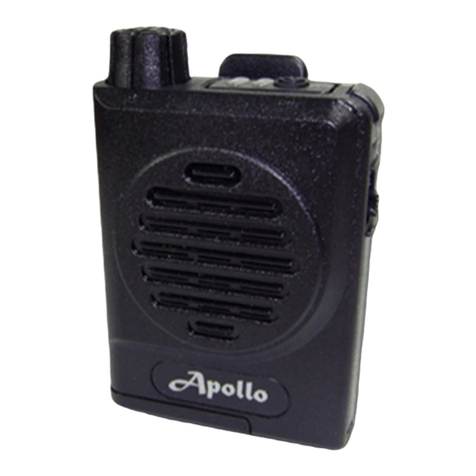
Apollo
Apollo VP100 User manual

Apollo
Apollo AL-924e User manual

Apollo
Apollo TP140 Series User manual

Apollo
Apollo AL-A25e User manual

Apollo
Apollo AL-A28 Operating instructions

Apollo
Apollo 777 User manual

Apollo
Apollo VP101 User manual

Apollo
Apollo A01/XL2000 User manual

Apollo
Apollo AL-A25e User manual

Apollo
Apollo AP-824 User manual

Apollo
Apollo AL315 User manual

Apollo
Apollo 901 Installation manual

Apollo
Apollo AL-924e User manual

Apollo
Apollo AL-A25e User manual

Apollo
Apollo Apollo 924 User manual
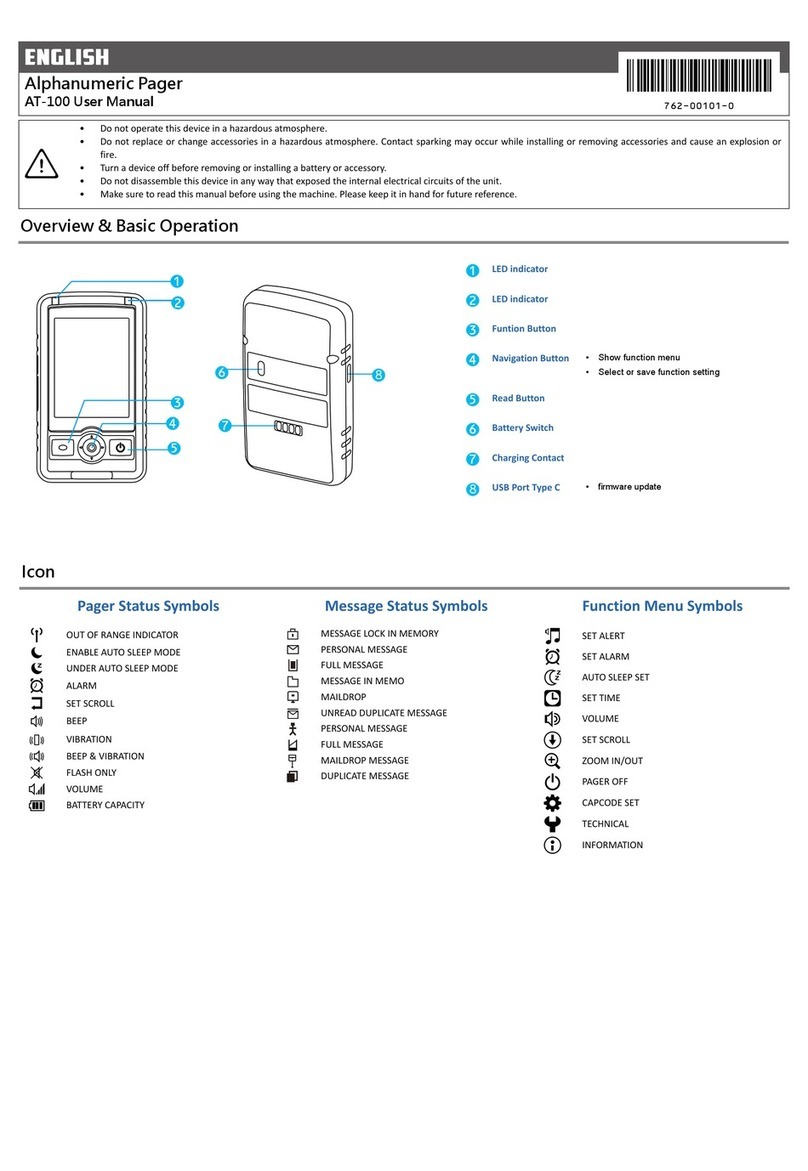
Apollo
Apollo AT-100 User manual