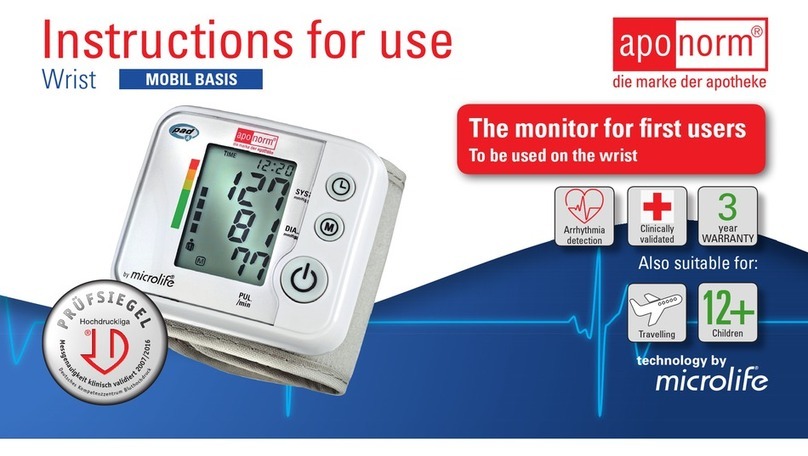
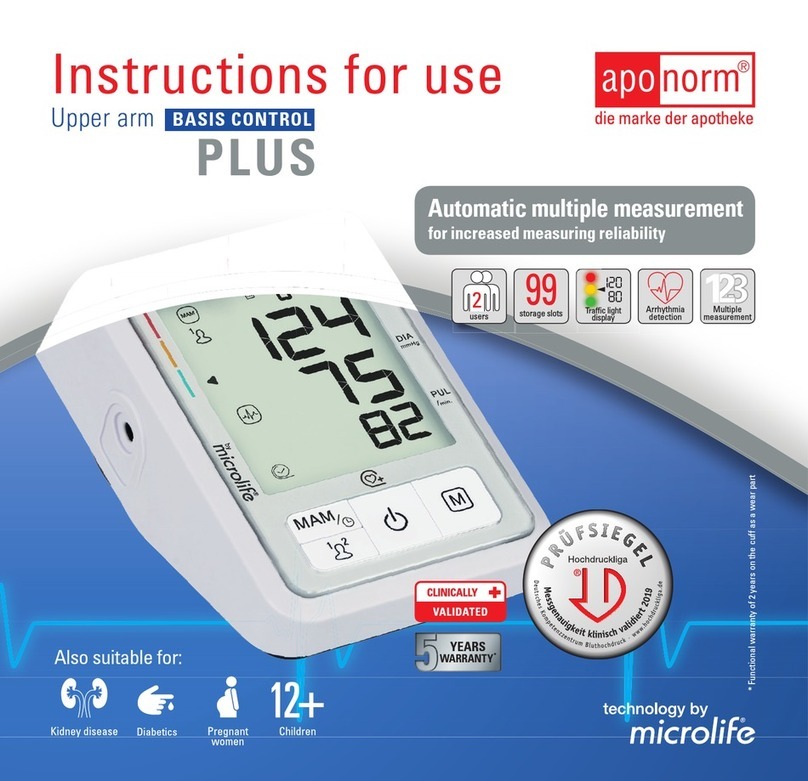
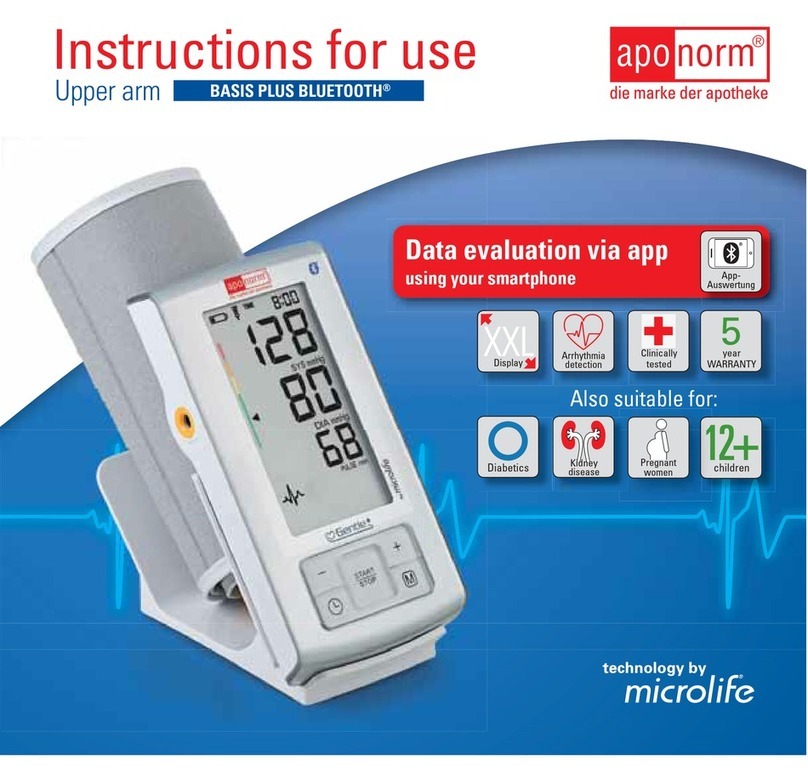
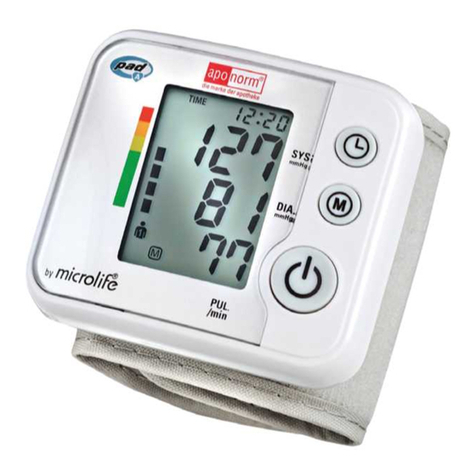
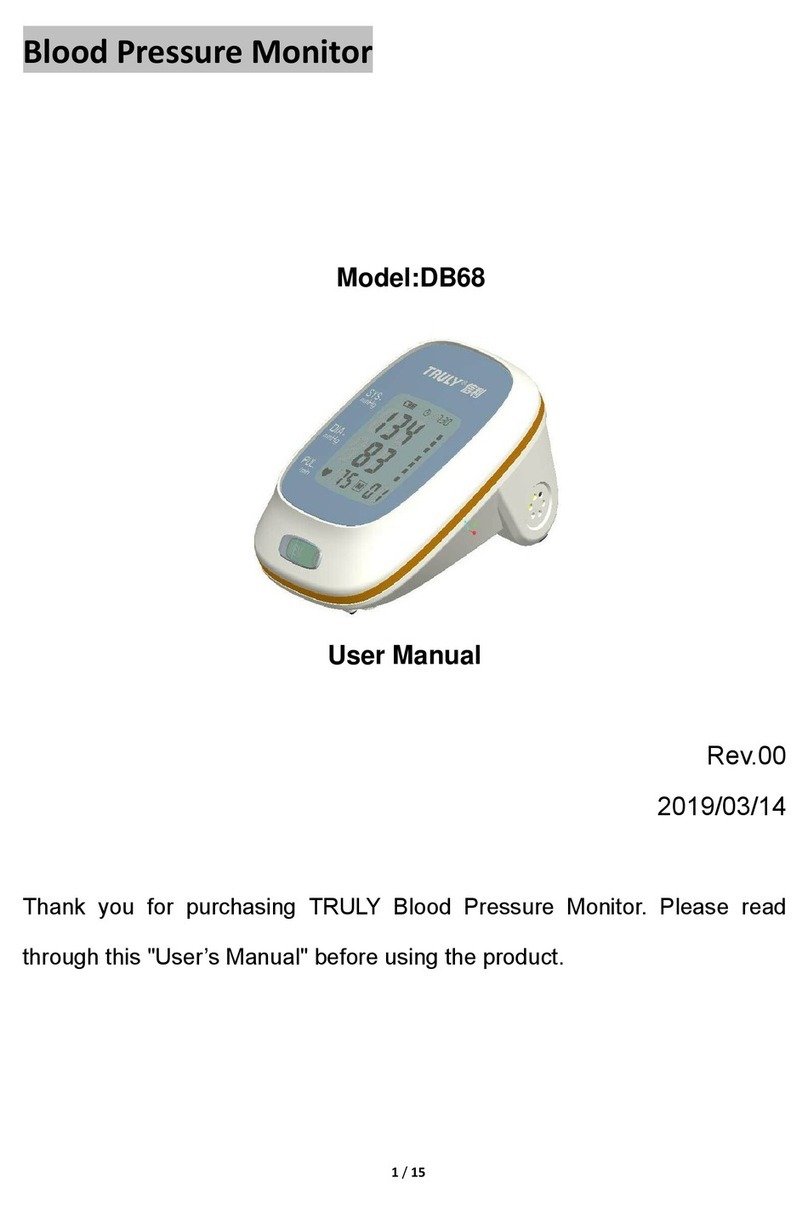
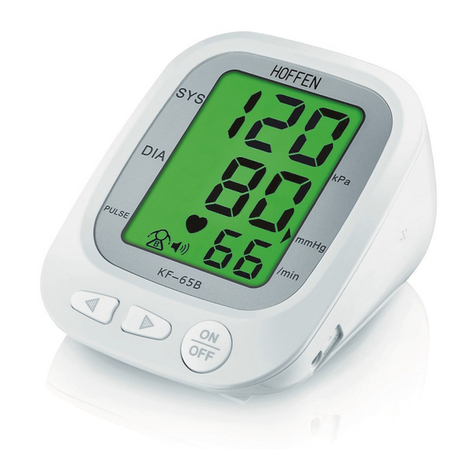
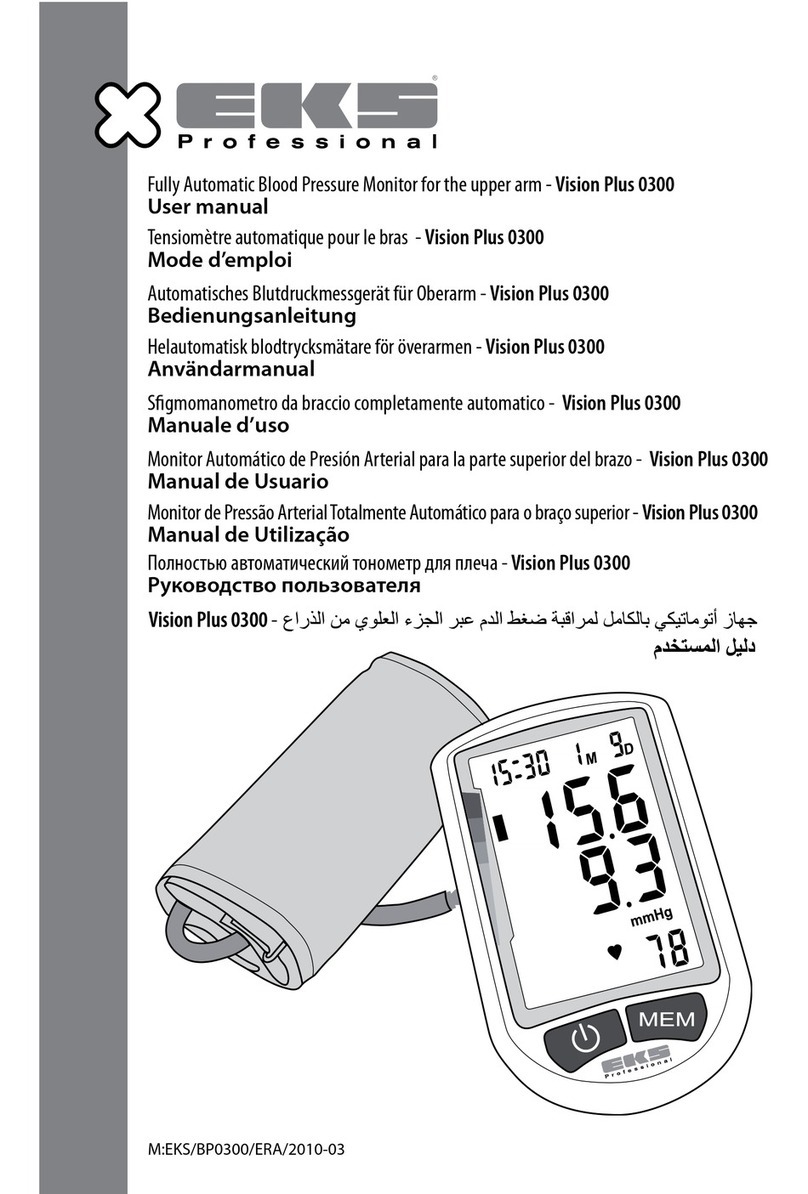
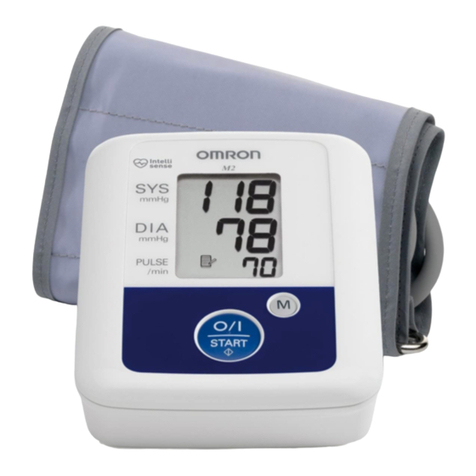
Aponorm Basis Control User manual
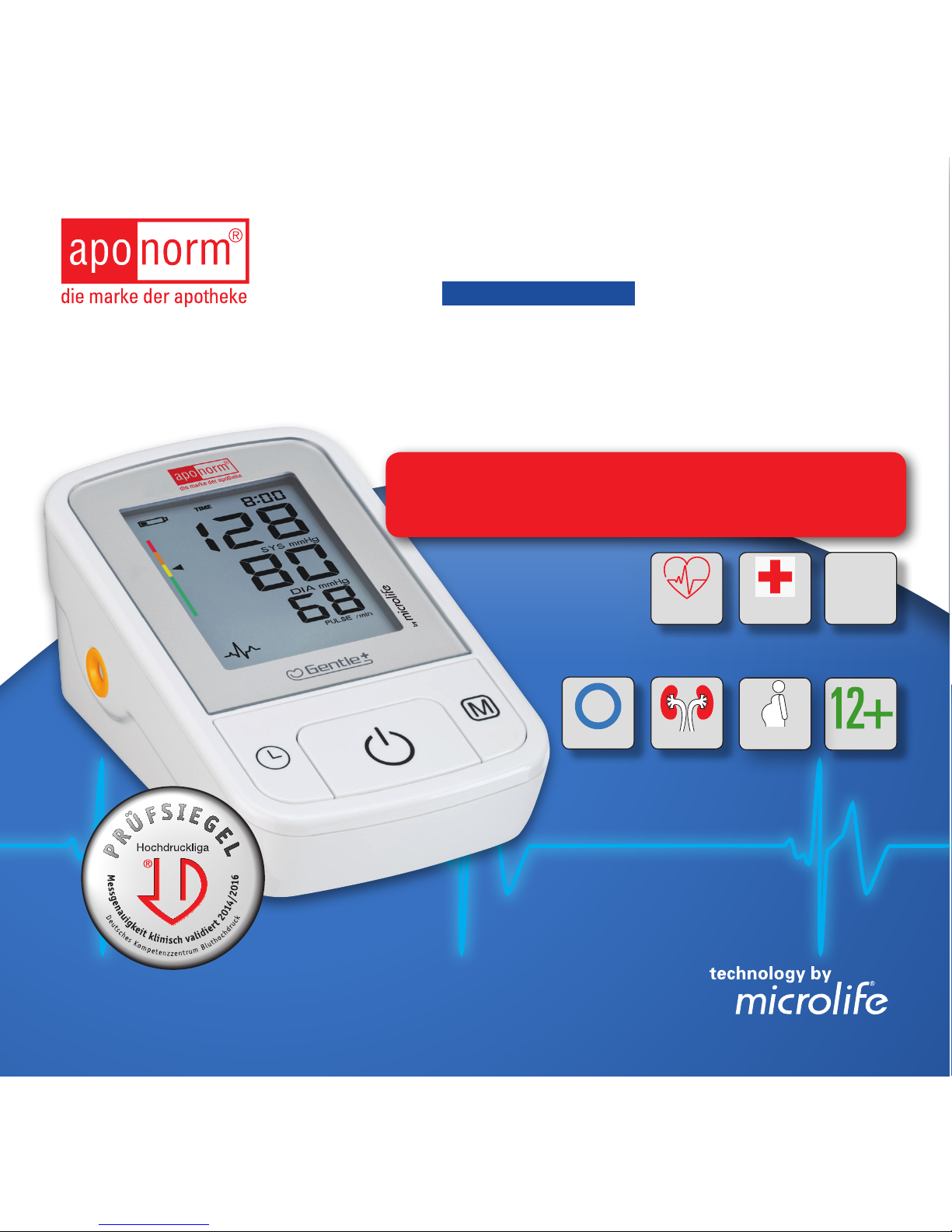
Instructions for use
Upper arm BASIS CONTROL
The number 1 blood pressure monitor
in German pharmacies*
Also suitable for:
Pregnant
women
Arrhythmia
detection
*Top seller in German pharmacies, IMS Health Pharmatrend Database –
digital blood pressure monitors, 2015 sales, date: 12/2015
3
year
WARRANTY
Clinically
validated
Children
Kidney disease
Diabetics

aponorm®Basis Control
aponorm®Basis Control – Brief instructions
Insert the batteries supplied along
with the monitor.
The cuff must come to sit approx.
2 cm above your arm bend. Extend
your arm so that the cuff is at the
same height as your heart.
Switch the monitor off. The
measurements are stored
automatically.
Connect the cuff.
Start the measurement by pressing
the Start/Stop button.
Do not talk, move, eat drink or
smoke during the measurement.
Relax for a few minutes before
each measurement.
After the measurement the blood
pressure values measured appear
on the display.
1
4
8
2
5 6
3
7
2

aponorm®by
1
12
3
4
5
6 7
8
10
11
12
13
14
15
16
17
18 19 20
9
aponorm®Basis Control

aponorm®by
2
EN
Switches, housing and accessories
1On/Off switch
2Display
3Cuff socket
4Mains adapter connector
5Battery compartment
6Cuff
7Cuff connector
8Time button
9Memory button (M button)
aponorm®Basis Control
BF part
Important! Please observe the information in this booklet in order to prevent
damages to the device and avoid error messages.
Protect from moisture.
Read the instructions carefully
before using this monitor.
Display
10 Battery indicator
11 Date/time
12 Systolic value
13 Diastolic value
14 Pulse rate
15 Blood pressure traffic light
16 Pulse rate measurement active
17 Cuff check indicator
18 Motion alarm
19 Heart arrythmia warning symbol (PAD)
20 Stored value

aponorm®by
3
aponorm®Basis Control
Dear Customer,
Your new aponorm®by microlife blood pressure
monitor is a reliable medical device for taking mea-
surements on the upper arm. It is simple to use,
accurate and comes highly recommended for blood
pressure monitoring in your home. This device was
developed in collaboration with physicians and
clinical tests carried out proving its measurement
accuracy to be of a very high standard.*
Please read through these instructions carefully
so that you understand all functions and safety
information. We want you to be happy with your
aponorm®by microlife product. If you have any
questions, problems or want to order spare parts
please contact aponorm®by microlife Customer
Service. Your distributor or pharmacy will be able
to give you the address of the aponorm®by
microlife distributor in your country. Alternatively,
visit the internet at www.aponorm.de where you
will find a wealth of invaluable information on our
products.
Stay healthy – aponorm®by microlife!
* This device uses the same measuring technology
as the award winning «BP 3BTO-A» model tested
according to the British Hypertension Society
(BHS) protocol.

aponorm®Basis Control
4
Table of Contents
1. Important Facts about Blood Pressure and
Self-Measurement
6
· How do I evaluate my blood pressure?
6
2. Using the Device for the First Time
6
· Inserting the batteries
6
· Setting the date and time
6
· Selecting the correct cuff
6
3. Taking a Blood Pressure Measurement
using this Device
6
· How not to store a reading
6
4. Appearance of the Pulse Arrhythmia Indi-
cator for early Detection
6
5. Traffic Light Indicator in the Display
6
6. Data Memory
6
· Viewing the stored values
6
· Memory full
6
· Clearing all values
6
7. Battery Indicator and Battery change
6
· Low battery
6
· Flat battery – replacement
6
· Which batteries and which procedure?
6
· Using rechargeable batteries
6
8. Using a Mains Adapter
6
9. Error Messages
6
10.Safety, Care, Accuracy Test and
Disposal
6
· Safety and protection
6
· Device care
6
· Cleaning the cuff
6
· Accuracy test
6
· Disposal
6
11.Warranty
6
12.Technical Specifications
6
Warranty Card

aponorm®by
5
1. Important Facts about Blood Pres-
sure and Self-Measurement
• Blood pressure s the pressure of the blood
flowing in the arteries generated by the
pumping of the heart. Two values, the systolic
(upper) value and the diastolic (lower) value,
are always measured.
• The device indicates the pulse rate (the num-
ber of times the heart beats in a minute).
• Permanently high blood pressure values
can damage your health and must be trea-
ted by your doctor!
• Always discuss your values with your doctor
and tell him/her if you have noticed anything
unusual or feel unsure. Never rely on blood
pressure readings alone.
• There are several causes of excessively high
blood pressure values. Your doctor will explain
them in more detail and offer treatment where
appropriate. Besides medication, weight loss
and exercise can also lower your blood pres-
sure.
• Under no circumstances should you alter
the dosages of any drugs prescribed by
your doctor!
• Depending on physical exertion and condition,
blood pressure is subject to wide fluctuations
as the day progresses. You should therefore
take your measurements in the same
quiet conditions and when you feel re-
laxed! Take at least two readings every time
(in the morning and in the evening) and average
the measurements.
• It is quite normal for two measurements taken
in quick succession to produce significantly
different results.
•Deviations between measurements taken by
your doctor or in the pharmacy and those taken
at home are quite normal, as these situations
are completely different.
• Several measurements provide much more
reliable information about your blood pressure
than just one single measurement.
• Leave a small break of at least 15 seconds
between two measurements.
• If you suffer from an irregular heartbeat
(arrhythmia, see «Section 4.»), measurements
taken with this device should be evaluated with
your doctor.
• The pulse display is not suitable for check-
ing the frequency of heart pacemakers!
• If you are pregnant, you should monitor your
blood pressure very closely as it can change
drastically during this time!

aponorm®Basis Control
6
This monitor is specially tested for use in
pregnancy and preeclampsia. When you
detect unusual high readings in pregnancy,
you should measure again after 4 hours. If the
reading is still too high, consult your doctor or
gynaecologist.
How do I evaluate my blood pressure?
Table for classifying home blood pressure values in
adults in accordance with the international Guideli-
nes (ESH, AHA, JSH). Data in mmHg.
Range
Systolic Diastolic Recommenda-
tion
Blood
pressure
too low
100 60 Consult
your doctor!
1. Blood
pressure
optimum
100 - 130 60 - 80 Self-check
2. Blood
pressure
elevated
130 - 135 80 - 85 Self-check
3. Blood
pressure
too high
135 - 160 85 - 100 Seek
medical advice
4. Blood
pressure
danger-
ously
high
160 100
Urgently seek
medical advice!
The higher value is the one that determines the
evaluation.
Example: a blood pressure value of 140/80 mmHg
or a value of 130/90 mmHg indicates «blood pres-
sure too high».
2. Using the Device for the First Time
Inserting the batteries
After you have unpacked your device, first insert
the batteries. The battery compartment 5is on the
bottom of the device. Insert the batteries (4 x size
AA 1.5 V), thereby observing the indicated polarity.
Setting the date and time
1. After the new batteries are fitted, the year
number flashes in the display. You can set the
year by pressing the M button 9. To confirm
and then set the month, press the time button
8.
2. Press the M button to set the month. Press the
time button to confirm and then set the day.
3. Follow the instructions above to set the day,
hour and minutes.
4. Once you have set the minutes and pressed the
time button, the date and time are set and the
time is displayed.

aponorm®by
7
5. If you want to change the date and time, press
and hold the time button down for approx.
3 seconds until the year number starts to flash.
Now you can enter the new values as described
above.
Selecting the correct cuff
aponorm®by microlife offers different cuff sizes.
Select the cuff size to match the circumference of
your upper arms (measured by close fitting in the
centre of the upper arm).
Cuff size for circumference of
upper arm
S 17 - 22 cm
M 22 - 32 cm
M – L 22 - 42 cm
L 32 - 42 cm
L – XL 32 - 52 cm
Only use aponorm®by microlife cuffs.
Connect the cuff to the device by inserting the
cuff connector 7into the cuff socket 3as far
as it will go.
3. Taking a Blood Pressure Measure-
ment using this Device
Checklist for taking a reliable measurement
1. Avoid activity, eating or smoking immediately
before the measurement.
2. Sit down for at least 5 minutes before the
measurement and relax.
3. Always measure on the same arm (normally
left). It is recommended that doctors perform
double arm measurements on a patient‘s first
visit in order to determine which arm to mea-
sure in the future. The arm with the higher
blood pressure should be measured.
4. Remove close-fitting garments from the upper
arm. To avoid constriction, shirt sleeves should
not be rolled up – they do not interfere with the
cuff if they are laid flat.
5. Always ensure that the correct cuff size is used
(marking on the cuff).
• Fit the cuff closely, but not too tight.
• Make sure that the cuff is positioned 2 cm
above the elbow.
• The artery mark located on the cuff (ca. 3
cm long bar) must lie over the artery which
runs down the inner side of the arm.
• Support your arm so it is relaxed.
• Ensure that the cuff is at the same height as
your heart.

aponorm®Basis Control
8
6. Press the ON/OFF button 1to start the measu-
rement.
7. The cuff will now pump up automatically. Relax,
do not move and do not tense your arm muscles
until the measurement result is displayed.
Breathe normally and do not talk.
8. When the correct pressure is reached, the
pumping stops and the pressure falls gradually.
If the required pressure was not reached, the
device will automatically pump some more air
into the cuff.
9. During the measurement, the pulse indicator 16
flashes in the display.
10.The result, comprising the systolic 12 and the
diastolic 13 blood pressure and the pulse rate
14 is displayed.
11.When the device has finished measuring, re-
move the cuff.
12.Switch off the device. (The monitor does switch
off automatically after approx. 1 min.).
How not to store a reading
Press the ON/OFF button 1while the reading is
being displayed. Keep the button pressed until
«M» 20 is flashing and then release it. Confirm by
pressing the M button again.
You can stop the measurement at any time by
pressing the ON/OFF button (e.g. if you feel
uneasy or an unpleasant pressure sensation).
4. Appearance of the Pulse Arrhyth-
mia Indicator for early Detection
This symbol 19 indicates that certain pulse irregu-
larities were detected during the measurement. In
this case, the result may deviate from your normal
blood pressure – repeat the measurement.
In most cases, this is no cause for concern. Howe-
ver, if the symbol appears on a regular basis (e.g.
several times a week with measurements taken
daily) we advise you to tell your doctor.
Please show your doctor the following explanation:
Information for the doctor on frequent appea-
rance of the Arrhythmia indicator
This device is an oscillometric blood pressure
monitor that also analyses pulse irregularity during
measurement. The device is clinically tested.
The arrhythmia symbol is displayed after the mea-
surement, if pulse irregularities occur during mea-
surement. If the symbol appears more frequently
(e.g. several times per week on measurements
performed daily) we recommend the patient to
seek medical advice. This device does not replace
a cardiac examination, but serves to detect pulse
irregularities at an early stage.
This manual suits for next models
1
Table of contents
Other Aponorm Blood Pressure Monitor manuals