TEST MODE
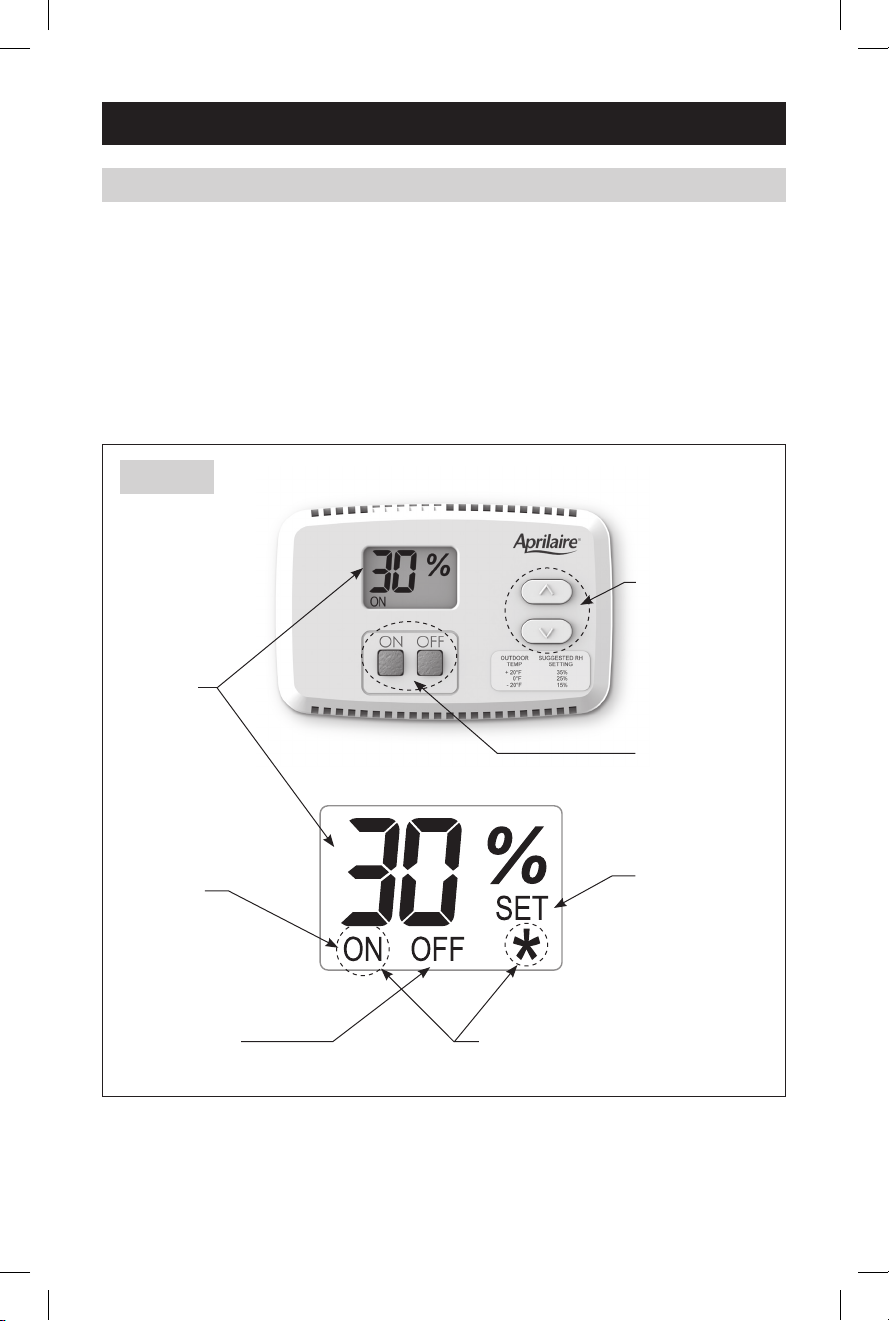
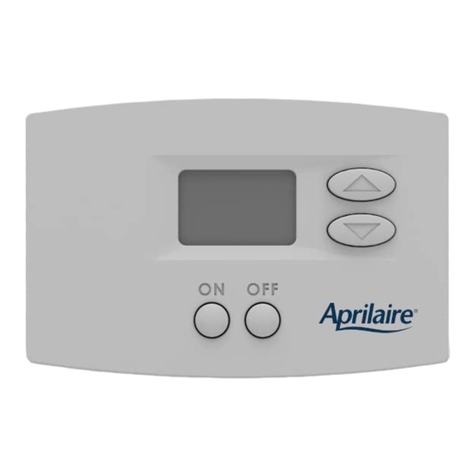
1. Press and hold the ON button for 5 seconds to enter Test Mode.
a.VerifyallLCDsegmentsblinkeverysecond.
b. Verify humidifier turns on.
2. After 5 minutes or after pressing the OFF button, the control will enter Off mode.
Verify the humidifier turns off.
HUMIDITY SETTING
•ThecontrolmustbeONtoadjustthehumiditysetting.
•The (up) and (down) buttons are used to increase or decrease the humidity setting.
•ThefirstpressofeitherbuttonwilldisplaythecurrentsettingontheLCDdisplayandSET
will be displayed below the % sign.
•Eachsubsequentpushoftheupordownbuttonswillchangethesettingby1%.
•Ifabuttonishelddown,thesettingwillcontinuallychangeby1%every1/2secondforas
long as the button is pressed.
•ThecontrolwillreturntoNormalMode,displayingthemeasuredhumidity,5secondsafter
the last button press/release.
OFFSET
An offset can be applied to the humidity reading to
avoid discrepancies with other humidity measuring
devicesinthehome.Allow48hoursforthecontrolto
acclimate before applying an offset. The control must
be ON to enter the Offset screen.
•PressandholdtheOFFbuttonfor5secondsto
enter the Offset screen. See Figure 9.
•The buttons can be used to set an offset
value between -5% RH and +5% RH.
•ThecontrolwillreturntoNormalMode,displaying
the measured humidity, 5 seconds after the last
button press/release.
FIGURE 9 – Offset Screen
90-1638
10
61000790B AA Model 65 Humidifier Control Install.indd 10 10/12/11 9:47 AM