2.
Open the app, click "+" in the upper right corner of the
homepage, enter the "Add Device (Accessory)" page,
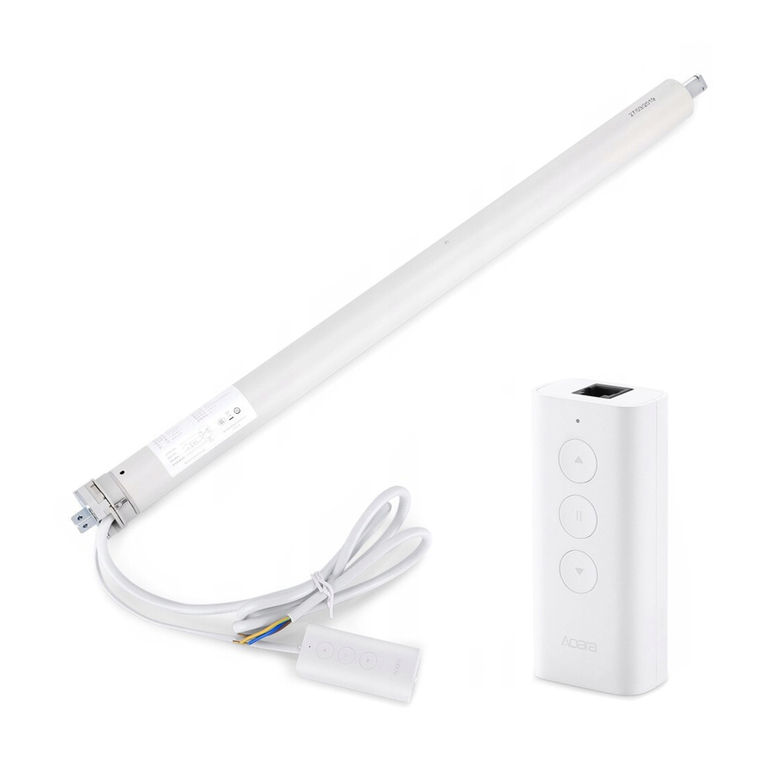
select Aqara Smart Roller Shade Controller, and operate
according to the prompts.
Effective distance verification: At the preselected
installation location, press the device reset button once,
and the Hub will give a prompt tone, indicating that
effective communication is possible between the device
and the Hub.
03 04 05
*If the addition fails, please move the Hub closer to the device and try
again.
Operating Instructions
Operating Instructions
Adjust the curtain to the required up/down travel point
with the up button, down button and stop button. Aer
determining the position, press the stop key for 5 times
in quick succession, and the motor rotates forward and
backward once each, indicating that the up/down travel
point is set successfully.
At the same time, press the up button + down button for
3 seconds. Aer the blue light is on, the indicator light
will be loosened. The positive and negative rotation of
the motor will be done once each, indicating the motor
has been deleted successfully.
Long press the stop button 5s and release the blue
light aer it lights up.
The positive and negative rotation of the motor is 1
time each, indicating the motor reversing
successfully.
Delete travel
Motor
direction
reversal
Function
Set up/
down travel