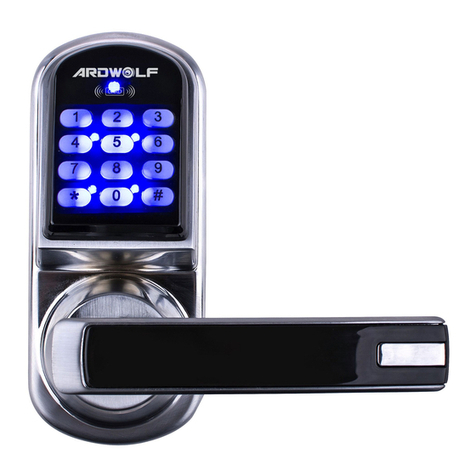
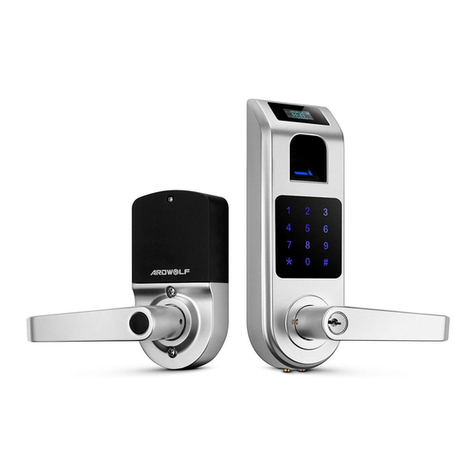
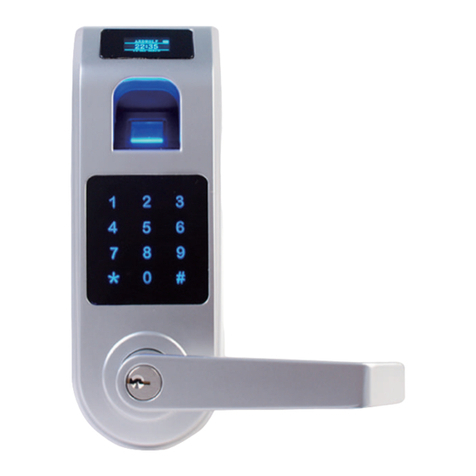
Key code: User Code, #
Key card: Card key touch lock reader
Key card +Key code: card touch lock reader, LED grow
green, enter user code, #
One time service code: One time code, #
Mechanical key: Turn the override key 90 degree
clockwise, then turn the handle
Different methods to operate the lock
Master code: The master code puts the lock into a
programming mode. It won’t lock/unlock the lock. When # sign
is pressed, the red LED will start to flash indicating the lock is
now in programming mode. If more than 6 seconds have
passed in between programming entries, the lock will return to
normal operational status. For maximum security it is
recommended to change the default Master Code.
Construction code: Installer code is a default temporary
code (0) for installer to testing the lock. The code will be
deleted after the first new user code is added to the lock.
User code: User code is the normal code for day-to-day
operations.
Service code: Service codes are used for special purposes
such as maintenance personnel or vendors. Service code
only grants one time access. Total of 10 sets of service codes
can be programmed to each lock.
Terms
Index No.*: For each user code or user card. It is associate
with a unique number, we call it index No. (or slot No.). The
Index No. is auto generated by lock and starts with 001. The
highest Index No. will be 200. Total user index is 200 that can
be added to each lock. (* Please log the user code along with
its index No. for adding or deleting references)
Passage mode: When Passage Mode is enabled, the lock
will stay in unlocked status after first valid entry. Enter a valid
entry code to lock back the door.
Storehouse mode (Lock-back mode): For each valid entry,
lock will automatically lock in 5 seconds.
Lockout mode: Enable the Lockout mode will freeze the lock
at its current status (Lock or unlock), temporarily disable all
the user codes and user code. Re-enter the function code 99
to disable the lockout mode, and resume normal operation.
Reset lock memory: Press and hold reset button for about
10 seconds with 3 short beeps; it will delete all the codes,
cards, and restore back to factory default setting.
Time format: 0830 = 8:30AM; 1730 = 5:30PM
Schedule Date: 1=Mon, 2=Tue, 3=Wed, 4=Thu, 5=Fri, 6=Sat,
7=Sun
10 11