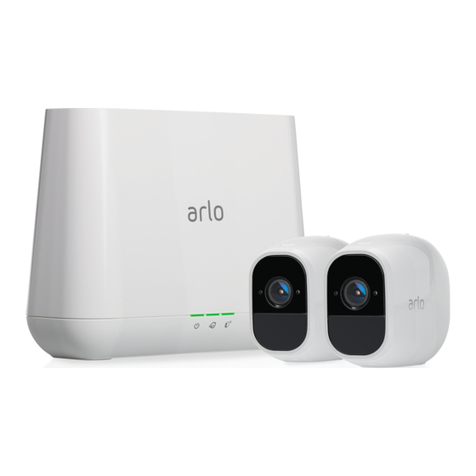
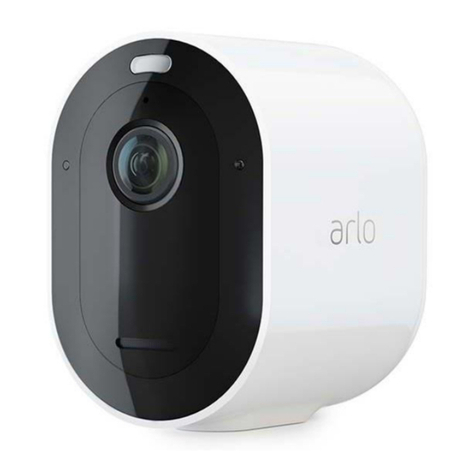
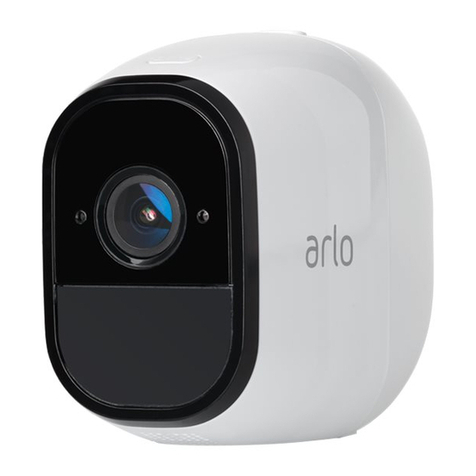
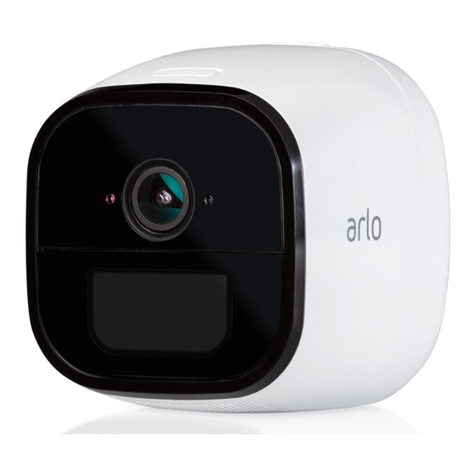
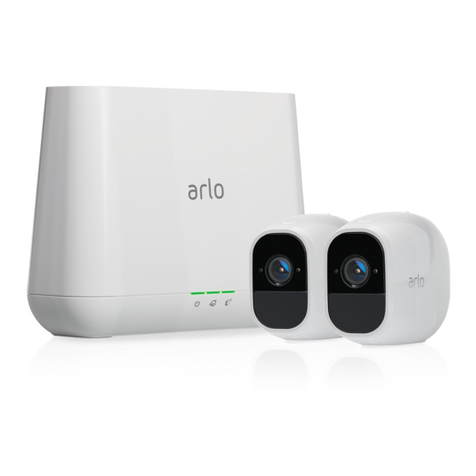
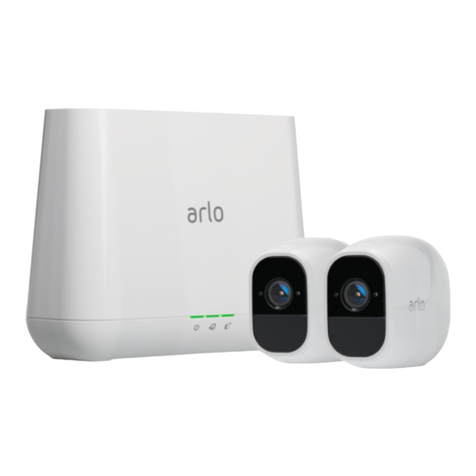
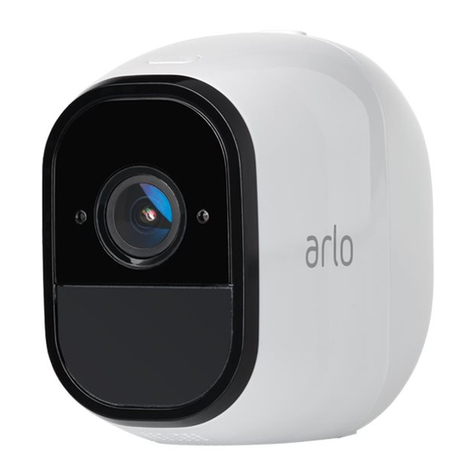
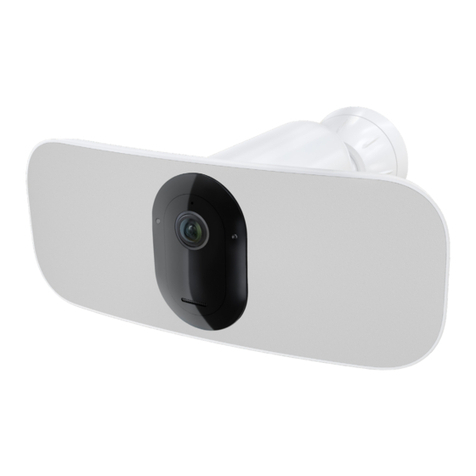
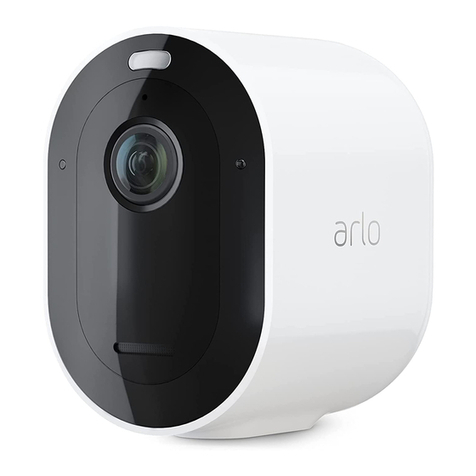
Pro 3 Floodlight Camera
3Contents User Manual
CVR with an optional Arlo SmartHub or base station ................................................................ 28
Customize your camera feed image .............................................................................................. 28
Motion detection activity zones...................................................................................................... 29
Talk and Listen ................................................................................................................................... 30
Turn the siren on and o manually................................................................................................ 30
View recordings and snapshots...................................................................................................... 31
Download recordings........................................................................................................................ 32
5. Modes, Rules, and Alerts 34
Modes................................................................................................................................................... 34
Select a mode..................................................................................................................................... 35
Mute Notications ............................................................................................................................. 35
Rules for modes ................................................................................................................................. 36
Change motion sensitivity ............................................................................................................... 36
Change the light duration for a rule that doesn’t record........................................................... 36
Automatically stop recording when motion stops...................................................................... 37
Change audio sensitivity.................................................................................................................. 37
Use a rule to turn on the oodlight................................................................................................ 38
Use a rule to activate the oodlight’s siren................................................................................... 39
Add a rule with an optional base station siren trigger ............................................................... 39
Manage alerts ..................................................................................................................................... 40
Schedule when your oodlight is armed...................................................................................... 40
Set up Arlo Geofencing..................................................................................................................... 41
Geofencing with multiple mobile devices.................................................................................... 43
6. Change Your Settings 46
Two-step verication ........................................................................................................................ 46
Use face or ngerprint authentication .......................................................................................... 47
Customize your prole ..................................................................................................................... 48
Change your Arlo password............................................................................................................. 49
Reset a forgotten password............................................................................................................. 49
Grant access to friends ..................................................................................................................... 50
Change the time zone....................................................................................................................... 52
Change the light settings.................................................................................................................. 52
Camera settings ................................................................................................................................. 54
Video Settings..................................................................................................................................... 55