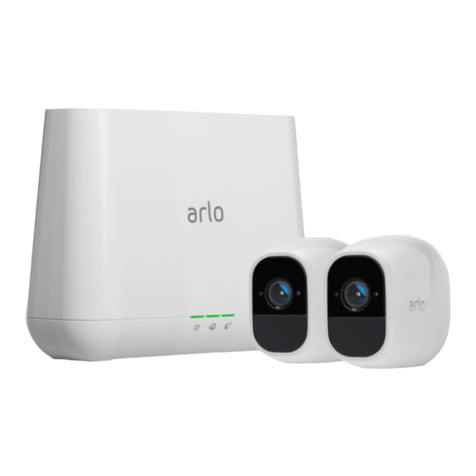
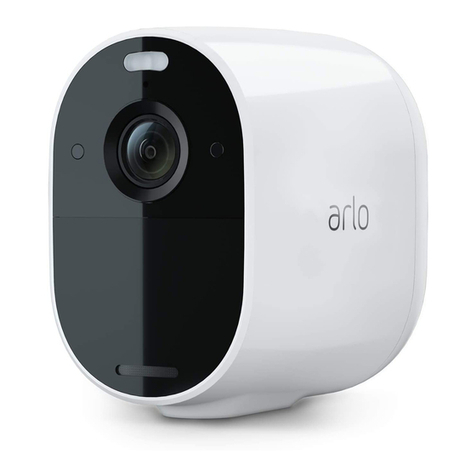
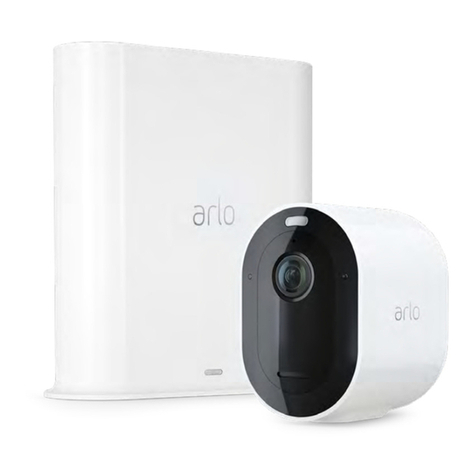
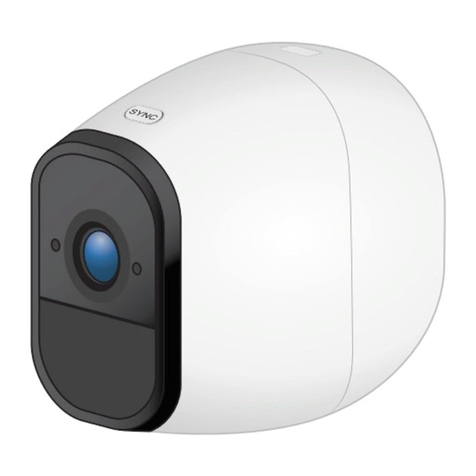
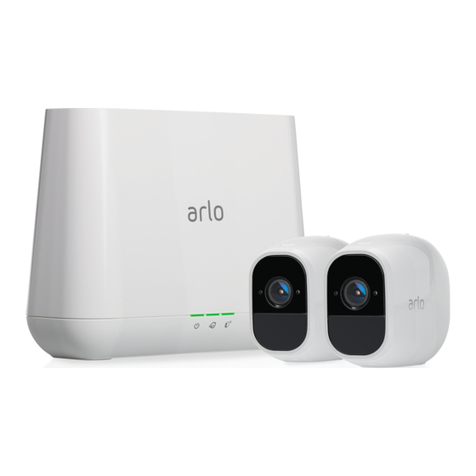
Ultra Series 4K UHD Wire-Free Security Camera System
3Contents User Manual
View recordings and snapshots .......................................................................................................28
Download recordings .........................................................................................................................29
4. Access your Arlo account 31
Two-step verification ..........................................................................................................................31
Use face or fingerprint authentication............................................................................................33
Customize your profile .......................................................................................................................34
Change your Arlo password ..............................................................................................................35
Reset a forgotten password...............................................................................................................35
Grant access to friends.......................................................................................................................36
5. Ultra Image Quality Features 38
High Dynamic Range (HDR)...............................................................................................................38
Local 4K streaming and recording...................................................................................................38
HEVC 4K playback supported devices ............................................................................................39
Start 4K streaming...............................................................................................................................39
Auto Zoom and Tracking ...................................................................................................................41
6. Modes, Rules, and Alerts 43
Modes ....................................................................................................................................................43
Select a mode ......................................................................................................................................44
Mute Notifications...............................................................................................................................44
Rules for modes...................................................................................................................................45
Change motion sensitivity.................................................................................................................45
Automatically stop recording when motion stops.......................................................................45
Control whether the spotlight turns on when motion is detected at night ...........................46
Change audio sensitivity....................................................................................................................46
Add a rule with a base station siren trigger....................................................................................47
Manage alerts.......................................................................................................................................47
Schedule your camera rules .............................................................................................................48
Set up Arlo Geofencing.......................................................................................................................49
Geofencing with multiple mobile devices .....................................................................................51
Custom modes.....................................................................................................................................52
Detect audio alarms with your Ultra camera.................................................................................53
7. Change Your Arlo Settings 58
Change the time zone ........................................................................................................................58