manuals.online logo
Brands
  1. Home
  2. •
  3. Brands
  4. •
  5. ARTHUR HOLM
  6. •
  7. Monitor
  8. •
  9. ARTHUR HOLM Dynamic 3 User manual

ARTHUR HOLM Dynamic 3 User manual

This manual suits for next models

1

Other ARTHUR HOLM Monitor manuals

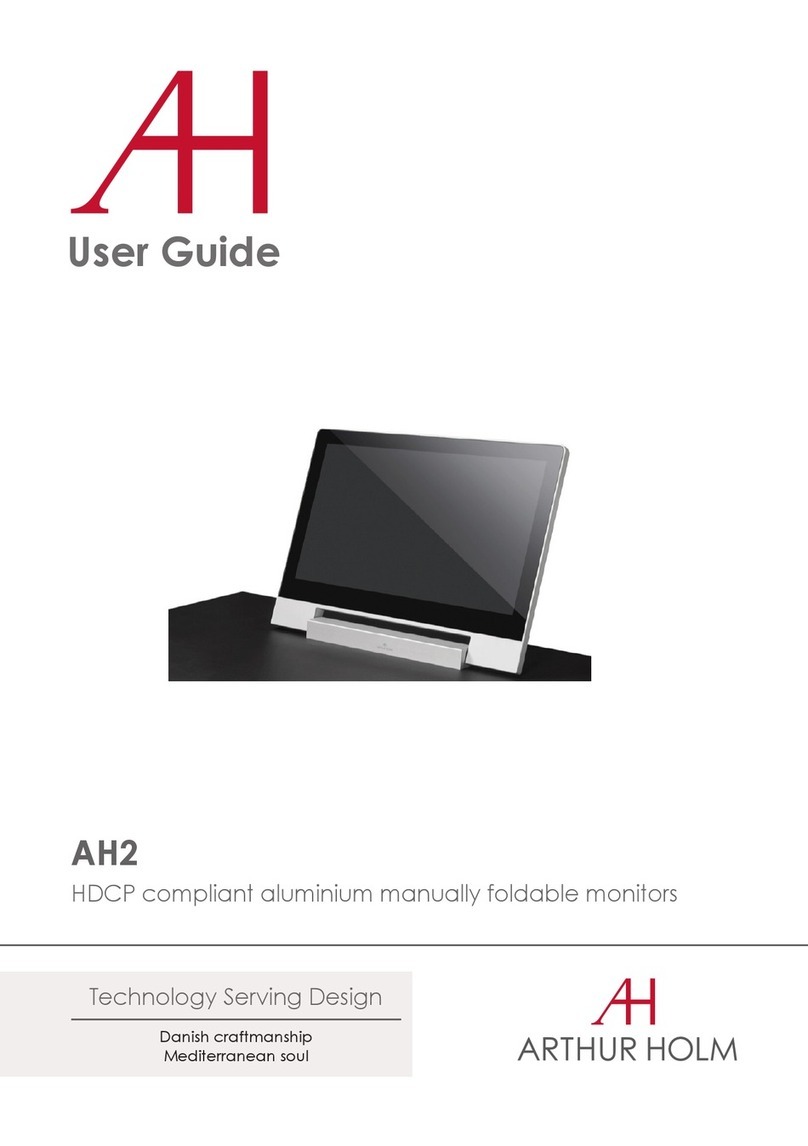
ARTHUR HOLM Dynamic3Reverse User manual
ARTHUR HOLM

ARTHUR HOLM Dynamic3Reverse User manual

ARTHUR HOLM AH2 User manual

ARTHUR HOLM

ARTHUR HOLM AH2 User manual
ARTHUR HOLM AH17 NTTHD User manual

ARTHUR HOLM

ARTHUR HOLM AH17 NTTHD User manual
ARTHUR HOLM DynamicX2 AH22DX216GA User manual
ARTHUR HOLM

ARTHUR HOLM DynamicX2 AH22DX216GA User manual

ARTHUR HOLM AH10DB2 User manual

ARTHUR HOLM

ARTHUR HOLM AH10DB2 User manual

ARTHUR HOLM RISE AH12RI Wide User manual
ARTHUR HOLM

ARTHUR HOLM RISE AH12RI Wide User manual

ARTHUR HOLM AH19D X2HDGA User manual

ARTHUR HOLM

ARTHUR HOLM AH19D X2HDGA User manual
ARTHUR HOLM RISE AH10 RA User manual

ARTHUR HOLM

ARTHUR HOLM RISE AH10 RA User manual
ARTHUR HOLM AH15D X2HDGA User manual

ARTHUR HOLM

ARTHUR HOLM AH15D X2HDGA User manual
ARTHUR HOLM AH12D 2A User manual

ARTHUR HOLM

ARTHUR HOLM AH12D 2A User manual
ARTHUR HOLM Dynamic 1H User manual

ARTHUR HOLM

ARTHUR HOLM Dynamic 1H User manual
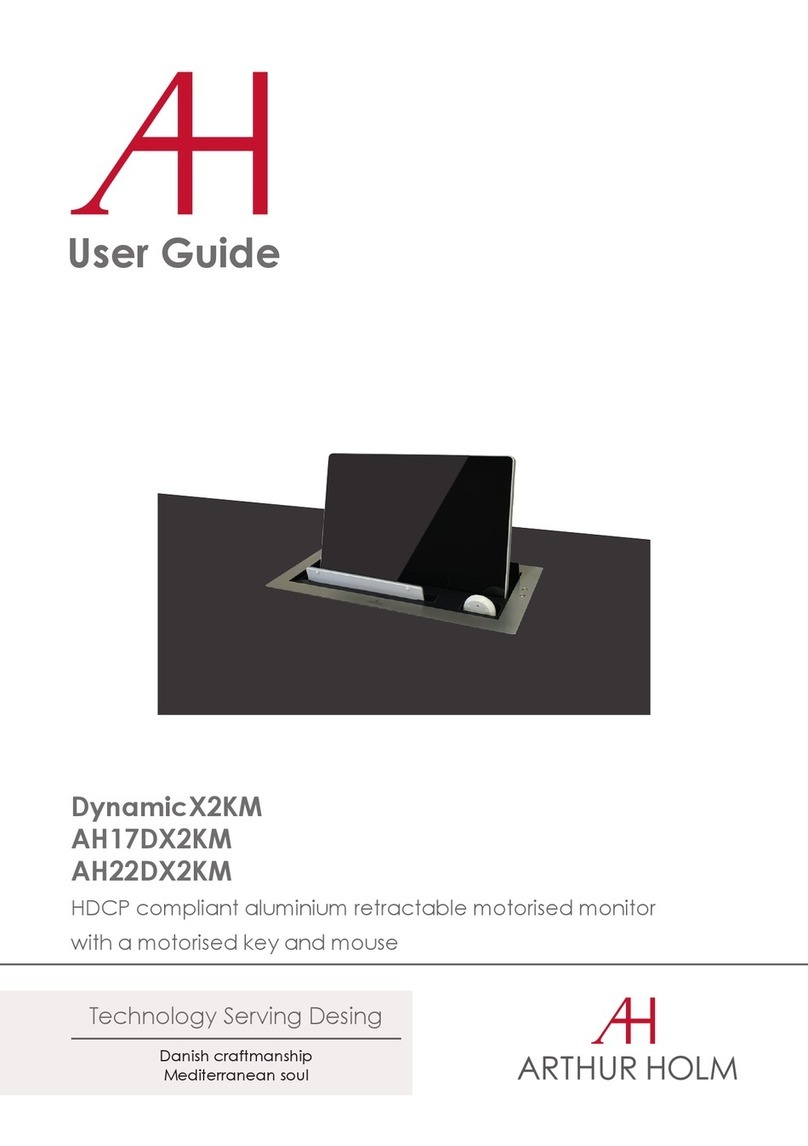
ARTHUR HOLM DynamicX2KM User manual

ARTHUR HOLM

ARTHUR HOLM DynamicX2KM User manual

ARTHUR HOLM RISE AH12RI Wide User manual

ARTHUR HOLM

ARTHUR HOLM RISE AH12RI Wide User manual

ARTHUR HOLM AH10 DA User manual

ARTHUR HOLM

ARTHUR HOLM AH10 DA User manual
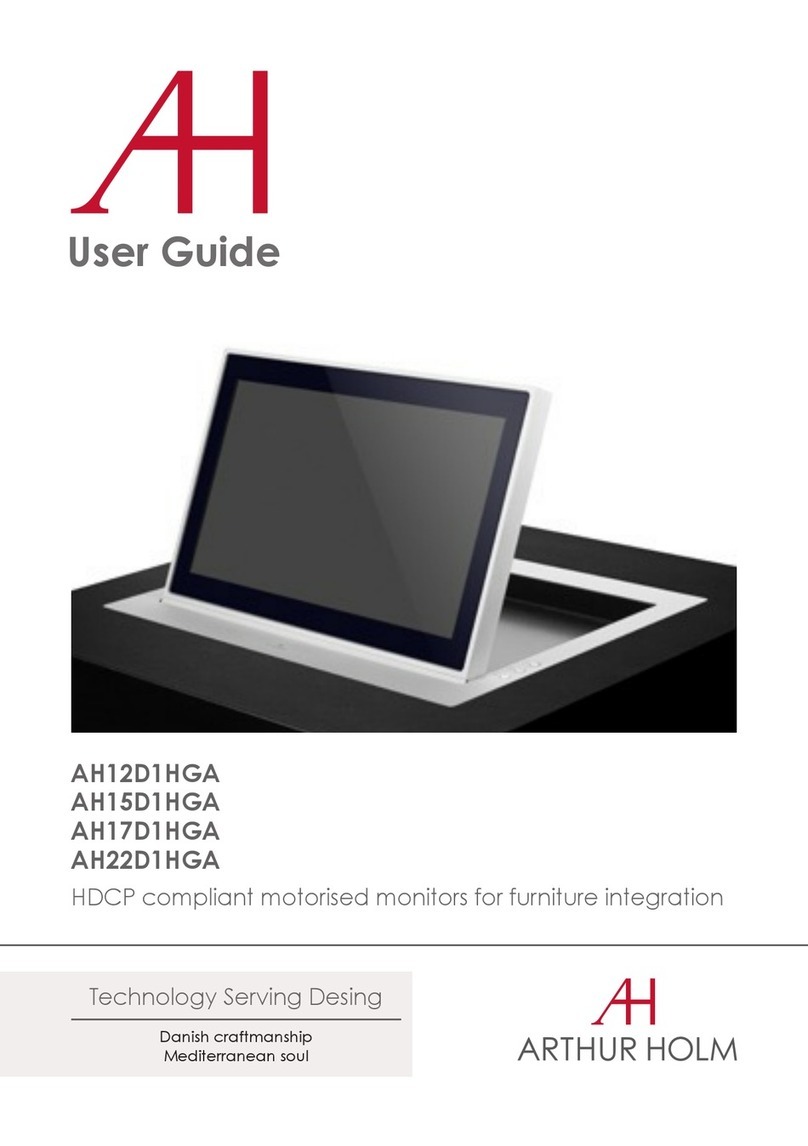
ARTHUR HOLM AH12D1HGA User manual

ARTHUR HOLM

ARTHUR HOLM AH12D1HGA User manual

ARTHUR HOLM Dynamic3 AH15D3HDGA User manual
ARTHUR HOLM

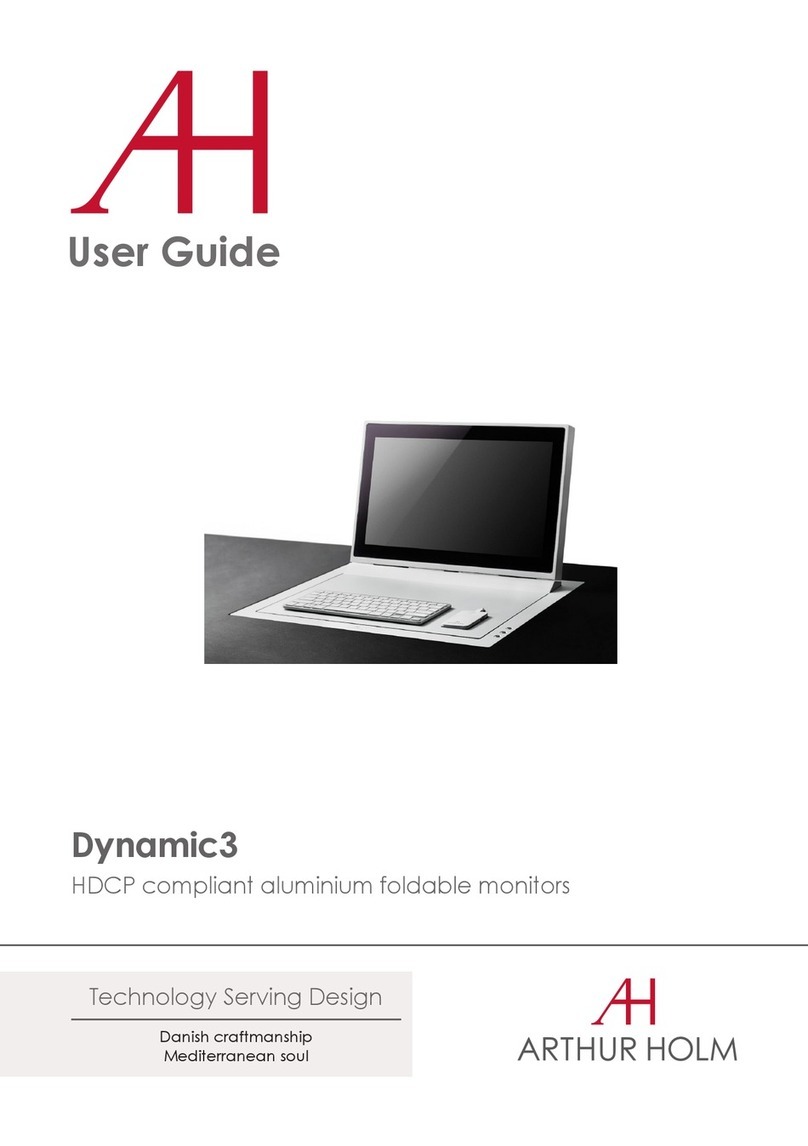
ARTHUR HOLM Dynamic3 AH15D3HDGA User manual

ARTHUR HOLM Dynamic3 User manual

ARTHUR HOLM

ARTHUR HOLM Dynamic3 User manual
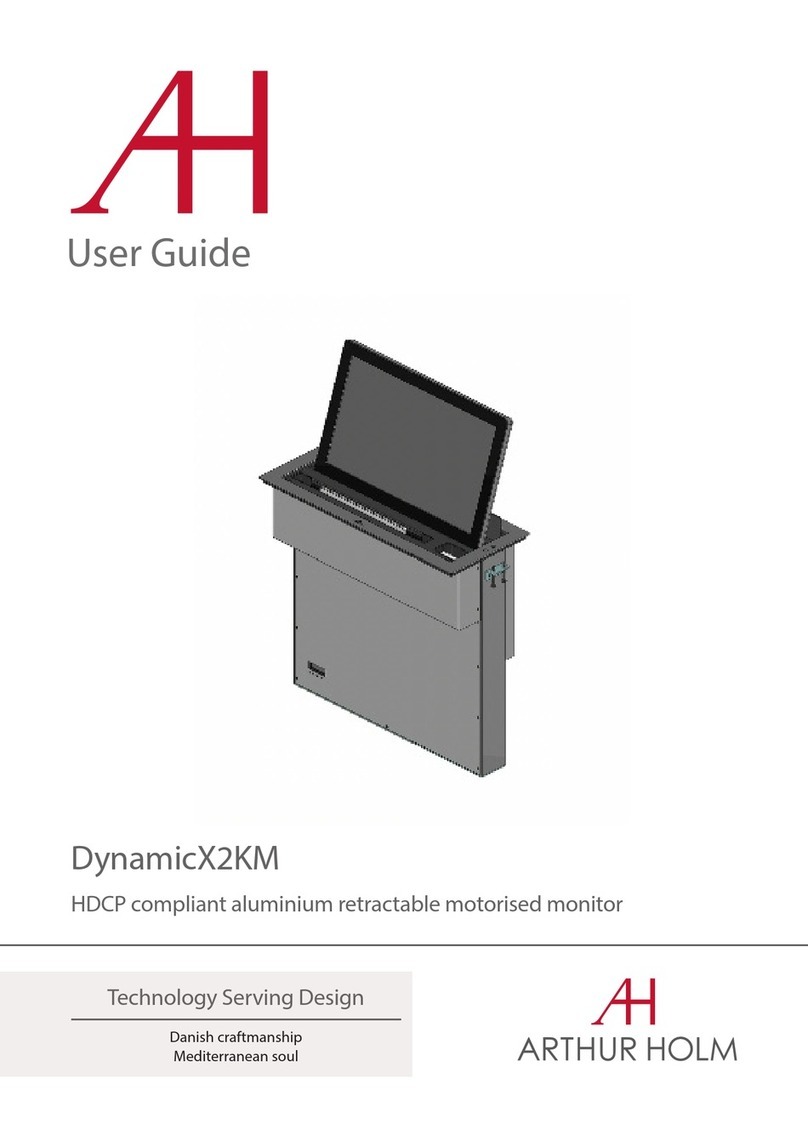
ARTHUR HOLM DynamicX2KM User manual

ARTHUR HOLM

ARTHUR HOLM DynamicX2KM User manual
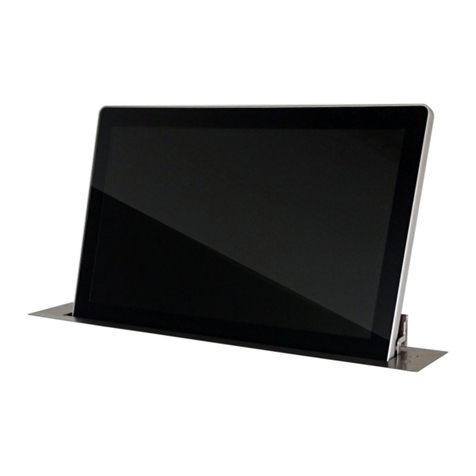
ARTHUR HOLM AH15D X2HDGA User manual

ARTHUR HOLM

ARTHUR HOLM AH15D X2HDGA User manual
ARTHUR HOLM DB2Share User manual

ARTHUR HOLM

ARTHUR HOLM DB2Share User manual
ARTHUR HOLM AH15D X2HDA User manual

ARTHUR HOLM

ARTHUR HOLM AH15D X2HDA User manual

ARTHUR HOLM DynamicX2 AH22DX216DGA User manual

ARTHUR HOLM

ARTHUR HOLM DynamicX2 AH22DX216DGA User manual

ARTHUR HOLM AH17D1HDA2F User manual

ARTHUR HOLM

ARTHUR HOLM AH17D1HDA2F User manual

ARTHUR HOLM DB2 Series User manual

ARTHUR HOLM

ARTHUR HOLM DB2 Series User manual

Popular Monitor manuals by other brands

Samsung ME32C user manual

Samsung

Samsung ME32C user manual

ViewSonic VA926-LED user guide

ViewSonic

ViewSonic VA926-LED user guide

Furuno Mu 120c Operator's manual

Furuno

Furuno Mu 120c Operator's manual

Asus VB171D - 17" LCD Monitor Service manual

Asus

Asus VB171D - 17" LCD Monitor Service manual

AOC 9GLR Technical specifications

AOC

AOC 9GLR Technical specifications

DMG RAFFAELLO manual

DMG

DMG RAFFAELLO manual

AOC LM720 - 17" Technical specifications

AOC

AOC LM720 - 17" Technical specifications

Sony Trinitron GDM-F500 Service manual

Sony

Sony Trinitron GDM-F500 Service manual

Memorex MT1701 user guide

Memorex

Memorex MT1701 user guide

ViewSonic VE510s-4 Service manual

ViewSonic

ViewSonic VE510s-4 Service manual

Farenheit T-1503CM instruction manual

Farenheit

Farenheit T-1503CM instruction manual

Ditel DINOS DN129/AT Quick installation guide

Ditel

Ditel DINOS DN129/AT Quick installation guide

Sony SDM-S51 Specifications

Sony

Sony SDM-S51 Specifications

Kenwood DMX1025BT quick start guide

Kenwood

Kenwood DMX1025BT quick start guide

Dell S2409WFP user guide

Dell

Dell S2409WFP user guide

EverFocus EN-7517E instruction manual

EverFocus

EverFocus EN-7517E instruction manual

Dell P3222QE user guide

Dell

Dell P3222QE user guide

Panasonic TH152UX1 - 152" PLASMA TV Service manual

Panasonic

Panasonic TH152UX1 - 152" PLASMA TV Service manual

manuals.online logo
manuals.online logoBrands
  • About & Mission
  • Contact us
  • Privacy Policy
  • Terms and Conditions

Copyright 2025 Manuals.Online. All Rights Reserved.

Assembling guide Dynamic 3 + DTalk
Information
Dynamic 3 monitor is available in a special version prepared to be
assembled with DynamicTalk device. This special version is supplied
with all accessories to be assembled.
DynamicTalk can be assembled at the right side, at left side or at both
sides. This guide shows how to assemble it at left side (the assembling
at the right side follows the same process).
INTRODUCTION
2
Manipulation of the product should be avoided, no stress should be applied to the product except from
the instructions given in this document. Cutting, drilling, soldering, adding of electrical and mechanical
components can cause danger and should be avoided by all mean. Not complying with these direction
will result in a lost of the Arthur Holm warranty. Albiral Display Solution S.L. shall not be held liable for
any loss or injury incurred as a result of modifications made to goods by anyone other than the supplier
or the supplier's authorised representative without the supplier's written permission. Such
modifications shall be deemed to terminate any further guarantee obligations. Compensation will not be
paid for wages, loss of profit, waste of time, packing and transport or any financial liability resulting
from defects in the goods. (Albiral Display Solutions shall not be liable for any loss or injury caused by
negligence.)
PATTERN HOLE
Pattern hole dimensions for milling are specified in the general dimensions for each reference.
ATTENTION
Preparing the assemble
(x2) DIN 9021 4,3
•Being D3 mounted on the table: Mount the (x2)
washers and the (x2) wing nuts supplied at the bolts
shown. Screw the wing nuts until they are flushed with
the end of the bolt.
3
(x2) DIN 315 M4
Flush bolt
View from below
the table
View from below
the table
Assembling DynamicTalk 4
•Insert DynamicTalk in the indicated position.
The top plate must be just above the washers
•Turn DynamicTalk until the two open holes
on the top plate are in contact with the bolts
Assembling DynamicTalk
•Push carefully the DynamicTalk upward, please
take care with the hatch of the cover plate.
•There is a guide bolt that has to enter into the
hole of the top plate
•Keeping pressed up the DynamicTalk, screw
the wing nuts with the finger.
5
Assembling DynamicTalk
•Enter the mounting plate through the DynamicTalk.
•If Dynamic talk has a cable to connect the
microphone: pass the Microphone cable + connector
trough the mounting plate hole.
6
Assembling DynamicTalk (STANDARD & BOSCH)
•Fix the DynamicTalk to the mounting plate
(x2) DIN 6798 5,3
(x2) DIN 7985 M5x12
7
Follow This step for standard DynamicTalk or
DynamicTalk with BOSCH
•Fix the mounting plate with washers and screws provided.
(x4) DIN 6798 5,3
(x4) DIN 7985 M5x10
Assembling DynamicTalk (DIS)
•Fix the DynamicTalk to the mounting plate
(x2) DIN 6798 5,3
(x2) DIN 7985 M5x12
8
Follow This step for DynamicTalk with DIS
or TELEVIC microphone.
•Fix the mounting plate with washers and screws provided.
(x4) DIN 6798 5,3
(x4) DIN 7985 M5x10
Connect XLR connector from the DynamicTalk
to the socket (Microphone IN)
www.arthurholm.com