\
A.S.A. Plastici S.r.l | Via Buonarroti, 60 |20090 Trezzano S/N (MI) Italy | P.IVA IT02526270158
Tel/Phone +39024455894 | Fax +39024450107 | Website: www.asaplastici.com | E-mail:info@asaplastici.it
Documento Riservato –Vietata ogni riproduzione non autorizzata.
All rights reserved.Any unauthorized reproduction is strictly prohibited.
Manuale & Istruzioni / Manual & Instructions
VersaTurn
Soluzioni elettrificate | Electrical solutions
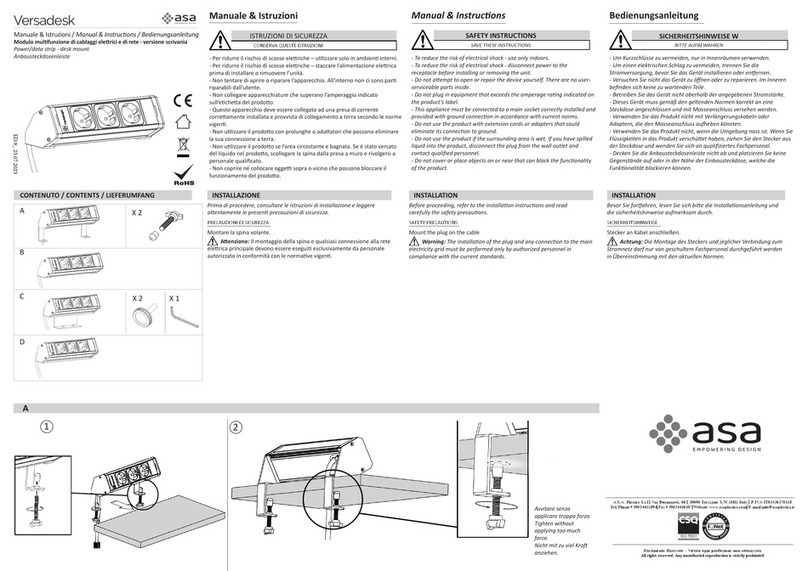
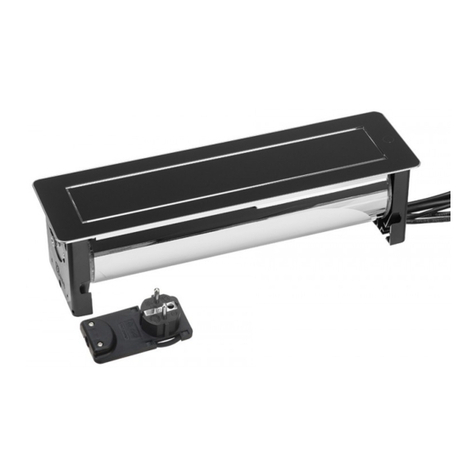
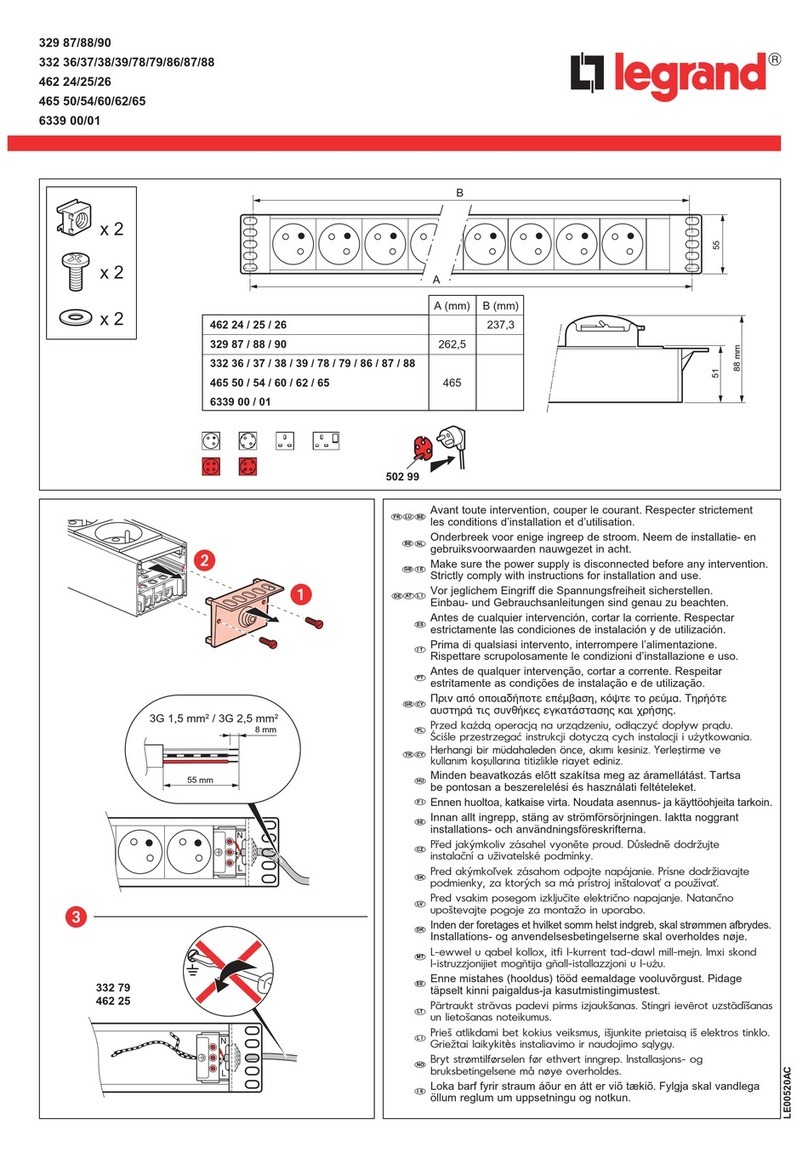
Montare la spina volante.
Attenzione: Il montaggio della spina e qualsiasi
connessione alla rete elettrica principale devono essere
eseguitiesclusivamentedapersonale autorizzato.
Attenzione: Utilizzare il dispositivo solo ed
esclusivamente dopo averlo montato e fissato con le viti
afarfalla.
1. Eseguire iltagliosul pianodi lavoro.
2.Inserireprimaicaviepoiildispositivonelpianoditaglio.
3. Eseguire la regolazione delle viti a farfalla svitando
/avvitando i dadi in base al spessore del piano come
indicato nella figura 3. Inserire le viti a farfalla nei quattro
puntidifissaggioefarscattarei tappidibloccaggio.
4. Avvitare manualmente i 4 volantini a farfalla contro il
pannello. Una volta contro, stringere senza applicare
troppaforza.
5. Inserire la spina nella presa a muro. Quando il
pulsante a sfioramento diventa blu significa che il
prodotto e alimentato.
6. Appoggiando lievemente il dito sul cerchietto blu, il
prodotto esegue una rotazionedi 180° avanti e indietro
per l’apertura o la chiusura. In posizione aperto o
chiuso, il pulsante a sfioramento ha il colore blu.
Durante la rotazione il pulsante cambia colore da blu a
rosso lampeggiante.
7. Il prodotto e previsto con sensori laterali di sicurezza
che rilevano la presenza delle spine, impedendo
l’accidentale chiusura del prodotto quando queste sono
inserite.
Infasediapertura,secisonocollegatidegliapparecchie
viene toccato in maniera voluta o accidentalmente il
pulsante il prodotto non gira perché si presenta un
ostacolonelraggio deisensoridi protezione.
Se durante la rotazione un ostacolo andrebbe in
interferenza con gli sensori o con la parte ruotante il
dispositivosifermae torna indietro.
La coppia di stallo del motore e stato appositamente
impostata per essere possibile la rotazione manuale del
dispositivo nel caso di arresto anomalo, interruzione
imprevista dell'alimentazione o altri imprevisti che
possonocomprometterela sicurezza dell’utente.
Installation steps :
Mounttheplugonthecable.
Warning: The installation of the plug and any
connectiontothemainelectricitygridmustbeperformed
onlybyauthorizedpersonnel.
Warning:Use thedeviceonlyandexclusivelyafter, it
hasbeenmountedandsecuredwiththethumbscrews.
1. Performthecuttingin themountingpanel.
2. Insertthecablesandthedevice intothepanelcutout.
3.Performtheadjustmentthethumbscrewsbyunscrewing
/screwingthenutsaccordingtothethicknessofthepanel
as shown in Figure 3.Insert the thumbscrews in the four
fixingpointsand snap-in thelocking caps.
4. Manually screw the four butterfly flyers against the
panel. Once against, tighten without applying too much
force.
5. Insert the plug into the wall socket. When the
touch button turns blue, it means that is product is
powered ON.
6.By lightly placing the finger on the blue circlet, the
product performs a rotation of 180 ° back and forth
for opening or closing. In the open or closed
position, the touch button has a blue colour. During
the rotation, the button changes colour from blue to
flashing red.
7.Theproductisprovidedwithlateralsafetysensorsthat
detect the presence of the plugs, preventing the
accidental closing of the product when these are
inserted.
Duringtheopeningphase,iftherearedevicesconnected
andthebuttonistouched,deliberatelyoraccidentally,the
product does not turn because as there is an obstacle
thatinterferes with thesafetysensors.
Ifduringtherotation,anobstacleshouldinterferewiththe
sensors or with the rotating part, the device stops and
turns back.
Thestalltorqueofthemotorwasspecificallyset,Inorder
to be possible to manually rotate the device in the case
ofabnormalstop,unexpectedpowerinterruptionorother
unexpectedeventsthatmayaffectthesafetyoftheuser.