Operating instructions
Getting Started
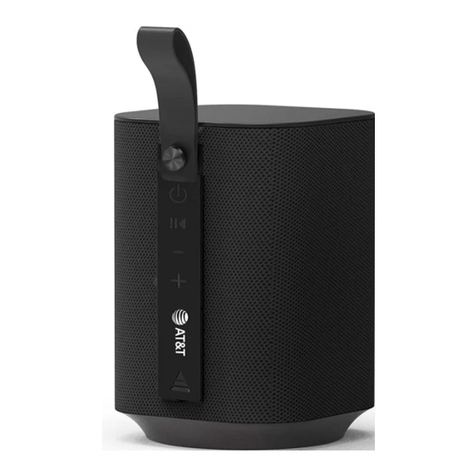
1. Press and hold the power button ( ) to enter a wireless connection
mode. Choose the wireless pairing name PWS100 to connect with a
mobile phone or Bluetooth® enabled device.
2. Aer initial pairing when the speaker is powered up again it will
automatically search for the last connected wireless device. If the
device is not found in 10 seconds the speaker will exit connection status.
3. Press the Mode(M) key to select between BT/Audio /TF card modes.
4. Light control: Short pressing the ( ) will advance to the next color
with each press. On the 6th short press the light will start changing
colors randomly, the 7th press will put the light changes in a fading
mode and the 8th press will turn off the light.
Specifications
Input Micro 5V/1A
1200 mAh
Wireless version
Frequency
5.0
20Hz – 20KHz
Working distance
Working time
10m / 30Ft
Up to 5 hours
Charging time 4 hours
Power Output 5 W
Input
Battery capacity