Table of Contents
Chapter 1 — Introduction............................................................................................. 1
1.1 Features............................................................................................................................. 1
Chapter 2 — Installation and Configuration............................................................... 3
2.1 Package Contents............................................................................................................. 3
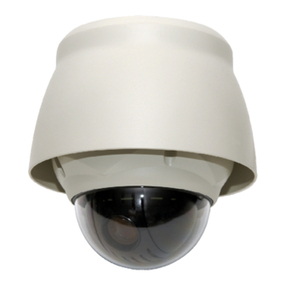
2.2 Configuration of Fastrax IV Dome Camera System....................................................... 4
2.3 Setting Dome Camera Termination................................................................................. 6
2.4 Fail-safe Network.............................................................................................................. 7
2.5 Setting Dome Camera Address (ID)................................................................................ 8
2.6 Setting Dome Camera Protocol....................................................................................... 9
2.7 Connections.........................................................오류! 책갈피가 정의되어 있지 않습니다.
• Connecting to the RS485/ 422 .......................................................................................................10
• Connecting Video out connector ..................................................................................................10
• Connecting Alarms.........................................................................................................................10
• Connecting the Power....................................................................................................................10
2.8 Getting Started................................................................................................................ 11
Chapter 3 — Program and Operation........................................................................ 12
3.1 Dome Camera Selection................................................................................................. 12
3.2 Accessing the On-Screen Menu Utility......................................................................... 12
3.3 How to control the On-Screen Menu Utility.................................................................. 12
3.4 Auto Scan (Shortcut: SCAN) ......................................................................................... 13
3.5 Preset (Shortcut: PRST) ................................................................................................ 16
3.5.1 Event Function ........................................................................................................................19
3.5.2 Motion.......................................................................................................................................19
3.5.3. Tracking ...................................................................................................................................21
3.5.4 Cross........................................................................................................................................22
3.5.5 Enter .........................................................................................................................................24
3.5.6 Abandon...................................................................................................................................24
3.5.7 Removal ...................................................................................................................................25
3.6 Shortcut of Preset Program........................................................................................... 26
3.7 Tour (Shortcut: TOUR)................................................................................................... 27
3.8 Pattern (Shortcut: PTRN)............................................................................................... 29
3.9 Alarm................................................................................................................................30
V