manuals.online logo
Brands
  1. Home
  2. •
  3. Brands
  4. •
  5. Audio Technica
  6. •
  7. Microphone System
  8. •
  9. Audio Technica ATW-1701 Manual

Audio Technica ATW-1701 Manual

Other Audio Technica Microphone System manuals
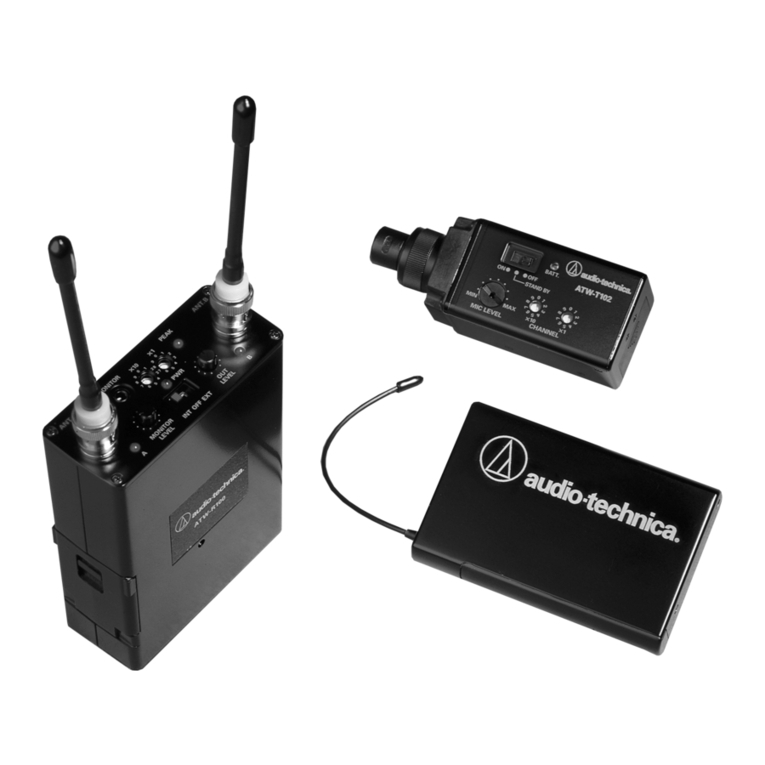
Audio Technica ATW-U101 Owner's manual
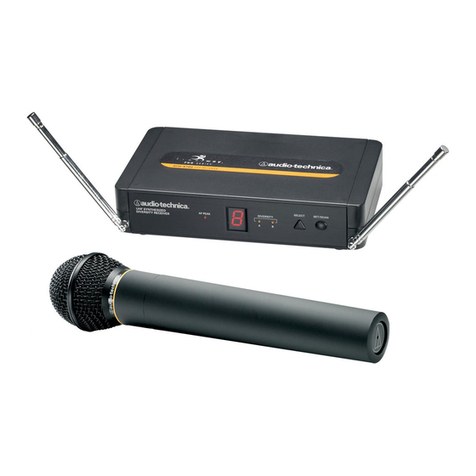
Audio Technica

Audio Technica ATW-U101 Owner's manual

Audio Technica 700 Series Operating instructions
Audio Technica

Audio Technica 700 Series Operating instructions

Audio Technica ATW-701/G Operating and installation instructions
Audio Technica

Audio Technica ATW-701/G Operating and installation instructions

Audio Technica ATW-3110A Owner's manual
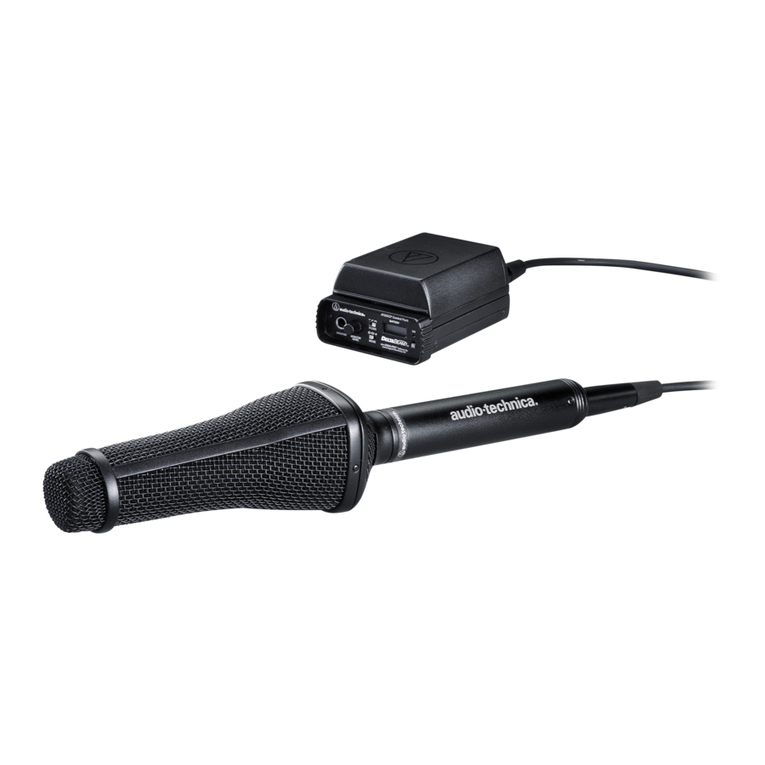
Audio Technica

Audio Technica ATW-3110A Owner's manual

Audio Technica AT895 Owner's manual

Audio Technica

Audio Technica AT895 Owner's manual
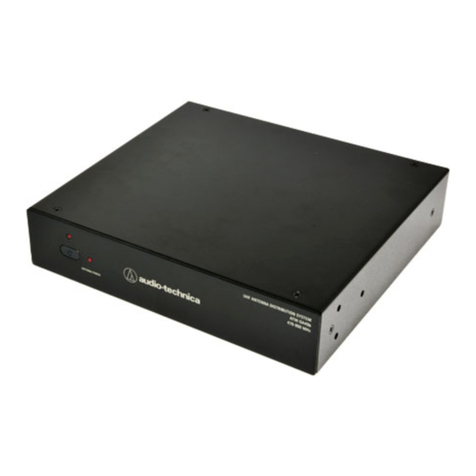
Audio Technica ATW-DA49b User manual

Audio Technica

Audio Technica ATW-DA49b User manual
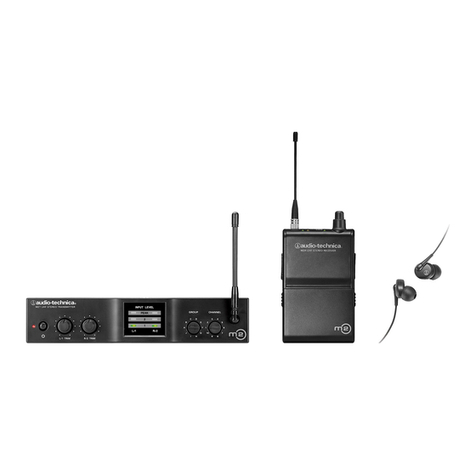
Audio Technica M2 Manual instruction

Audio Technica

Audio Technica M2 Manual instruction
Audio Technica ATW-D70 Owner's manual

Audio Technica

Audio Technica ATW-D70 Owner's manual
Audio Technica AT-ATW-2110Bl User manual
Audio Technica

Audio Technica AT-ATW-2110Bl User manual

Audio Technica ATW-600 Operation manual
Audio Technica

Audio Technica ATW-600 Operation manual

Audio Technica Artist Elite AEW-DA550C Owner's manual
Audio Technica

Audio Technica Artist Elite AEW-DA550C Owner's manual

Audio Technica AT-ONE ATW-R1 User manual
Audio Technica

Audio Technica AT-ONE ATW-R1 User manual

Audio Technica ES954 User manual

Audio Technica

Audio Technica ES954 User manual
Audio Technica ATW-DA600 Operating manual
Audio Technica

Audio Technica ATW-DA600 Operating manual

Audio Technica ATCS-60 User manual

Audio Technica

Audio Technica ATCS-60 User manual
Audio Technica ATW-A54P Owner's manual
Audio Technica

Audio Technica ATW-A54P Owner's manual

Audio Technica ATW-7373 Owner's manual
Audio Technica

Audio Technica ATW-7373 Owner's manual

Audio Technica p51857_1800 Setup guide
Audio Technica

Audio Technica p51857_1800 Setup guide

Audio Technica System 8 Owner's manual
Audio Technica

Audio Technica System 8 Owner's manual

Audio Technica ATW-901a/L User manual

Audio Technica

Audio Technica ATW-901a/L User manual
Audio Technica PRO 127G Owner's manual

Audio Technica

Audio Technica PRO 127G Owner's manual

Audio Technica ATW-1811 Manual instruction

Audio Technica

Audio Technica ATW-1811 Manual instruction

Audio Technica ATW-1031 Owner's manual

Audio Technica

Audio Technica ATW-1031 Owner's manual

Audio Technica ATW-R3210 User manual

Audio Technica

Audio Technica ATW-R3210 User manual

Popular Microphone System manuals by other brands

INIM SAGITTARIUS VW2W instructions

INIM

INIM SAGITTARIUS VW2W instructions

AKG IVM 4500 User instructions

AKG

AKG IVM 4500 User instructions

Earthworks Audio PM40 manual

Earthworks Audio

Earthworks Audio PM40 manual

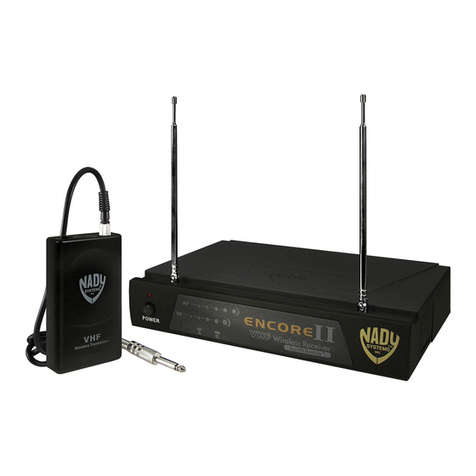
Nady Systems ENCORE 2 owner's manual

Nady Systems

Nady Systems ENCORE 2 owner's manual

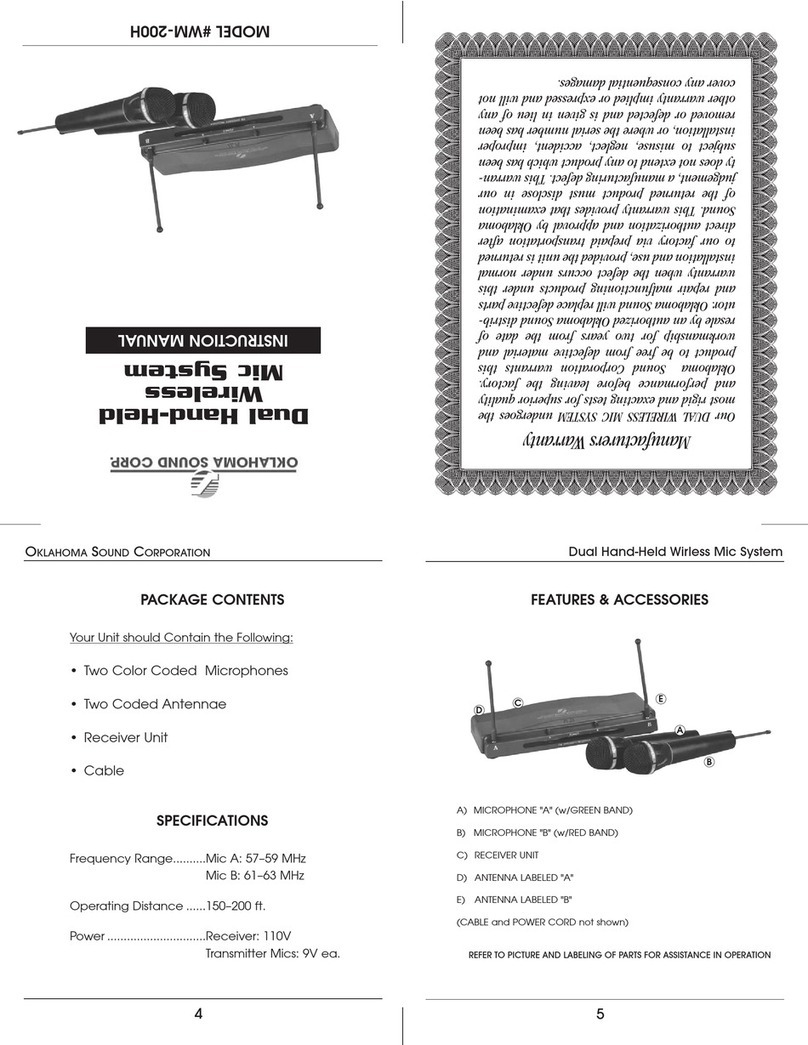
Oklahoma Sound WM-200H instruction manual

Oklahoma Sound

Oklahoma Sound WM-200H instruction manual

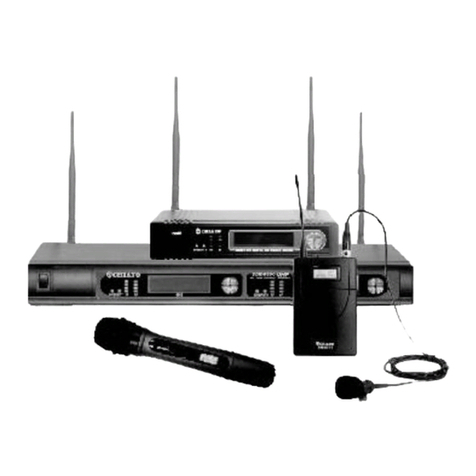
Chiayo SDR-8200 Operation manual

Chiayo

Chiayo SDR-8200 Operation manual

Paso R824 quick start guide

Paso

Paso R824 quick start guide

Naxa NAM-982 instruction manual

Naxa

Naxa NAM-982 instruction manual

Xvive U3 user manual

Xvive

Xvive U3 user manual

Tekon DUOS installation guide

Tekon

Tekon DUOS installation guide

Heyuan Intelligence IOT-G2S-01 user manual

Heyuan Intelligence

Heyuan Intelligence IOT-G2S-01 user manual

Devine WMD-IE user manual

Devine

Devine WMD-IE user manual

LG LF-D7150 owner's manual

LG

LG LF-D7150 owner's manual

LD U305 HBH 2 user manual

LD

LD U305 HBH 2 user manual

Chainway URA8 user manual

Chainway

Chainway URA8 user manual

ORATOR D860TD instruction manual

ORATOR

ORATOR D860TD instruction manual

Sennheiser Evolution Wireless Digital EW-DX EM 2 quick guide

Sennheiser

Sennheiser Evolution Wireless Digital EW-DX EM 2 quick guide

Shure UA844 user guide

Shure

Shure UA844 user guide

manuals.online logo
manuals.online logoBrands
  • About & Mission
  • Contact us
  • Privacy Policy
  • Terms and Conditions

Copyright 2025 Manuals.Online. All Rights Reserved.

Audio Technica ATW-1701 Wireless Mic System –Assembly & Setup
In the box you should have the following:
•Belt Pack Transmitter
•Wireless Receiver
•Bracket
•XLR to Mini Jack Cable
•USB charging cable
•HT Aeromic
1. Slide the bracket’s clip into the mount on the side of the Bose
system, noting the directional arrows on the bracket.
2. Tighten the circular screw using thumb and fore finger, until the
clip feels secure, being careful not to over tighten.
3. Clip the receiver into place.
4. Connect the mini jack end of the XLR to mini jack cable
into the ‘OUTPUT’ socket on the receiver.
5. Connect the XLR end of the cable to the input socket on
the top channel. (Tone match switch should be set to mic
symbol)
6. Connect the microphone plug to the socket atop the
beltpack receiver, paying close attention to the grooves
in each, so as not to damage the pins.
7. A satisifying click will be heard when the plug is
succesfully connected.
8. Hold the power button down on the receiver until the
light is green.
9. Repeat Step 8 on the beltpack/transmitter.
10. From the included manual: Press the System ID button
on the receiver to choose an ID number from 1 to 8.
The receiver’s display will show your new ID and begin
to blink. Within 15 seconds, press and hold the Pair
button on the receiver for about one second. The Pair
light will begin to blink green. The receiver is now in
Pair Mode. Note: If the receiver Pair button is not
pressed within 15 seconds, the system ID number will
revert to its previous setting. Open the transmitter
and press and hold its Pair button within 30 seconds of
entering Pair Mode. The transmitter display will now
show the System ID number you have chosen on the
receiver. The receiver’s Pair light will glow steady,
indicating you have successfully paired your system.
11. Turn on the BOSE unit and turn up the channel
volume to the desired level.
12. To use Bluetooth on the BOSE speaker, press and hold
the Bluetooth button to pair from your phone or
device.
N.B. The devices should be set up prior to dispatch, though please check the switches on the
receiver are in this position before opertation.