8
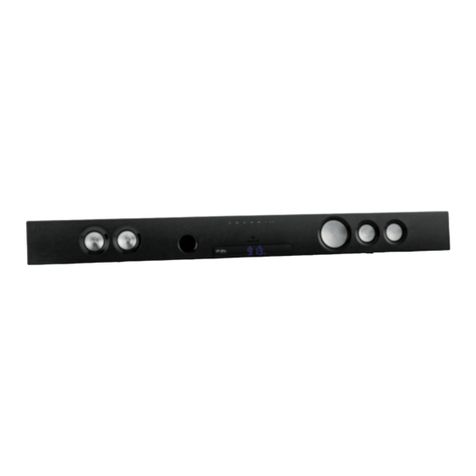
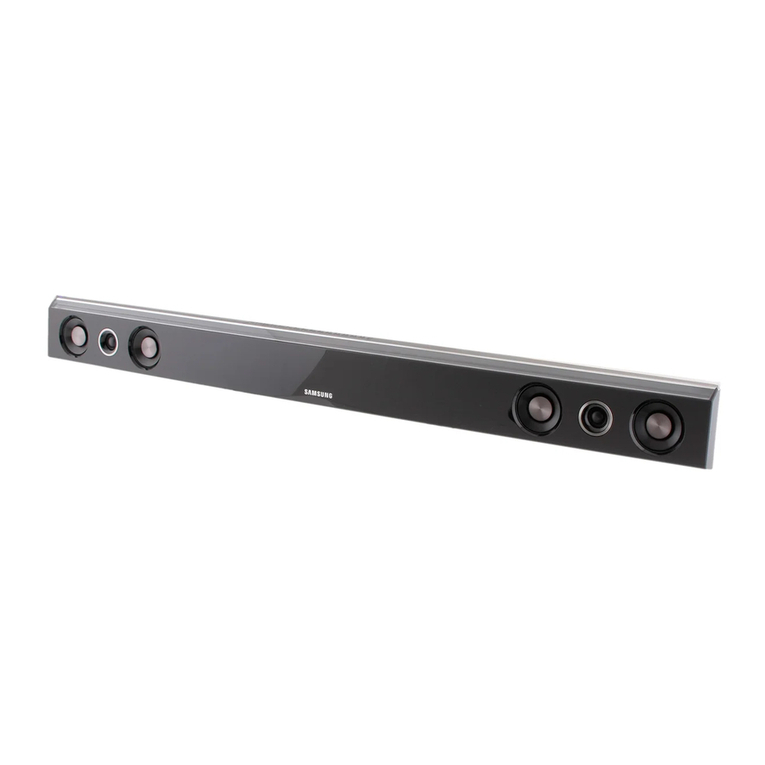
Front Panel
• INPUT SET: when pressing the button, the function is „input“
function.
• MASTER VOLUME: when rotating the button, the function
os Volume+/Volume- function.
• PRO-LOGIC: pro-logic function key.
• AUTO : USB/SD pause/play function key. When in FM-
State automatic search and save the radio station.
• VOL-/ /CH-: „previous“ will be „volume-“ function if you
keep pressing it more than 3 seconds. Previous song when
USB/SD input; previous channel when FM input.
• VOL+/ /CH+: „next“ will be „volume+“ function if you
keep pressing it more than 3 seconds. Next song when
USB/SD input; next channel when FM input.
• SD/MMC CARD: SD card socket
• U DISK: USB socket
Note: When using SD card function, it is required to choose SD
card whose memory is more than 512 MB and also is legal edition.
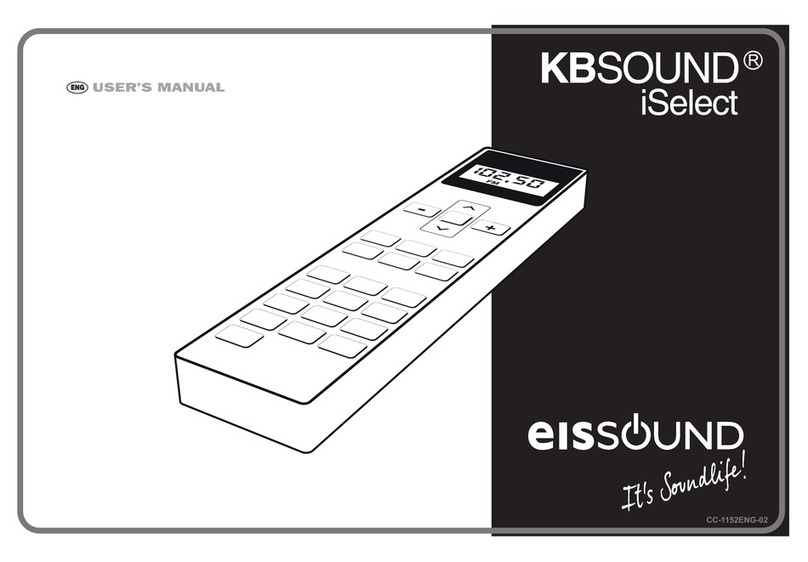
Remote Control
Power switch CH+ Next channel when FM Input
SD SD Input SLEEP
+/- To time on/o the speaker
PRO Pro-logic channel switch FL +/- FL volume to upgrade & at-
tenuation of the key
USB USB Disk FR +/- FR volume to upgrade & at-
tenuation of the key
FM FM Input SW +/- SW volume to upgrade &
attenuation of the key
AUX AUX Input CEN +/- CEN volume to upgrade &
attenuation of the key
DVD DVD Input VOL +/- Mastr Volume
BLUE Bluetooth Input SL +/- SL volume to upgrade & at-
tenuation of the key
SAVE Dave FM Channel SR +/- SR volume to upgrade & at-
tenuation of the key
TUNE
+/- Previous/Next Channel/Keep
pressing to search channel 0-9 Press any key to choose the
song
Play & Pause REPEAT Repeat
AUTO Keep pressing for FM channel RESET When volume is at the ma-
ximum, press RESET at the
status while power on.
Previous song when USB/SD
Input EQ +/- EQ (when USB/SD Input)
CH- Previous channel when FM Input DISP +/- Lightness adjust
Next song when USB/SD Input