manuals.online logo
Brands
  1. Home
  2. •
  3. Brands
  4. •
  5. Avanos
  6. •
  7. Medical Equipment
  8. •
  9. Avanos MIC-KEY GJ User manual

Avanos MIC-KEY GJ User manual

Other Avanos Medical Equipment manuals

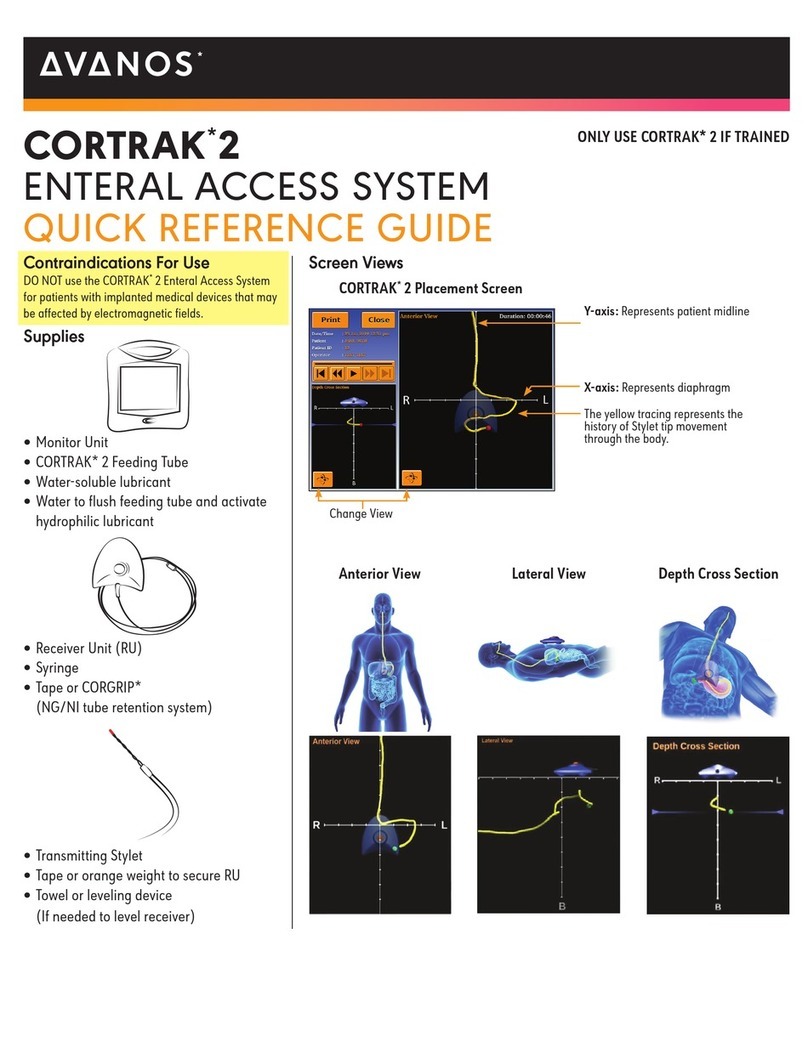
Avanos CORTRAK 2 User manual

Avanos

Avanos CORTRAK 2 User manual

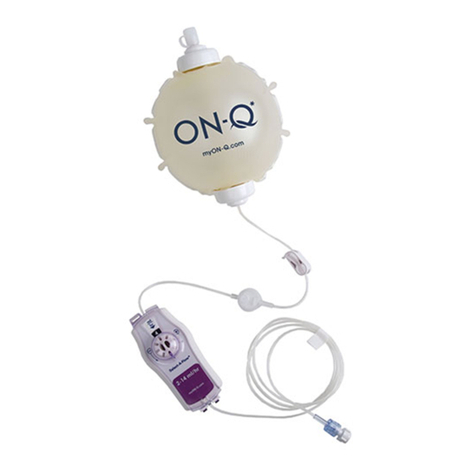
Avanos ON-Q PAIN RELIEF SYSTEM User manual

Avanos

Avanos ON-Q PAIN RELIEF SYSTEM User manual

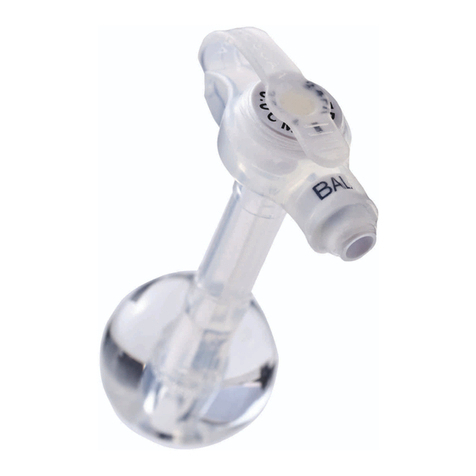
Avanos MIC-KEY G User manual

Avanos

Avanos MIC-KEY G User manual

Popular Medical Equipment manuals by other brands

Itamar Medical WatchPAT Operation manual

Itamar Medical

Itamar Medical WatchPAT Operation manual

PROTEOR 1P650 KNEE Assembling and adjustment instructions

PROTEOR

PROTEOR 1P650 KNEE Assembling and adjustment instructions

Liberate Medical VentFree user manual

Liberate Medical

Liberate Medical VentFree user manual

Dicarre DA20 user guide

Dicarre

Dicarre DA20 user guide

Stryker Medical M Series Operation manual

Stryker Medical

Stryker Medical M Series Operation manual

Invacare ScanBed 750 user manual

Invacare

Invacare ScanBed 750 user manual

Getinge Arjohuntleigh Nimbus 3 Professional Instructions for use

Getinge

Getinge Arjohuntleigh Nimbus 3 Professional Instructions for use

Mettler Electronics Sonicator 730 Maintenance manual

Mettler Electronics

Mettler Electronics Sonicator 730 Maintenance manual

Pressalit Care R1100 Mounting instruction

Pressalit Care

Pressalit Care R1100 Mounting instruction

Denas MS DENAS-T operating manual

Denas MS

Denas MS DENAS-T operating manual

bort medical ActiveColor quick guide

bort medical

bort medical ActiveColor quick guide

AccuVein AV400 user manual

AccuVein

AccuVein AV400 user manual

agiliti NP Trio user manual

agiliti

agiliti NP Trio user manual

Rocket Medical Rocket Digital Oocyte Aspiration Pump Service manual

Rocket Medical

Rocket Medical Rocket Digital Oocyte Aspiration Pump Service manual

Monteris Medical Neuroblate Instructions for use

Monteris Medical

Monteris Medical Neuroblate Instructions for use

Otto Block 8E33 7 manual

Otto Block

Otto Block 8E33 7 manual

ADVANCED HOME CARE Helios Guide

ADVANCED HOME CARE

ADVANCED HOME CARE Helios Guide

NeuLog NUL-208 Guide

NeuLog

NeuLog NUL-208 Guide

manuals.online logo
manuals.online logoBrands
  • About & Mission
  • Contact us
  • Privacy Policy
  • Terms and Conditions

Copyright 2025 Manuals.Online. All Rights Reserved.

SAFETY TIPS
• Always wash your hands thoroughly with warm,
soapy water before touching the feeding tube.
• Avoid puncturing or tearing any part of the tube or extension sets.
!DO NOT rotate the MIC-KEY* GJ. This may cause
the tube to kink and possibly lose position.
CLEANING AND CARING FOR STOMA SITE
Clean the skin around and under your MIC-KEY* GJ
feeding tube daily using:
• Mild soap and water
• A soft, lint-free cloth or cotton tipped applicator
MIC-KEY* GJ TUBE & PORT CARE
Clean the external portion of the feeding tube:
• Be careful not to pull or manipulate the tube excessively.
• Make sure both your tube and stoma are kept clean and dry.
QUICK START GUIDE
MIC-KEY* GJ Feeding Tube
Enteral Feeding as easy as 1 2 3
TUBEFED.COM
STEP 2
FLUSH
STEP 1
ATTACH
STEP 3
BEGIN
✔
To start, attach the MIC-KEY*
GJ Extension Set into the
MIC-KEY* jejunal feeding port
by matching the black lines on
the extension set and feeding
port.
✔
Push the extension set down
rmly and “lock” it into place
by turning the connector
CLOCKWISE until you feel a
slight resistance (approximately
three-quarters turn).
! DO NOT turn the connector past
the stop point!
! It is important to keep the
extension set “locked” into place
during feeding.
✔
Next, ush your MIC-KEY* GJ
Extension Set with water.
✔
Now begin enteral feeding.
For bolus feeding, attach a
bolus syringe lled with your
preferred nutrition.
For continuous feeding,
attach a feeding set to a
feeding pump with your
preferred nutrition in the bag.
Continuous
Extension Set
ENFit®Continuous
Extension Set
ENFit®Bolus
Extension Set
Bolus
Extension Set
Use either extension set to ush.
Cleaning and Caring for the MIC-KEY* GJ Tube and Stoma Site
CLEAN THE JEJUNAL, GASTRIC AND BALLOON PORTS:
• Use a cotton-tipped applicator and/or soft cloth to
remove all residual formula and medication.
CHECK YOUR FILL VOLUME BY TUBE SIZE
Use sterile or distilled water to inflate balloon.
!DO NOT over inate balloon. Over ination may increase
the risk of balloon damage.
Code Recommended
Fill Volume Max Fill Volume
0270-XX-Y.Y-15 3 ml 5 ml
0270-XX-Y.Y-22 3 ml 5 ml
0270-XX-Y.Y-30 3 ml 5 ml
0270-XX-Y.Y-45 7 ml 10 ml
8270-XX-Y.Y-15 3 ml 5 ml
8270-XX-Y.Y-22 3 ml 5 ml
8270-XX-Y.Y-30 3 ml 5 ml
8270-XX-Y.Y-45 7 ml 10 ml
You Can Decompress
While You Feed!
• To avoid a “balloon burst” use your
MIC-KEY* GJ Feeding Tube, as indicated
in the Instructions For Use (IFU).
• To avoid damage, always use the correct
equipment. Only use the extensions sets
as instructed by a clinician. Only use
a syringe for its intended purpose.
• Replace extension sets as per the IFU.
• Only use sterile or distilled
water to fill your balloon.
• A medical professional will determine
the proper length of the tube by using
a stoma measuring device and then
recommend the proper length. If
there are issues with the tube, stoma
or significant weight is gained or lost,
contact a medical professional. A new
measurement could be required.
• The external base of the feeding tube
should rest just above the skin surface.
A good fit is considered 1 to 2 mm
above the skin, about the thickness of
a dime. If the external base is sitting
too low or high, contact your clinician
to see if you need to be re-measured.
• Refer to the IFU or the first page of this
guide for the inflation volumes of your
balloon. It will vary based on tube size.
• Only use water-soluble lubricant.
• The MIC-KEY* GJ Feeding Tube features
an anti-reflux valve, located toward the
top of the feeding port. When you attach
the extension set, this valve is opened
to allow feeding. It is important to keep
both the feeding port and the anti-reflux
valve clean with proper flushings.
• To avoid valve damage, do not
insert medication or nutrition directly
into the feeding port valve.
!CAUTION: Do not push cotton-tip
applicators or other objects through
or into feeding port valve
Using the MIC-KEY* GJ Extension Set
TO CONNECT
Insert the MIC-KEY* GJ Extension
Set into the port labeled “Jejunal”
by matching the black lines on the
extension set with the jejunal feeding
port. Lock the set into place by
turning the connector CLOCKWISE
until you feel a slight resistance.
TO DISCONNECT
Disconnect the extension set from the
MIC-KEY* jejunal feeding tube port by
rotating it COUNTER-CLOCKWISE until
the black line on the feeding port lines up
with the black line on the extension set.
Gently detach the extension set and cap
the MIC-KEY* GJ gastric and jejunal ports
with the attached feeding tube cover.
Replacing the MIC-KEY* GJ Feeding Tube
Your clinician will decide when to replace the MIC-KEY* GJ Feeding
Tube. See your medical care team if you are experiencing any of
the following and request your stoma length be checked with the
MIC-KEY* GJ Stoma Measuring Device (SMD):
1. Significant weight gain or loss
2. Tube pinches or feels tight
3. Tube appears too loose
4. Stoma is uncomfortable and/or irritated
Tips for Feeding Tube Success:
*Registered Trademark or Trademark of Avanos Medical, Inc., or its affiliates. © 2020 AVNS. All rights reserved. COPY-04093
TUBEFED.COM
FOR MORE INFORMATION CONTACT CUSTOMER SERVICE: CALL 1-844-4AVANOS
It is recommended that you only
connect the MIC-KEY* Extension Set
to the MIC-KEY* GJ Feeding Tube.
To avoid damage, do not insert
medication or nutrition directly into
the feeding port valve without the use
of an extension set.
Available:
• MIC-KEY* Continuous Extension
Sets available in 2 inch, 12 inch,
24 inch; ENFit®and Non-ENFit®
• MIC-KEY* Bolus Extension Sets
available in 12 inch and
24 inch; ENFit®and Non-ENFit®
!Flush your feeding tube and
extension sets before and after
every use to prevent clogging.
1. Open the gastric feeding port
cover located at the top of the
MIC-KEY* GJ Feeding Tube.
2. Insert the MIC-KEY* Bolus Extension
Set into the port labeled “Gastric”
by matching the black lines on the
extension set gastric port. Lock the set
into the gastric port by pushing in and
rotating the connector CLOCKWISE
until a slight resistance is felt
(approximately a three-quarter turn).
!DO NOT rotate the connector
past the stop point.
3. Begin gastric decompression.
!CAUTION: Do not use continuous
or high intermittent suction.
High suction could collapse the
tube or cause stomach injury.