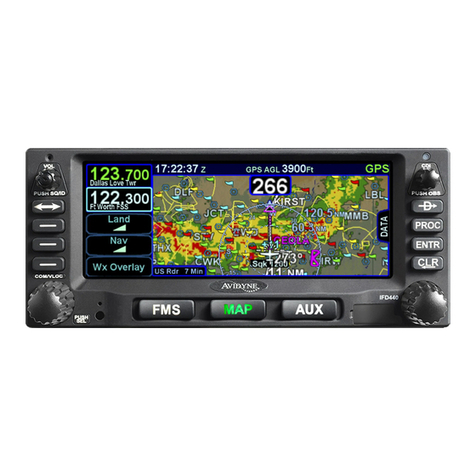
Avidyne IFD4 Series User manual

avidyne.com | 800.AVIDYNE
QUICK REFERENCE
IFD4XX
IFD440 FMS/GPS/NAV/COM
IFD410 FMS/GPS
IFD100 App for iPad

avidyne.com | 800.AVIDYNE
2
QuickReference IFD4XX
To move your cursor, either:
1. Turn the 6FMS knob (the outer ring scrolls through each box,
whereas the inner ring scrolls through the fields of each box), or
2. Utilize hybrid touch by tapping the screen on a waypoint
or in the blank space between waypoints.
Overview Diagram
1
12
6
11
10
9
8
7
2
4
5
3
13
14

3
1
2
3
4
5
6
7
8
9
10
11
12
13
14
Volume/Power/
Squelch Knob
CDI Nav Source
Active Waypoint
Standby Frequency*
Active Frequency*
Frequency Swap
(ip-op)
Direct To
Procedure
Enter (select)
Clear (delete)
FMS Knob (context-
sensitive: scroll, zoom/
push to select)
Line Select Keys
(LSK)
COM/NAV* Manual
Tuning Knob (Push for
NAV & Transponder)
Page Function Keys
(two-way rocker)
FMS, MAP, AUX
To start an FMS edit, either:
1. Press the 8ENTR function key,
2. Push the 6bottom right knob, or
3. Tap the screen in the same field twice.
* Applies to IFD440 only.

1 2 3
TAB
avidyne.com | 800.AVIDYNE
4
QuickReference IFD4XX
Following power-
on, the first time the
“FPL” tab of the FMS
page is accessed,
an empty flight plan
page is presented with
the origin waypoint
pre-populated.
We recommend to tap
the “Map” side tab to
view the moving Map
display while entering
your flight plan.
The origin will be the
closest airport to the
current GPS position,
or the airport from the
previous power down
if GPS position has
not locked on yet.
This FMS uses a database of published airways to quickly build
long flight plans. Here’s how: When a flight plan waypoint is a valid
airway entry point, a dropdown list of available airways appears.
Scroll to the desired exit point, and all intermediate intersections
along that airway are automatically populated into the flight plan.
FMS Flight Plan Introduction

1 2 3
TAB
5
Inserting a Waypoint
To add a waypoint
to your flightplan,
tap the empty
space where your
cursor is below
‘Origin.’ The IFD
will present a
new waypoint
with a suggested
identifier (powered
by Geofill™).
Use the right
knobs or tap
the identifier
to display
the QWERTY
keyboard in
order to enter
the waypoint
identifier.
Push the right
knob, press
ENTR, or tap
the ENTR key
on the QWERTY
keyboard to
enter the new
waypoint into
the flight plan.

Saving the Flight Plan
Once you have
entered a Flight
Plan that you
would like to save
for future use go
to the route tab
on the FMS page.
TAB
1 2 3 4
Highlight current
route then
select Copy in
the bottom left
of the screen.
You have now
saved the Flight
Plan as a route
for future use.
(You can also
cusomize the
name of the
route here).
Select ‘Back
to Route List.’
The route will
now be one of
your saved route
selections.
avidyne.com | 800.AVIDYNE
6
QuickReference IFD4XX

Activate a Stored Route TAB
To activate a route
from the stored routes
list, tap the desired
route to select.
1 2
To activate, press the
“Activate Route” LSK or
touch-screen button.
3
Then press the
“Activate Flight
Plan” LSK or touch-
screen button.
7

Direct-To Operation
Press the Direct-To
button to display a
green Direct-To dialog
box pre-populated
with a logical waypoint
(powered by Geofill™).
1 2 3
To enter a dierent
waypoint, tap the data
field in the top dialog
box. The QWERTY
keyboard appears for
you to enter the desired
waypoint identifier.
To approve, tap the
‘Activate’ dialog box to
select. Pressing ENTR
or the right knob can
also be used to confirm.
TAB
avidyne.com | 800.AVIDYNE
8
QuickReference IFD4XX

Selecting a Departure
To begin the process of
selecting a departure
procedure, tap on
the Origin box to
select. A ‘Departure’
field will appear.
Tap the ‘Departure’
field. A dropdown
list of available
departure procedures
will be displayed.
Select the transition
(departure Runway)
and push ENTR.
1 2 3
TAB
9

1 2
TAB
avidyne.com | 800.AVIDYNE
10
QuickReference IFD4XX
Selecting an Approach
To display the
Approach field of the
next destination, press
the “PROC” Function
key.* This will display a
dropdown list of available
published approaches.
*Pressing the “PROC” Function key a second time will move the cursor
over the Arrival field and present a drop down list of available published
arrivals. Each subsequent press of the “PROC” key will step through all
following destination airfield approaches/arrivals in the flight plan, and
wrap back around to the origin. When the drop down box appears over
the intended data field, tap the desired procedure to add to the flight plan.
To select the desired
Approach, twist
the FMS knob to
scroll, then push to
select, or tap the
highlighted selection.
3
To select the Transition,
twist the FMS knob
to scroll, then push
to select, or tap the
highlighted selection.
This manual suits for next models
3
Table of contents
Other Avidyne Avionic Display manuals

Avidyne
Avidyne Envision EX5000 Manual
Avidyne
Avidyne Entegra EX5000 Manual
Avidyne
Avidyne Entegra EXP5000 Installation and operating instructions
Avidyne
Avidyne 700-00182 Series Service manual
Avidyne
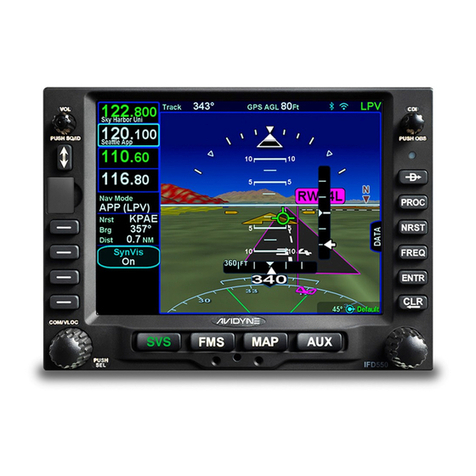
Avidyne IFD550 Manual
Avidyne
Avidyne IFD440 Manual

Avidyne
Avidyne Entegra EX5000 User manual
Avidyne
Avidyne IFD5 Series User manual
Avidyne
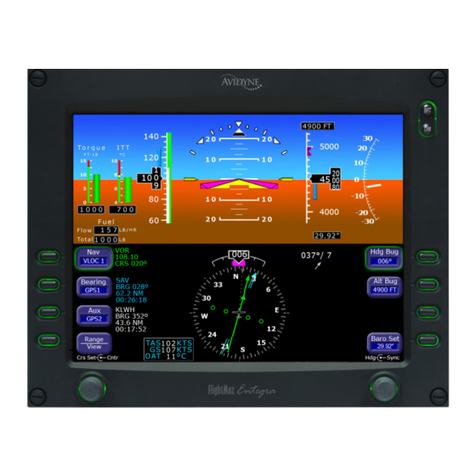
Avidyne Entegra EXP5000 Manual

Avidyne
Avidyne Envision EXP5000 Manual