manuals.online logo
Brands
  1. Home
  2. •
  3. Brands
  4. •
  5. AVLink
  6. •
  7. Amplifier
  8. •
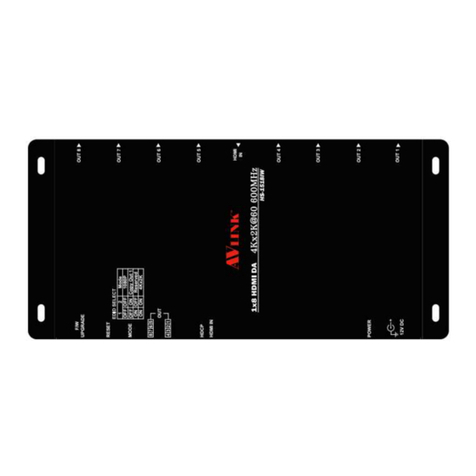
  9. AVLink HS-2314FS User manual

AVLink HS-2314FS User manual

This manual suits for next models

3

Other AVLink Amplifier manuals

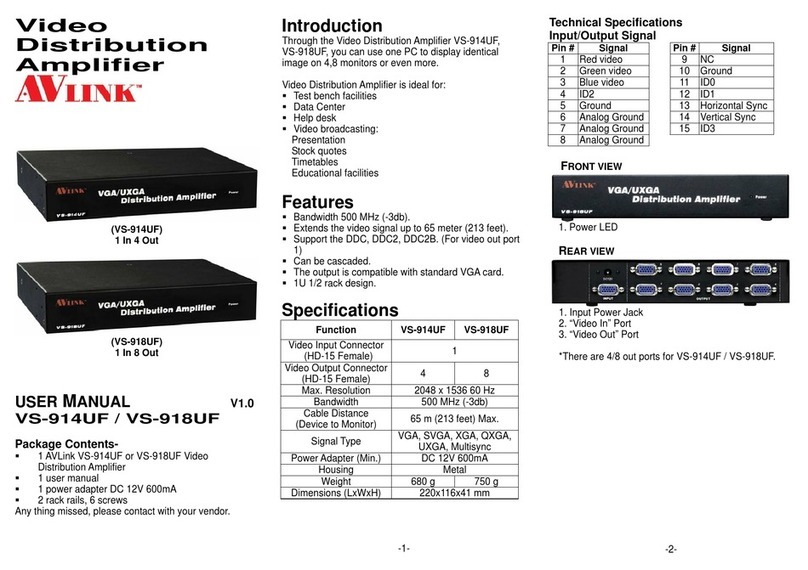
AVLink VS-914UF User manual

AVLink

AVLink VS-914UF User manual

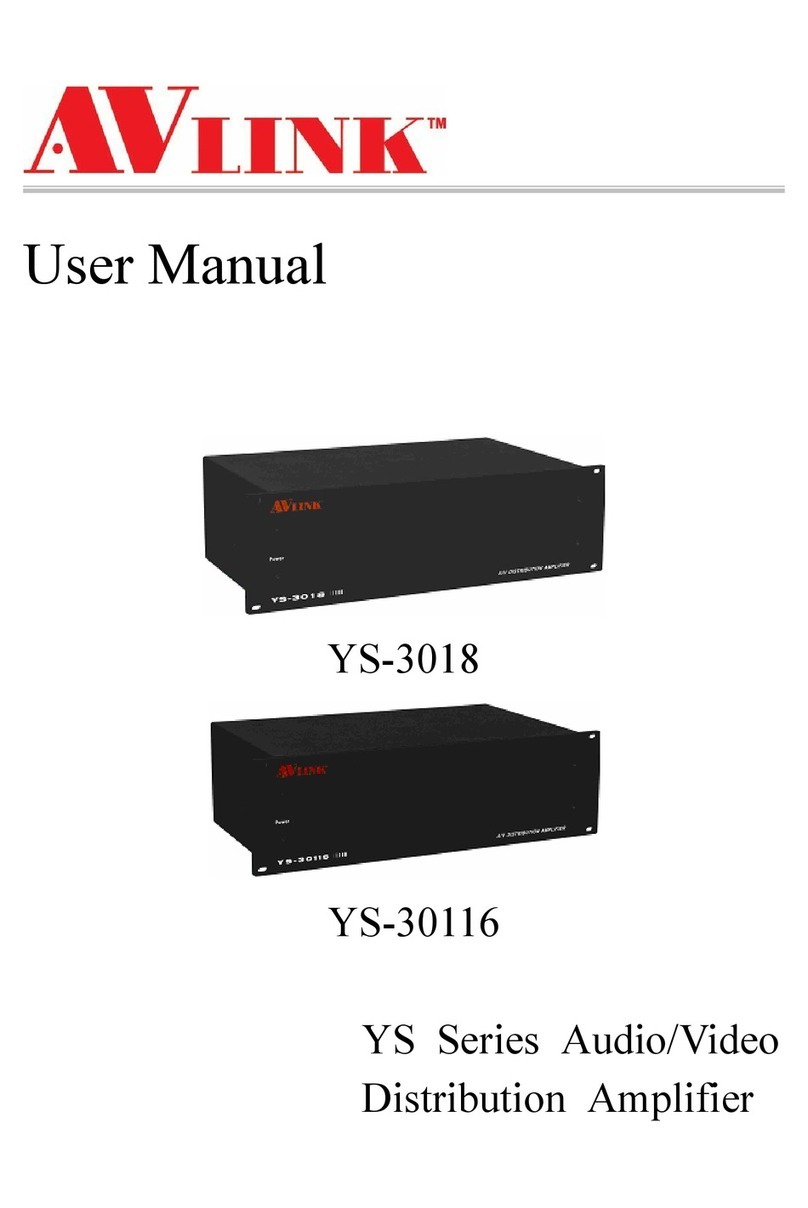
AVLink YS-30116 User manual

AVLink

AVLink YS-30116 User manual

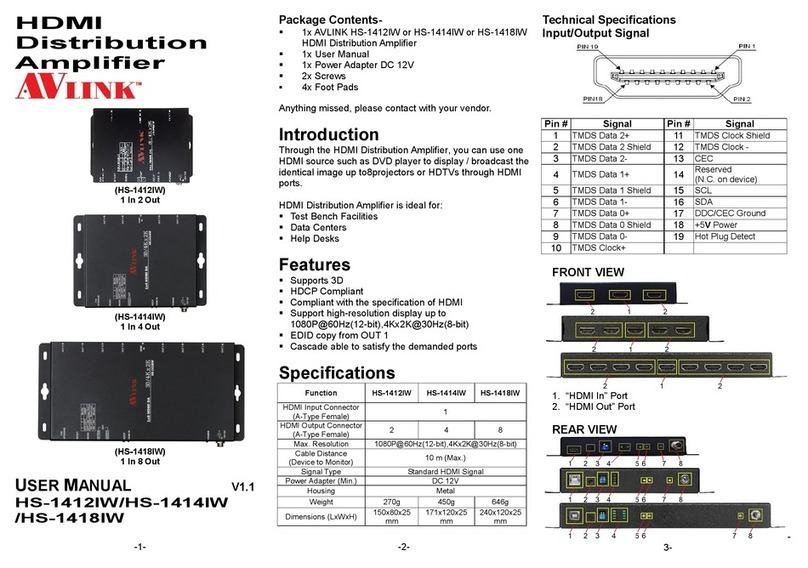
AVLink HS-1412IW User manual

AVLink

AVLink HS-1412IW User manual

AVLink 12S-104 User manual

AVLink

AVLink 12S-104 User manual

AVLink HDMI-E8 User manual

AVLink

AVLink HDMI-E8 User manual

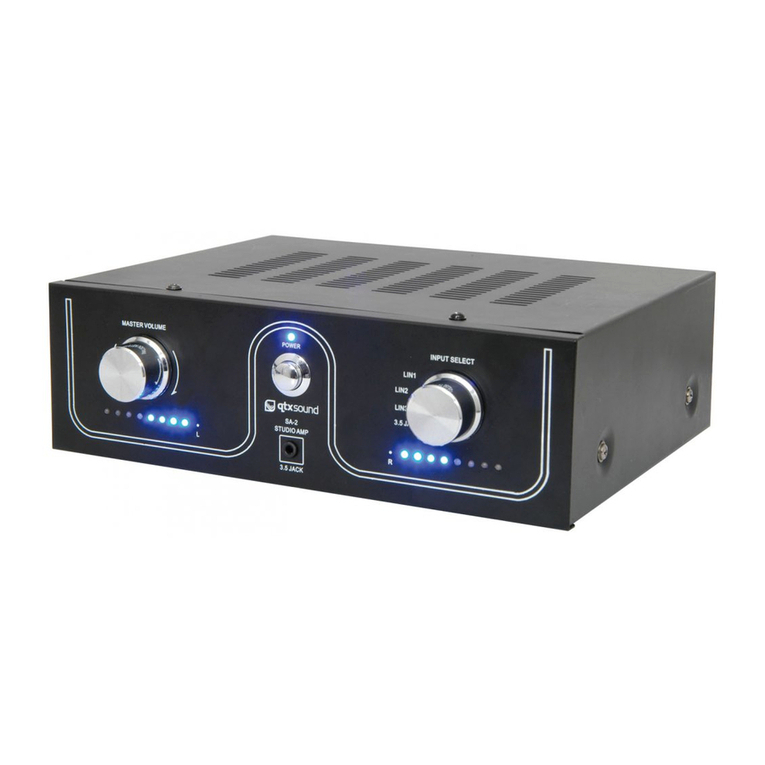
AVLink SA-2 User manual

AVLink

AVLink SA-2 User manual

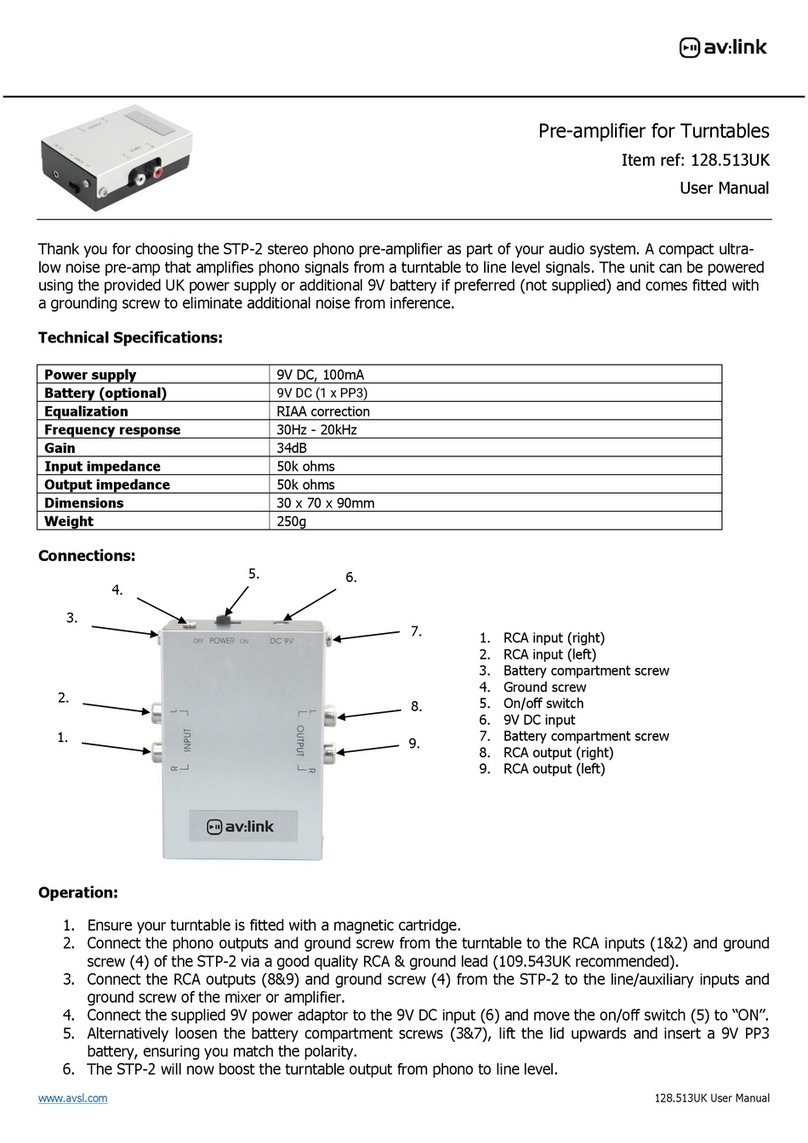
AVLink 128.513UK User manual

AVLink

AVLink 128.513UK User manual

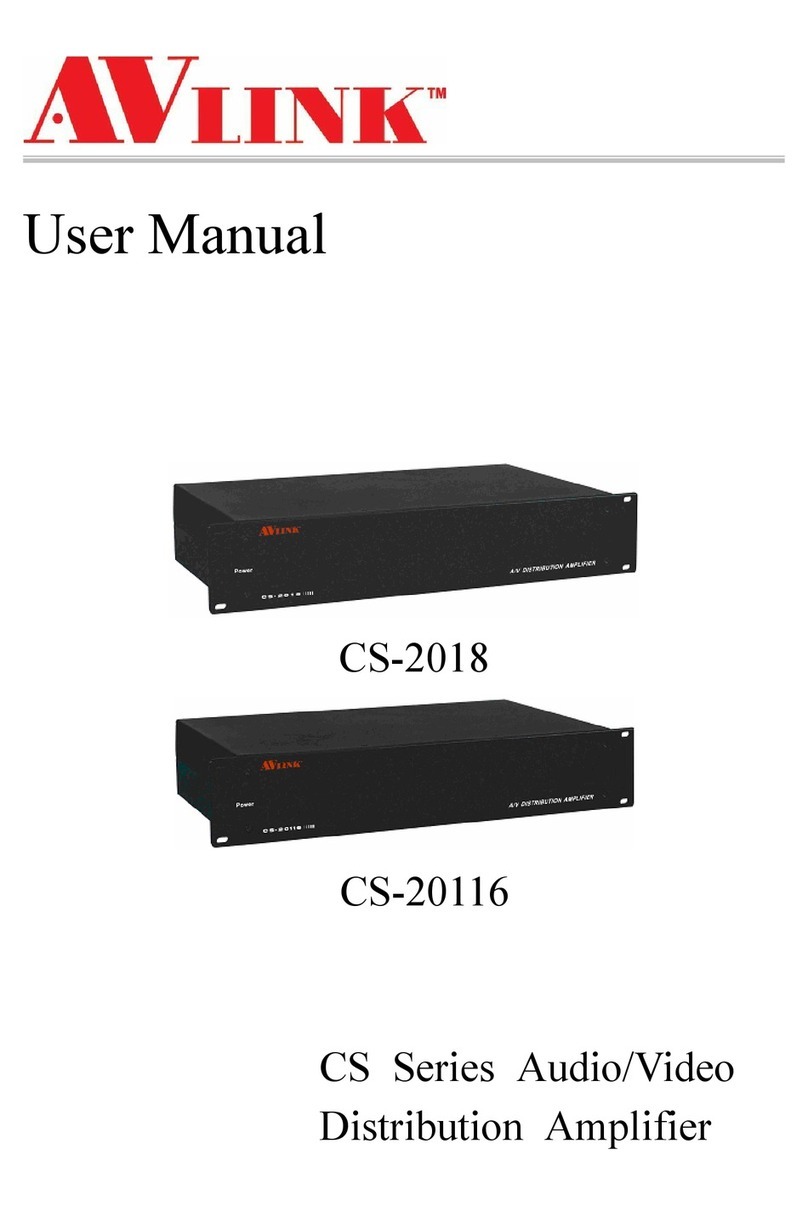
AVLink CS-2018 User manual

AVLink

AVLink CS-2018 User manual

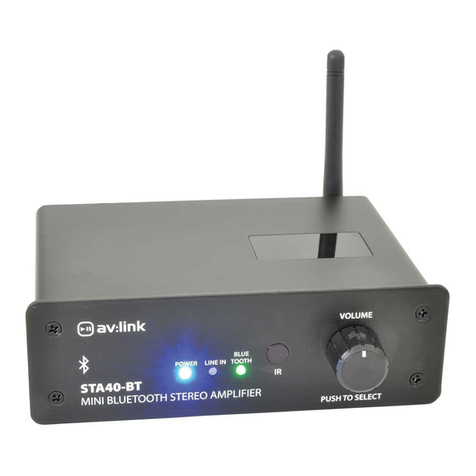
AVLink STA40-BT User manual

AVLink

AVLink STA40-BT User manual

AVLink HS-1512IW User manual

AVLink

AVLink HS-1512IW User manual

AVLink HS-E Series User manual

AVLink

AVLink HS-E Series User manual

AVLink 12G-SDI User manual

AVLink

AVLink 12G-SDI User manual

AVLink HS-1614W User manual

AVLink

AVLink HS-1614W User manual

AVLink HS-2414FS User manual

AVLink

AVLink HS-2414FS User manual

AVLink CVS-714A User manual

AVLink

AVLink CVS-714A User manual

AVLink BAS-913 User manual

AVLink

AVLink BAS-913 User manual

Popular Amplifier manuals by other brands

Magnat Audio EDITION FOUR Owner's manual/warranty document

Magnat Audio

Magnat Audio EDITION FOUR Owner's manual/warranty document

Inter-m PA-2000A Operation manual

Inter-m

Inter-m PA-2000A Operation manual

Yamaha TX6n owner's manual

Yamaha

Yamaha TX6n owner's manual

Peavey TNT 150 user guide

Peavey

Peavey TNT 150 user guide

Bosch LBB 1903/10 Installation and user instructions

Bosch

Bosch LBB 1903/10 Installation and user instructions

Avocent Emerge DA1200D Installer/user guide

Avocent

Avocent Emerge DA1200D Installer/user guide

Redgum RGi35 operating instructions

Redgum

Redgum RGi35 operating instructions

Cambridge Audio AXA25 user manual

Cambridge Audio

Cambridge Audio AXA25 user manual

Alpine MRP-M200 owner's manual

Alpine

Alpine MRP-M200 owner's manual

Technical Pro H1502UrBT user manual

Technical Pro

Technical Pro H1502UrBT user manual

FMS EMGZ307 operating manual

FMS

FMS EMGZ307 operating manual

Racal Instruments 5601 user manual

Racal Instruments

Racal Instruments 5601 user manual

Valcom V-1094A Technical specifications

Valcom

Valcom V-1094A Technical specifications

Cambridge Audio 851D user manual

Cambridge Audio

Cambridge Audio 851D user manual

QSC 3800 Specifications

QSC

QSC 3800 Specifications

NAD C300 owner's manual

NAD

NAD C300 owner's manual

Rotel RMB-1077 owner's manual

Rotel

Rotel RMB-1077 owner's manual

Peavey Monitor 300 Series operating guide

Peavey

Peavey Monitor 300 Series operating guide

manuals.online logo
manuals.online logoBrands
  • About & Mission
  • Contact us
  • Privacy Policy
  • Terms and Conditions

Copyright 2025 Manuals.Online. All Rights Reserved.

HDMI
Distribution
Amplifier
(HS-2312FS)
1 In 2 Out
(HS-2314FS)
1 In 4 Out
(HS-2318FS)
1 In 8 Out
(HS-2328FS)
2 In 8 Out
USER MANUAL V1.1
HS-2312FS / HS-2314FS
/ HS-2318FS / HS-2328FS
Package Contents-
1 AVLINK HS-2312FS or HS-2314FS or HS-2318FS or
HS-2328FS HDMI Distribution Amplifier
1 user manual
1 HDMI 1.8M cable (Male to Male)
1 power adapter DC 12V 600mA for HS-2312FS,
HS-2314FS
1 AC power cord for HS-2318FS, HS-2328FS
2 rack rails, 8 screws for HS-2314FS only
2 rack rails, 6 screws for HS-2318FS, HS-2328FS
Any thing missed, please contact with your vendor.
Introduction
Through the HDMI DistributionAmplifier, you can use one
DVD player/TV receiver to display identical image on 2,4,8
projectors or HDTV by HDMI port.
HDMI Distribution Amplifier is ideal for:
Test bench facilities
Data Center
Help desks
Features
Use PanelLink digital technology.
Compliant with the specification of HDMI.
Support high-resolution display up to UXGA, 480p, 480i,
720p, 1080i, 1080p, deep color up 12 bits.
2 HDMI input and select one to all output (displays) by
switch key on front panel (HS-2328FS only).
Can be cascaded.
1U rack design for HS-2314FS, HS-2318FS,
HS-2328FS.
Specifications
Function HS-2312FS HS-2314FS HS-2318FS HS-2328FS
HDMI Input Connector
(A-Type Female) 1 2
HDMI Output Connector
(A-Type Female) 2 4 8
Max. Resolution UXGA, 1080p (12Bits)
Cable Distance
(Device to Monitor) 10 m (Max.)
Signal Type Standard HDMI Signal
Power Adapter (Min.) DC 12V 600mA AC 100~240V
Housing Metal
Weight 620 g 975 g 2340 g 2360 g
Dimensions (LxWxH)
mm 200x75x45 269x104
x45 440x185x45
-1-
Technical Specifications
Input/Output Signal
Pin # Signal Pin # Signal
1 TMDS Data 2+ 11 TMDS Clock Shield
2 TMDS Data 2 Shield 12 TMDS Clock -
3 TMDS Data 2- 13 CEC
4 TMDS Data 1+ 14 Reserved
(N.C. on device)
5 TMDS Data 1 Shield 15 SCL
6 TMDS Data 1- 16 SDA
7 TMDS Data 0+ 17 DDC/CEC Ground
8 TMDS Data 0 Shield 18 +5 Power
9 TMDS Data 0- 19 Hot Plug Detect
10 TMDS Clock+
FRONT VIEW
1. Power LED
REAR VIEW
1. Input Power Jack
2. “HDMI In” Port
3. “HDMI Out” Port
*There are 2/4/8 out ports for HS-2312FS / HS-2314FS
/ HS-2318FS (HS-2328FS).
-2-

Installation
1. Turn off the DVD player/TV receiver and monitors.
2. Connect the HDMI male extension cable between the
DVD player/TV receiver and the “HDMI In” port of
Distribution Amplifier.
3. Connect the HDMI male/female extension cables
between the monitors and the “HDMI Out” ports of
Distribution Amplifier.
4. Connect the power cord and turn on the Distribution
Amplifier.
5. Turn on the DVD player/TV receiver and monitors.
Note:
Have to install all TVs with the same resolution limited.
We suggest user connect TV from “HDMI Out 1” first.
Because Distribution Amplifier will simulation EDID from
“HDMI Out 1”.
We suggest user connect source equipment to
DistributionAmplifier by 1.8M cable for better video
quality.
Operation for cascade:
1. The function to display identical image on more
monitors, you have to attach another Distribution
Amplifier.
2. Connect the HDMI male/female extension cable
between the former DistributionAmplifier of the “HDMI
Out 1” port and the latter Distribution Amplifier of the
“HDMI In” port.
Note:
Even though you are allowed to cascade the Distribution
Amplifier with varied ports, the image might become
unstable if cascade too many tiers of DistributionAmplifier.
-3-
P.S.: The example cascades the 2 and 4 ports Distribution
Amplifier; however, you can cascade the HDMI Distribution
Amplifier with demanded port.
© C&C TECHNIC TAIWAN CO., LTD. All rights reserved.
Trademarks:
All the companies, brand names, and product names
referred to this manual are the trademarks or
registered trademarks belonging to their respective
companies.
-4-