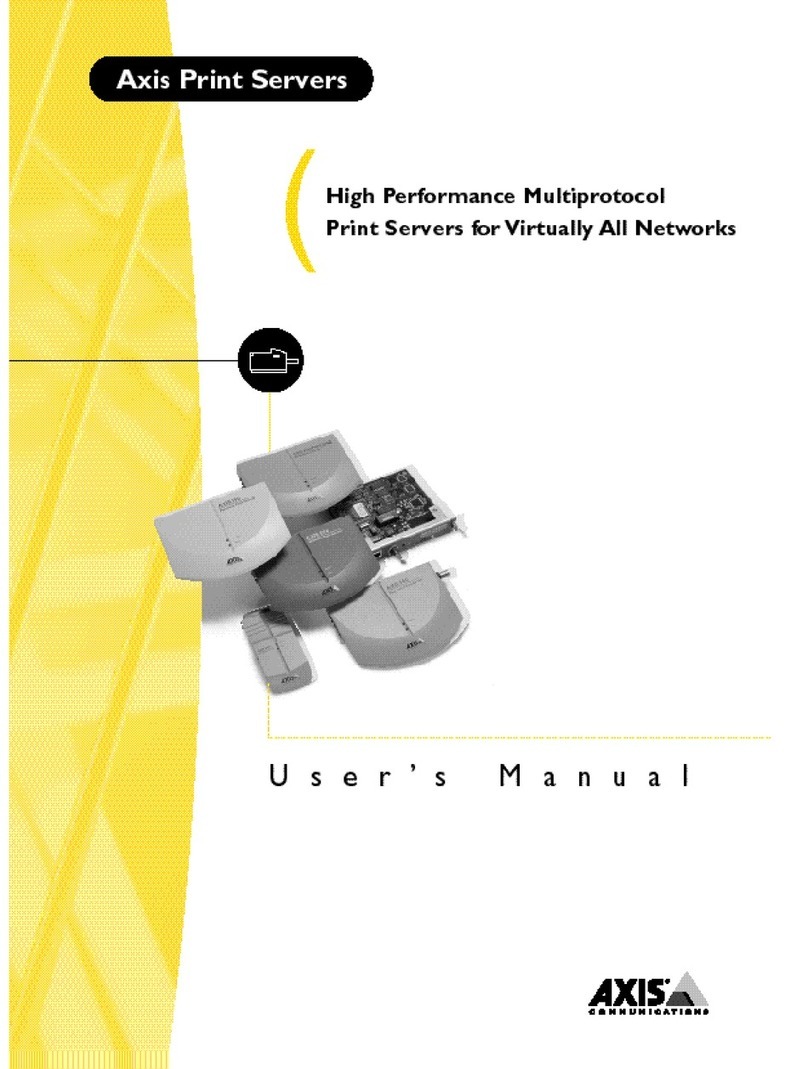
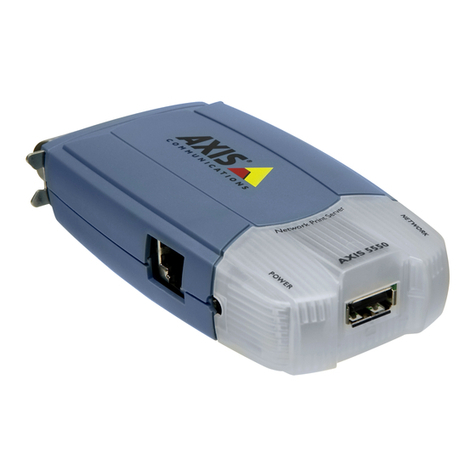
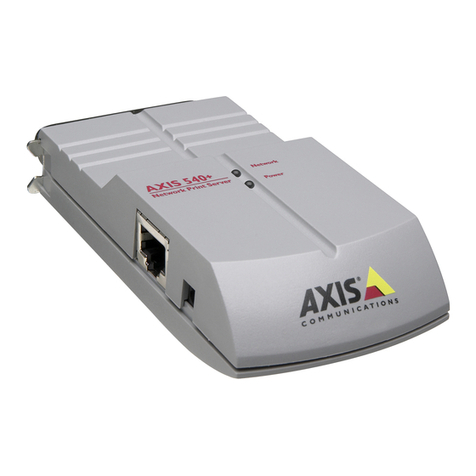
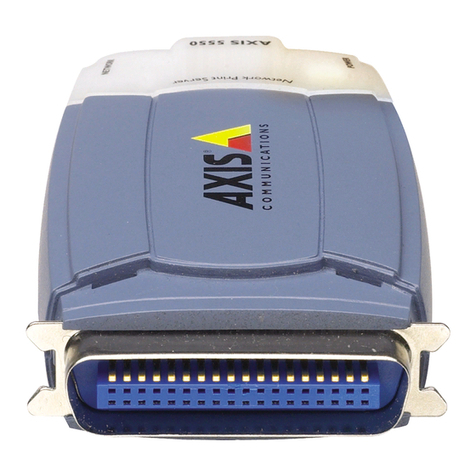
Axis 5600+ User manual

NetWare
UNIX Windows
OS/2
Macintosh
AXIS 5600+ User’s Manual 1
AXIS 5600+
Network Print Server
User’s Manual

NetWare
UNIX Windows
OS/2
Macintosh
AXIS 5600+ User’s Manual
2
Notices
Please take some time to read through the safety notices before installing the AXIS 5600+.
Caution! - must be observed to avoid loss of data or damage to your equipment.
Important: - must be observed to avoid operational impairment.
Do not proceed beyond any of the above notices unless you have taken appropriate measures!
USA This equipment has been tested and found to comply with the limits for a Class B digital device, pursuant to Part
15 of the FCC Rules. These limits are designed to provide reasonable protection against harmful interference in a
residential installation. This equipment generates, uses and can radiate radio frequency energy and, if not
installed and used in accordance with the instructions, may cause harmful interference to radio
communications. However, there is no guarantee that interference will not occur in a particular installation. If
this equipment does cause harmful interference to radio or television reception, which can be determined by
turning the equipment off and on, the user is encouraged to try to correct the interference by one or more of the
following measures:
- reorient or relocate the receiving antenna
- increase the separation between the equipment and receiver
- connect the equipment into an outlet on a circuit different from that to which the receiver is connected
- consult the dealer or an experienced radio/TV technician for help. Shielded (STP) network cables must be used
with this unit to ensure compliance with the class B limits..
Europe This digital equipment fulfils the requirements for radiated emission according to limit B of EN55022, and the
requirements for immunity according to EN55024 residential, commercial, and light industry. Compliance is
not valid for unshielded network cables.
Japan This is a class B product based on the standard of the Voluntary Control Council for Interference from
Information Technology Equipment (VCCI). If this is used near a radio or television receiver in a domestic
environment, it may cause radio interference. Install and use the equipment according to the instruction
manual. Compliance is not valid for unshielded network cables.
Australia This electronic device meets the requirements of the Radio communications (Electromagnetic Compatibility)
Standard 1998 AS/NZS 3548. Compliance is not valid for unshielded network cables.
Liability Every care has been taken in the preparation of this manual; if you detect any inaccuracies or omissions,
please inform your local Axis office, which can be found on the cover of this document. Axis Communications
AB cannot be held responsible for any technical or typographical errors and reserves the right to make
changes to the product and manuals without prior notice. Axis Communications AB makes no warranty of
any kind with regard to the material contained within this document, including, but not limited to, the
implied warranties of merchantability and fitness for a particular purpose. Axis Communications AB shall not
be liable nor responsible for incidental or consequential damages in connection with the furnishing,
performance or use of this material.
Axis’ Trademarks AXIS IP JumpStarter, AXIS ThinWizard, axinstall, AXIS Print Monitor.
Other Trademark
Acknowledgments
Adobe Acrobat Reader, Aix, Apple, ARP, BOOTP, Debian, Ethernet, EtherTalk, IBM, LAN Manager, LAN Server,
Macintosh, Microsoft, Novell NetWare, OS/2, OS/400, AS/400, Red Hat, Solaris, SuSe, UNIX/Linux, Windows,
are registered trademarks of the respective holders.
Support Services Should you require technical assistance, please contact your Axis dealer. If your questions cannot be
answered immediately, your Axis dealer will forward your queries through the appropriate channels to ensure
you a rapid response. If you are connected to the Internet, you can find on-line manuals, technical support,
software updates, application software, corporate information, etc. at http://www.axis.com/techsup/
Patent information Axis AB has intellectual property rights relating to technology embodied in the product that is described in
this document. In particular, and without limitation, these intellectual property rights may include one or

NetWare
UNIX Windows
OS/2
Macintosh
AXIS 5600+ User’s Manual 3
more of the patents listed at http://www.axis.com/patent.htm and one or more additional patents or pending
patent applications in the US and other countries.
Note:
Use Axis power supplies only!
AXIS 5600+ version 1: A41208 (PS-D)
AXIS 5600+ version 2: SA120A-0530x-C (PS-H) or SA10-0515x (PS-F)
To determine which print server version you have, please check the product number located
on the underside label of the AXIS 5600+:
version 1 - 0129-xxx-01
version 2 - 0129-xxx-02
AXIS 5600+ User’s Manual Revision1.1
Part No: 19107 Date: June 2003
For firmware release 6.34 and up
Copyright © Axis Communications AB 2003

AXIS 5600+ User’s Manual
44
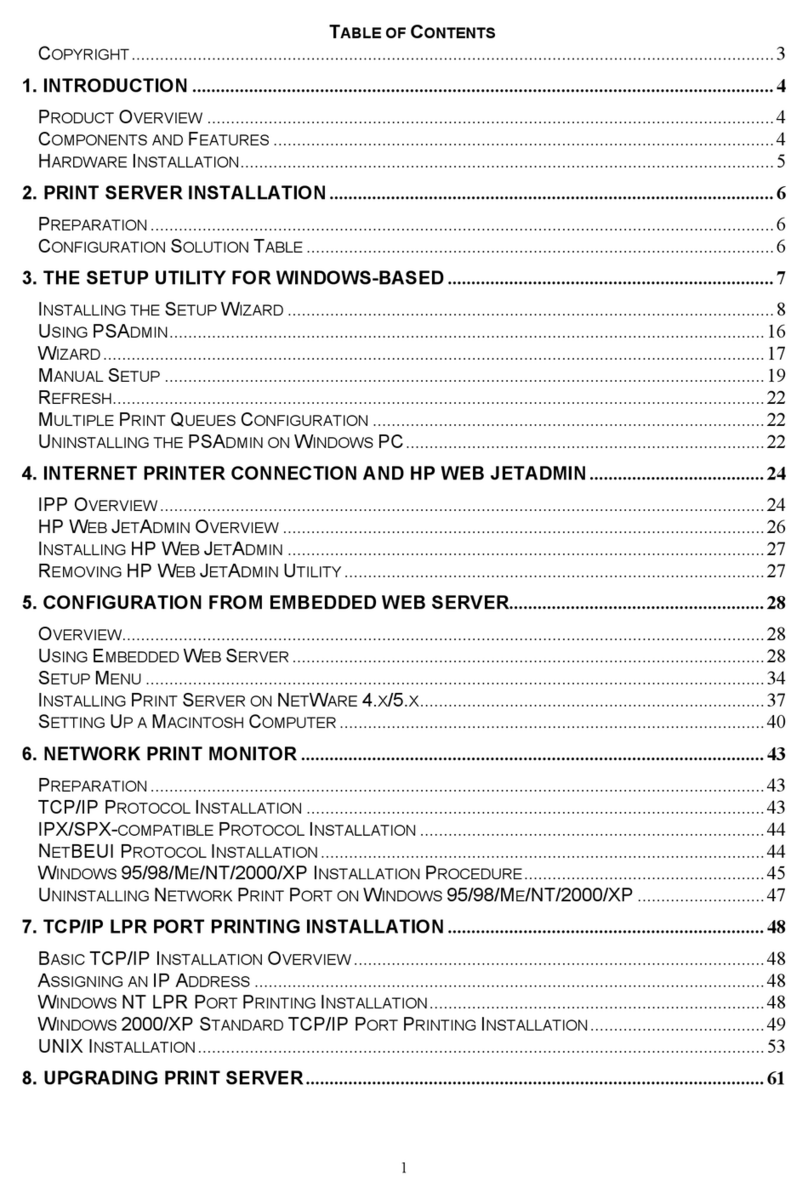
Table of Contents
Table of Contents . . . . . . . . . . . . . . . . . . . . . . . . . . . . . . . . . . . . .4
Introduction . . . . . . . . . . . . . . . . . . . . . . . . . . . . . . . . . . . . . . . . .7
Where to use it . . . . . . . . . . . . . . . . . . . . . . . . . . . . . . . . . . 8
How to use it . . . . . . . . . . . . . . . . . . . . . . . . . . . . . . . . . . . 9
Features and Benefits . . . . . . . . . . . . . . . . . . . . . . . . . . . 10
Preface . . . . . . . . . . . . . . . . . . . . . . . . . . . . . . . . . . . . . . . . . . . . .12
About this manual . . . . . . . . . . . . . . . . . . . . . . . . . . . . . . 12
About Axis . . . . . . . . . . . . . . . . . . . . . . . . . . . . . . . . . . . . . 12
Support services . . . . . . . . . . . . . . . . . . . . . . . . . . . . . . . . 14
Product Overview . . . . . . . . . . . . . . . . . . . . . . . . . . . . . . . . . . . . .15
Package Contents . . . . . . . . . . . . . . . . . . . . . . . . . . . . . . . 15
AXIS Network Product CD . . . . . . . . . . . . . . . . . . . . . . . . 16
AXIS 5600+ Physical Description . . . . . . . . . . . . . . . . . . 17
Basic Installation . . . . . . . . . . . . . . . . . . . . . . . . . . . . . . . . . . . . .19
Getting Started . . . . . . . . . . . . . . . . . . . . . . . . . . . . . . . . . 19
Connecting the Hardware . . . . . . . . . . . . . . . . . . . . . . . . 20
Assigning an IP address . . . . . . . . . . . . . . . . . . . . . . . . . . 22
Installation Guide . . . . . . . . . . . . . . . . . . . . . . . . . . . . . . . 35
Setting Up - Windows . . . . . . . . . . . . . . . . . . . . . . . . . . . . . . . . .37
TCP/IP printing in Windows 2000 and Windows XP . . . 38
TCP/IP and NetBIOS/NetBEUI Printing from AXIS Print Monitor 39
Using the Microsoft LPD monitor with Windows . . . . . 47
Setting Up - NetWare . . . . . . . . . . . . . . . . . . . . . . . . . . . . . . . . .53
Setup using NDPS . . . . . . . . . . . . . . . . . . . . . . . . . . . . . . 54
Setup using iPrint . . . . . . . . . . . . . . . . . . . . . . . . . . . . . . . 74

AXIS 5600+ User’s Manual 5
5
Basic Setup with AXIS NetPilot . . . . . . . . . . . . . . . . . . . 80
Advanced Installation using AXIS NetPilot . . . . . . . . . . 83
Basic Queue-based printing over IP . . . . . . . . . . . . . . . . 87
Setting Up - OS/2 . . . . . . . . . . . . . . . . . . . . . . . . . . . . . . . . . . . . .93
TCP/IP Printing . . . . . . . . . . . . . . . . . . . . . . . . . . . . . . . . . 94
NetBIOS/NetBEUI Printing . . . . . . . . . . . . . . . . . . . . . . . . 95
Setting Up - Macintosh . . . . . . . . . . . . . . . . . . . . . . . . . . . . . . . .99
Installation in Mac OS X . . . . . . . . . . . . . . . . . . . . . . . . . 99
Installation Using the Chooser Window . . . . . . . . . . . 100
Choosing a Printer . . . . . . . . . . . . . . . . . . . . . . . . . . . . . 100
Setting Up - UNIX . . . . . . . . . . . . . . . . . . . . . . . . . . . . . . . . . . . .106
Recommended Print Tools . . . . . . . . . . . . . . . . . . . . . . . 106
Installation in the UNIX Environment using axinstall 113
Print Methods on TCP/IP Networks . . . . . . . . . . . . . . . 116
Management & Configuration . . . . . . . . . . . . . . . . . . . . . . . . . .119
Using a Web browser . . . . . . . . . . . . . . . . . . . . . . . . . . . 120
Using AXIS ThinWizard for Print Server Management 127
Using AXIS NetPilot . . . . . . . . . . . . . . . . . . . . . . . . . . . . 130
Using FTP . . . . . . . . . . . . . . . . . . . . . . . . . . . . . . . . . . . . . 137
Using Telnet . . . . . . . . . . . . . . . . . . . . . . . . . . . . . . . . . . 140
Using SNMP . . . . . . . . . . . . . . . . . . . . . . . . . . . . . . . . . . 143
Print Server Features . . . . . . . . . . . . . . . . . . . . . . . . . . . . . . . . . .145
Auto-IP . . . . . . . . . . . . . . . . . . . . . . . . . . . . . . . . . . . . . . 145
E-mail Notification . . . . . . . . . . . . . . . . . . . . . . . . . . . . 146
IPP - Internet Printing Protocol . . . . . . . . . . . . . . . . . . 147
Using Logical Printers to Customize your Printing . . . 159
Multi-Language Support . . . . . . . . . . . . . . . . . . . . . . . . 168
Network Speed . . . . . . . . . . . . . . . . . . . . . . . . . . . . . . . . 169
Web Flash-Loading . . . . . . . . . . . . . . . . . . . . . . . . . . . . 170

AXIS 5600+ User’s Manual
66
Upgrading the Software . . . . . . . . . . . . . . . . . . . . . . . . . . . . . . .171
Obtaining the Updated Software . . . . . . . . . . . . . . . . . 171
Upgrading the Firmware . . . . . . . . . . . . . . . . . . . . . . . . 172
Test Button . . . . . . . . . . . . . . . . . . . . . . . . . . . . . . . . . . . . . . . . . .176
The Parameter List . . . . . . . . . . . . . . . . . . . . . . . . . . . . . . . . . . . .178
Technical Specifications . . . . . . . . . . . . . . . . . . . . . . . . . . . . . . .187
Glossary . . . . . . . . . . . . . . . . . . . . . . . . . . . . . . . . . . . . . . . . . . . . .191
Index . . . . . . . . . . . . . . . . . . . . . . . . . . . . . . . . . . . . . . . . . . . . . . .195

NetWare
UNIX Windows
OS/2
Macintosh
AXIS 5600+ User’s Manual 7
Introduction
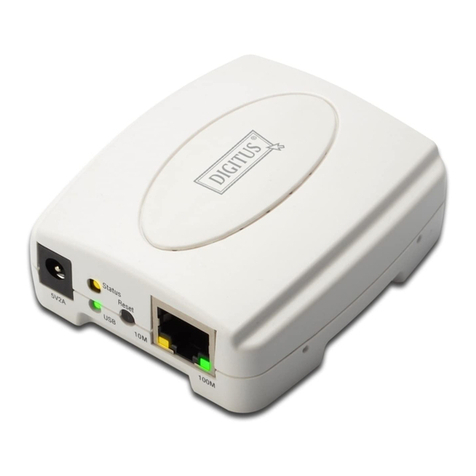
Based on ThinServer technology, the AXIS 5600+ allows you to share
your available printer resources with everyone on your network. You
can connect your AXIS 5600+ directly to any standard printer.
The AXIS 5600+ print server
Note: If your printer supports the mini-Centronics standard, a centronics-
to-mini-centronics cable must be used.
6
+

NetWare
UNIX Windows
OS/2
Macintosh
AXIS 5600+ User’s Manual
8
Where to use it
Supported
Environments
The AXIS 5600+ is the ideal print server in mixed environments as it
can communicate with all the major computer systems and network
protocols including:
•Windows
• Windows clients connected to LANtastic networks
• NetWare
•UNIX
•OS/2
•Macintosh
• Internet/intranet via any Web browser with JavaScript
support
Parallel
Serial Parallel
+

NetWare
UNIX Windows
OS/2
Macintosh
AXIS 5600+ User’s Manual 9
How to use it
Installation and
Integration
The installation of the AXIS 5600+ and its integration into the
network is performed using one of the methods listed below. All Axis
client software is available from the AXIS Network Product CD and
from the Axis Communications web site at http://www.axis.com:
• AXIS Print Monitor (Windows 95/98, NT, Me)
• AXIS NetPilot™ (NetWare - IPX)
• AXIS Print Utility for OS/2
• axinstall (UNIX)
• AXIS Gateway Configuration Utility
• AXIS Print Utility for Windows (Windows 3.1 and WfW)
Notes: The AXIS 5600+ can be installed in the Macintosh environment
without any Axis client software.
The AXIS 5600+ can be installed in NetWare - Pure IP environments
with the NetWare Administrator.
Configuration and
Management
As the AXIS 5600+ comprises a built-in Web server, it can be
configured and managed directly from its internal Web pages, using
HTTP over TCP/IP. Access to the AXIS 5600+ via a Web browser offers
you a platform-independent management tool that is suitable for all
supported network environments.
In TCP/IP networks you can also use AXIS ThinWizard, which provides
you with remote management capabilities for your AXIS ThinServer
devices.
If your network does not support TCP/IP, you can use AXIS NetPilot to
configure and manage the AXIS 5600+. AXIS NetPilot supports
communication via IPX/SPX and NetBIOS/NetBEUI.

NetWare
UNIX Windows
OS/2
Macintosh
AXIS 5600+ User’s Manual
10
Features and Benefits
Reliability The AXIS 5600+ print server provides high performance and reliability
combined with low power consumption. The electronic circuits are
based on the AXIS ETRAX 100LX chip, which comprises an integrated
32 bit RISC processor and associated network controllers.
Flexibility The AXIS 5600+ supports printing in all major computer systems and
environments, including five different print methods in the TCP/IP
environment. The integrated IPP (Internet Printing Protocol) function
allows for printing over the Internet.
Speed The AXIS ETRAX 100LX chip has been specifically designed for LAN
products and benefits users with a faster throughput than a direct
PC-to-printer connection. With a sustained data throughput of more
than 1 Mbyte per second, the AXIS 5600+ is fast. High speed
Centronics communication such as ECP, Hewlett-Packard Fast Mode,
High Speed and IBM Fast Byte is supported.
Easy to Install Using the available Axis installation tools, you can install the AXIS
5600+ into any of the supported networking environments in just a
few minutes.
Security You can assign passwords to restrict both login and printer access.
Monitoring The AXIS 5600+ internal Web pages allow you to continuously
monitor printer status.
AXIS NetPilot software allows you to monitor printer status.
AXIS Print Monitor can be configured to display pop-up messages
that show the status of peer-to-peer print jobs.
The AXIS 5600+ supports SNMP for remote monitoring.
Other manuals for 5600+
4
Table of contents
Other Axis Print Server manuals

Axis
Axis 5400+ User manual

Axis
Axis Print Server 5470e User manual

Axis
Axis 27980R1 User manual

Axis
Axis 5600+ User manual

Axis
Axis C1440AXIS - Axis 1440 Print Server User manual

Axis
Axis OfficeBasic USB Wireless User manual

Axis
Axis 540 series User manual

Axis
Axis OfficeBasic Parallel User manual

Axis
Axis 140 BJC User manual

Axis
Axis 140 BJC User manual