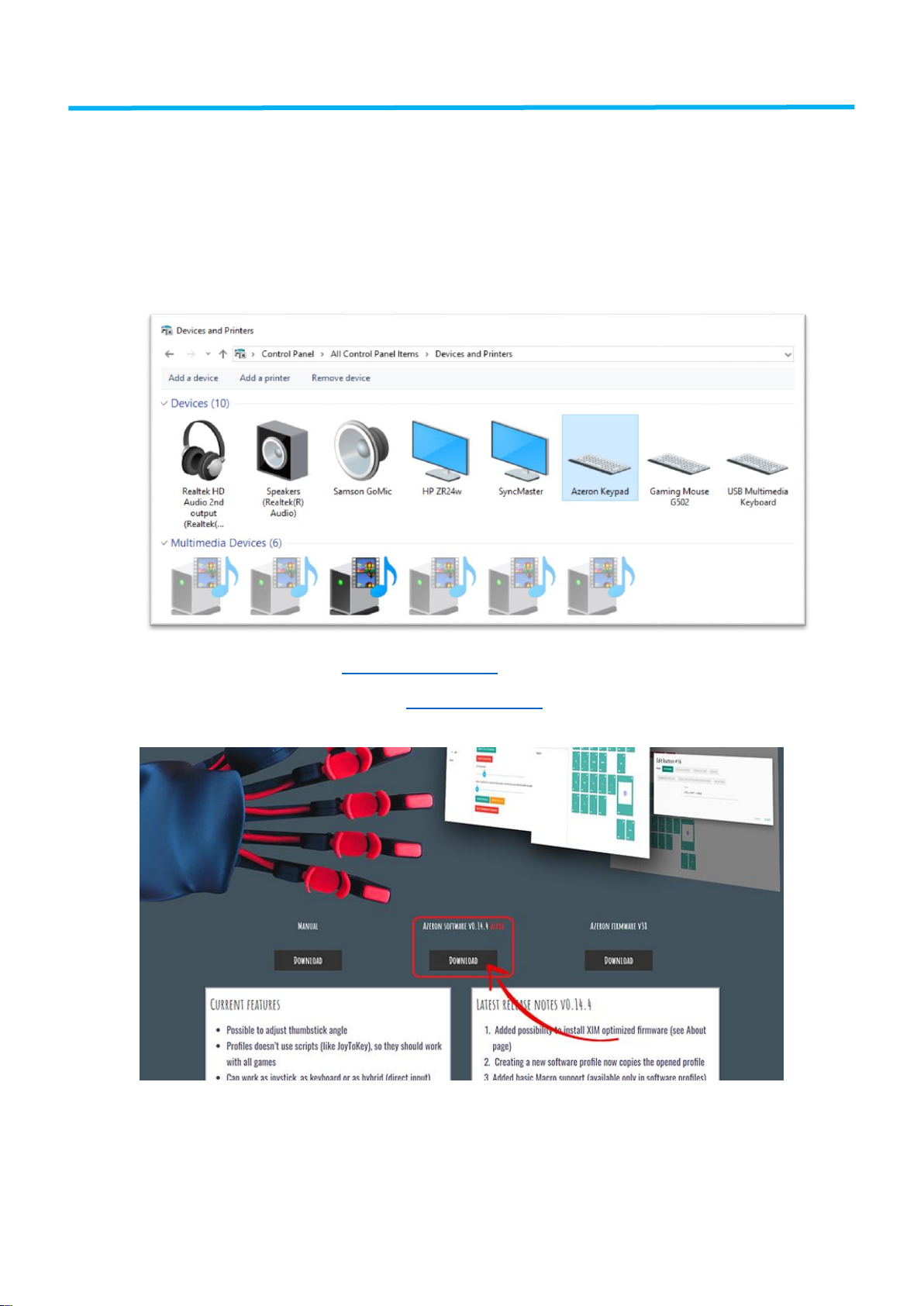
installer. This is because it’s a new program to them. You can check out the installer by using
VirusTotal and satisfy yourself before you install.
Double click on azeron-setup-v0.14.4.exe to install it. Sometimes Windows may prevent
installation, because it is a new software it doesn’t recognize:
Just click on the “More info”and then on “Run anyway”.
After that, the software will start to install. When it’s done, there will be a shortcut icon on
Desktop and in the Start menu.
6.2 WORKING WITH SOFTWARE
Plug in the keypad USB cable in PC and then launch the Azeron software.
In case the Azeron software doesn’t show profiles in onboard memory and a lot of features
are missing in About page, then you should close the software, unplug USB cable, wait until
Windows no longer see the keypad, then plug in back the USB cable, turn on software again.
Here you can see comparison. In first picture the software does not recognize the keypad fully
(missing profiles in On-board memory). In second picture the software has all the features.