1.
2.
3.
4.
5.
6.
7.
1.
2.
1.
2.
1.
2.
3.
4.
5.
Connect to the IP Former's web user interface
Navigate to UPDATE from the top bar
Click on "Please click here to start the update"
In the following page click on "Browse", locate the TAR package you just downloaded on your PC and open it
Click on "Upload" - Wait few minutes while the process moves forward. Do not switch off the device while the process is
ongoing
When finished the message "Update completed" appears
The device automatically reboots, wait for the boot to complete and then click on the home button and refresh the page
(empty the cache of your browser to display correctly the new application)
8 Restore factory defaults
Sometimes it's useful to restore factory defaults. In example if a device acts weirdly or it's not reachable anymore from the network
because of wrong settings. There 2 reset methods available on the IP Former:
Soft reset from web user interface
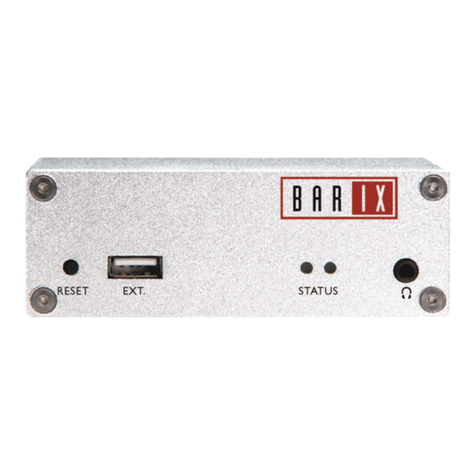
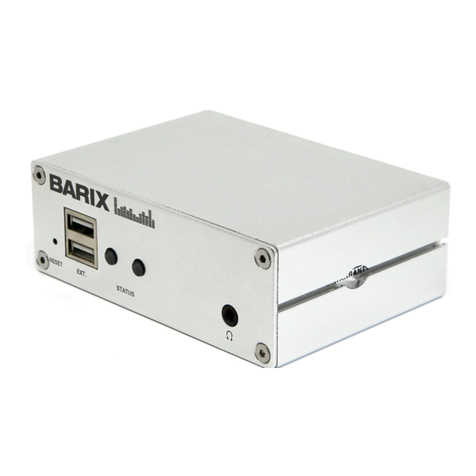
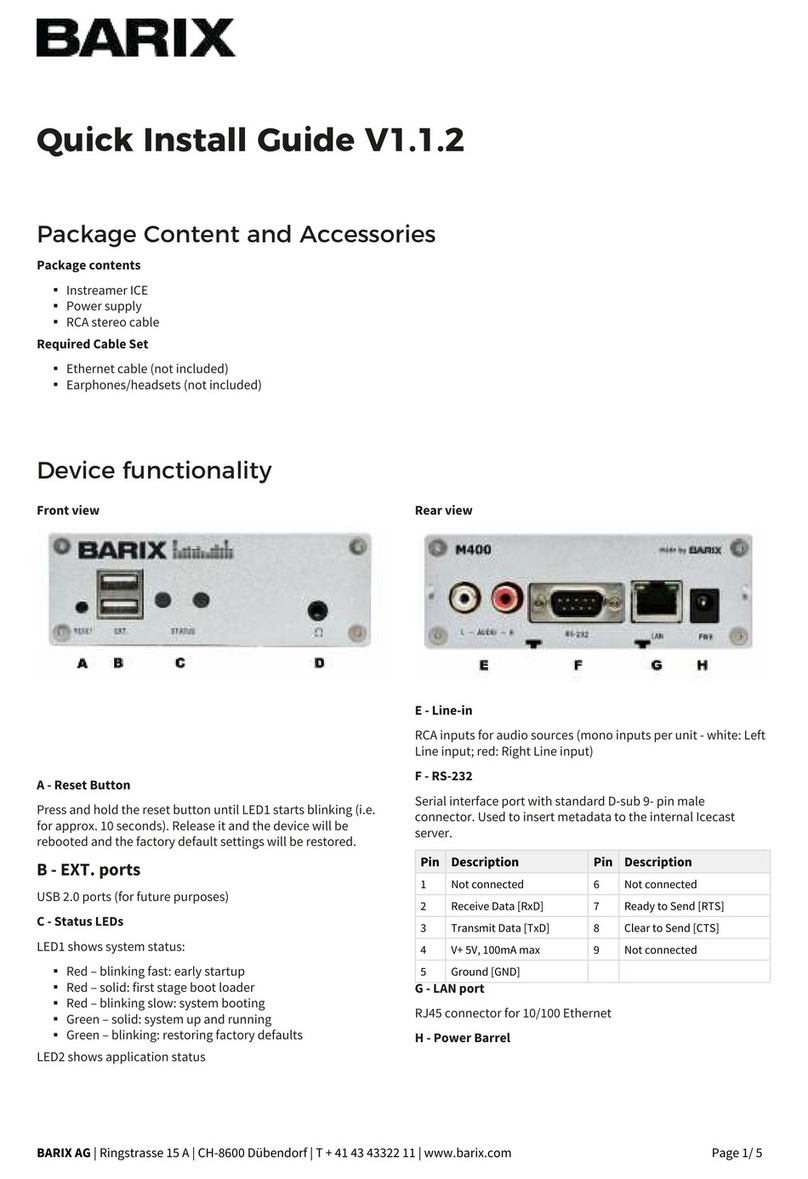
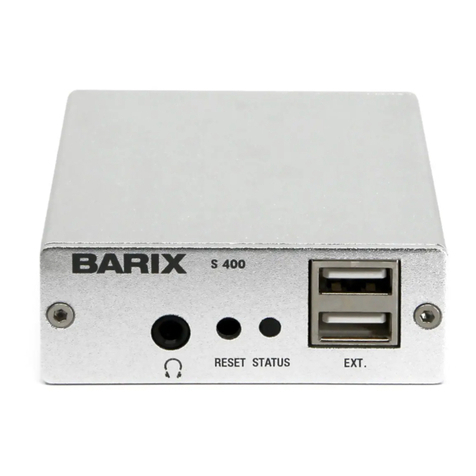
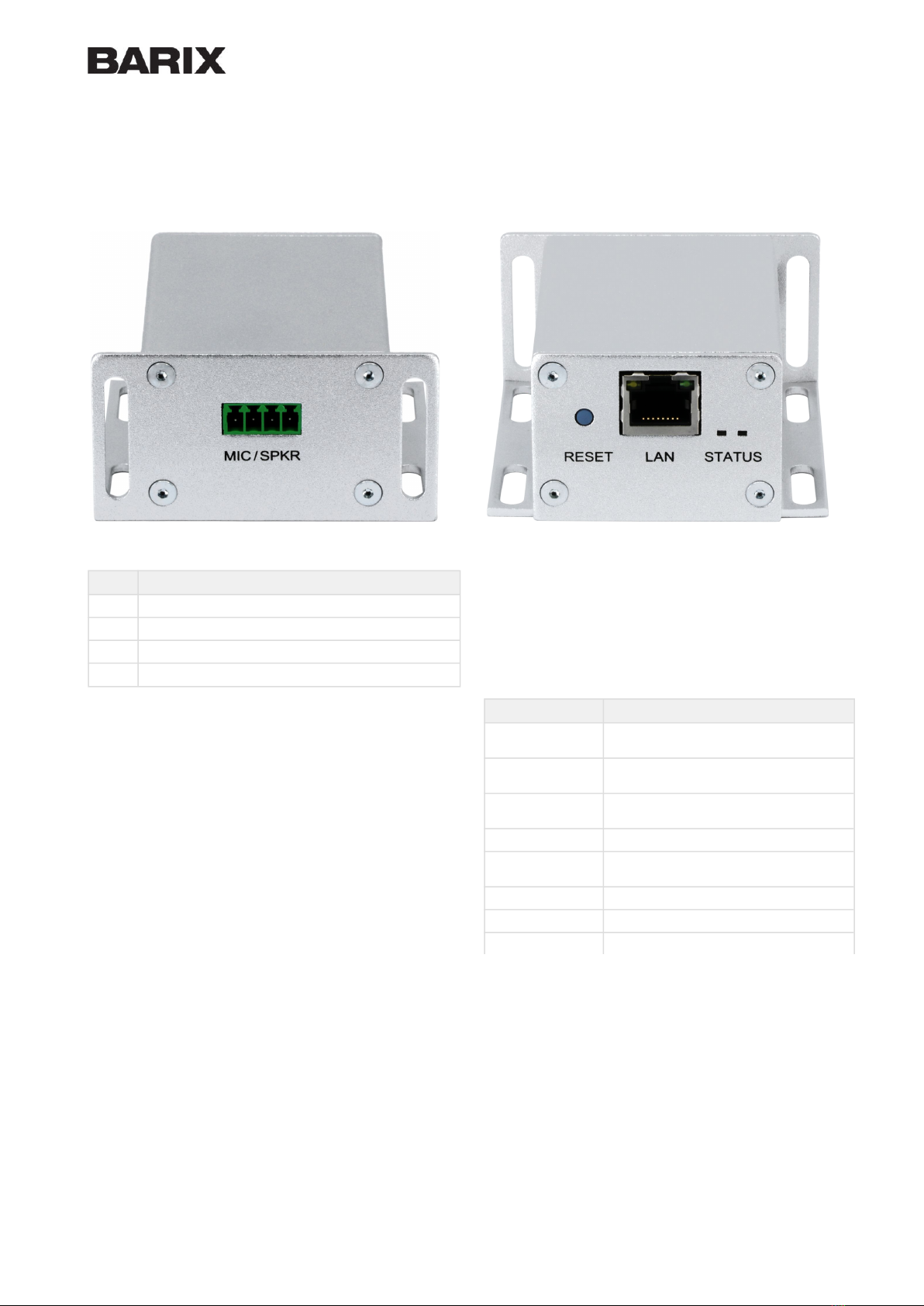
Hard reset from the front Reset button on the device
Soft Reset from web user interface
Connect to the web user interface of the IP Former and navigate to the DEFAULTS tab
Click on Reset Factory Defaults to perform a reset of the device
Hard Reset
A hard reset restore all values and settings on the IP Former. To perform a hard reset:
Switch on the IP Former
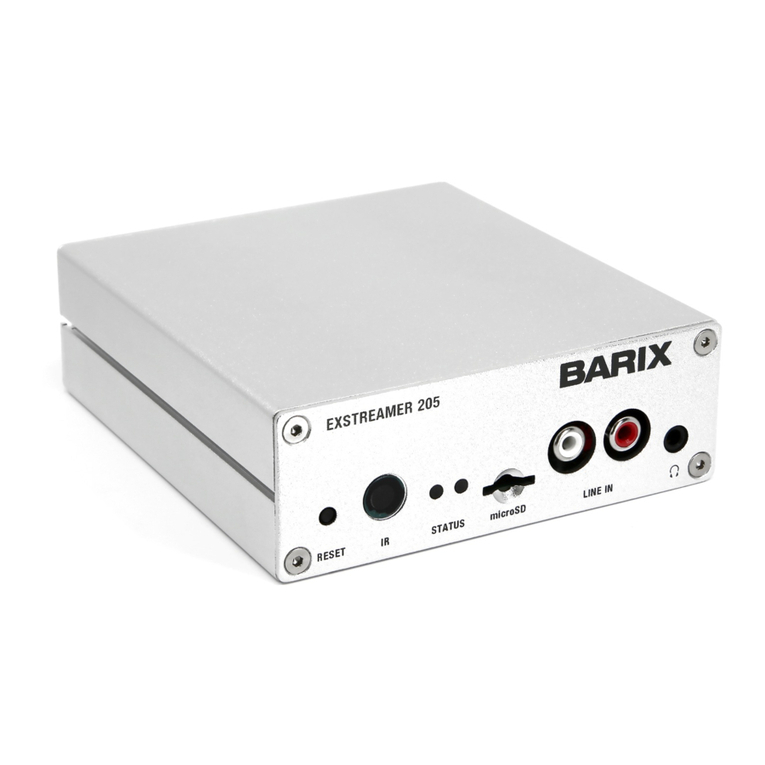
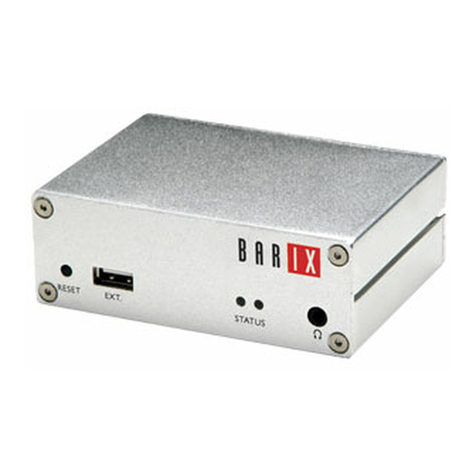
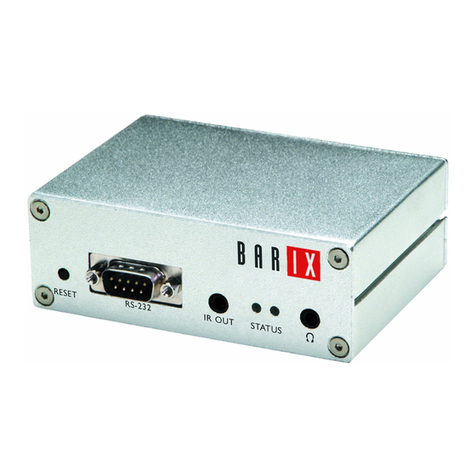
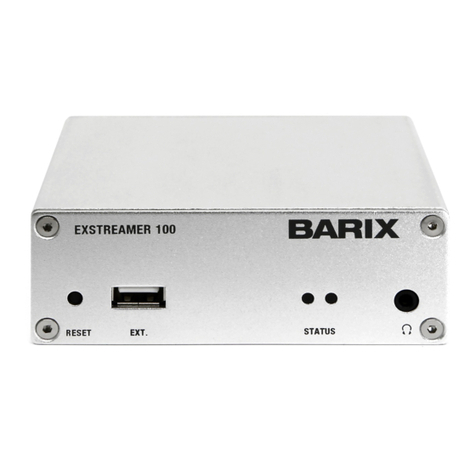
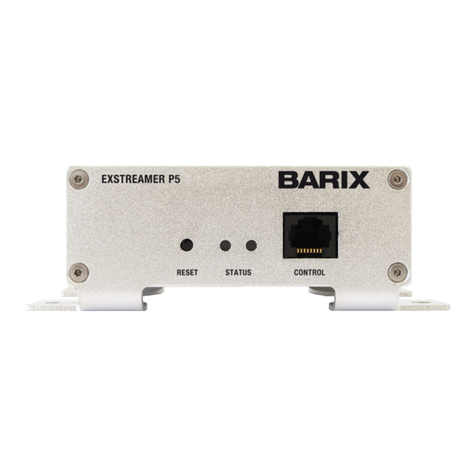
Press the reset button located in the front panel of the device and keep it pressed for approximately 10 seconds. Help yourself
with a pointy tool.
The green LED blinks fast for 3 times meaning it started the reset operation
Wait until the process is completed, the device reboots, you can see it from the front LED becoming red and then green again
Network settings have been restored, the IP address might be changed, listen to the SonicIP®announced over the audio output
IMPORTANT: After an update is good practice to empty and reload the page of your browser to clear eventual cached
settings and values. Check how to do that in your web browser settings.
For Chrome: Press F12 (this will open developer tools) →Right click on the RELOAD button →Select "Empty Cache and
Hard Reload"
A soft reset restore all parameters except network settings. To reset completely the device including network settings
perform a Hard Reset