oMake sure that it has been installed by a suit ably qualified
person, as per t he inform at ion cont ained in Baum at ic’s
inst allat ion inst ruct ions.
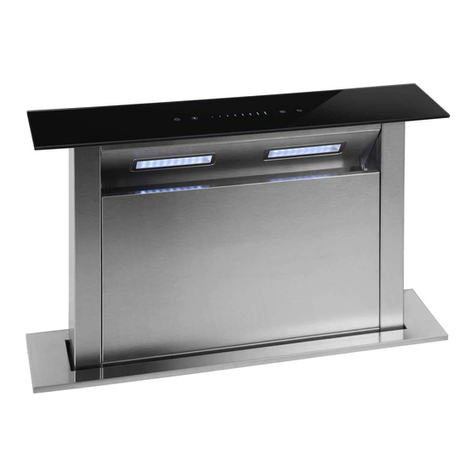
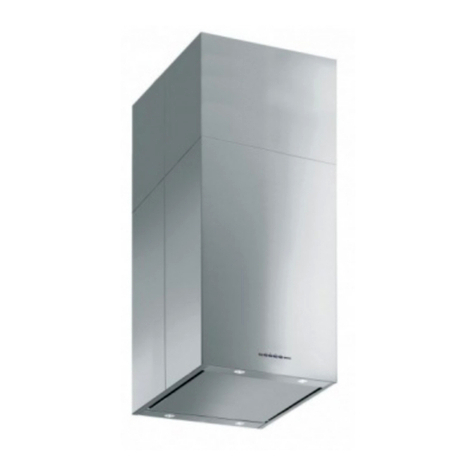
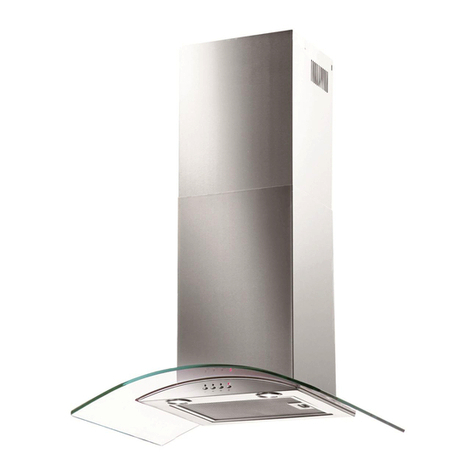
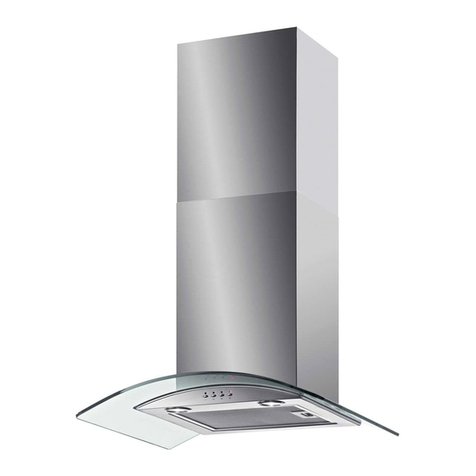
oFind the cont rol panel, which is locat ed at t he front right hand
side of the canopy.
oThere are several but tons on t he cont rol panel, which perform
separat e funct ions.
I MPORTAN T: I D EALLY YOU SH OULD TURN ON YOUR
H OOD TEN M I N UTES BEFORE YOU START TO COOK.
OR AT TH E VERY LEAST W H EN YOU BEGI N COOKI N G.
YOU SH OULD ALSO RUN YOUR HOOD FOR TEN
M I N UTES AFTER YOU H AVE FI N I SH ED COOKI N G.
Se t t ing t he t im e of d ay ( P3 6 BGL, OM BRA3 .1 SS/ BL/ R/ W )
I M PORTAN T: Aft er t he cooker hood is connected to t he power
supply, t he t im e of day should be set. However it is only possible to
set t he t im e if t he light is not swit ched on and t he cooker hood fan
is not running.
oPress and hold the t im er but t on unt il t he hour digit s of t he LED
display flash.
oUse t he speed selection butt on to increase the hour num ber
shown on the LED display and the light ON/ OFF but ton t o
decrease the hour num ber shown on the LED display.
oI f “ 23” appears on t he LED display, t he speed selection but t on
will no longer operat e and if “ 00” appears on t he LED display,
the light ON/ OFF but t on will no longer operat e.
oWhen the correct hour digit s appear on the LED display, press
and hold the tim er but ton unt il the m inut e digits of the LED
display flash.
oUse t he speed select ion button to increase the m inut e num ber
shown on t he LED display or t he light ON/ OFF but t on t o decrease
the m inut e num ber shown on the LED display.
oI f “ 59” appears on t he LED display, t he speed selection but t on
will no longer operat e and if “ 00” appears on t he LED display,
the light ON/ OFF but t on will no longer operat e.
oWhen the correct m inut e digits appear on the LED display, press
the tim er but ton for a third tim e to confirm the tim e of day.
10