manuals.online logo
Brands
  1. Home
  2. •
  3. Brands
  4. •
  5. Behringer
  6. •
  7. Microphone
  8. •
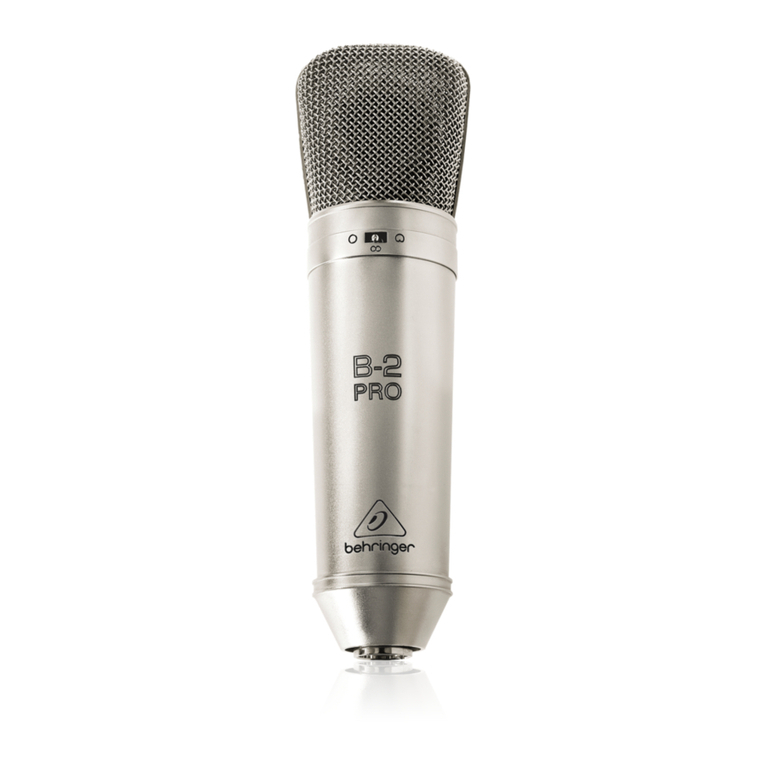
  9. Behringer B-2 User manual

Behringer B-2 User manual

Other Behringer Microphone manuals

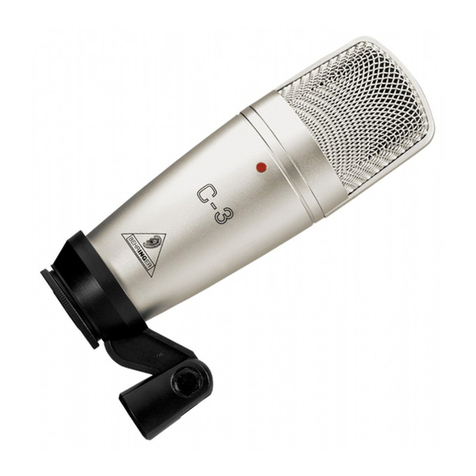
Behringer C-3 User manual

Behringer

Behringer C-3 User manual

Behringer C-3 User manual

Behringer

Behringer C-3 User manual

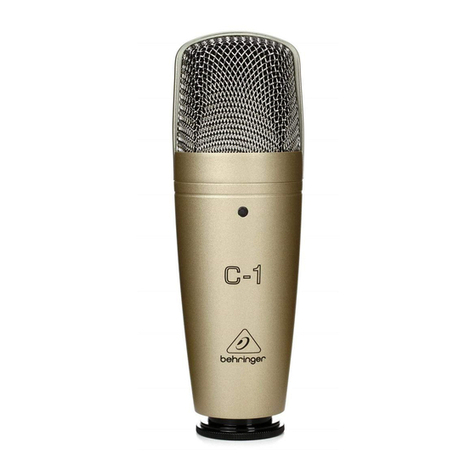
Behringer C-1 User manual

Behringer

Behringer C-1 User manual

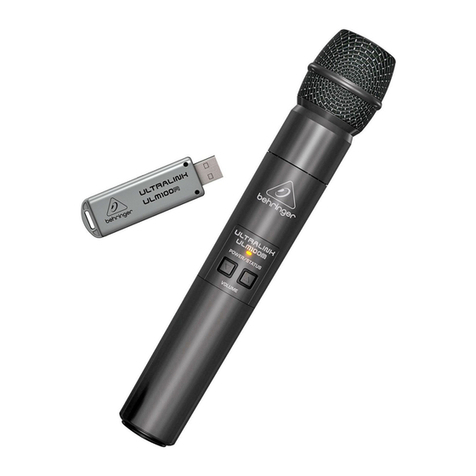
Behringer ULTRALINK ULM200USB User manual

Behringer

Behringer ULTRALINK ULM200USB User manual

Behringer Monitor Speakers MS16 User manual

Behringer

Behringer Monitor Speakers MS16 User manual

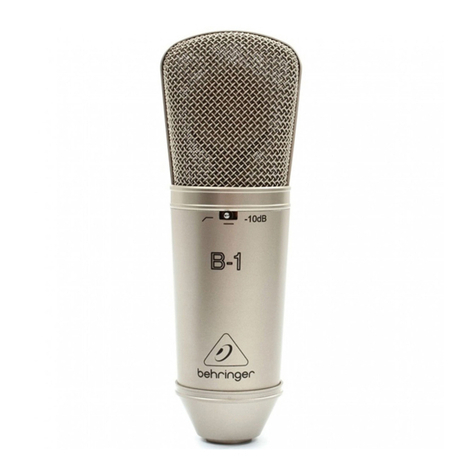
Behringer B-1 User manual

Behringer

Behringer B-1 User manual

Behringer BC1200 User manual

Behringer

Behringer BC1200 User manual

Behringer B-1 User manual

Behringer

Behringer B-1 User manual

Behringer C-4 User manual

Behringer

Behringer C-4 User manual

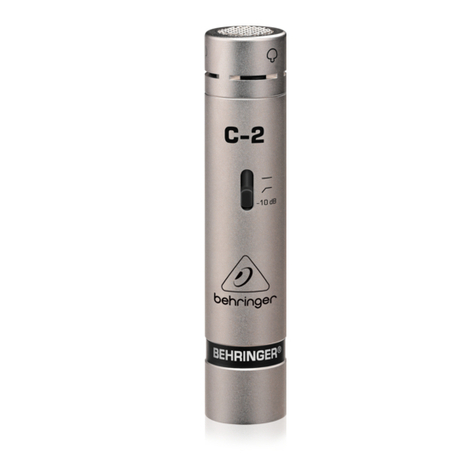
Behringer C-2 User manual

Behringer

Behringer C-2 User manual

Behringer ULTRAVOICE XM8500 User manual

Behringer

Behringer ULTRAVOICE XM8500 User manual

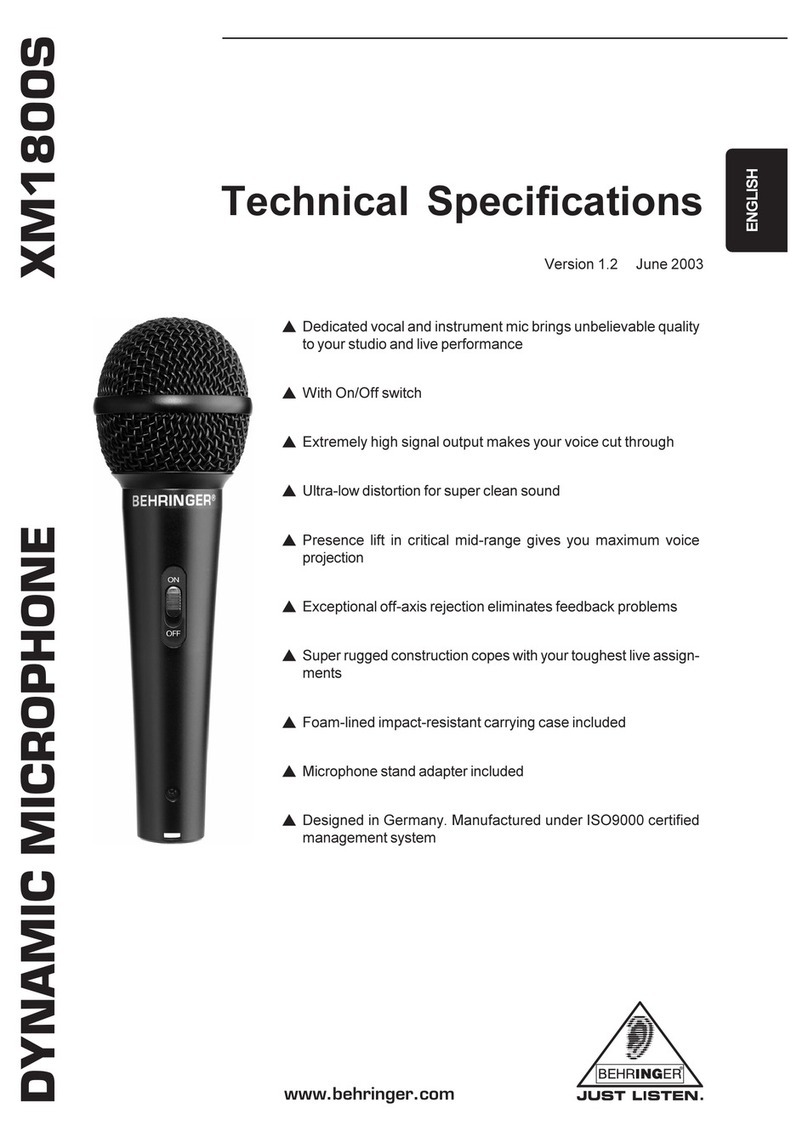
Behringer XM1800S User manual

Behringer

Behringer XM1800S User manual

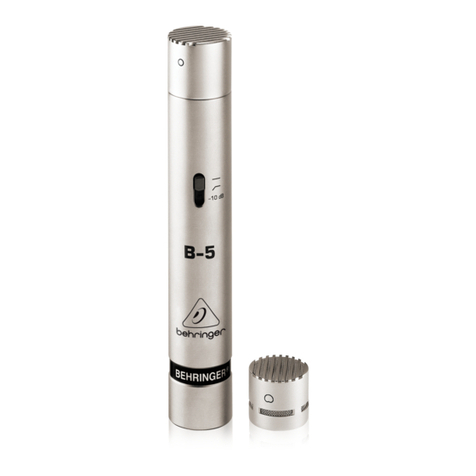
Behringer B-5 User manual

Behringer

Behringer B-5 User manual

Behringer B-5 User manual

Behringer

Behringer B-5 User manual

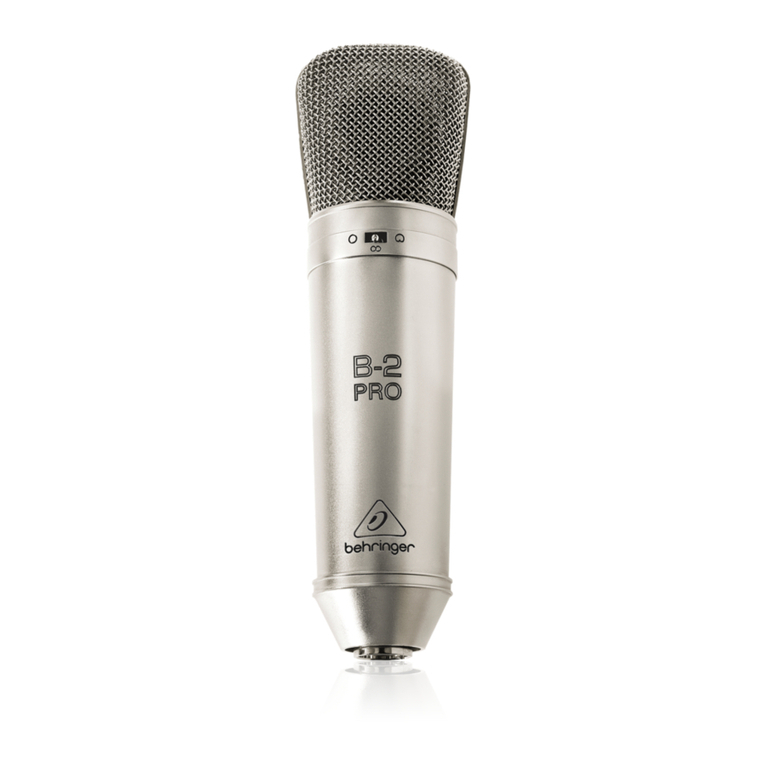
Behringer B-2 Pro User manual

Behringer

Behringer B-2 Pro User manual

Behringer T-1 User manual

Behringer

Behringer T-1 User manual

Behringer T-47 Installation guide

Behringer

Behringer T-47 Installation guide

Behringer C-3 User manual

Behringer

Behringer C-3 User manual

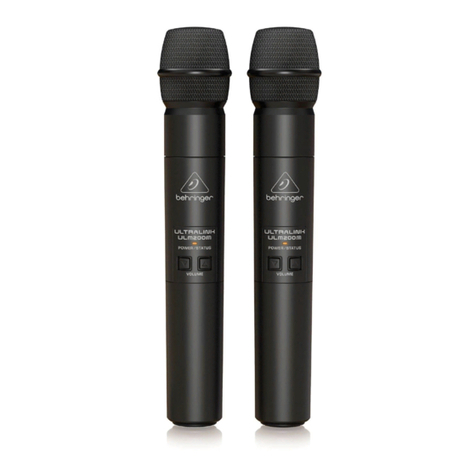
Behringer ULTRALINK ULM202USB User manual

Behringer

Behringer ULTRALINK ULM202USB User manual

Behringer XM1800S User manual

Behringer

Behringer XM1800S User manual

Behringer ULTRALINK ulm300USB User manual

Behringer

Behringer ULTRALINK ulm300USB User manual

Behringer STUDIO CONDENSER MICROPHONES C-2 User manual

Behringer

Behringer STUDIO CONDENSER MICROPHONES C-2 User manual

Behringer Monitor Speakers MS16 User manual

Behringer

Behringer Monitor Speakers MS16 User manual

Behringer T-47 User manual

Behringer

Behringer T-47 User manual

Popular Microphone manuals by other brands

Betzold 760932 operating instructions

Betzold

Betzold 760932 operating instructions

Shure A88SM user guide

Shure

Shure A88SM user guide

JTS UF-10TH/12 instruction manual

JTS

JTS UF-10TH/12 instruction manual

Shure BETA 58A User giude

Shure

Shure BETA 58A User giude

Shure SM7 user guide

Shure

Shure SM7 user guide

Sony ECM-Z200 Service manual

Sony

Sony ECM-Z200 Service manual

Electro-Voice 652 engineering data

Electro-Voice

Electro-Voice 652 engineering data

mantona 21150 instruction manual

mantona

mantona 21150 instruction manual

Loewe We. SEE 55 user manual

Loewe

Loewe We. SEE 55 user manual

IK Multimedia iRig Stream MIC PRO user manual

IK Multimedia

IK Multimedia iRig Stream MIC PRO user manual

DAPAudio RM-101 user manual

DAPAudio

DAPAudio RM-101 user manual

AKG CHM 21 User instructions

AKG

AKG CHM 21 User instructions

Sennheiser evolution wireless series EM 100 instruction manual

Sennheiser

Sennheiser evolution wireless series EM 100 instruction manual

Sony C-48 operating instructions

Sony

Sony C-48 operating instructions

GIGAMEDIA GGM PAMICUHFG user manual

GIGAMEDIA

GIGAMEDIA GGM PAMICUHFG user manual

Shure WH30TQG user guide

Shure

Shure WH30TQG user guide

auna PRO MIC-900 manual

auna PRO

auna PRO MIC-900 manual

Shure MV51 manual

Shure

Shure MV51 manual

manuals.online logo
manuals.online logoBrands
  • About & Mission
  • Contact us
  • Privacy Policy
  • Terms and Conditions

Copyright 2025 Manuals.Online. All Rights Reserved.

STUDIO CONDENSER MICROPHONE B-2
Users Manual
Version 1.1 May 2001
www.behringer.com
ENGLISH
2
STUDIO CONDENSER MICROPHONE B-2
1. SAFETY PRECAUTIONS
Detailed safety precautions:
Please read all safety precautions and operating instructions before you attempt to operate the unit.
Keep all safety precautions and operating instructions for future reference.
Water and moisture:
Condenser microphones are extremely moisture-sensitive. Never use your microphone in close
proximity to water (e.g. bath-tubs, wash-basins, sinks, washing machines, pools, etc.). When doing
voice recordings, always use the enclosed popscreen to safely protect the capsule from moisture.
Power supply:
lways use the power supply specified in the operating instructions.
Damage:
Take care not to drop your microphone as this can lead to severe damage. BEHRINGER assumes
no liability for any damage caused by the user.
Maintenance and care:
When the microphone is not in use, please take it out from its elastic suspension, clean it with a soft
cloth, and then place it in its case. Place the bag containing moisture-absorbing crystals close to the
microphone head.
Caution:
Never dismount the screen holding the capsule, as this can damage the microphone! Never try to
modify the printed circuit board inside your B-2! This can lead to microphone damage that cannot be
repaired. ny such attempt will void the warranty.
2. POWER SUPPLY
Your condenser mic B-2 needs a +48-V phantom power supply. Behringer assumes no liability for
any damage caused by a defective phantom power supply. lways mute the sound reinforcement
system before you switch on the phantom power supply. fter power-up, the B-2 needs about 6
seconds to stabilize.
3. DIRECTIVITY, LOW-CUT FILTER AND LEVEL
ATTENUATION
With the switch on the front, you can set your B-2 to provide an omnidirectional or cardioid directivity
pattern. If the microphone is used to pick up both the signal source and ambient signals, we
recommend to use an omnidirectional directivity (switch position: left). However, to pick up specific
instruments or voices, please set the switch to the cardioid position (right).
1. S FETY PREC UTIONS
3
STUDIO CONDENSER MICROPHONE B-2
4. MOUNTING MICROPHONE ND EL STIC SUSPENSION
The low-cut filter can be activated with the switch on the rear (position: left), in order to filter low-
frequency interference such as pop sounds, etc. With the low-cut filter on, the B-2 provides an
almost linear frequency response with signals picked up at close proximity to the source. The built-
in shielding minimizes the microphones sensitivity to high-frequency interference.
Use the same switch to activate the -10 dB level attenuator (position: right), which should be used
with pulse-type signal sources producing high sound pressure levels (e.g. kick drum). With the
switch set to its center position, both functions are disabled.
4. MOUNTING MICROPHONE AND ELASTIC SUSPENSION
ttach the enclosed elastic suspension to the microphone stand. Fasten the screw, once the
suspension has been positioned properly. Open the elastic suspension by pressing the two circular
levers, then insert the B-2 from above.
5. AUDIO CONNECTION
Use a balanced XLR microphone cable with the following pin assignment: pin 1 = shielding;
pin 2 = +; pin 3 = -. Since your B-2 features gold-plated contact points throughout, we recommend
that you use only microphone cables with gold-plated connectors.
6. LEVEL SETTING / AD USTING THE BASIC SOUND
djust the gain control in the microphone channel of your mixing console so that the peak LED lights
up only occasionally or never at all. The EQ controls in the microphone channel should be set to
mid-travel position to start with; low-cut filter and level attenuator should be off. Try to achieve the
desired sound by experimenting with the microphone position. Use both omnidirectional and cardioid
directivity patterns (see chapter 3). Often, it will be useful to set up acoustic barriers (gobos) at
various angles towards the signal source. Only when the desired basic sound has been achieved,
should you start to use equalizers and signal processors, if any at all (Remember: less is often
more!)
The B-2 provides a level peak around 12 kHz producing some kind of presence in this range; so,
there is no need for high-frequency EQing which could deteriorate the signal and raise the overall
noise floor. On the contrary, the B-2 provides that much-desired transparency which often gets lost
during recording and mixing.
7. WARRANTY
+Please find our current warranty terms on our web site under http://www.behringer.com
or send us a request by e-mail [email protected]), fax +49 0) 2154 920665), or
telephone +49 0) 2154 920666).
4
STUDIO CONDENSER MICROPHONE B-2
8. SPECIFICATIONS

Transducer type: condenser, dual-diaphragm
Operating principle: pressure gradient
Polar pattern: omnidirectional / cardioid (switchable)
Connection: gold-plated balanced XLR connector
Open circuit voltage (at 1 kHz): -38 +/-2 dBV (0 dBV = 1 V/Pa)
Frequency response: 20 Hz - 20 kHz
Level attenuation: -10 dB (switchable)
Low-Cut filter: 6 dB/Oct. at 150 Hz (switchable)
Open circuit characteristic: 16 mV/Pa
Max. SPL (1% THD @ 1 kHz): 135 dB (0 dB), 145 dB (-10 dB)
Equivalent SPL (IEC 268-4): 18 dB-
Signal-to-noise ratio: 76 dB, -weighted
Nominal impedance: < 200 W
Load impedance: > 1000 W
Supply voltage: +48 V
Supply current: approx. 3.5 m
Dimensions: Æ head: 56 mm, Æ shaft: 50 mm, length: 210 mm
Weight: approx. 0.520 kg
Polar pattern Frequency response (omnidirectional)
Polar pattern Frequency response (cardioid)
BEHRINGER is constantly striving to maintain the highest professional standards. As a result of these efforts, modifications may be
made from time to time to e isting products without prior notice. Specifications and appearance may differ from those listed or
illustrated.
8. SPECIFIC TIONS