manuals.online logo
Brands
  1. Home
  2. •
  3. Brands
  4. •
  5. Behringer
  6. •
  7. Mixer
  8. •
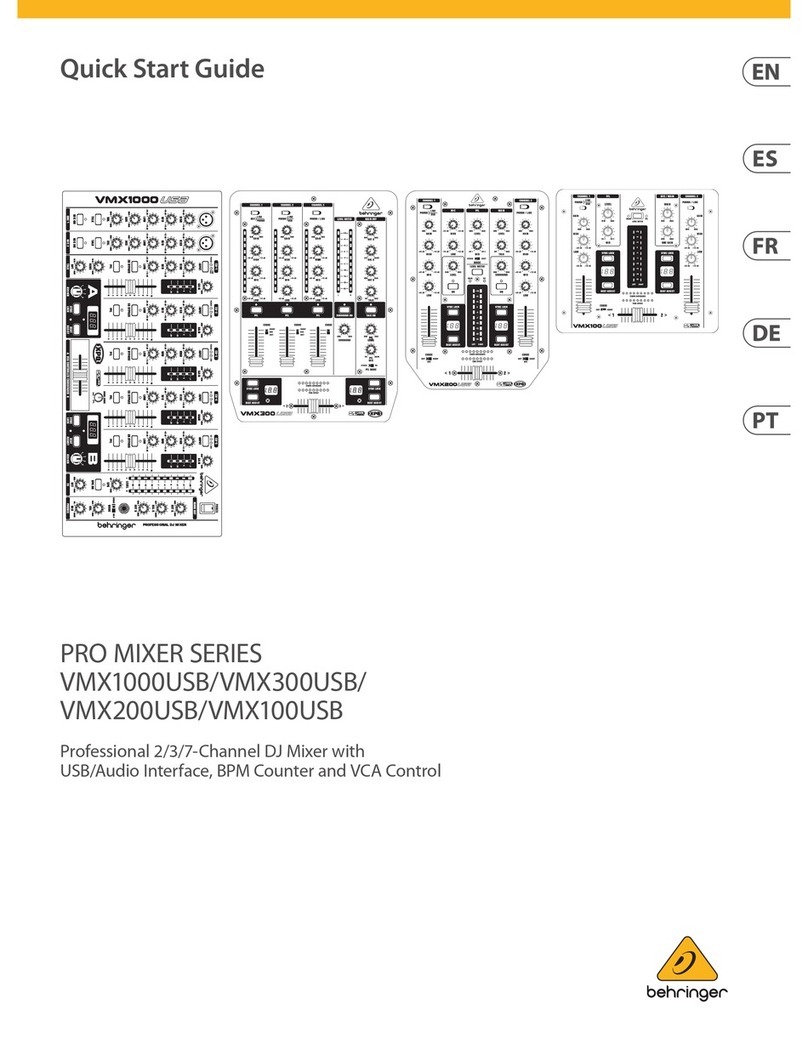
  9. Behringer PRO MIXER User manual

Behringer PRO MIXER User manual

This manual suits for next models

1

Other Behringer Mixer manuals

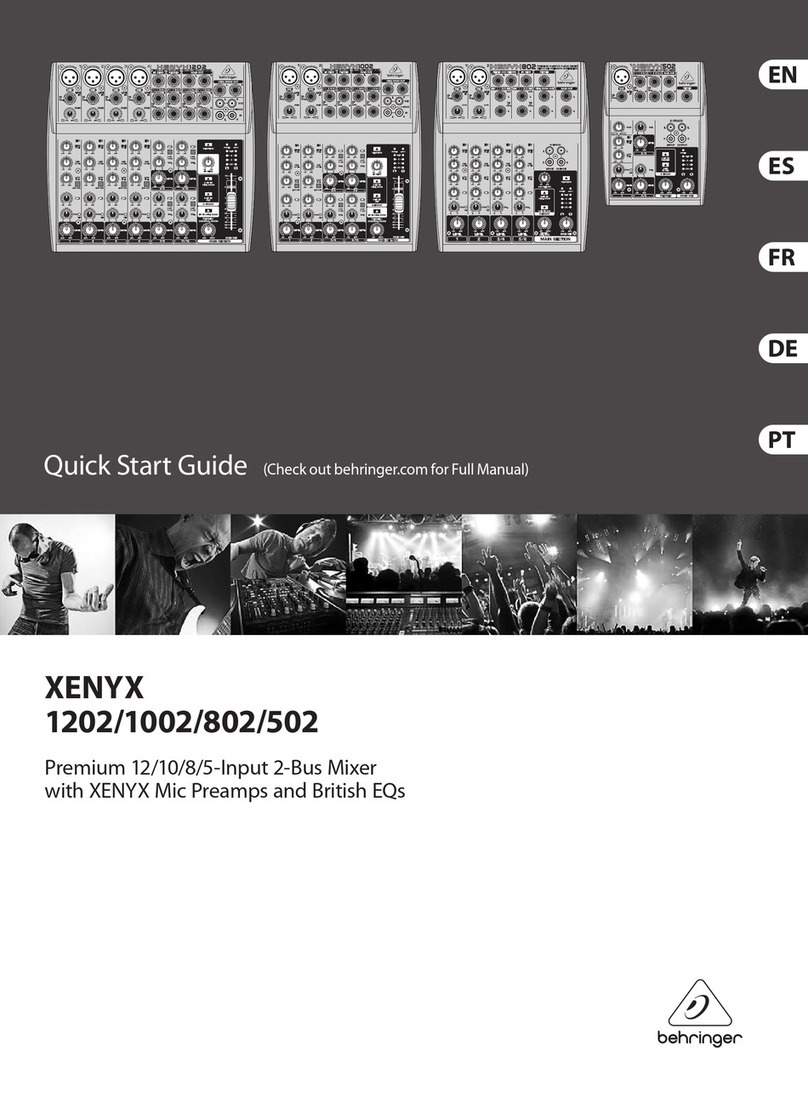
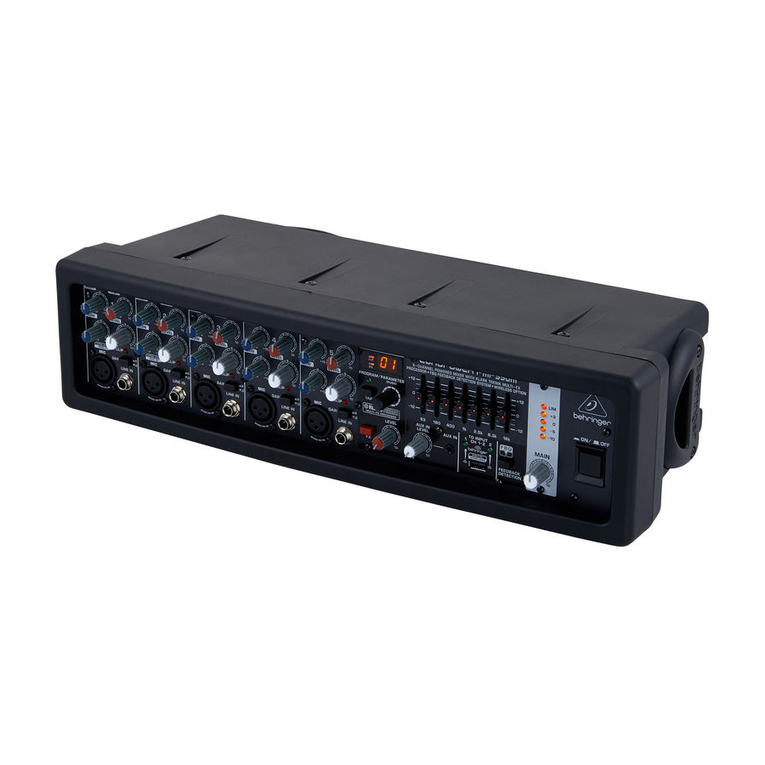
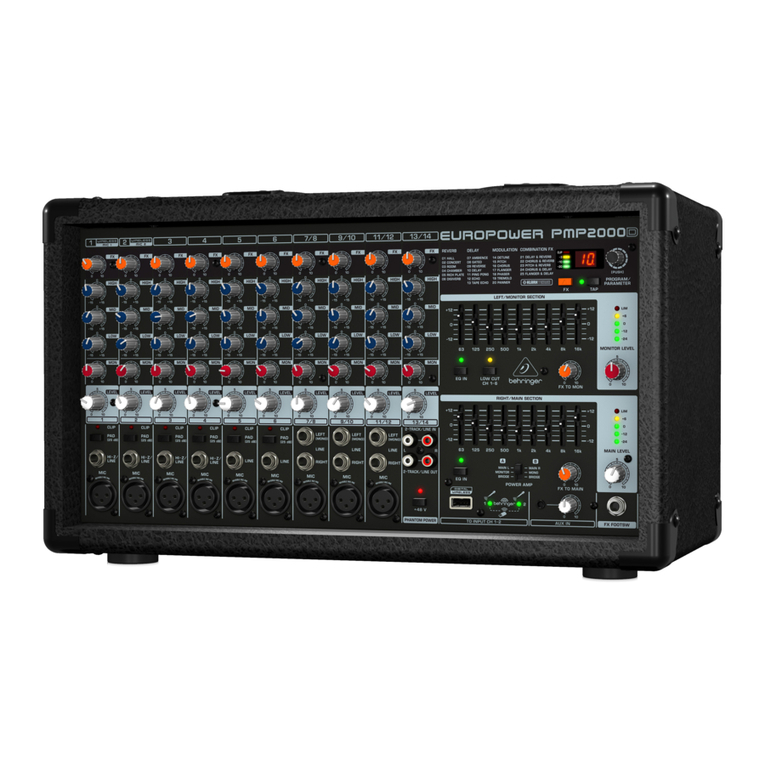
Behringer Europower PMH518M User manual

Behringer

Behringer Europower PMH518M User manual

Behringer CP3A-M User manual

Behringer

Behringer CP3A-M User manual

Behringer PRO MIXER VMX200 User manual

Behringer

Behringer PRO MIXER VMX200 User manual

Behringer Europower PMP6000 User manual

Behringer

Behringer Europower PMP6000 User manual

Behringer XENYX QX1204USB User manual

Behringer

Behringer XENYX QX1204USB User manual

Behringer Minimon Mon800 User manual

Behringer

Behringer Minimon Mon800 User manual

Behringer EUROPOWER PMP550M User manual

Behringer

Behringer EUROPOWER PMP550M User manual

Behringer ULTRA-DI PRO DI4000 User manual

Behringer

Behringer ULTRA-DI PRO DI4000 User manual

Behringer PRO MIXER DX2000USB User manual

Behringer

Behringer PRO MIXER DX2000USB User manual

Behringer Digital Snake S16 User manual

Behringer

Behringer Digital Snake S16 User manual

Behringer EUROPOWER PMP518M User manual

Behringer

Behringer EUROPOWER PMP518M User manual

Behringer EURORACK MX1804X User manual

Behringer

Behringer EURORACK MX1804X User manual

Behringer MicroMIX MX400 User manual

Behringer

Behringer MicroMIX MX400 User manual

Behringer EUROPOWER PMX2000 User manual

Behringer

Behringer EUROPOWER PMX2000 User manual

Behringer Europower PMP1000 User manual

Behringer

Behringer Europower PMP1000 User manual

Behringer Europower PMH2000 User manual

Behringer

Behringer Europower PMH2000 User manual

Behringer Europower PMX3000 User manual

Behringer

Behringer Europower PMX3000 User manual

Behringer XENYX X1832USB User manual

Behringer

Behringer XENYX X1832USB User manual

Behringer PRO MIXER DX1000 User manual

Behringer

Behringer PRO MIXER DX1000 User manual

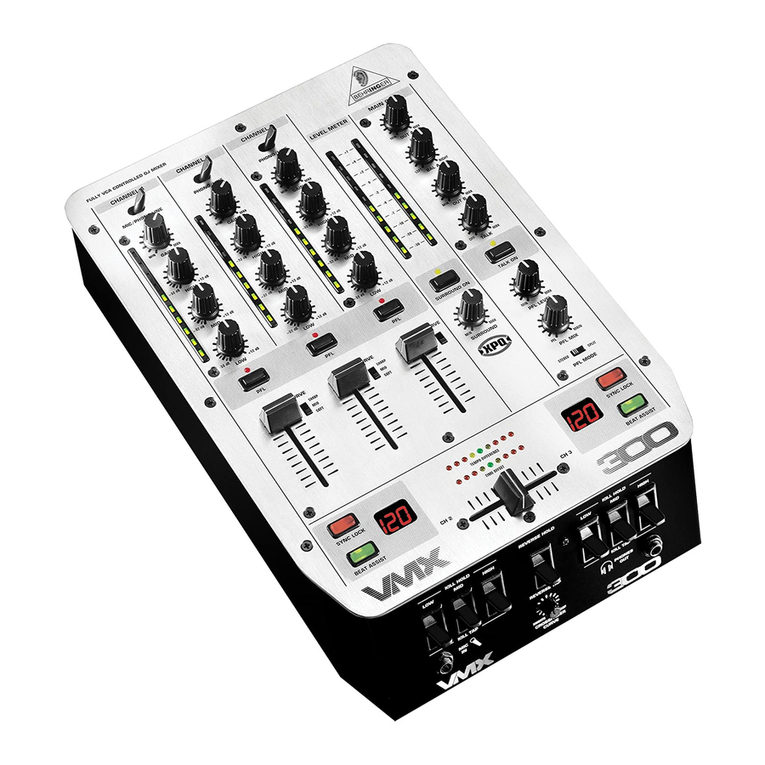
Behringer Pro Mixer VMX300 User manual

Behringer

Behringer Pro Mixer VMX300 User manual

Behringer XENYX QX1832USB User manual

Behringer

Behringer XENYX QX1832USB User manual

Behringer Eurorack MX1604A User manual

Behringer

Behringer Eurorack MX1604A User manual

Behringer X AIR XR16 User manual

Behringer

Behringer X AIR XR16 User manual

Behringer XENYX 1002B User manual

Behringer

Behringer XENYX 1002B User manual

Popular Mixer manuals by other brands

Oster FPSTSM2710 instruction manual

Oster

Oster FPSTSM2710 instruction manual

Aviom A-16II user guide

Aviom

Aviom A-16II user guide

Varimixer V30K Spare part and operation manual

Varimixer

Varimixer V30K Spare part and operation manual

Kohler Stillness K-T954 installation guide

Kohler

Kohler Stillness K-T954 installation guide

Wolf Gourmet WGSM300 Use & care guide

Wolf Gourmet

Wolf Gourmet WGSM300 Use & care guide

Team International TEAM MS 17 operating instructions

Team International

Team International TEAM MS 17 operating instructions

MULTIQUIP Whiteman WM45E Operation and parts manual

MULTIQUIP

MULTIQUIP Whiteman WM45E Operation and parts manual

KitchenAid KSM7581BZ0 Instructions and recipes

KitchenAid

KitchenAid KSM7581BZ0 Instructions and recipes

Jay-Lor 5050 owner's manual

Jay-Lor

Jay-Lor 5050 owner's manual

privileg MJ-BL1051W user manual

privileg

privileg MJ-BL1051W user manual

Fakir CULINA CHEF user manual

Fakir

Fakir CULINA CHEF user manual

Termozeta Bellacucina Instruction booklet

Termozeta

Termozeta Bellacucina Instruction booklet

Thinky ARE-250 instruction manual

Thinky

Thinky ARE-250 instruction manual

Midas XL4 manual

Midas

Midas XL4 manual

bianco PURO 4 manual

bianco

bianco PURO 4 manual

better chef IM-815WC Use and care book

better chef

better chef IM-815WC Use and care book

ALLEN & HEATH GR1 user guide

ALLEN & HEATH

ALLEN & HEATH GR1 user guide

Buffalo CP921 instruction manual

Buffalo

Buffalo CP921 instruction manual

manuals.online logo
manuals.online logoBrands
  • About & Mission
  • Contact us
  • Privacy Policy
  • Terms and Conditions

Copyright 2025 Manuals.Online. All Rights Reserved.

Version 1.2 July 2004
Users Manual
ENGLISH
PRO MIXER VMX100
2
PRO MIXER VMX100
This symbol, wherever it appears, alerts you to the
presence of uninsulated dangerous voltage inside
the enclosurevoltage that may be sufficient to
constitute a risk of shock.
This symbol, wherever it appears, alerts you to
important operating and maintenance instructions
in the accompanying literature. Please read the
manual.
IMPORTANT SAFETY INSTRUCTIONS
CAUTION: To reduce the risk of electric shock, do not remove
the top cover (or the rear section). No user
serviceable parts inside refer servicing to qualified
personnel.
WARNING: To reduce the risk of fire or electric shock, do not
expose this appliance to rain and moisture. The
apparatus shall not be exposed to dripping or
splashing and no objects filled with liquids, such
as vases, shall be placed on the apparatus.
3
PRO MIXER VMX100
FOREWORD
Dear Customer,
elcome to the team of PRO MIXER users and thank you for demonstrating your faith in us by purchasing the
BEHRINGER VMX100.
riting this foreword to you is an extremely pleasant task. After several months of intensive brainstorming and
the subsequent realization of their ideas, our engineers finally achieved an ambitious goal: the construction of
an outstanding DJ MIXER, which, due to its remarkable functions, provides maximum flexibility and impressive
performance. As with any new product, the development of this new PRO MIXER also meant a great deal of
responsibility. Throughout the entire planning and development phases, we kept youthe discerning end-user
and DJ, your requirements and your requests at the focal point of our considerations. Meeting your professional
expectations required a lot of effort and more than a few night shifts, but this is exactly the kind of challenge
that keeps us alive and kicking. Developing a new product always brings a large number of people together,
and its a great feeling when all involved can take pride in the results.
It is an important part of our philosophy to share our gratification with you, since youre the most important
member of the BEHRINGER team. ith your highly competent suggestions for new products, youve contributed
immensely to the development and success of our company. In return, we bring you uncompromising quality,
guaranteed by the stringent BEHRINGER quality control system, as well as excellent technical and audio
specifications, at an extremely favorable price. e hope that this will enable you to fully unfold your creativity
without being hampered by budget constraints.
e are often asked how we manage to produce such high-grade devices at such unbelievably low prices. The
answer is quite simple: its you, our customers! Lots of satisfied customers means large sales volumes, which
in turn enables us to reduce production and logistics expenses. e believe its only fair to pass this benefit
back to youafter all, your success is our success!
I would like to thank everyone who helped make our new PRO MIXER project possible and successful. Each of
those people made very personal contributions, from our engineers and designers to our numerous staff members
and finally to you as a BEHRINGER user.
My friends, its been worth the trouble!
Thank you very much,
Uli Behringer
4
PRO MIXER VMX100
VMX100
PRO MIXER
Professional 2-channel DJ mixer with BPM Counter
sIntelligent dual auto-BPM counter with time and beat sync display
sSuper-smooth ULTRAGLIDE faders with up to 500,000 life cycles
sCrossfader curve control
sGain and 2-band kill EQ (-32 dB) per channel
sExtremely precise assignable level meter with peak hold function
sExtremely low-noise ULN (Ultra Low-Noise) design, like those on professional studio consoles
sGold-plated cinch sockets for excellent audio qualities
sSuper-rugged construction ensures long life, even under the most demanding conditions
sConceived and designed by BEHRINGER Germany. Made in China
5
PRO MIXER VMX100
TABLE OF CONTENTS
1. INTRODUCTION..................................................................................................................... 5
1.1 Before you get started ..................................................................................................................... 5
2. FRONT PANEL ........................................................................................................................ 6
2.1 Input channels 1 and 2 .................................................................................................................... 6
2.2 PFL section (Pre Fader Listening) ................................................................................................... 7
2.3 MIC/MAIN section ........................................................................................................................... 7
2.4 Beat counter ................................................................................................................................... 7
2.5 Crossfader section .......................................................................................................................... 7
3. REAR PANEL ........................................................................................................................... 8
4. SPECIFICATIONS ................................................................................................................. 10
5. WARRANTY ........................................................................................................................... 11
1. INTRODUCTION
ith the BEHRINGER PRO MIXER VMX100, you have purchased an absolutely state-of-the-art DJ mixer. Its
extensive features open the door to new and creative ways of working, while making it suitable for a variety of
professional applications. At the same time, the VMX100 is extremely easy to operate, allowing you to completely
unfold your creativity.
Time waits for no one, and neither you nor we want to be left behind. Thats why we invested months of
research and development in creating a DJ mixer that offers up-to-date features and technology to give you a
true cutting edge for your performances. Fully optimized for dance club applications and DJ systems, the
VMX100 promises full-blown DJing funand success.
Lets be honest: nobody likes reading users manuals. e know you want to plug in and get jammin, but
please take the time to read the following instructions. eve kept them as short as possible, and it will be well
worth the few minutes it takes you. Armed with a thorough understanding of the VMX100s features and
functions, youll be able to get the most out of this exciting product.
+The following instructions will give you a brief run-down on the terminology and functions of
the VMX100. After reading, lease store this manual in a safe lace for future reference.
1.1 Before you get started
Your PRO MIXER was carefully packed in the factory and the packaging is designed to protect the unit against
rough handling. Nevertheless, we recommend that you carefully examine packaging and contents for any
signs of physical damage which may have occurred during transit.
+If the unit is damaged, lease do not return it to BEHRINGER, but notify your dealer and the
shi ing com any immediately. Otherwise, claims for damage or re lacement may not be
granted. Shi ing claims must be made by the consignee.
+If the unit needs to be shi ed, lease always use the original ackaging to avoid damage.
+Never let unsu ervised children lay with the VMX100 or with its ackaging.
+Please dis ose of all ackaging materials in an environmentally-friendly fashion.
Please take care to always ensure adequate ventilation. Do not place the PRO MIXER near heating units or
heat-generating devices in order to avoid overheating.
CAUTION!
+We would like to oint out that high volumes can ermanently damage your sense of hearing
and/or your head hone or s eaker systems. Therefore, lease turn the MAIN control in the
MIC/MAIN section all the way to the left before turning on the mixer. And lease exercise
caution and common sense when setting volume levels.
1. INTRODUCTION

6
PRO MIXER VMX100
2. FRONT PANEL
2. FRONT PANEL
7
PRO MIXER VMX100
2. FRONT PANEL
+Never connect line-level equi ment to the highly sensitive hono in uts! The out ut levels of
hono cartridge systems are in the millivolt range, whereas CD and MD layers, as well as
ta e decks, rovide out uts levels in the volt range. In other words, the level of line signals is
u to 100 times higher than hono out ut levels.
2
The GAIN control is used to adjust the input signal level.
+The overall level of your signal is also effected by the EQ settings. Its a good idea to adjust the
equalizer before you set the level with the GAIN control.
3
Each of the two input channels is equipped with a 2- AND EQUALIZER with kill characteristic. The
maximum amount of attenuation (-32 dB) is much higher than the maximum boost (+12 dB), allowing
entire frequency spectrums to be removed from a track.
4
The CHANNEL fader adjusts the final channel volume.
2.2 PFL section (Pre Fader Listening)
The PFL signal is a pre-fader headphones signal, enabling you to pre-listen to a signal source without effecting
the main signal.
5
The LEVEL control determines the volume of the headphones signal.
6
The MIX control lets you fade between channels 1 and 2.
7
The LEVEL METER displays the level of the signal selected via the MAIN/PFL button ( ).
8
The MAIN/PFL button allows you to route either the main or PFL signal to the display. Remember: PFL
is your pre-listening or headphone signal and MAIN is the signal assigned to the outputs of the VMX100.
+In PFL mode, the channel 1 signal is dis layed on the left side of the LEVEL METER, and
channel 2 on the right.
2.3 MIC/MAIN section
9
The MAIN knob controls the overall output volume.
10
The MIC LEVEL control adjusts the volume of the microphone signal.
2.4 Beat counter
The PRO MIXER VMX100s built-in beat counter is an extremely useful feature, allowing smooth crossfades
between two tracksan important key to the success of your performance. The beat counter analyzes and
displays the tempi of your tracks in BPM (Beats Per Minute). The beat counter sections of channel 1 and 2 are
identical.
The tempo of the track is shown in the respective channels DISPLAY ( ). In the case of multiple tempo
changes, the display would change continuously, causing unnecessary confusion and rendering the function
virtually useless. Enter the SYNC LOCK button ( ): with it, you can limit the range of possible tempo values
within a song. Pressing this button once the counter has caught and displayed a realistic value will simplify
things. The EAT ASSIST button ( ) allows you to set the beat counters tempo manually, similar to
tap tempo. Pressing the button three times in time with the track will set the beat counter and its display at
that tempo. The BEAT ASSIST and SYNC LOCK buttons are each equipped with an LED to show that the
respective function is activated.
Once the tempo of the two tracks have been determined and locked with the SYNC LOCK or BEAT ASSIST
buttons, the tempo difference between channel 1 and 2 will be depicted via the 9-segment TEMPO DIFFERENCE
LED display ( ). It shows the degree of the tempo difference by a respective deflection to the right (channel
2 track is faster) or to the left (channel 2 track is faster). The center LED lights when the tempi are equal. The
synchronization of channel 1 and 2 is shown in the TIME OFFSET LED display ( ) below the TEMPO
8
PRO MIXER VMX100
3. REAR PANEL
DIFFERENCE display. hen the center LED is lit, the tracks are in sync with each other. hen the display
moves to the left or right, the corresponding channel is running out of sync. The TEMPO DIFFERENCE and
TIME OFFSET displays are only active when the tempi of both channels have been locked as explained above.
To exit the SYNC LOCK or BEAT ASSIST mode, simply press the SYNC LOCK key in both channels again.
2.5 Crossfader section
16
The CROSSFADER is used to fade between channels 1 and 2.
17
The CURVE switch, located on the left side of the CROSSFADER, enables you to select between two
crossfade modes: SOFT and SHARP. In SOFT mode the crossfader fades between the channels in a
linear, continuous manner. This mode is recommended for slower, smoother crossfades. In SHARP
mode the crossfader takes on a more logarithmic effect, working faster towards the outer edges of the
fader range. Use this mode for faster, hard crossfades.
+Fli ing the CURVE switch may cause a sudden change in volume. We recommend not changing
this setting while a signal is resent.
18
The MIC INPUT connector is a balanced ¼" TRS socket for microphone connection.
+We strongly recommend the use of high-grade cables and connectors for the transmission of
audio signals. Inferior quality materials cannot su ly acce table audio quality or corrosion
rotection.
19
The HEADPHONES socket allows you to connect your headphones for pre-listening (PFL signal). For
best results, use headphones with an impedance rating of at least 32 Ohms.
3. REAR PANEL
ith the exception of MIC INPUT and HEADPHONES, all of the VMX100s audio connections are located on
the rear panel and supplied as RCA connectors.
9
PRO MIXER VMX100
3. REAR PANEL
+In order to avoid ower-u thum s, which can damage your louds eakers, lease ower u
your am lifier last. There should be no signal resent, e.g. no music laying, when you turn
on your am . In addition, we suggest that you set all volume-related controls to zero (down)
before owering u your system. Following these recautions will save you from un leasant
and otentially dangerous sur rises.
24
The TAPE output enables you to record your performance by connecting a tape deck, DAT recorder etc.
Unlike the AMP output, the TAPE level is fixed, so that you have to adjust the input level on the recorder.
25
The POWER ON switch turns on the PRO MIXER.
26
FUSE HOLDER/VOLTAGE SELECTOR. Before you connect the equipment to an AC outlet, please be
sure that the voltage displayed corresponds with your local AC voltage. If you should need to replace the
fuse, be sure to replace it with one of the same type and value. Some units allow you to switch between
240 V and 120 V by rotating the fuse holder.
+To o erate the unit at 120 V, you must install a fuse with the double am ere rating.
27
This is the socket for the power cable. The impulse behavior of any given amplifier circuit depends
largely upon the power supplys inherent reserves. All mixers contain numerous operational amplifiers
(op-amps) for processing line-level signals. Due to the restricted performance of their power supplies,
many mixers show stress symptoms when used under extreme conditions, resulting in inferior audio
quality. Thanks to its generously proportioned power supply, this will never happen to your VMX100: The
sound will always be clear, transparent and powerful.
28
SERIAL NUM ER. Please take the time to fill out and return the warranty card within 14 days after the
date of purchase. This will entitle you to all the benefits of our extended warranty. Alternatively, you can
register online at www.behringer.com.
10
PRO MIXER VMX100
4. SPECIFICATIONS
BEHRINGER is constantly striving to maintain the highest professional standards. As a result of these efforts, modifications may be
made from time to time to existing products without prior notice. Specifications and appearance may differ from those listed or
illustrated.
4. SPECIFICATIONS
AUDIO INPUTS
Mic input 53 dB gain, servo-balanced
Phono inputs 1 and 2 40 dB gain @ 1 kHz, unbalanced
Line inputs 1 and 2 0 dB gain, unbalanced
AUDIO OUTPUTS
Main Out max. +21 dBu @ +15 dBu (LINE IN)
Tape Out typically 0 dBu
Headphones typically 125m @ 1 % THD
EQUALIZER