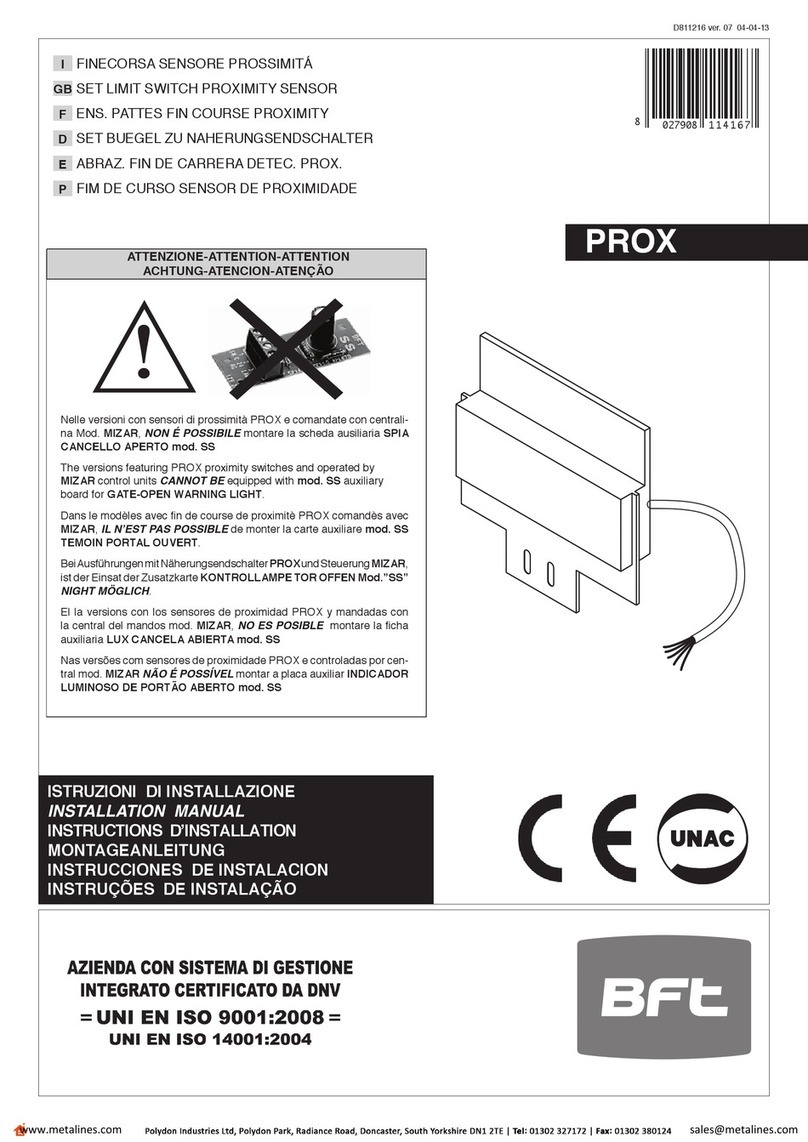
BFT CELLULA 130 User manual

PHOTOCELLS
CELLULA
130
D811289 19-09-02 Vers. 02

505
D811289_02
CELLULA 130
CELLULA 130
1) GENERAL OUTLINE
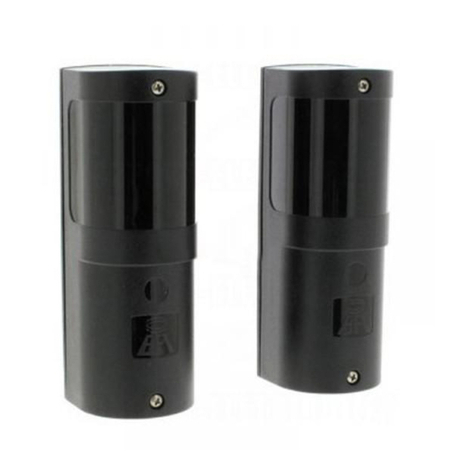
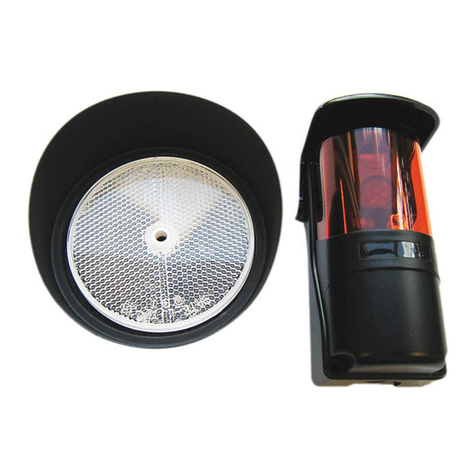
Cellula 130 Mod. recessed photocell to be fitted externally,
consisting of a pair of transmitters and receivers having a
double relay which is normally energised, as provided for by
the relevant standards.
Thisproductcomplieswiththerecognisedtechnicalstandards
and safety regulations. We declare that this product is in
conformity with the following European Directives: 89/336/
EEC (and subsequent amendments).
2) TECHNICAL SPECIFICATIONS
Power supply:20-31 Vac;Absorbed power:70 mA; Max range:
30m(reduced in case of fog / rain); Relay contacts:1A at
24Vac-dc; Working temperature:-15°C to +70°C; Degree of
protection:IP54 Dimensions: see Fig. 1
3) PHOTOCELL FITTING
The photocells should be installed between 40 and 60 cm in
height, in the following ways:
•Installation on a wall (fig. 1): check that the securing
surfaces are level and parallel.Make 2 ø4 mm holes using
the back mask as a drilling template.Then insert the screw
anchors supplied and proceed to securing and connecting
the photocell.
•Installation on an iron pillar (fig.2):Check that the securing
surfaces are level and parallel.Fix the back mask to make
2 ø2.5 mm holes where the self-tapping screws are to be
fixed.
•If there is no pillar or wall for the photocells to be secured
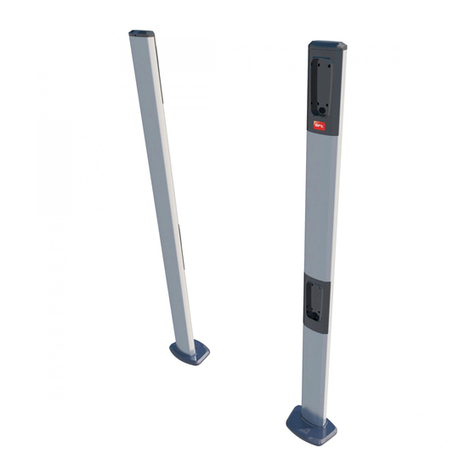
to, request the appropriate metal posts.The posts can be
directly secured onto a concrete base by means of three
screw anchors.
Perfect alignment is ensured by the adjustment slots
provided in the base (fig.3).
•Inthecasewheretwopairsofphotocellsareinstalledclose
to each other, cross the RX-TZ positions (fig.4).
4) CONNECTION TO THE TERMINAL BOARD (Fig. 5)
Transmitter - Receiver
1-2 Power supply
3-4 Normally closed contact
3-5 Normally open contact
To connect more than one pair of photocells, connect the
contacts of each RX receiver in series (fig. 4).
Warning! The installation must be carried out by qualified
personnel.
5) PHOTOCELL ALIGNMENT
Correct photocell alignment is achieved when the LED of the
RX receiver (fig. 5) lights up and stays on, even after fitting
the cover provided with the concentration lens. When an
obstacle is present between the RX receiver and TX
transmitter, the LED goes off and opens the contact.
SAFETY DEVICES
SAFETY DEVICES
Other BFT Accessories manuals