FORCE PUSH BLOWER Owner’s Manual
Part No 440313 Form No F110215A
MAINTENANCE
PERIODIC MAINTENANCE
Periodic maintenance should be performed at the following intervals:
Inspect for worn or damaged parts
Check for excessive vibration
Inspect impeller for cracks or damage
IMPELLER REMOVAL
1. Wait for engine to cool and disconnect spark plug.
2. Remove housing front cover, by removing eleven bolts and nuts (items #13 & #14), around outside of front cover.
3. Remove impeller bolt (item #35), lock washer (item #86) and washer (item #34).
4. DO NOT pry on impeller. Pull on center hub area only of impeller. Using a penetrating oil can help loosen a stuck
impeller.
5. Reinstall new impeller in reverse order of removal.
6. Tighten impeller bolt. Torque impeller bolt (see Parts List on page 10 for proper impeller bolt torque specifications).
TIRE AIR PRESSURE
Check at regular intervals and maintain.
Front Tires - 24 Psi (165 kPa).
Rear Tires - 20 Psi (137 kPa).
TROUBLESHOOTING
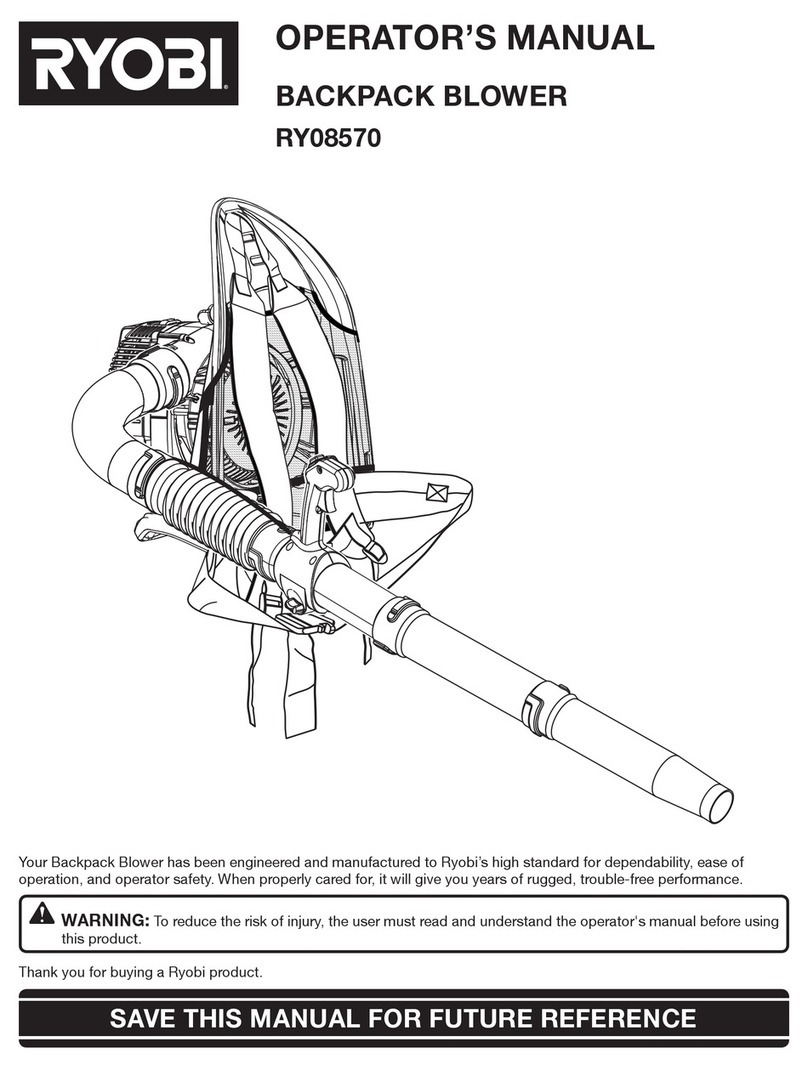
*Using compressed air, or a backpack blower, you can
loosen or free debris easily from the impeller and housing,
which can cause wear and tear on the machine. You can
manually remove debris by taking off the front housing.
(See Fig. 5 and 6) NOTE: Always disconnect the sparkplug
when servicing.
Problem Possible Cause Solution
Abnormal vibration Loose or out of balance impeller. Check impeller and replace if required.
Clear debris with compressed air or a
backpack blower (see below pictures).*
Loose engine. Check engine.
Engine will not start Engine not in full choke position. Check choke position.
Out of gasoline or bad, old gasoline. Check gasoline.
Spark Plug wire disconnected. Connect spark plug wire.
Gas valve off. Turn on gas valve.
Clean or replace air cleaner. Contact a
qualified service person.
Engine is locked, will not pull over Engine problem.
Contact an engine servicing dealer for engine
problems.
Aim-N-ShootTM lever sticking Debris stuck around cone. Clean debis.
Cone adjustment knob too tight.
Applysilicone based lubricant to pivot points.
Adaptor mount nut (item 38) too tight. Loosen manual adjustment knob.
Loosen nut.