manuals.online logo
Brands
  1. Home
  2. •
  3. Brands
  4. •
  5. Binatone
  6. •
  7. Telephone
  8. •
  9. Binatone DECT Combo Plus Single User manual

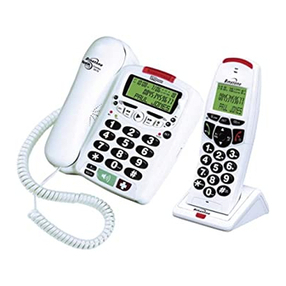
Binatone DECT Combo Plus Single User manual

This manual suits for next models

1

Other Binatone Telephone manuals

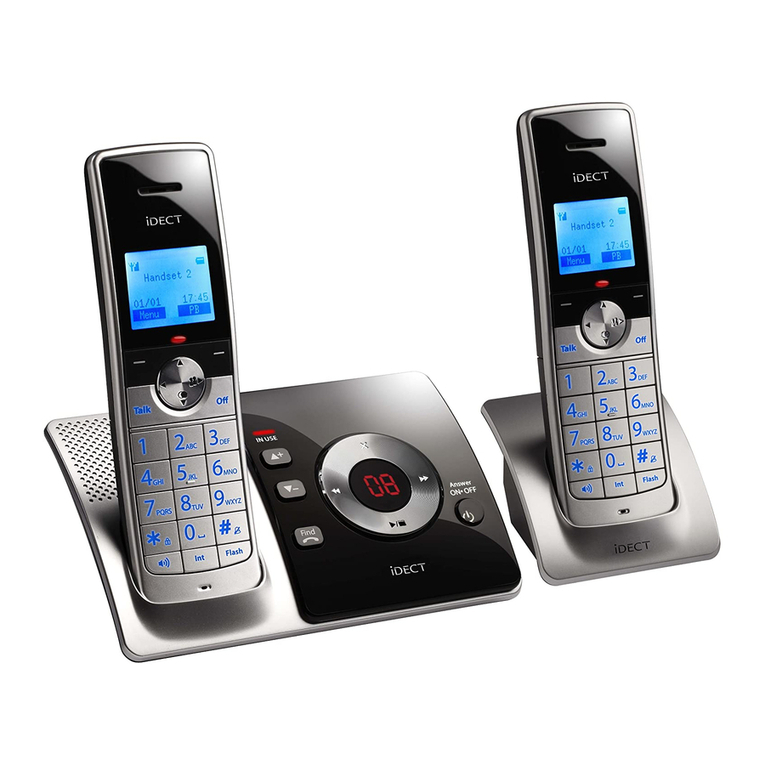
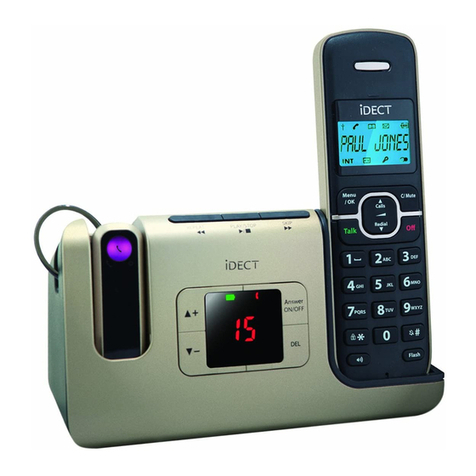
Binatone iDECT Freedom Twin User manual

Binatone

Binatone iDECT Freedom Twin User manual

Binatone CAPRICE 500 User manual

Binatone

Binatone CAPRICE 500 User manual

Binatone Speakeasy 17 User manual

Binatone

Binatone Speakeasy 17 User manual

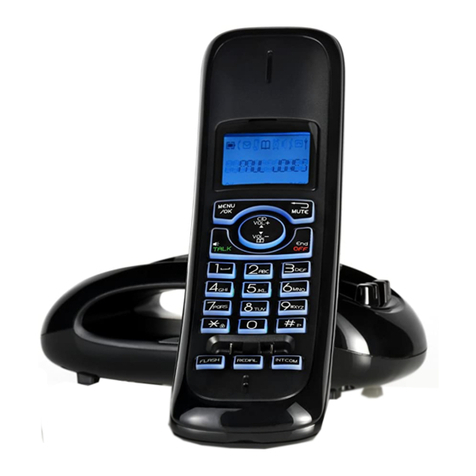
Binatone iDECT M3i User manual

Binatone

Binatone iDECT M3i User manual

Binatone Lyris 710 User manual

Binatone

Binatone Lyris 710 User manual

Binatone Acura 3000 User manual

Binatone

Binatone Acura 3000 User manual

Binatone 433 User manual

Binatone

Binatone 433 User manual

Binatone Speakeasy Combo 3410 User manual

Binatone

Binatone Speakeasy Combo 3410 User manual

Binatone Caprice 670 User manual

Binatone

Binatone Caprice 670 User manual

Binatone 433 User manual

Binatone

Binatone 433 User manual

Binatone LYRIS 110 User manual

Binatone

Binatone LYRIS 110 User manual

Binatone IDECT X3I SYSTEM User manual

Binatone

Binatone IDECT X3I SYSTEM User manual

Binatone SC2050 User manual

Binatone

Binatone SC2050 User manual

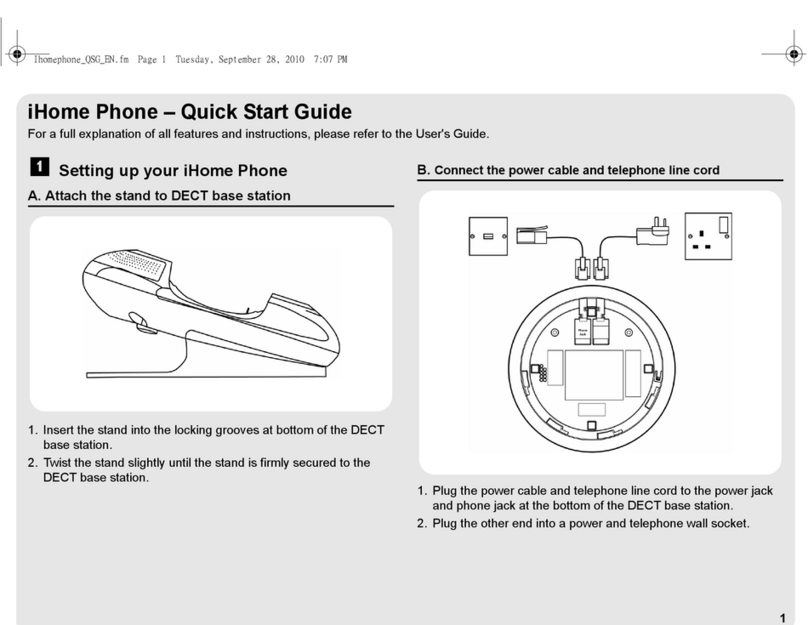
Binatone IHOME PHONE - User manual

Binatone

Binatone IHOME PHONE - User manual

Binatone SPEAKEASY 5 User manual

Binatone

Binatone SPEAKEASY 5 User manual

Binatone 3488 User manual

Binatone

Binatone 3488 User manual

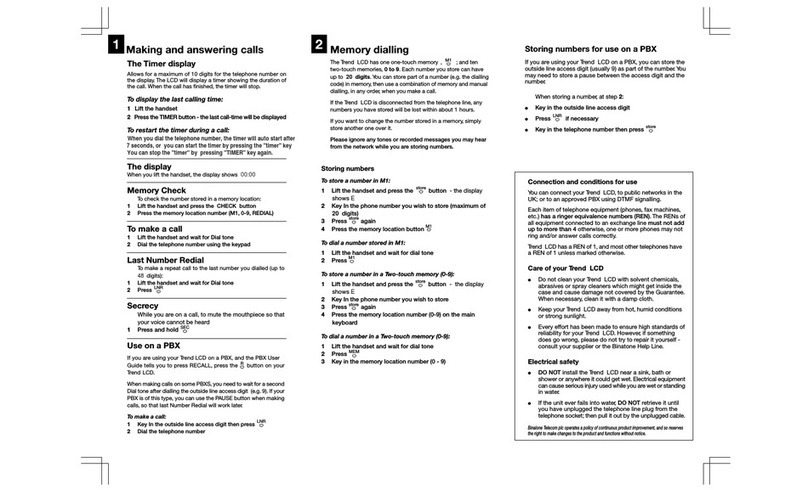
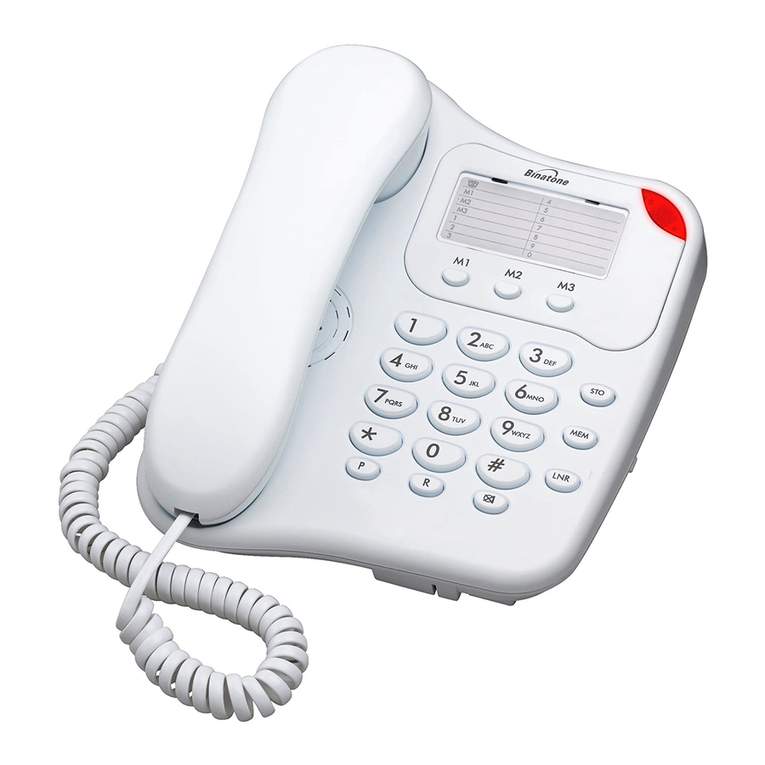
Binatone Trend LCD User manual

Binatone

Binatone Trend LCD User manual

Binatone Trend User manual

Binatone

Binatone Trend User manual

Binatone 2102 User manual

Binatone

Binatone 2102 User manual

Binatone Reliant 510 User manual

Binatone

Binatone Reliant 510 User manual

Binatone Acura 3000 User manual

Binatone

Binatone Acura 3000 User manual

Binatone DSR-3716PA User manual

Binatone

Binatone DSR-3716PA User manual

Binatone LYRIS 410 User manual

Binatone

Binatone LYRIS 410 User manual

Binatone CAPRICE CAPRICE 600 User manual

Binatone

Binatone CAPRICE CAPRICE 600 User manual

Popular Telephone manuals by other brands

GE 2-9480 user guide

GE

GE 2-9480 user guide

Geemarc PHOTOPHONE 155 user guide

Geemarc

Geemarc PHOTOPHONE 155 user guide

Interquartz Gemini IQ333 operating instructions

Interquartz

Interquartz Gemini IQ333 operating instructions

SSS Siedle HT 840-0 operating instructions

SSS Siedle

SSS Siedle HT 840-0 operating instructions

Motorola TITANIUM manual

Motorola

Motorola TITANIUM manual

Panasonic ICX Quick reference guide

Panasonic

Panasonic ICX Quick reference guide

LG H870DS user guide

LG

LG H870DS user guide

Samsung GT-I9500 Service manual

Samsung

Samsung GT-I9500 Service manual

AT&T Trimline 205 user manual

AT&T

AT&T Trimline 205 user manual

Selta zenyth 600 user guide

Selta

Selta zenyth 600 user guide

Doro AFTI 20 user guide

Doro

Doro AFTI 20 user guide

UNIQCELL A1 user guide

UNIQCELL

UNIQCELL A1 user guide

Jabra SP5050 - Bluetooth hands-free Speakerphone manual

Jabra

Jabra SP5050 - Bluetooth hands-free Speakerphone manual

BT Decor 425 user guide

BT

BT Decor 425 user guide

NEC SV8500 Reference sheet

NEC

NEC SV8500 Reference sheet

Teledex PEARL user guide

Teledex

Teledex PEARL user guide

Ericsson Dialog 3213 user guide

Ericsson

Ericsson Dialog 3213 user guide

Yealink VP530 user guide

Yealink

Yealink VP530 user guide

manuals.online logo
manuals.online logoBrands
  • About & Mission
  • Contact us
  • Privacy Policy
  • Terms and Conditions

Copyright 2025 Manuals.Online. All Rights Reserved.

USER
GUIDE
Combo
ComboCombo
Combo
Plus
Plus Plus
Plus Single
SingleSingle
Single/Twin/Triple/Quad
/Twin/Triple/Quad/Twin/Triple/Quad
/Twin/Triple/Quad
DECT
DECTDECT
DECT
Te
TeTe
Te
l
ll
l
ephone
ephoneephone
ephone
w
ww
w
i
ii
i
th
thth
th
Answer
AnswerAnswer
Answering
inging
ing
Mach
MachMach
Mach
i
ii
i
ne
nene
ne
Binatone
BinatoneBinatone
Binatone
H
HH
H
elpline
elplineelpline
elpline
for
forfor
for
UK
UKUK
UK
only)
only)only)
only)
Monday
to
Friday
from
9:00am
to
5:00pm
T
el:
0845
345
9677**
**Please
note
that
all
calls
are
charged
at
local
rate
Or
visit
our
website:
www.iDECTonline.com
www.iDECTonline.comwww.iDECTonline.com
www.iDECTonline.com
Before operating this set,
Before operating this set,Before operating this set,
Before operating this set,
please read these instructions carefully.
please read these instructions carefully.please read these instructions carefully.
please read these instructions carefully.
THE CORDLESS HANDSET
THE CORDLESS HANDSETTHE CORDLESS HANDSET
THE CORDLESS HANDSET
IS
ISIS
IS
NOT
NOTNOT
NOT
DESIGNED
DESIGNEDDESIGNED
DESIGNED
FOR
FORFOR
FOR
MAKING
MAKING MAKING
MAKING
EMERGENCY
EMERGENCYEMERGENCY
EMERGENCY
TELEPHONE
TELEPHONETELEPHONE
TELEPHONE
CALLS
CALLSCALLS
CALLS
WITHOUT MAINS POWER
WITHOUT MAINS POWERWITHOUT MAINS POWER
WITHOUT MAINS POWER; BUT IF
; BUT IF ; BUT IF
; BUT IF
THERE IS A POWER FAILURE, YOU CAN STILL USE THE BASE AND
THERE IS A POWER FAILURE, YOU CAN STILL USE THE BASE AND THERE IS A POWER FAILURE, YOU CAN STILL USE THE BASE AND
THERE IS A POWER FAILURE, YOU CAN STILL USE THE BASE AND
THE CORDED HANDSET TO
THE CORDED HANDSET TO THE CORDED HANDSET TO
THE CORDED HANDSET TO MAKE AN EMERGENCY CALL.
MAKE AN EMERGENCY CALL.MAKE AN EMERGENCY CALL.
MAKE AN EMERGENCY CALL.
TECHNICAL
TECHNICALTECHNICAL
TECHNICAL
DETAILS
DETAILSDETAILS
DETAILS
Standard
StandardStandard
Standard
Digital Enhanced Cordless Telecommunication
DECT)
Frequency range
Frequency rangeFrequency range
Frequency range
1.88 to 1.9 GHz bandwidth = 20 MHz)
Channel band
Channel bandChannel band
Channel band
width
widthwidth
width
1.728 MHz
Operating range
Operating rangeOperating range
Operating range
Up to 300m outdoors; Up to 50m indoors
Operating time
Operating timeOperating time
Operating time
Standby:
230
hours
;
Talking:
13
hours
Battery charge time:
15 hours
Temperature range
Temperature rangeTemperature range
Temperature range
Operating
:
0
o
C to 40
o
C;
Storage
:
-
20
o
C to 60
o
C
Electrical power
Electrical powerElectrical power
Electrical power
Base unit
Base unitBase unit
Base unit
power
powerpower
power
adapter
adapteradapter
adapter
:
::
:
Ten Pao: S003IB0600050 & S003IV0600050
Input 100-240Vac 50-60Hz; Output 6Vdc/500mA.
Charger unit
Charger unitCharger unit
Charger unit
power adapter
power adapterpower adapter
power adapter:
::
:
Ten Pao: S003IB0600015 & S003IV0600015
Input 100-240Vac 50-60Hz; Output 6Vdc/150mA.
Battery information
Battery informationBattery information
Battery information
each handset)
each handset)each handset)
each handset):
::
:
2 X 1.2V AAA size, 650mAh NiMH Rechargeable)
CAUTION
CAUTIONCAUTION
CAUTION
Risk of explosion if the battery is replaced by an incorrect type.
Dispose of used batteries according to the instructions.
Port specification
Port specificationPort specification
Port specification
The port connected to the mains power supply) is a SELV port with
respect to EN41003.
The port connected to the telephone line) is a TNV port with
respect to EN41003.
CLEANING AND CARE
CLEANING AND CARECLEANING AND CARE
CLEANING AND CARE
Do not clean
Do not cleanDo not clean
Do not clean any part of your phone system with benzene, thinners or
other solvent chemicals as this may cause permanent damage, which is
not covered by the Guarantee.
When necessary, clean it with a damp cloth.
When necessary, clean it with a damp cloth.When necessary, clean it with a damp cloth.
When necessary, clean it with a damp cloth.
Keep your phone system away from hot, humid conditions or strong
hot, humid conditions or strong hot, humid conditions or strong
hot, humid conditions or strong
sunlight,
sunlight,sunlight,
sunlight, and don't let it get wet.
don't let it get wet.don't let it get wet.
don't let it get wet.
Every effort has been made to ensure high standards of reliability for
your phone system. However, if something does go wrong, please do not
do not do not
do not
try to repair it yourself, but consult your supplier or call the Helpline.
try to repair it yourself, but consult your supplier or call the Helpline.try to repair it yourself, but consult your supplier or call the Helpline.
try to repair it yourself, but consult your supplier or call the Helpline.
1
TABLE OF CONTENTS
TABLE OF CONTENTSTABLE OF CONTENTS
TABLE OF CONTENTS
1 IMPORTANT SAFETY INSTRUCTIONS ................................................... 7
2 INSTALLING YOUR PHONE ................................................................. 10
2.1 Connecting the Corded Base Station ......................................... 10
2.2 Installing and Charging the Rechargeable Batteries of your
Cordless Handset ....................................................................... 10
3 Overview of the Corded Base............................................................ 12
3.1 Display Icons and Symbols on the Corded Base ........................ 15
4 USING THE CORDED BASE ................................................................. 17
4.1 Set Date & Time using the Corded Base .................................... 17
4.2 Make a call from the Corded Base ............................................. 17
4.2.1 Pre-dialling ....................................................................... 17
4.2.2 Direct dialling ................................................................... 17
4.3 Adjust Earpiece or Speaker Volume on the Corded Base .......... 18
4.4 Set Ringer Volume on the Corded Base ..................................... 18
4.5 Turn off Ringer on the Corded Base .......................................... 18
4.6 Lock/Unlock the Keypad on the Corded Base ............................ 18
4.7 Mute/Unmute the Microphone ................................................ 18
4.8 Initiate an Intercom Call from the Corded Base to a Registered
Cordless Handset ....................................................................... 19
4.9 Answer an External Call during an Intercom Call on the Corded
Base ........................................................................................... 19
4.10 Transfer an External Call from the Corded Base to a Cordless
Handset ................................................................................ 20
4.11 Initiate a Conference Call during a Call on the Corded Base 20
4.12 Call from the Redial List on the Corded Base ........................ 21
2
4.13 Store a pre-dial number to the Phonebook on the Corded
Base ...................................................................................... 21
4.14 Store a number from the Redial List to the Phonebook on the
Corded Base .......................................................................... 21
4.15 Access the Phonebook on the Corded Base ......................... 22
4.16 Store a Number to the Phonebook on the Corded Base ...... 22
4.17 Modify a Phonebook Entry on the Corded Base .................. 23
4.18 Delete a Phonebook Entry on the Corded Base ................... 23
4.19 Delete All Phonebook Entries on the Corded Base ............... 23
4.20 Access the Call Log on the Corded Base ............................... 24
4.21 Delete a Call Log Entry on the Corded Base ......................... 24
4.22 Delete All Call Log Entries on the Corded Base ..................... 25
4.23 Save a Call Log Entry into the Phonebook on the Corded
Base ...................................................................................... 25
4.24 Answering Machine Operations ........................................... 25
5 Overview of the Cordless Handset and Charging Pod ....................... 26
5.1 Display Icons and Symbols on the Cordless Handset ................ 29
5.2 Menu Map and Menu Navigation on the Cordless Handset ..... 31
5.3 Text and Number Entry on the Cordless Handset ..................... 32
5.3.1 Character Map ................................................................. 32
6 USING YOUR CORDLESS HANDSET .................................................... 33
6.1 Make a Call ................................................................................ 33
6.1.1 Pre-dialling ....................................................................... 33
6.1.2 Direct Dialling .................................................................. 33
6.1.3 Call from the Redial List ................................................... 33
6.1.4 Call from the Call Log ....................................................... 33
3
6.1.5 Call from the Phonebook ................................................. 33
6.2 Answer and End a Call ............................................................... 34
6.3 Handset Speakerphone ............................................................. 34
6.4 Adjust Earpiece Volume ............................................................. 34
6.5 Adjust Speaker Volume .............................................................. 34
6.6 Mute/Unmute the Microphone ................................................ 34
6.7 Paging ........................................................................................ 35
6.8 Switching the Handset On/Off ................................................... 35
6.9 To Lock/Unlock the Keypad ....................................................... 35
6.10 Make an Internal Call ............................................................ 36
6.11 Initiate an Intercom Call to the Corded Base ........................ 36
6.12 Initiate an Intercom Call with another Registered Cordless
Handset ................................................................................ 37
6.13 Answer an External Call during an Intercom Call .................. 37
6.14 Initiate an Intercom during a Call ......................................... 38
6.15 Transfer an External Call to another Handset ....................... 39
7 DIRECT ACCESS MEMORY ON A CORDLESS HANDSET ...................... 40
7.1 Add Direct Access Memory to a Cordless Handset .................... 40
7.2 Delete Direct Access Memory from a Cordless Handset ........... 41
8 PHONEBOOK ON A CORDLESS HANDSET .......................................... 42
8.1 Store a Phonebook Entry on your Cordless Handset ................. 42
8.2 Access the Phonebook on your Cordless Handset .................... 43
8.3 Modify a Phonebook Entry on your Cordless Handset .............. 43
8.4 Delete a Phonebook Entry on your Cordless Handset ............... 44
8.5 Delete All Entries from the Phonebook List on your Cordless
Handset ..................................................................................... 44
4
9 CALLER DISPLAY NETWORK DEPENDENT) ON A CORDLESS
HANDSET ........................................................................................... 45
9.1 Call Log on your Cordless Handset ............................................ 45
9.1.1 Access the Call Log on your Cordless Handset ................. 45
9.1.2 Save a Call Log Entry into the Phonebook on your Cordless
Handset ............................................................................ 46
9.1.3 Delete a Call Log Entry on your Cordless Handset ........... 46
9.1.4 Delete All Entries in the Call Log on your Cordless
Handset ............................................................................ 46
9.2 Redial List on your Cordless Handset ........................................ 47
9.2.1 Access the Redial List on your Cordless Handset ............. 47
9.2.2 Save a Redial Number into the Phonebook on your
Cordless Handset ............................................................. 47
9.2.3 Edit a Redial Number on your Cordless Handset ............. 47
9.2.4 Delete a Redial Number on your Cordless Handset ......... 48
9.2.5 Delete All Entries from the Redial List on your Cordless
Handset ............................................................................ 48
10 CLOCK AND ALARM SETTINGS ON YOUR CORDLESS HANDSET . 49
10.1 Date and Time Settings ........................................................ 49
10.1.1 Change the Time Format on your Cordless Handset ....... 50
10.1.2 Change the Date Format on your Cordless Handset ........ 50
10.2 Alarm Settings on your Cordless Handset ............................ 51
10.2.1 Set the Alarm Tone on your Cordless Handset ................ 52
11 PERSONAL SETTINGS ON YOUR CORDLESS HANDSET ............... 53
11.1 Set the Ring Volume on your Cordless Handset ................... 53
11.2 Set the Ring Tone on your Cordless Handset ........................ 53
11.3 Set the Key Beep on your Cordless Handset ......................... 54
5
11.4 Rename your Cordless Handset ............................................ 54
11.5 Set the Display Language on your Cordless Handset ............ 55
11.6 Set Auto Hang-up on your Cordless Handset ....................... 55
12 ADVANCED SETTINGS on your cordless handset ....................... 56
12.1 Cordless Handset Registration .............................................. 56
12.2 Register Additional Cordless Handsets ................................. 56
12.3 Un-register your Cordless Handset ....................................... 57
12.4 Change the Master PIN from your Cordless Handset ........... 57
12.5 Set the Auto Prefix on your Cordless Handset ...................... 58
12.6 Change the Recall Time from your Cordless Handset .......... 59
12.7 Set the First Ring from your Cordless Handset ..................... 59
12.8 Reset the Cordless Handset .................................................. 60
13 OPERATING THE ANSWERING MACHINE FROM YOUR CORDLESS
HANDSET ................................................................................... 61
13.1 Turning the Answering Machine On/Off ............................... 61
13.2 Answer Mode ....................................................................... 62
13.2.1 Set Answer Mode ............................................................ 62
13.3 Answering Machine Settings ................................................ 62
13.3.1 Set the Ring Delay ............................................................ 62
13.3.2 Activate/Deactivate Remote Access ................................ 63
13.3.3 Change the Voice Language ............................................. 63
13.4 Message Playback ................................................................. 64
13.5 Delete All Messages .............................................................. 64
13.6 Outgoing Message OGM) .................................................... 65
13.6.1 Record a Personal Outgoing Message ............................. 65
13.6.2 Listen to an Outgoing Message ........................................ 66
6
13.6.3 Delete a Personal Outgoing Message .............................. 66
13.7 Remote Access ...................................................................... 67
13.7.1 Access the Answering Machine Remotely ....................... 67
14 TROUBLESHOOTING .................................................................. 71
15 DECLARATION OF CONFORMITY ............................................... 75
16 GUARANTEE AND SER
V
ICE ........................................................ 76
16.1
While
the
unit
is
under
Guarantee
...................................... 76
16.2
After
the
Guarantee
has
expired
......................................... 76
7
1
11
1IMPOR
IMPORIMPOR
IMPORT
TT
TANT SAFE
ANT SAFEANT SAFE
ANT SAFETY
TYTY
TY
INSTRUCTIONS
INSTRUCTIONSINSTRUCTIONS
INSTRUCTIONS
Please follow these safety instructions when using your telephone
equipment to reduce risk of fire, electric shock and injury:
1) Read and understand all the instructions.
2) Follow all warnings and instructions marked on the product.
3) Unplug this product from the wall outlet before cleaning. Do not
use liquid cleaners or aerosol cleaners. Use a damp cloth for
cleaning.
4) Keep this product away from hot, humid conditions or strong
sunlight, and don’t let it get wet or use it near water for example,
near a bath tub, kitchen sink, or swimming pool).
5) Do not overload wall outlets and extension cords as this can result
in the risk of fire or electric shock.
6) Unplug this product from the wall outlet and obtain the service of
our Repair Centre under the following conditions:
•When the power supply cord or plug is damaged or frayed.
•If the product fails to operate normally despite following the
operating instructions.
•If the product has been dropped and the cabinet has been
damaged.
•If the product exhibits a distinct change in performance.
7) NEVER use your phone outdoors during a thunderstorm. Unplug
the base from the telephone line and the mains socket when there
are storms in your area. Damage caused by lightning is not covered
by the guarantee.
8) Do not use the telephone to report a gas leak in the vicinity of the
leak.
9) Use only the supplied NiMH Nickel Metal Hydride) batteries that
came with your phone or an authorised replacement
recommended by the manufacturer. There is a risk of explosion if
you replace the battery with an incorrect battery type. The use of
other battery types or non-rechargeable batteries/primary cells
can be dangerous. They may cause interference and/or damage
to the unit or surroundings. The manufacturer will not be held
liable for damage arising from such non-compliance.
10) Do not use third party charging pods. Damage may be caused to
the batteries.
11) Please ensure that the batteries are inserted in the correct polarity.
12) Dispose of batteries safely. Do not burn, immerse them in water,
disassemble, or puncture the batteries.

8
Package
Package Package
Package C
CC
Content
ontentontent
ontent
for single model
for single modelfor single model
for single model
The package contains the following items:
•1 Cordless Handset
•1 Corded Handset
•1 Corded Base Station
•1 Charging Pod for the Cordless Handset
•1 Mains Power Adapter for the Corded Base Station
•1 Telephone Line Cord for the Corded Base Station
•1 Coiled Telephone Handset Cord for the Corded Handset
•2 AAA NiMH Rechargeable Batteries for the Cordless Handset
•1 Back Cover for the Cordless Handset
•1 User Guide
Note:
Note: Note:
Note: If you have purchased a Twin, Triple or Quad system, you will also
have the corresponding extra cordless handset s) and batteries, charging
pod s) and a back cover for each extra cordless handset.
Connection and
Connection and Connection and
Connection and C
CC
Conditions for
onditions for onditions for
onditions for U
UU
Use
sese
se
You can connect your phone to a direct exchange line DEL) on a local
exchange with its own phone number; to an extension socket
connected to a DEL; or to an extension on an approved compatible PBX.
Do not connect as an extension to a pay phone.
The ringer equivalence numbers REN) of all equipment phones, fax
machines, modems, etc.) connected to an exchange line must not add
up to more than 4, otherwise one or more of them may not ring and/or
answer calls correctly. The phone has a REN of 1, and most other
telephones have a REN of 1 unless marked otherwise.