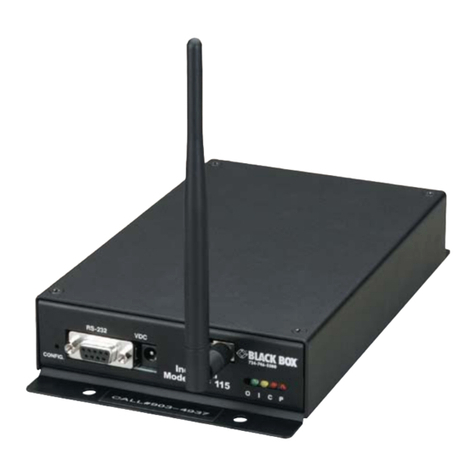
Operation
Once the Compact mDSL Modem is properly configured and
installed, it should operate transparently. This sections describes
power-up, reading the LED status monitors, and using the built-in loop-
back test modes.
Power Up
To apply power to the Compact mDSL Modem, first be sure that
you have read Section 4.4, and that the unit is connected to the
appropriate power source. Then power-up the unit.
LED Status Monitors
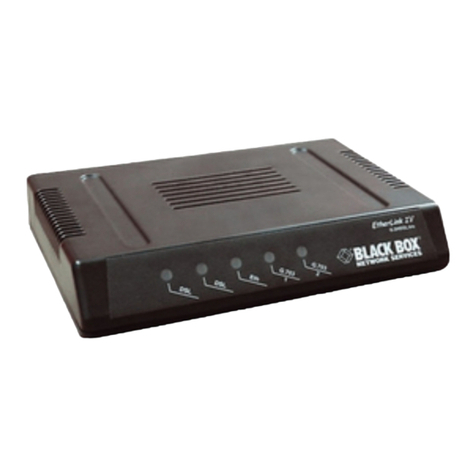
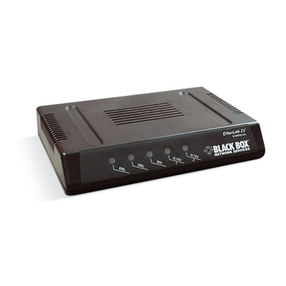
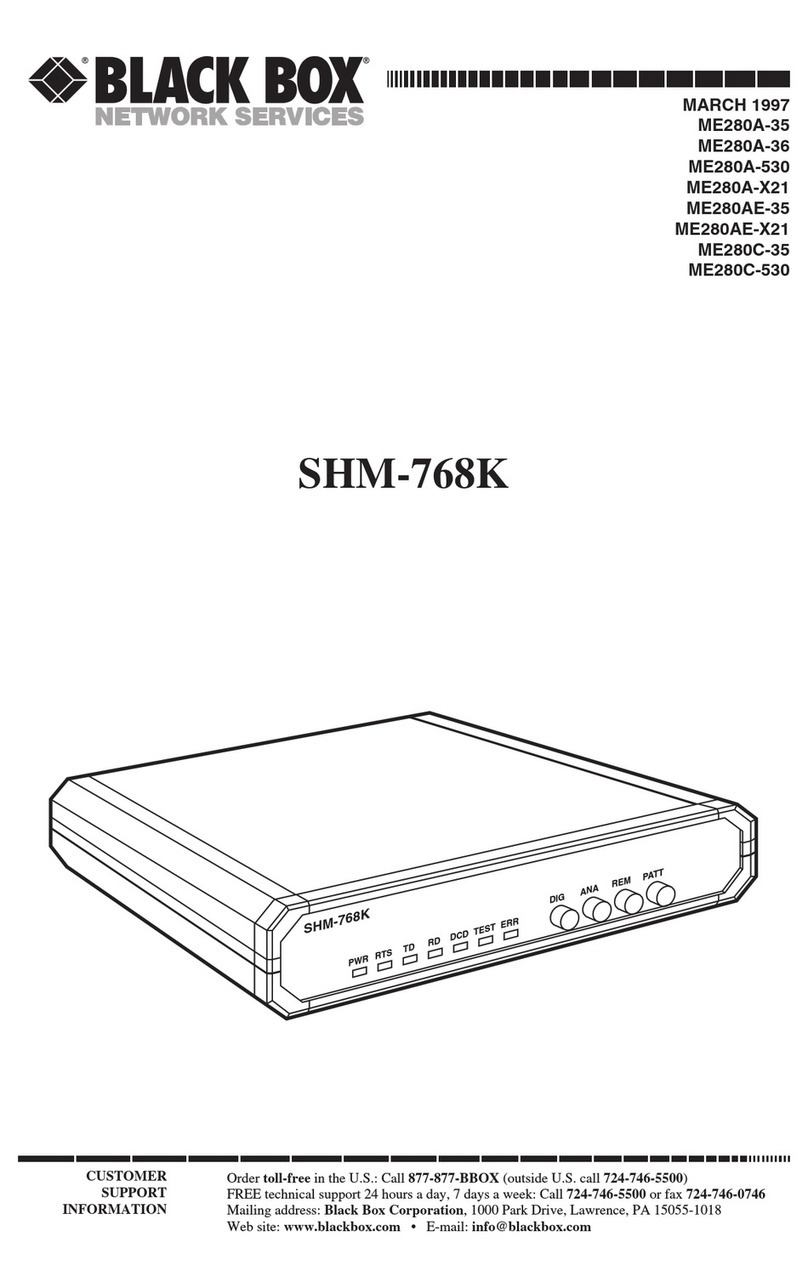
The Compact mDSL Modem features six front panel LEDs that
monitor power, the DTE signals, network connection and test modes.
Figure 10 (below) shows the front panel location of each LED.
Following Figure 10 is a description of each LEDs function. See also,
LED description chart on page 17.
DSL Link (Active Green) Solid green (On) indicates that the
end to end DSL Framer Link is up, signifying that
the link across the DSL span is active. The DSL
Link LED is Off when the link is down.
TD & RD Glows yellow to indicate an idle condition of Binary
“1” data on the respective terminal interface sig-
nals. Green indicates Binary “0” data
NS (No Signal) glows red to indicate that the local
Compact mDSL Modem is not connected with the
remote Compact mDSL Modem.
ER - blinks ON/OFF after a 511/511E test has timed
out. See Section 5.3.3 (Test Pattern Generator) for
more information.
-flashes once to indicate that a CRC error has
occurred (during normal operation) or bit errors
have occurred (during 511/511E tests).
Figure 10. Compact mDSL Modem Front Panel
Compact mDSL Modem - V.35
15
Compact mDSL Modem
16
Compact mDSL Modem
-only at power up, blinks once every 200 ms if the
DTE Rate is set to an unsupported settings
TM glows yellow to indicate that the Compact mDSL
Modem has been placed in Test Mode. The unit can be
placed in test mode by the local user or by the remote
user. The TM LED will flash for 400msec when a valid
packet is received from the SNMP Management
Module.
Test Modes
The Compact mDSL Modem offers two proprietary loopback test
modes, plus a built-in V.52 BER test pattern generator to evaluate the con-
dition of the modems and the communication link. These tests can be acti-
vated physically from the front panel or via the DTE interface.
Overview
Figure 11 shows the major elements used in the loop-back and pattern
tests available in the Compact mDSL Modem. Each block has several func-
tions. Following Figure 11 are descriptions that show how the elements are
used during Test Modes.
Clock (CO) Internal 768Kb No DTE Clock (CP) R/R No DTE
TD RD DSL NS ER TM TD RD DSL NS ER TM
Power ON G O off ON off off O O off ON off off
DSL Link G O G off off off O G G off off off
Link Brk G O off off off off O O off off off off
Brk+ 10s G G off ON off off O O off ON off off
RDL G G G off off ON O G G off off ON
RDL+511 G G off off off ON O G off off off ON
With DTE Connected With DTE Connected
Mark O O G off off off O O G off off off
Space G G G off off off G G G off off off
Data GO GO G off off off GO GO G off off off
Link Brk = DSL Link Broken
Brk+10s = 10 Seconds following Link Break
G=GREEN
O=ORANGE
ON= ON
off= OFF
Y=yellow
5.2.1 Compact mDSL Modem LED Descriptions Chart