USER GUIDE
5
INSTALLATION
SYSTEM REQUIREMENTS
1. Black Box Secure KM is compatible with standard personal/portable computers, servers or thin-clients, running
operating systems such as Windows or Linux.
2. The peripheral devices that are supported by the Secure KM Switch are listed in the following table:
CONNECTING THE SECURE KM SWITCH
1. Ensure that power is turned off or disconnected from the unit and the computers.
2. Use a USB cable (Type-A to Type-B) to connect a USB port on each computer to the respective USB ports of the unit.
3. Optionally connect a stereo audio cable (3.5mm to 3.5mm) to connect the audio output of the computers to the
AUDIO IN ports of the unit.
4. Connect a USB keyboard and mouse in the two USB console ports.
5. Optionally connect stereo speakers to the AUDIO OUT port of the unit.
6. Optionally connect CAC (COMMON ACCESS CARD, SMART CARD READER) to the CAC port in the user console
interface. For models with CAC.
7. Power on the Secure KM Switch by connecting a 12VDC power supply to the power connector, and then turn on all the
computers.
Note: The computer connected to port 1 will always be selected by default after power up.
Note: You can connect up to 4 computers to the 4 port Secure KM Switch and up to 8 computers to the 8 port Secure KM
Switch.
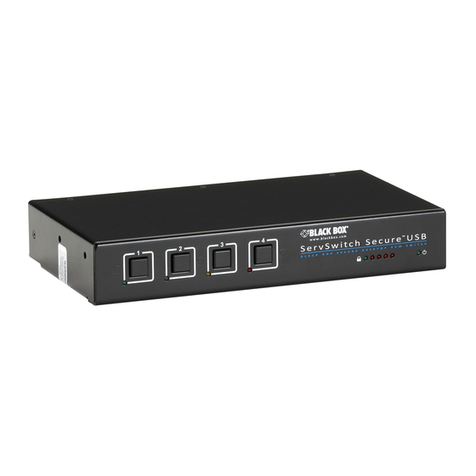
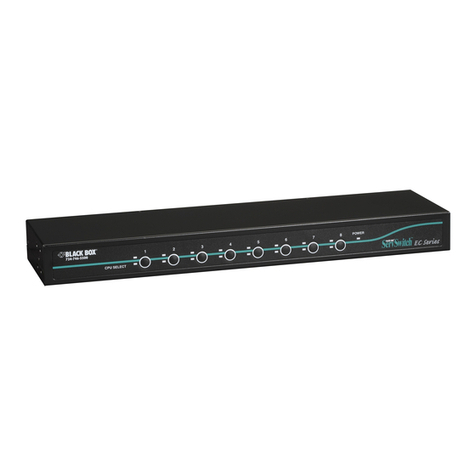
Figure 5-1: KVS4-1004KX
AUDIO OUT
VIDEO USB IN
USB OUT
CAC IN
CAC OUT
AUDIO IN
KVS4-1004KX
CONSOLE
12VDC2.0A AUDIO
K/M
AUDIO AUDIO AUDIO AUDIO
K/M K/M K/M K/M
CAC
CAC CAC CAC CAC
IN-1IN-2IN-3IN-4
Table 5-1
Console Port Authorized Devices
Keyboard Wired keyboard and keypad without internal USB hub or composite device functions, unless
the connected device has at least one endpoint which is a keyboard or mouse HID class.
Audio out Analog amplied speakers, Analog headphones.
Mouse / Pointing Device Any wired mouse or trackball without internal USB hub or composite device functions.
User Authentication Device USB devices identied as user authentication (base class 0Bh, e.g. Smart-card reader, PIV/
CAC reader, Token, or Biometric reader)