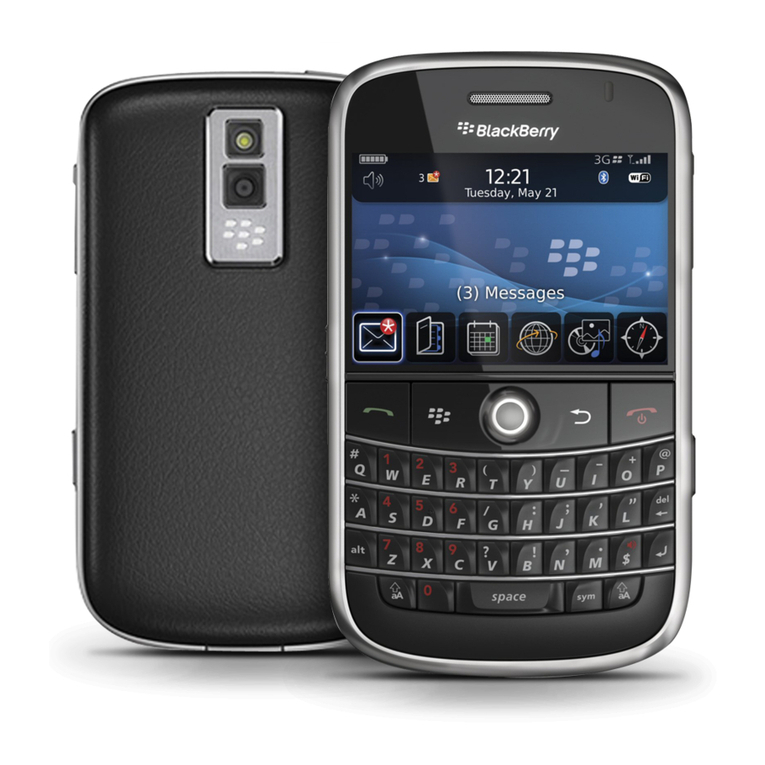
uSetting up your BlackBerry®
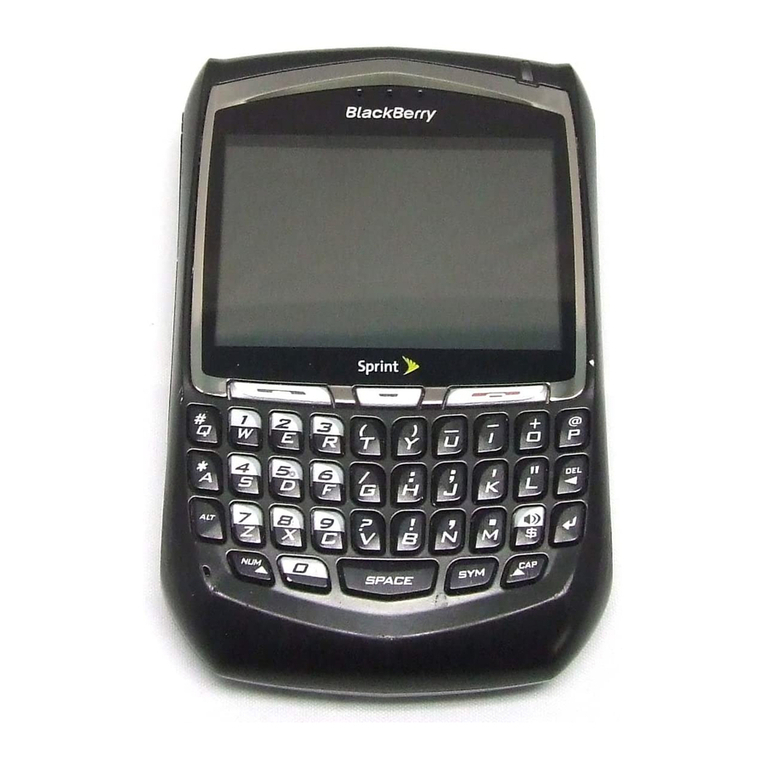
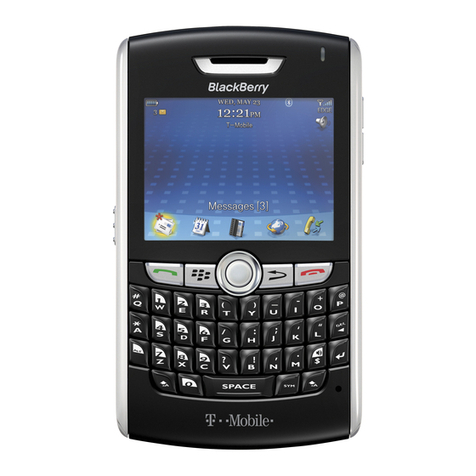
Cellhire has chosen the BlackBerry® smartphone
to run its Vismo Individual Tracking solution.
Please note this device has been programmed
with the Vismo and Facebook applications,
accessible by simply clicking the icon on your
Home screen. You may also add a personal e-mail
account such as Yahoo or G-mail; please follow
the POP3 Setup instructions in this pamphlet.
Please review these Quick Start operating
instructions to familiarize yourself with the basic
use of the device. Further information about
using the Vismo Tracking service can be found at
www.cellhire.com/ambassador/instructions.
Setting up your BlackBerry® phone
Be sure the battery is charged. Your phone is supplied
with a dual volt charger (110/220 volt) and an international
adapter so it can be charged anywhere in the world.
uGeneral Instructions
Making a Phone Call
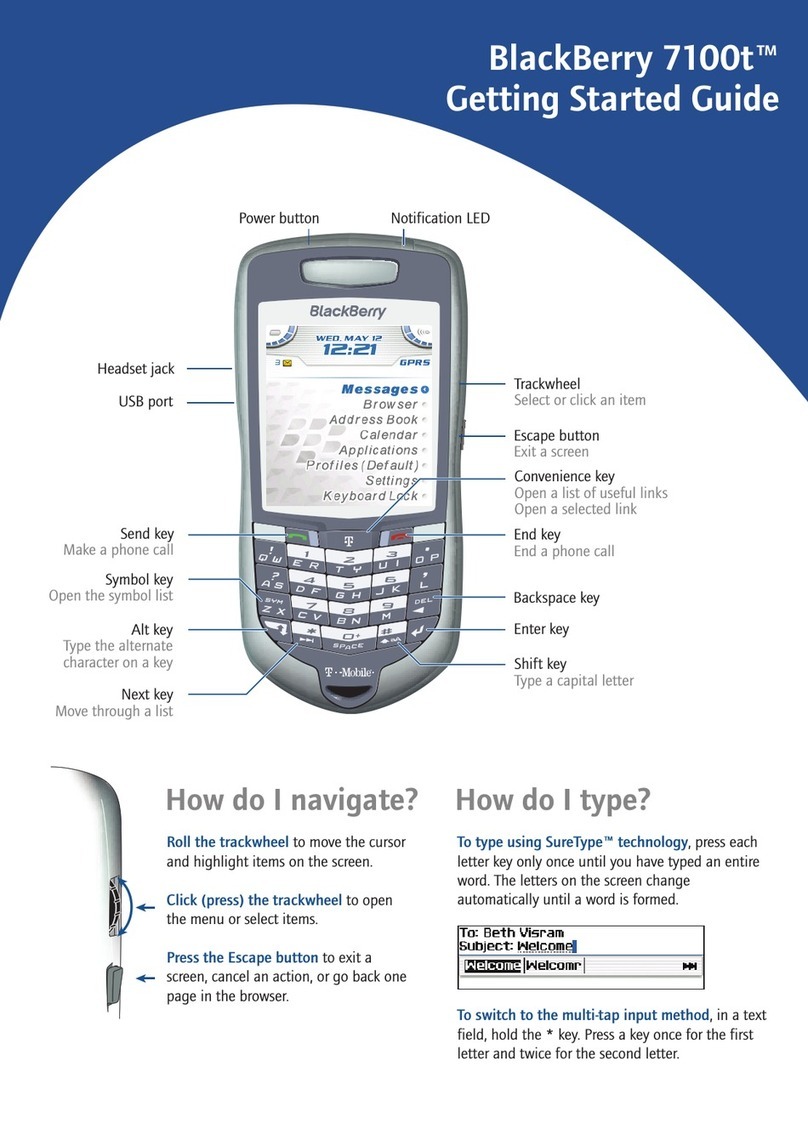
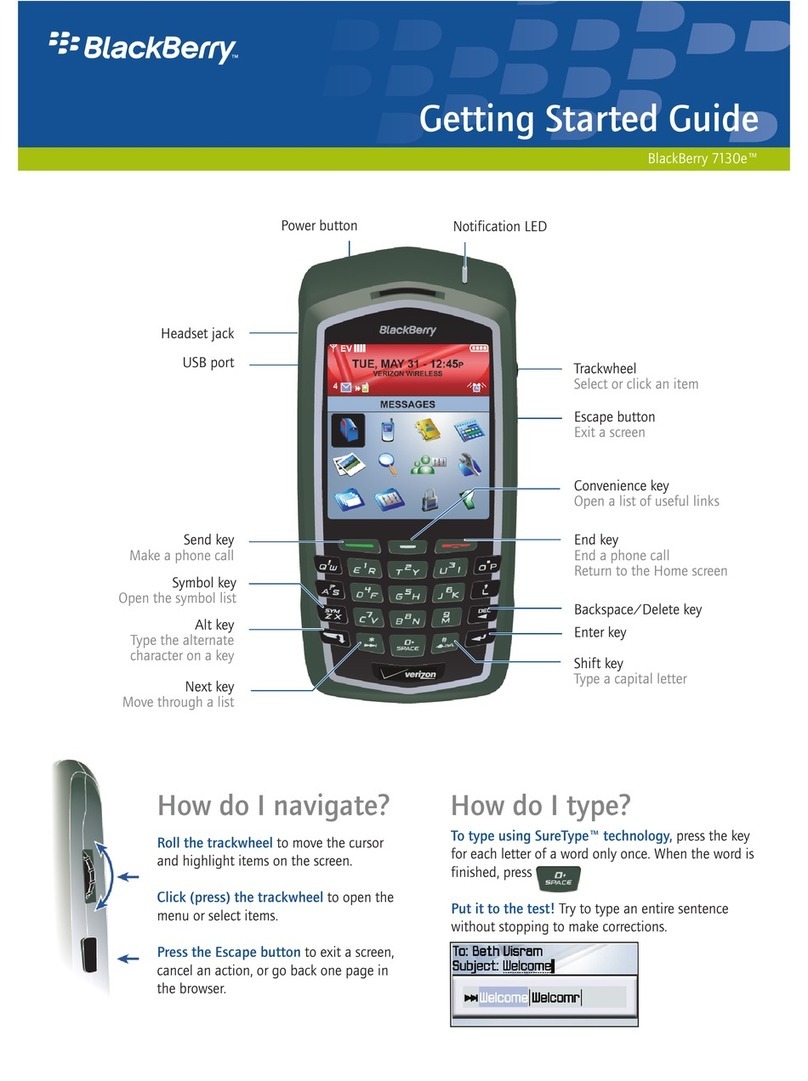
On the Home Screen, simply begin dialing from the
keypad. To make the + sign appear, press the letter
O/+ key. Press the green Call key to send the call.
Calling the US:
To call a Spokane number, for example, you would press
the letter O/+ key to get the + sign, then dial the US
country code (1), the Spokane area code (509), followed
by the phone number (555-1212): +1-509-555-1212.
Calling another Cellhire phone or any
international number:
PLEASE NOTE: All Vismo plans have British phone
numbers, so country code 44 must be used when calling the
Vismo phone from the US.
To call the US number, for example, you would press
the letter O/+ key to get the + sign, the US country
code (1), followed by the phone number (509-568-
0000): +1-509-568-0000.
A list of country codes can be found on the right.
Sending an SMS text message
1. From the home screen click the Messages icon.
2. Press the BlackBerry key.
3. Click Compose SMS.
4. Perform one of the following actions:
• If the contact is not in your address book, click
Use Once. Type an SMS phone number (include
country code and area code). Click the trackball.
• If the contact is in your address book, click the
contact.
5. Type your message.
6. Click the trackball.
7. Click Send.
POP3 Setup
To add your personal internet e-mail account to the
Cellhire rental BlackBerry:
1. Press the BlackBerry key to display
all Home screen icons.
2. Click the E-mail Settings icon.
3. Enter your internet e-mail address (Yahoo, G-mail,
Hotmail, etc.) and your account password; click Next.
4. An icon to access your internet e-mail account will
be added to the Cellhire BlackBerry Home screen.
You can click this icon to access your e-mail inbox.
To remove the POP3 account from the Cellhire rental
BlackBerry:
1. Click the E-mail Settings icon.
2. Click your E-mail address.
3. Scroll to and click “Delete”.
4. The screen should say "Are you sure you want to
delete the E-mail account: ________?" Click "Yes".
IMPORTANT: Please be sure you delete your POP3
E-mail account from the Cellhire device before returning
the unit. Customers returning units with active POP3 E-mail
accounts will be subject to a $50.00 administration fee to
remove the account from the device.
uCellhire Country Codes
Country Codes to be used with Cellhire Solutions
Please note:
• All European countries have the same country
code of 44. This is because the Cellhire airtime
solution provided for these countries is a British
phone number designed to be used as a roaming
solution throughout Europe, so when calling the
device you must dial the 44 country code – even
when the device is not in Britain.
• Several countries listed below have country
codes of 1 – this is because these solutions
include a US number, so when calling the device
you must dial the 1 country code – even when
the device is outside of the US.
• All Vismo Tracking devices include a British
phone number so when calling the Vismo device
you will always dial the British country code of 44.
Destination Country Code
Australia only ....................................................... 61
Australia/New Zealand/Fiji ...................................... 1
Brazil ..................................................................... 1
Canada .................................................................1
China ..................................................................... 1
Costa Rica .............................................................1
Ecuador/Galapagos ............................................... 1
Europe ................................................................44
India ...................................................................... 1
Japan .................................................................. 81
New Zealand ......................................................... 1
Russia ................................................................... 1
South Africa ........................................................... 1
USA .......................................................................1
Vietnam/Cambodia ................................................ 1
uVoice Mail Instructions