manuals.online logo
Brands
  1. Home
  2. •
  3. Brands
  4. •
  5. Blaupunkt
  6. •
  7. Vacuum Cleaner
  8. •
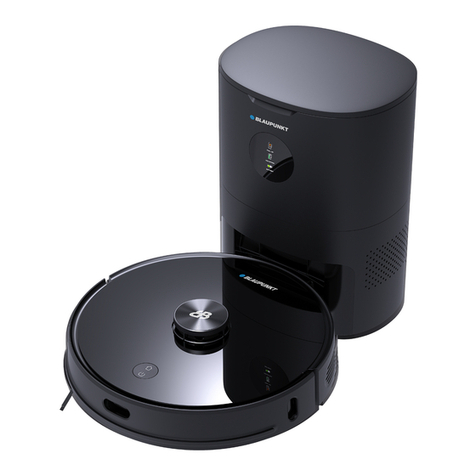
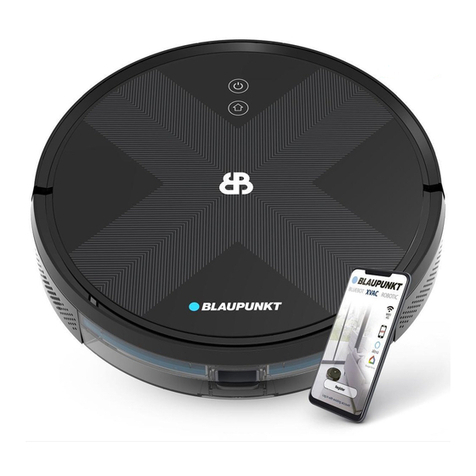
  9. Blaupunkt BLUEBOT XPOWER+ User manual

Blaupunkt BLUEBOT XPOWER+ User manual

This manual suits for next models

1

Other Blaupunkt Vacuum Cleaner manuals

Blaupunkt BLUEBOT XPOWER+ User manual

Blaupunkt

Blaupunkt BLUEBOT XPOWER+ User manual

Blaupunkt XPOWER+ User manual

Blaupunkt

Blaupunkt XPOWER+ User manual

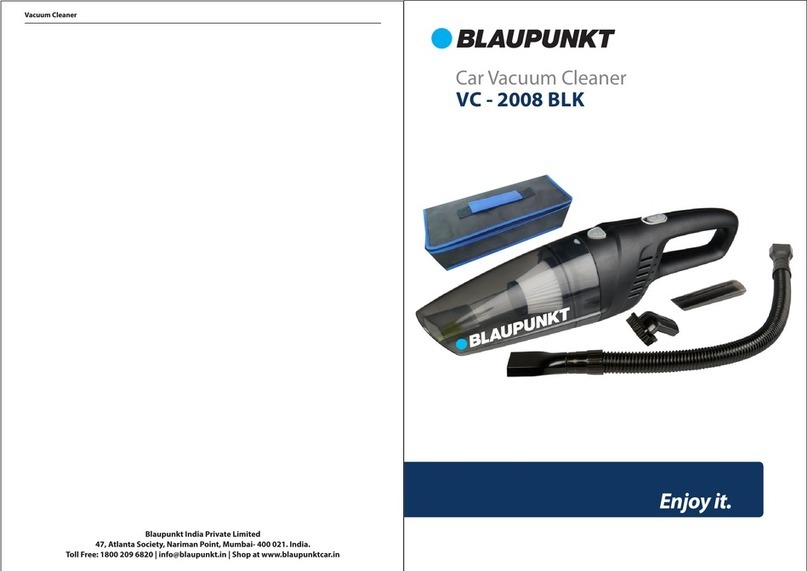
Blaupunkt VC-2008 BLK User manual

Blaupunkt

Blaupunkt VC-2008 BLK User manual

Blaupunkt Bluebot PRECISION Plus User manual

Blaupunkt

Blaupunkt Bluebot PRECISION Plus User manual

Blaupunkt BLUEBOT COMFORT PLUS User manual

Blaupunkt

Blaupunkt BLUEBOT COMFORT PLUS User manual

Blaupunkt VC6010 User manual

Blaupunkt

Blaupunkt VC6010 User manual

Blaupunkt VCH602 User manual

Blaupunkt

Blaupunkt VCH602 User manual

Blaupunkt RVC201 User manual

Blaupunkt

Blaupunkt RVC201 User manual

Blaupunkt Bluebot Xtreme User manual

Blaupunkt

Blaupunkt Bluebot Xtreme User manual

Blaupunkt BLUEBOT XSMART User manual

Blaupunkt

Blaupunkt BLUEBOT XSMART User manual

Blaupunkt VCH601 User manual

Blaupunkt

Blaupunkt VCH601 User manual

Blaupunkt BLUEBOT XPRO User manual

Blaupunkt

Blaupunkt BLUEBOT XPRO User manual

Blaupunkt BLUEBOT XTREME PLUS User manual

Blaupunkt

Blaupunkt BLUEBOT XTREME PLUS User manual

Blaupunkt BLUEBOT XPRO User manual

Blaupunkt

Blaupunkt BLUEBOT XPRO User manual

Blaupunkt VCI201 User manual

Blaupunkt

Blaupunkt VCI201 User manual

Blaupunkt VCP801 User manual

Blaupunkt

Blaupunkt VCP801 User manual
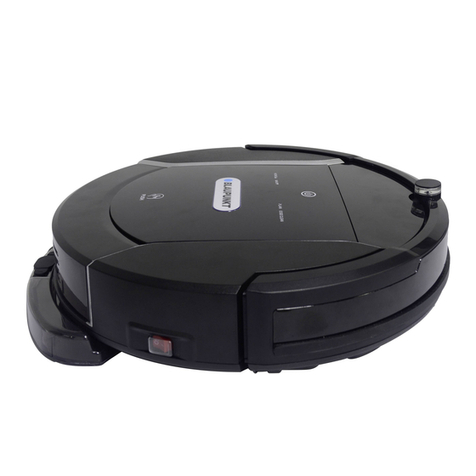
Blaupunkt Bluebot User manual

Blaupunkt

Blaupunkt Bluebot User manual

Blaupunkt RVC701 User manual

Blaupunkt

Blaupunkt RVC701 User manual

Blaupunkt VCB201 User manual

Blaupunkt

Blaupunkt VCB201 User manual

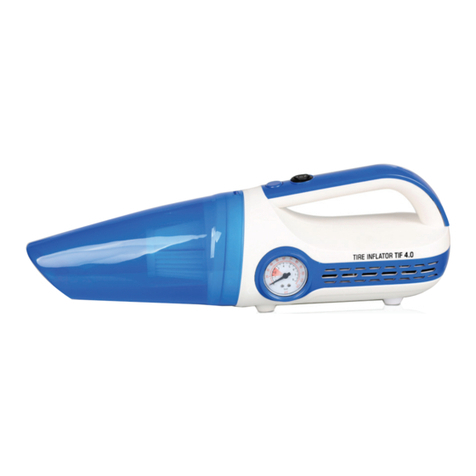
Blaupunkt TIF 4.0 User manual

Blaupunkt

Blaupunkt TIF 4.0 User manual

Blaupunkt BPK-VCBB1XS User manual

Blaupunkt

Blaupunkt BPK-VCBB1XS User manual

Blaupunkt VCB301 User manual

Blaupunkt

Blaupunkt VCB301 User manual

Blaupunkt Bluebot Xtreme User manual

Blaupunkt

Blaupunkt Bluebot Xtreme User manual

Blaupunkt XEASY User manual

Blaupunkt

Blaupunkt XEASY User manual

Popular Vacuum Cleaner manuals by other brands

Shark KD400WM owner's guide

Shark

Shark KD400WM owner's guide

Shark CORDLESS SV780_N 14 user manual

Shark CORDLESS

Shark CORDLESS SV780_N 14 user manual

Philips FC9176/08 manual

Philips

Philips FC9176/08 manual

Kenmore KW3030 user manual

Kenmore

Kenmore KW3030 user manual

AMiO YF-101 user manual

AMiO

AMiO YF-101 user manual

Beko VRT 94929 VI user manual

Beko

Beko VRT 94929 VI user manual

Shark CORDLESS SV780 Series quick start guide

Shark CORDLESS

Shark CORDLESS SV780 Series quick start guide

Lumme LU-3203 instruction manual

Lumme

Lumme LU-3203 instruction manual

Melissa 640-040/051 instruction manual

Melissa

Melissa 640-040/051 instruction manual

Makita DVC152L instruction manual

Makita

Makita DVC152L instruction manual

Bosch BSN1 instruction manual

Bosch

Bosch BSN1 instruction manual

King Canada 8560LST Service manual & parts list

King Canada

King Canada 8560LST Service manual & parts list

EUFY RoboVac 11c+ owner's manual

EUFY

EUFY RoboVac 11c+ owner's manual

Panasonic MC-E4101 Service manual

Panasonic

Panasonic MC-E4101 Service manual

Panasonic MC-V9658 operating instructions

Panasonic

Panasonic MC-V9658 operating instructions

Bosch BGB 2 Series instruction manual

Bosch

Bosch BGB 2 Series instruction manual

Hoover dog & cat TURBO manual

Hoover

Hoover dog & cat TURBO manual

FGE Far Tools NET UP 20 manual

FGE

FGE Far Tools NET UP 20 manual

manuals.online logo
manuals.online logoBrands
  • About & Mission
  • Contact us
  • Privacy Policy
  • Terms and Conditions

Copyright 2025 Manuals.Online. All Rights Reserved.

APP INSTRUCTION XPOWER+
Make sure the robot is
fully charged.
It is not possible to register
the robot in the app while it is
physically in
the docking station.
Remove the robot from
the docking station (charger).
Place the robot close to your
router.
2 31
If you have already completed the following procedure, reset the robot vacuum by setting the
red switch on the side of the robot to ‘off’ for at least ten minutes.
Need assistance?
bluebotxpower.com [email protected] 00800 357 00 753
Need assistance?
Download the app for your
speci ic robot.
(Bluebot Robotics app for the
XPOWER+)
Click the ‘+’ to add the robot.
Please note that the
robot works on a
frequency of both 2.4 &
5.0 GHz.
Open the app and register
yourself; select ‘Europe’
as your area.
Make sure the on/o switch
is set to ‘on’. This is the red
switch on the side of
the robot.
5
Make sure your phone
is connected to the
Wi-Fi network.
8
Select the robot model
you have (bluebotXP+)
6
9
4
7
bluebotxpower.com [email protected] 00800 357 00 753
Need assistance?
Wait until the robot has
started fully.
Select your Wi-Fi signal.
The robot workson both
2.4 & 5.0 GHz
Continue to the next step in
the app.
Use the blue button to
‘Reset’.
11
(XPOWER+)
Press and hold the button on
the top until it begins to blink.
1210
13
bluebotxpower.com [email protected] 00800 357 00 753
Need assistance?
If you have been successful,
your robot will now be
displayedin the app.
Press the ‘home’ button on
your phone and go to the
Wi-Fi settings.
Select the network that
begins with blaupunkt_ ;
return to the app.
For Android phones:
Do NOT use the “Back”
button, use the “Home”
button instead.
The app will now connect to
the robot.
Hold the telephone in close
proximity to the robot.
15 1614
Enter your password for
Wi-Fi connection.
17
bluebotxpower.com [email protected] 00800 357 00 753