6
No. Problem Cause & Solution
1 The fan is making noise If there is a metal friction sound or other abnormal sound,
it indicates the fan bearing is faulty *
2 The fan is not working
1. The door is not closed
2. The power plug is loose
3. The fan is faulty *
3 The screen interface is garbled If cutting the power and powering up again does not
restore a normal screen, there must be a fault *
4
The purier does not absorb
dust (there is an alert for faulty
electrostatic cleaner)
1. Mosquitoes or other substances entered
the electrode grid, which can be cleaned
2. The tungsten lament is broken
3. The electrode grid is bent
4. Power failure *
5 Bad dust absorption performance If the dust absorption performance is poor after 5 day’s
operation, operate according to No. 4
6Poor indoor purication efciency
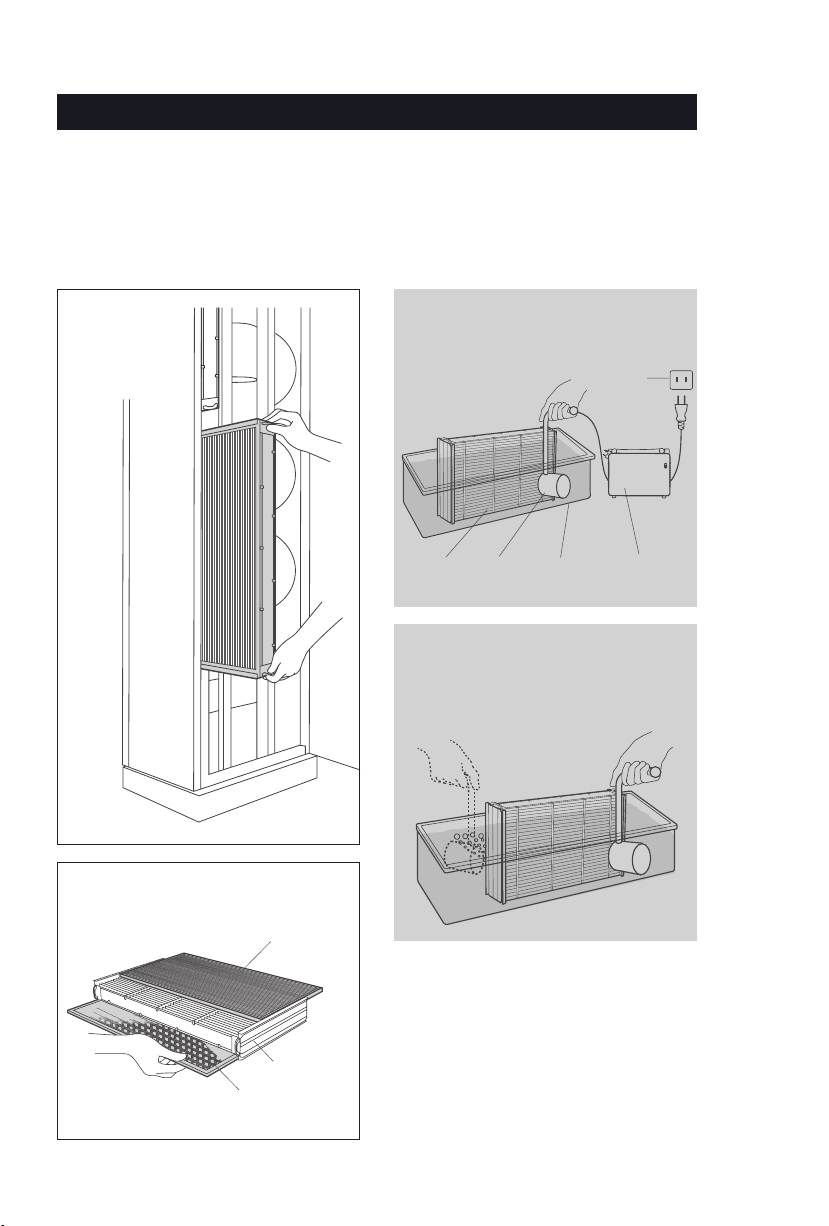
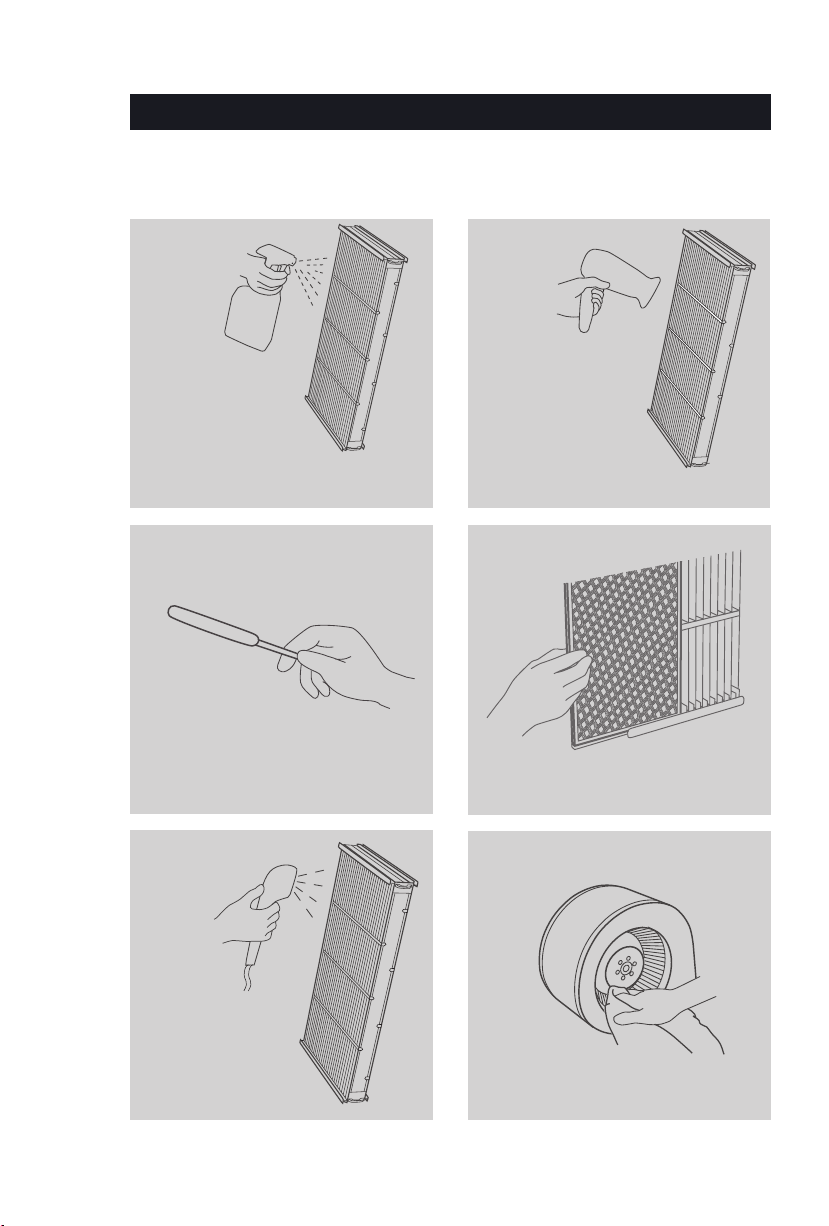
Check if the electrostatic cleaner is covered with dust. If
the duct thickness exceeds 1.5mm (0.06 inches), clean it
immediately
7The electrostatic cleaner does
not t
The electrostatic cleaner is backward, the arrow direction
should be inward
8The cleaning prompt
appears repeatedly
If the cleaning prompt appears repeatedly while the
electrostatic cleaner is not covered with dust, extend
the “cleaning cycle” in setting (note: the electrostatic
cleaner will be regarded as having been cleaned if you
open the door or power off after the prompt appears)
9 There is a cracking sound
1. If the sound occurs the minute the electrostatic cleaner
is reinstalled, it is probably because the electrostatic is
not dried thoroughly. Remove it and blow dry
2. If the sound occurs after the purier has operated for a
while, the electrostatic cleaner might have collected
too much dust. Clean it
3. The tungsten lament is broken or bent, cut off the
lament or replace the cleaner
4.
The electrode grid is bent, try to bend it back into shape
Note: for items marked with *, seek help from BROAD or BROAD designated service
provider immediately
TROUBLESHOOTING