5
INFORMATION
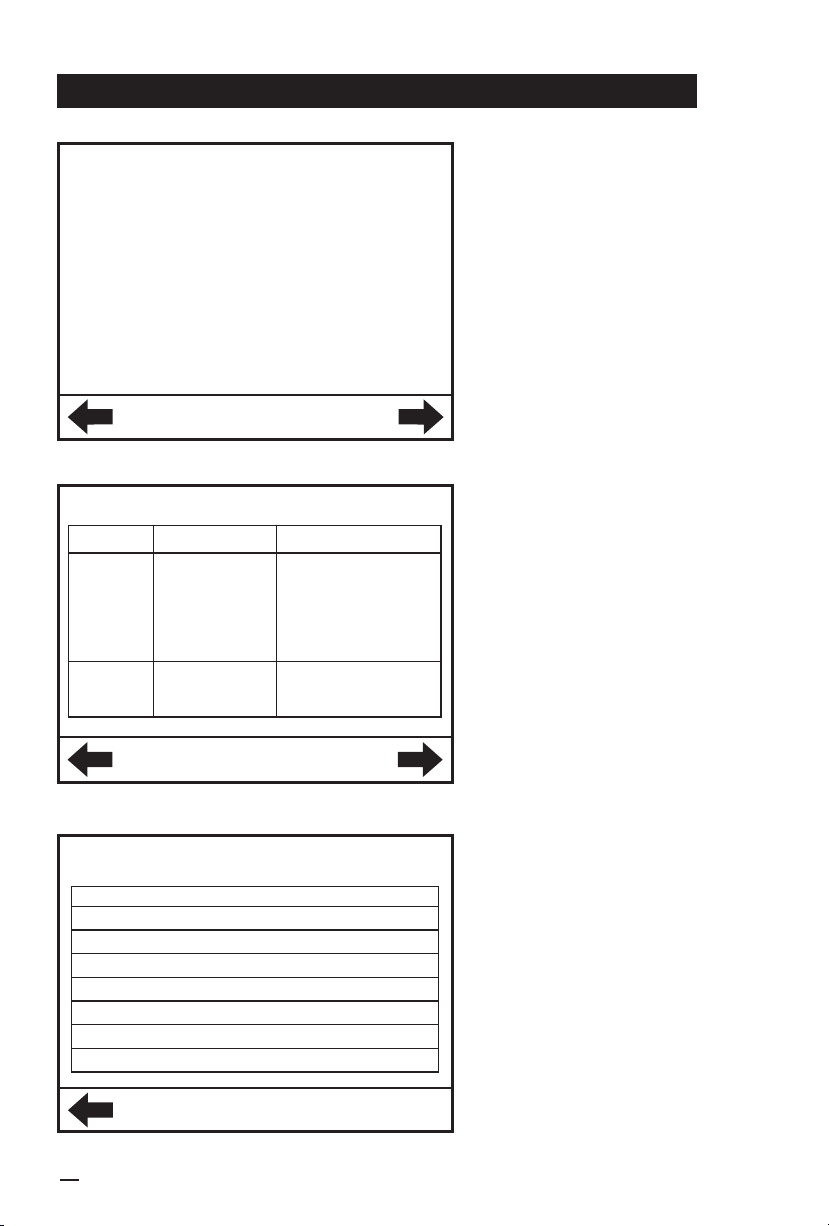
• Press "Help" to enter this
interface
• "Brief Description" introduces
matters that need attention
during operation
• Press the left button to return,
press the right button for
troubleshooting query. See
page 12 for details
• Go to the page after "Brief
Description in the " Help"
interface
• Seek specific solution for
troubleshooting
• Press the left button to return,
press the right button for more
troubleshooting solutions(See
page 12 for details. For items
marked with *, please seek
immediate help from BROAD
or a BROAD authorized service
provider)
Troubleshooting
Phenomena
Big noise 1. Pan speed is
too high
2. Fan bearing or
rotor failuer
3. Wall or ground
is uneven
1. Lower fan frequency
2. Repair*
3. Fasten the bolts
or level the wall or
ground *
1.Close the door again
2.Replace it *
No blow
Causes Solutions
• If a fault occurs, the
"Fault" button on the main
interface will turn into a white
background automatically,
press "Reset" to clear the alert
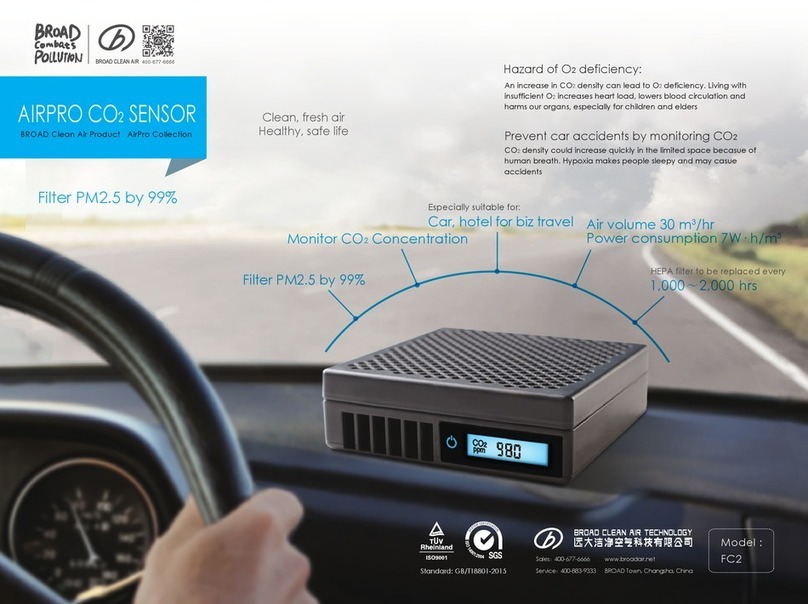
• If the CO2concentration
exceeds the upper limit, please
immediately increase the air
volume of the fresh air machine
• If the electrostatic cleaner
cleaning prompt appears,
clean or replace as soon as
possible
• For fresh air machine
component failure, please seek
immediate help from BROAD
or a BROAD authorized service
provider
Fault
Reset
1. The door is not
properly closed
2. Fan motor failure
Fresh air machine
Indoor air temperature probe fault
Brief description
1. The automatic freshness control refers to the control
of CO2concentration. When the CO2concentration
is too high, the air speed will increase automatically
to reduce the CO2concentration below the set
value. Vice Versa.
2. On the automatic freshness control mode, the fan
frequency rises and falls automatically to ensure the
freshness and comfort of the indoor environment,
while at the same time saving energy.