3 Table of Contents
Getting
Started
Table of
Contents Settings Bryton App Appendix
Table of Contents
Getting Started ......................4
Rider 11 Key Functions ............... 4
Reboot Rider 11 ......................... 5
Accessories ................................ 5
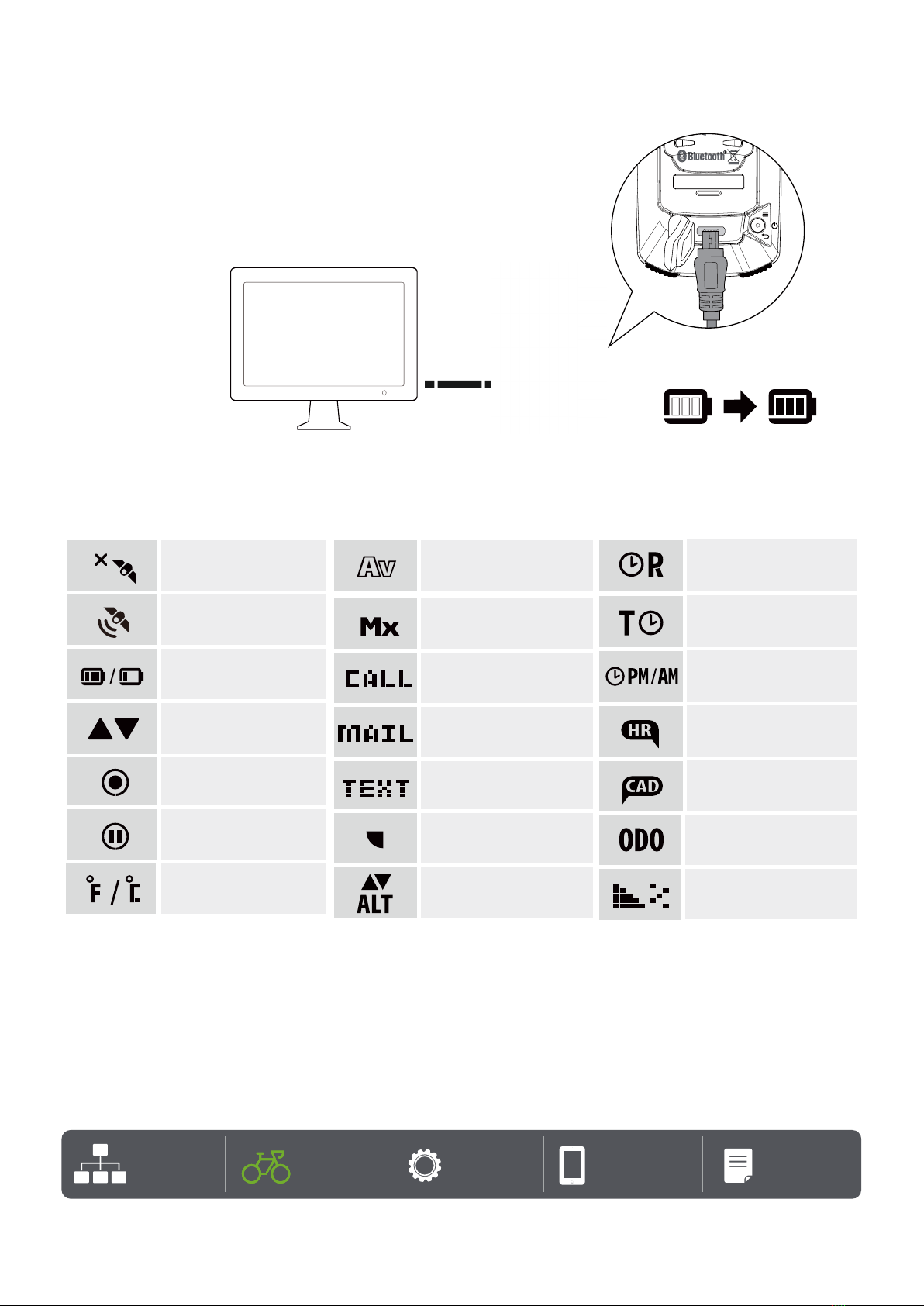
Charge Rider 11 ......................... 6
Icon Description .......................... 6
Initial Setup ............................... 7
Step 1: Power On Rider 11 .......... 7
Step 2: Select Unit ..................... 7
Step 3: Acquire GPS Signal ......... 7
Step 4: Ride with Rider 11 .......... 8
Step 5: Install on Bikes ............... 9
Share Your Records . .................. 10
Bryton Update Tool .................... 12
Settings ........................... 13
Bike Profiles ............................. 13
Calibrate Altitude ....................... 13
Sensor Pairing ........................... 14
Delete Data ............................... 15
Select Unit ................................ 15
Set the Time .............................. 16
Odometer .................................. 16
Reset Data ................................ 16
Bryton App Advanced Settings ..17
Notifications ............................. 17
Change Data Field ...................... 17
Altitude Calibration ...................... 18
Appendix ........................ ..19
Specification ............................ 20
Battery Information ................... 21
Wheel Size Chart ....................... 23
Install Speed/Cadence Sensor ..... 24
Install Heart Rate Belt ............... 25
Basic Care For Your Rider 11........ 26