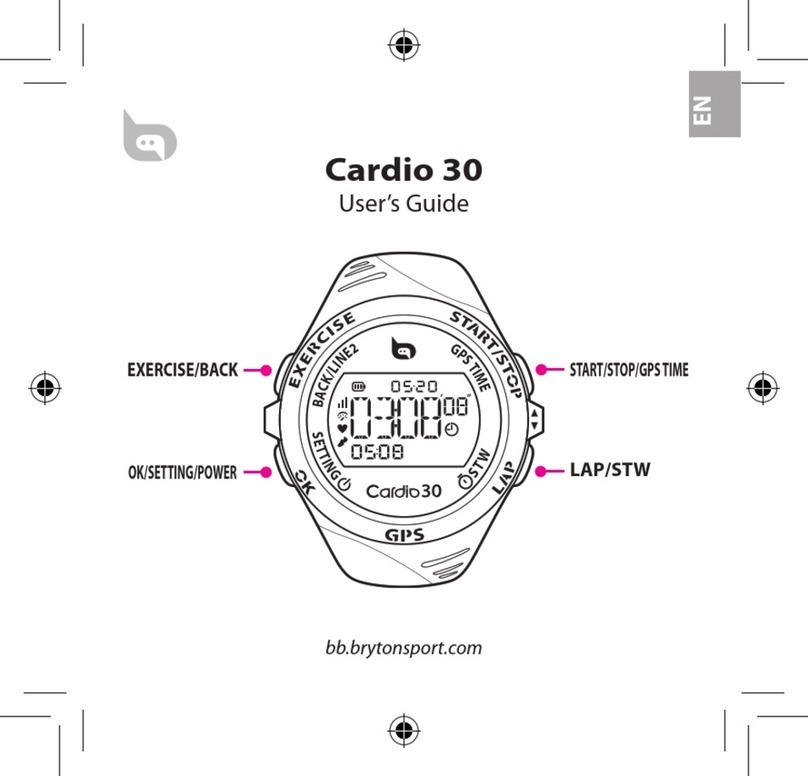
Buttons
Cardio 35 has four buttons that are used for multiple functions.
Power/BACK (1)
Press to turn on Cardio 35. Press and•
hold to turn it o.
After a training/exercise is stopped,•
press to switch to clock view.
In Setting and Stopwatch modes,•
press to go back to clock view.
OK (2)
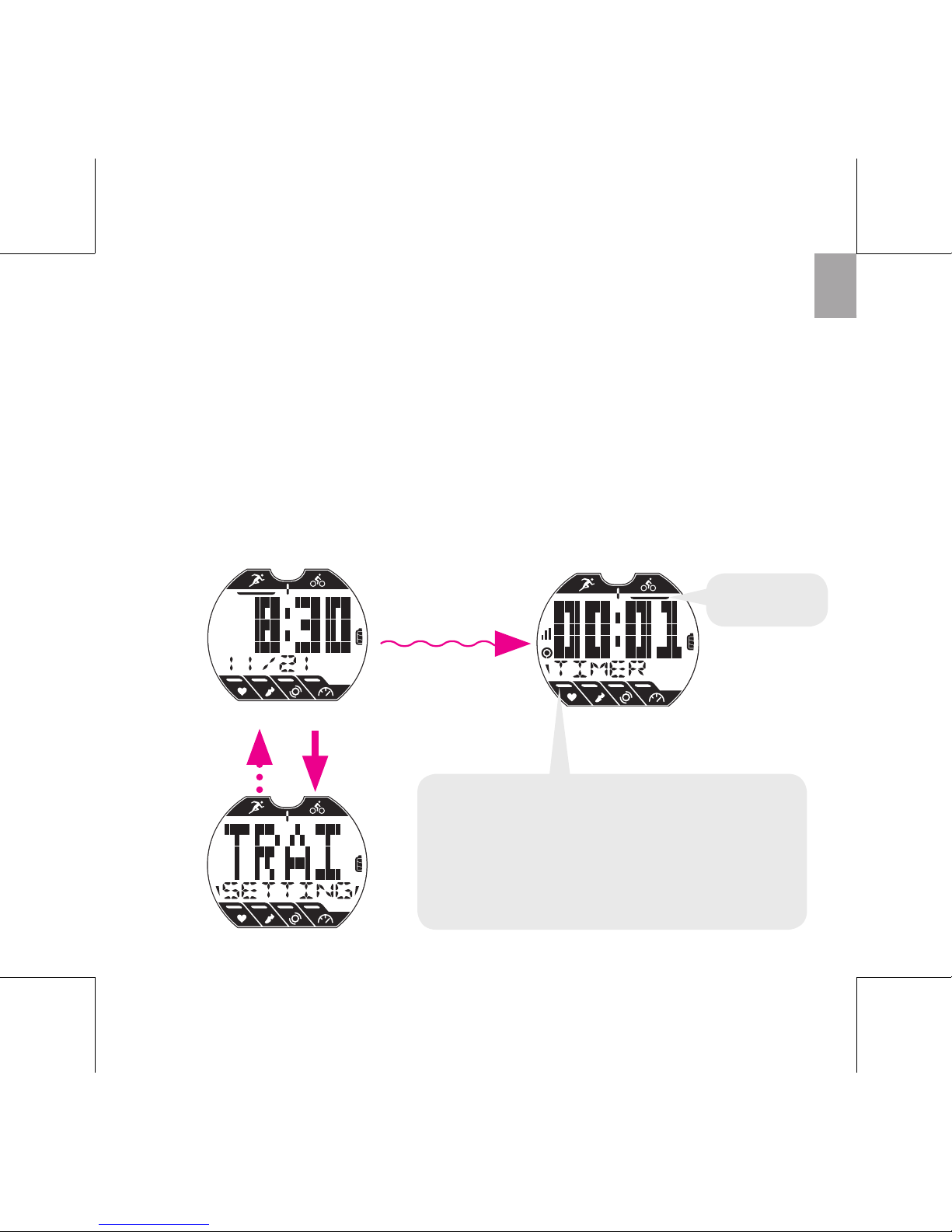
In Clock view, press to access Setting.•
In Exercise/Training, press to scroll•
your exercise data.
• InSetting,presstoenterorconrma
selection.
In Stopwatch, press to view the le•
for lap data.
START/STOP (3)
In Clock view, press to start/pause/•
stop exercise, and it will also start/
pause/stop recording at the same
time.
In Setting, press to move up to scroll•
through menu options.
4
3
2
1
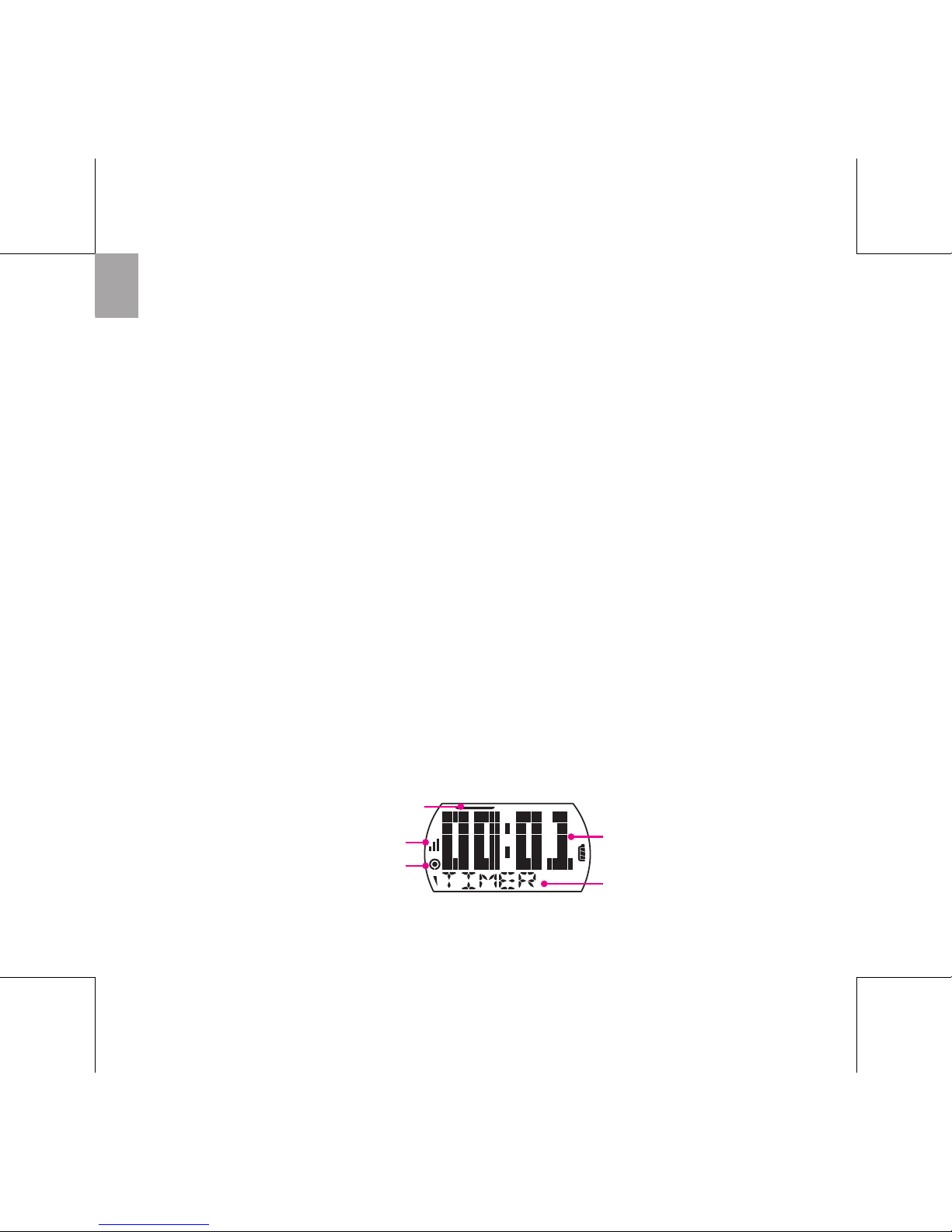
In Stopwatch, press to start/stop the•
stopwatch.
LAP (4)
In Clock view, press to switch Bike or•
Run mode.
In Exercise or Stopwatch, press to•
mark lap.
In Setting, press to move down to•
scroll through menu options.
After stopwatch is stopped, press to•
reset the stopwatch.