manuals.online logo
Brands
  1. Home
  2. •
  3. Brands
  4. •
  5. Casio
  6. •
  7. Watch
  8. •
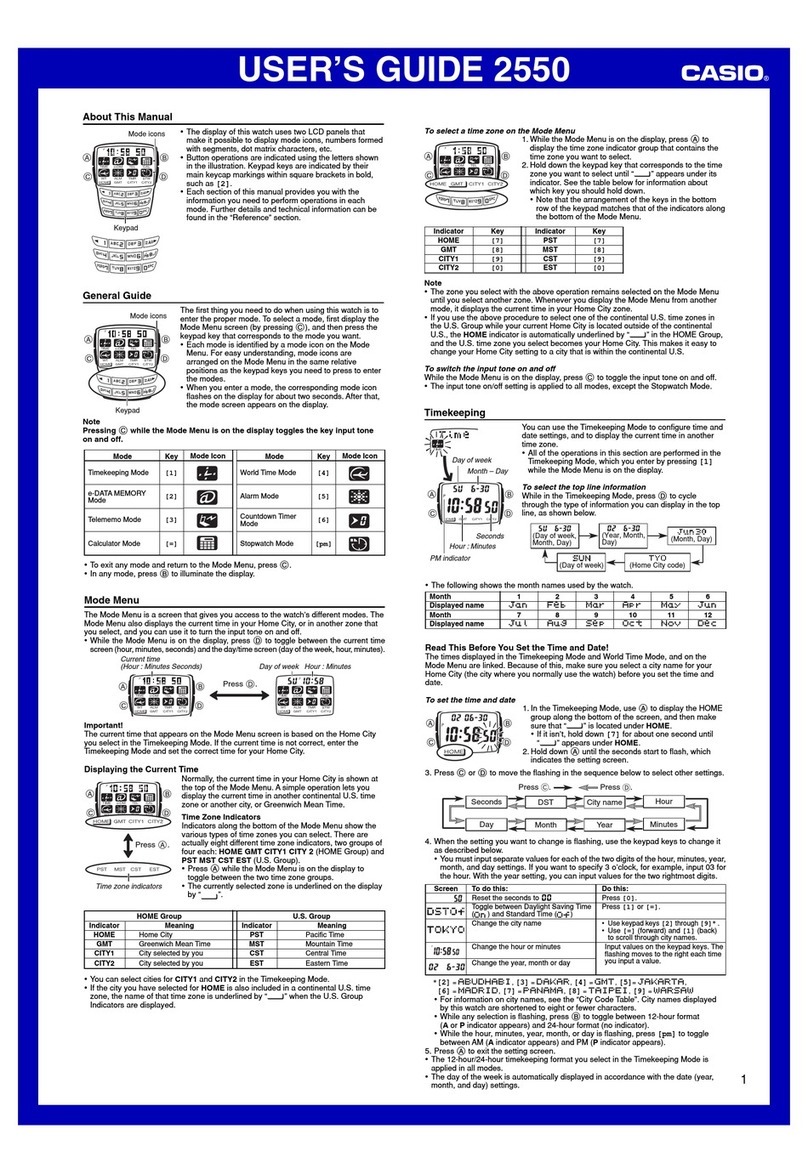
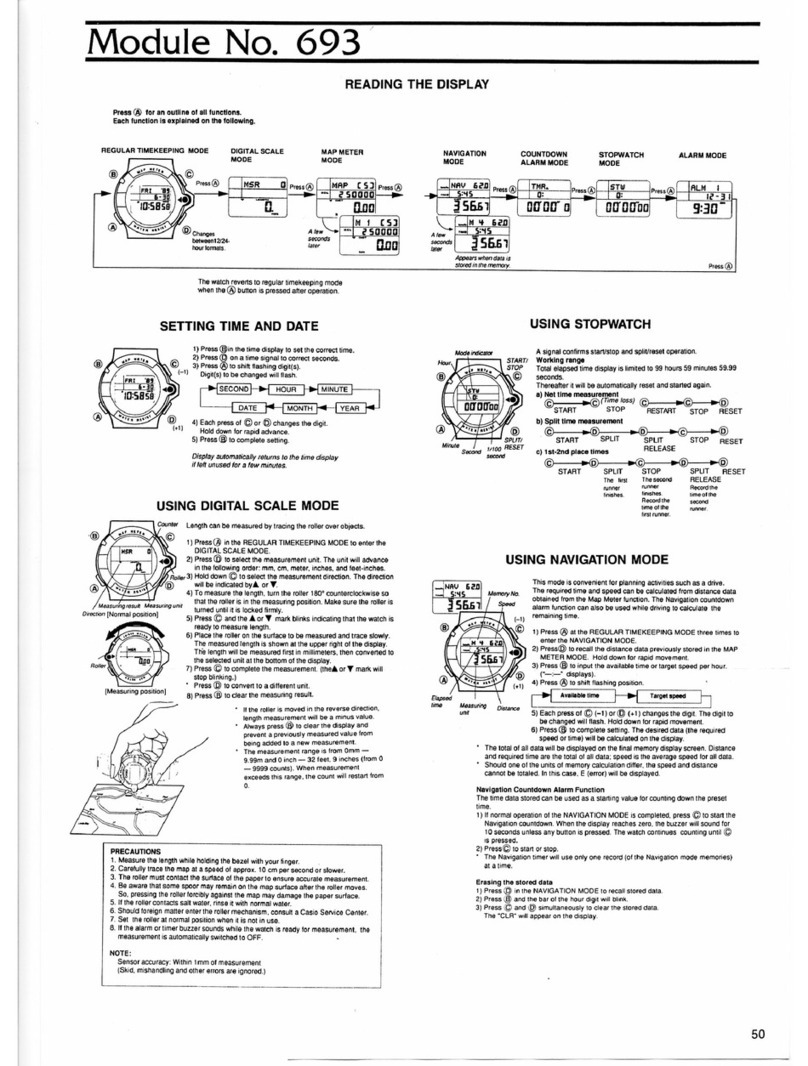
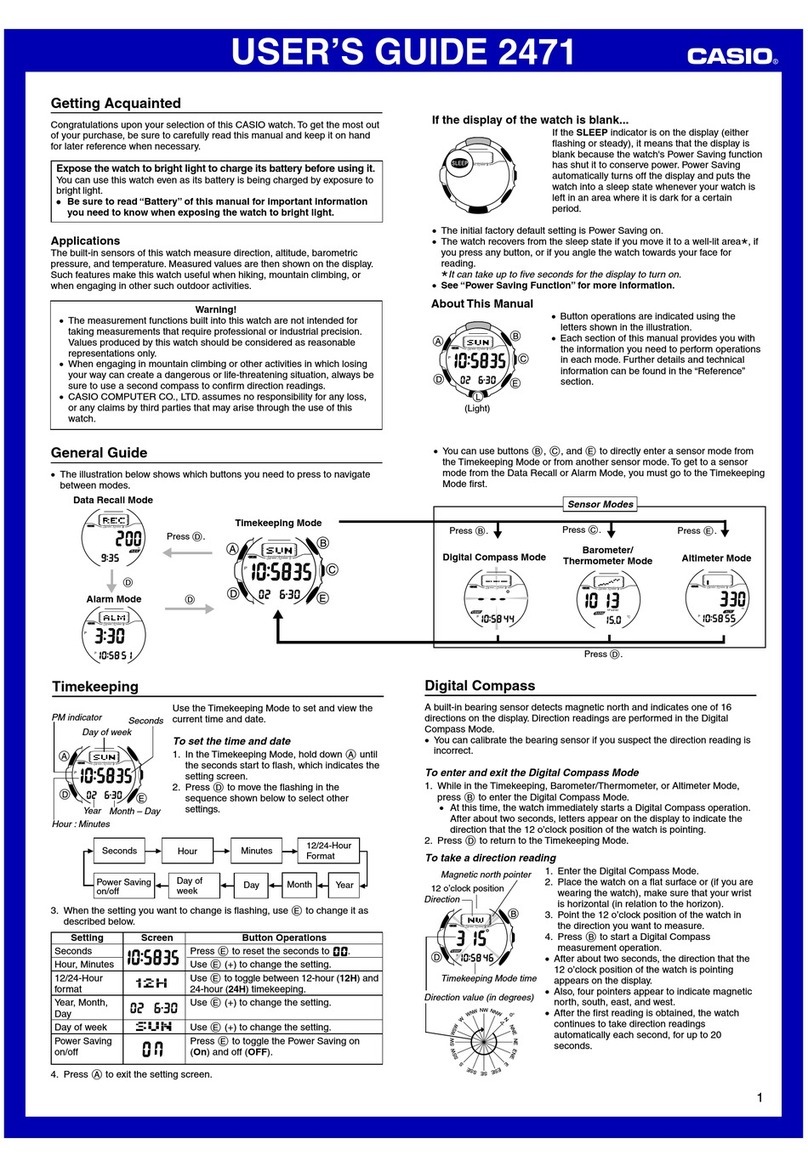
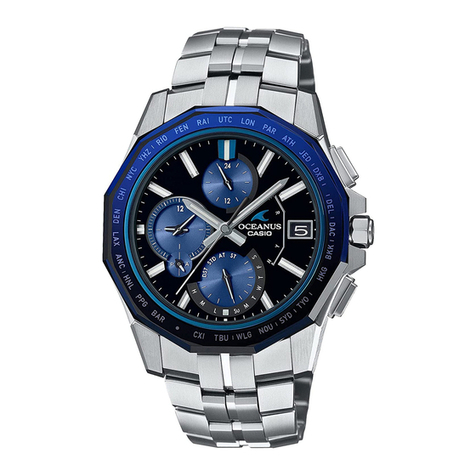
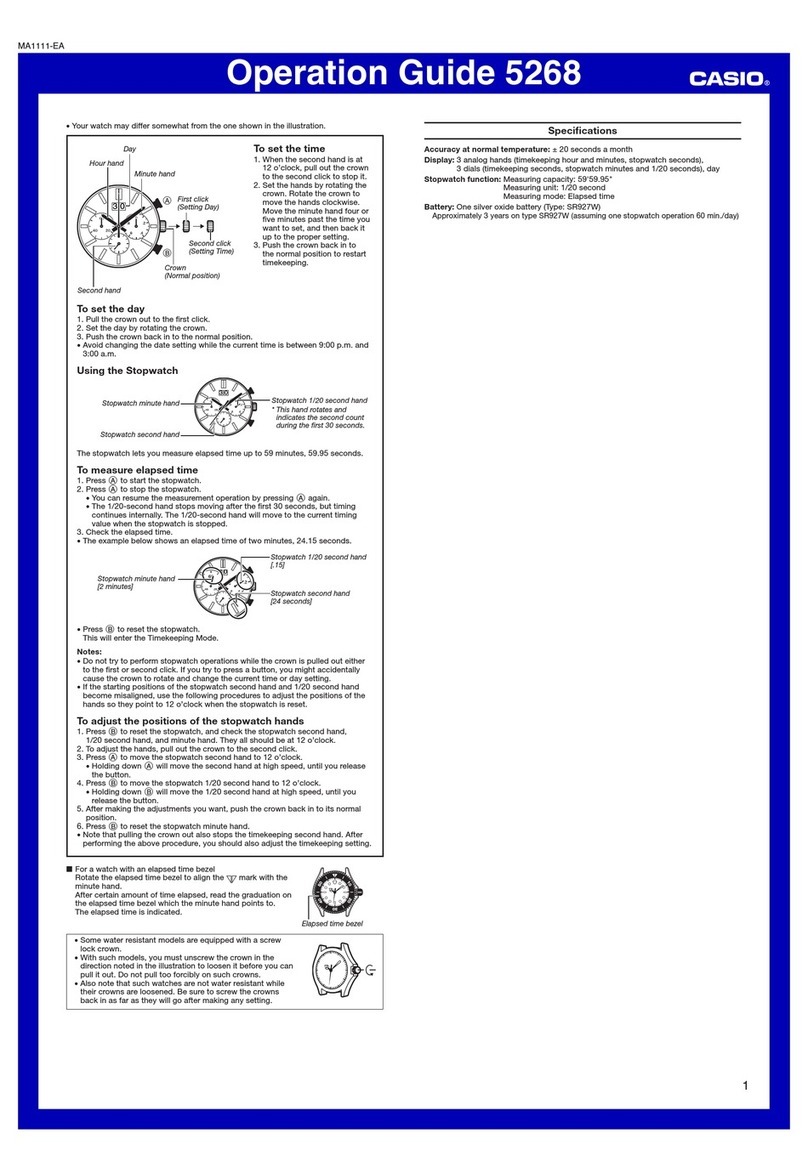
  9. Casio 5623 User manual

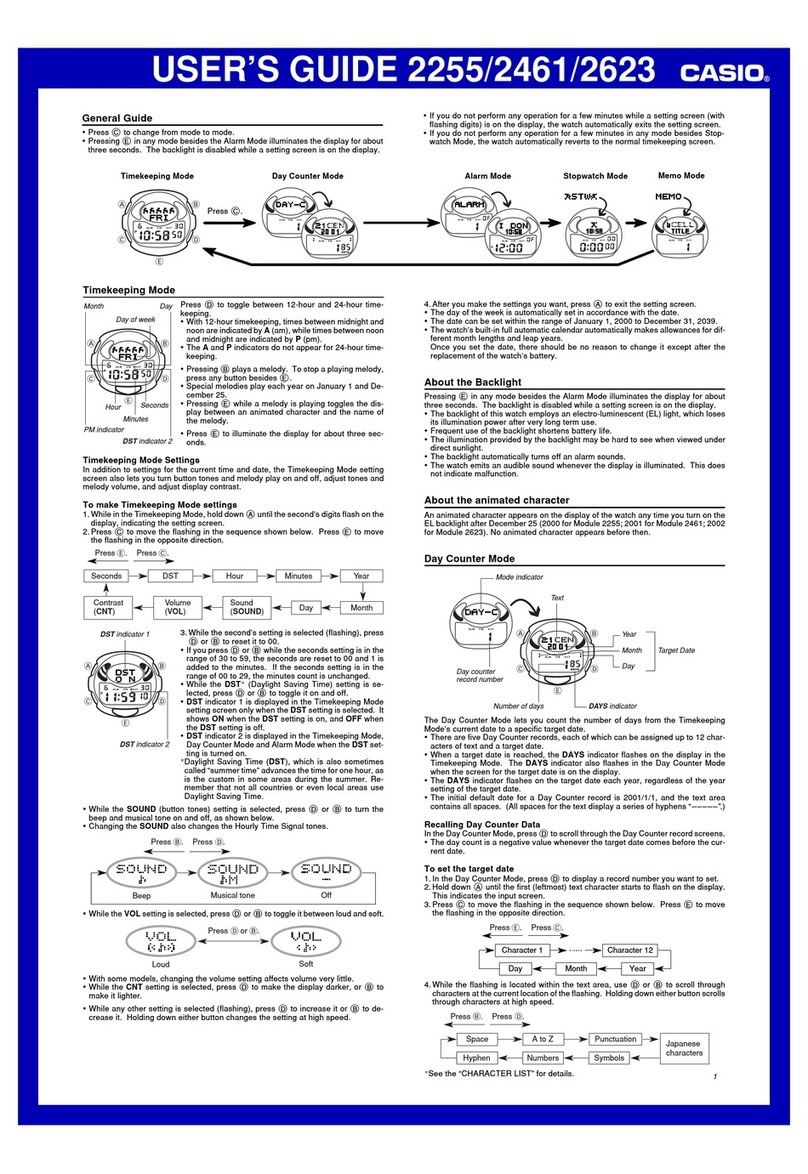
Casio 5623 User manual

Other manuals for 5623

1

Other Casio Watch manuals

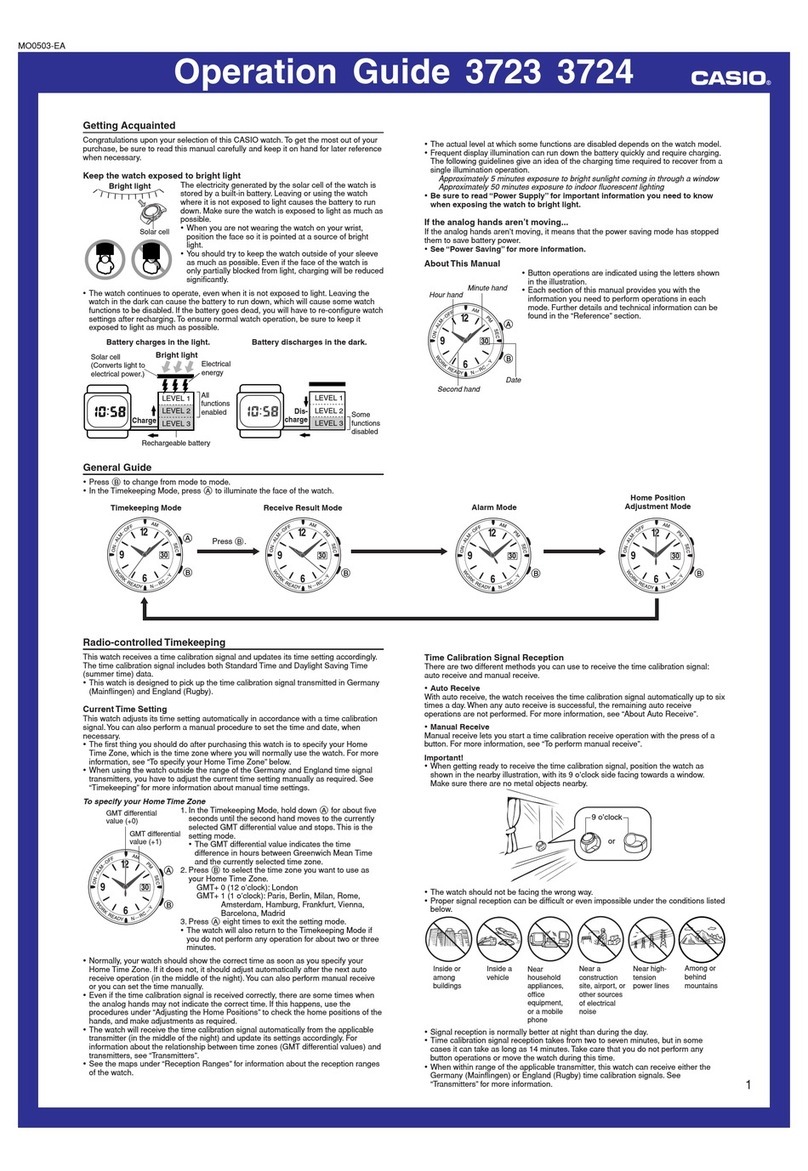
Casio 2708 User manual

Casio

Casio 2708 User manual

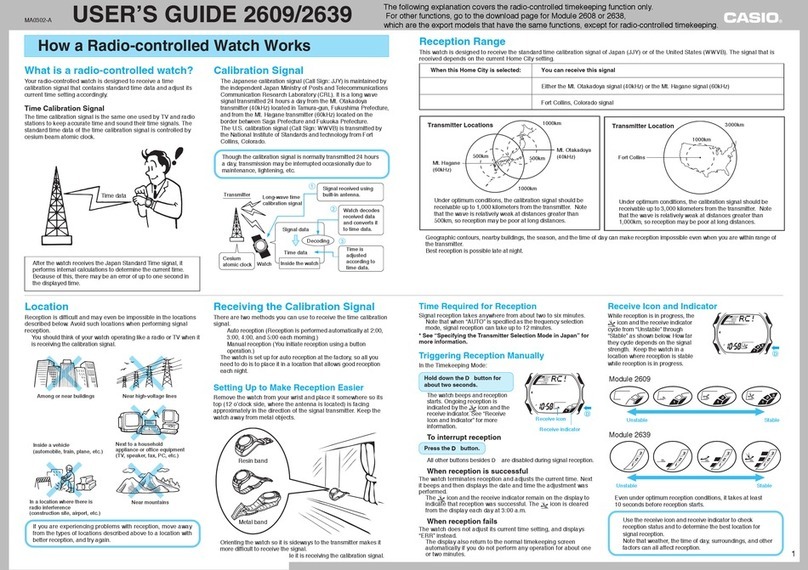
Casio 5713 User manual

Casio

Casio 5713 User manual

Casio 5203 User manual

Casio

Casio 5203 User manual

Casio 5603 User manual

Casio

Casio 5603 User manual

Casio 3745 User manual

Casio

Casio 3745 User manual

Casio ANA(6HST-B) User manual

Casio

Casio ANA(6HST-B) User manual

Casio 2674 User manual

Casio

Casio 2674 User manual

Casio MA1410-EC User manual

Casio

Casio MA1410-EC User manual

Casio Edifice EQW-T630YD-1A User manual

Casio

Casio Edifice EQW-T630YD-1A User manual

Casio 5198 User manual

Casio

Casio 5198 User manual

Casio 3436 User manual

Casio

Casio 3436 User manual

Casio 2607 User manual

Casio

Casio 2607 User manual

Casio 3063 User manual

Casio

Casio 3063 User manual

Casio 2524 User manual

Casio

Casio 2524 User manual

Casio M00801-EA User manual

Casio

Casio M00801-EA User manual

Casio 3770 User manual

Casio

Casio 3770 User manual

Casio AQ164W-1AV User manual

Casio

Casio AQ164W-1AV User manual

Casio 4726 User manual

Casio

Casio 4726 User manual

Casio 3310 User manual

Casio

Casio 3310 User manual

Casio 2519 User manual

Casio

Casio 2519 User manual

Casio 3451 User manual

Casio

Casio 3451 User manual

Casio 1995 User manual

Casio

Casio 1995 User manual

Casio 3193 User manual

Casio

Casio 3193 User manual

Casio F105W-1A User manual

Casio

Casio F105W-1A User manual

Popular Watch manuals by other brands

Piaget 560P Instructions for use

Piaget

Piaget 560P Instructions for use

Armitron pro sport MD0346 instruction manual

Armitron

Armitron pro sport MD0346 instruction manual

West Marine BlackTip 13411293 Instruction Booklet and Care Guide

West Marine

West Marine BlackTip 13411293 Instruction Booklet and Care Guide

Jaeger-leCoultre HYBRIS MECHANICA CALIBRE 184 manual

Jaeger-leCoultre

Jaeger-leCoultre HYBRIS MECHANICA CALIBRE 184 manual

FOREVER iGO PRO JW-200 user manual

FOREVER

FOREVER iGO PRO JW-200 user manual

Relic OS10 quick start guide

Relic

Relic OS10 quick start guide

MyKronoz ZeClock manual

MyKronoz

MyKronoz ZeClock manual

Strikes and Spares SASM80 E-manual

Strikes and Spares

Strikes and Spares SASM80 E-manual

Christopher Ward C1000 Owner's handbook

Christopher Ward

Christopher Ward C1000 Owner's handbook

Lotus ILMFS01 instruction manual

Lotus

Lotus ILMFS01 instruction manual

Chronos Manufactures Chrono Diamond Thyrso 10400 instruction manual

Chronos Manufactures

Chronos Manufactures Chrono Diamond Thyrso 10400 instruction manual

Pandora WATCH2 quick guide

Pandora

Pandora WATCH2 quick guide

Suunto X6 user guide

Suunto

Suunto X6 user guide

Seiko N830 instruction manual

Seiko

Seiko N830 instruction manual

MotionX 365 user guide

MotionX

MotionX 365 user guide

Aplus GV18 user guide

Aplus

Aplus GV18 user guide

Garmin VENU SQ 2 owner's manual

Garmin

Garmin VENU SQ 2 owner's manual

QCY Watch GTC manual

QCY

QCY Watch GTC manual

manuals.online logo
manuals.online logoBrands
  • About & Mission
  • Contact us
  • Privacy Policy
  • Terms and Conditions

Copyright 2025 Manuals.Online. All Rights Reserved.

User’s Guide 5623
E-7
Selecting a Mode
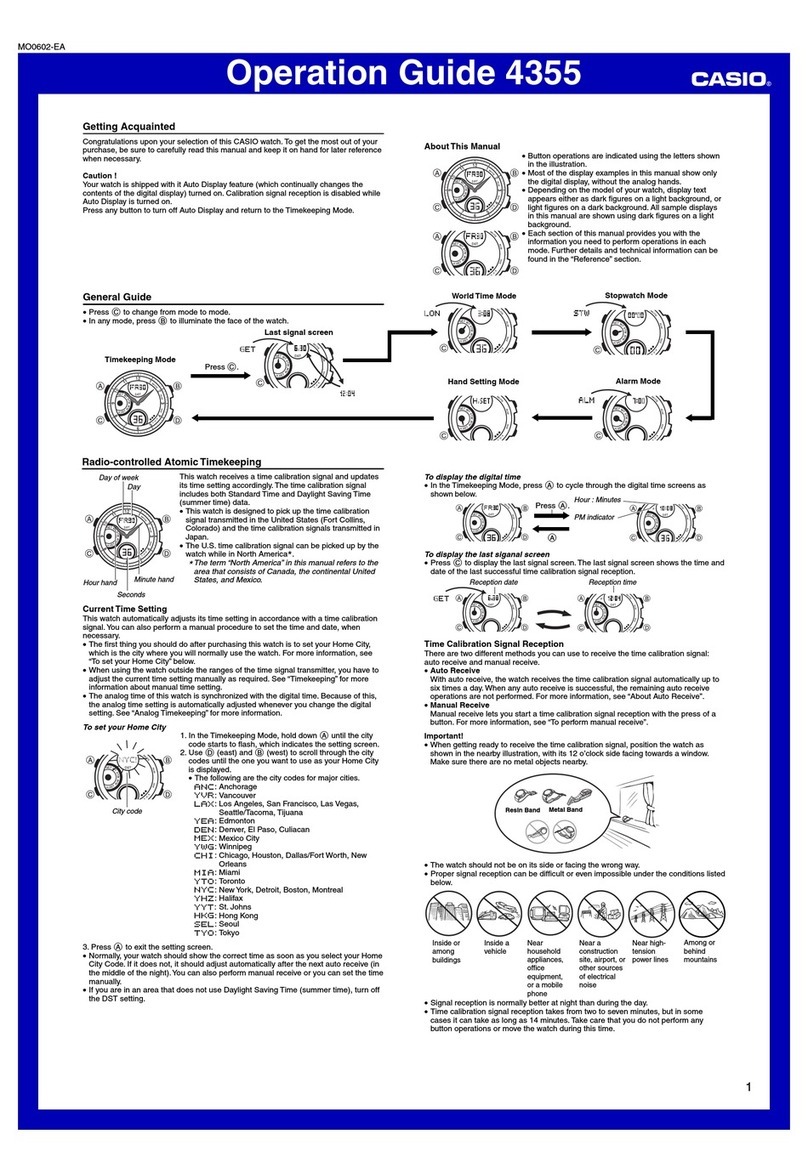
Each press of Ccycles between modes as shown below.
xHold down Cfor at least one second to enter the Calendar Mode.
xHold down Cfor at least two seconds to enter the Diving Mode.
* Indicated when a port is specified
with Mobile Link.
C
C
C
Tide Graph Mode*
C
Stopwatch ModeCalendar Mode
Timer ModeAlarm Mode
C
E-6
Day of the week:
SU, MO, TU, WE, TH, FR, SA
Summer time: DST
Standard time: STD
Auto summer time: AT
Tide conditions
Mode: ST (Stopwatch), TR (Timer),
AL (Alarm)
Dive Mode
E-5
General Guide
30
24-hour hand: Current timeAlarm status: ON, OFF
• Auto adjust:
Enabled (Y)/Disabled (N)
• Auto adjust:
Successful (Y)/Failed (N)
Dual Time dial
Bluetooth connection: C*
Time signal reception in
progress
Hour and minute hands: Current time
Click 1
Crown
Click 2
* Hold down Dfor at least 2.5 seconds to establish a Bluetooth connection with a phone.
E-4
Using the Watch
Charging
Remove the watch from your wrist and place it in a brightly lit area.
xThe watch may become hot when exposed to light for charging. Take care to avoid burn injury.
xAvoid charging in locations where it is very hot.
Power Saving
xLeaving the watch in a dark location for about one hour between the hours of 9p.m. and 6a.m. will
cause the second hand to stop at 12o’clock.
xLeaving the watch in a dark location for about one week will cause all hands to stop.
Battery Alerts
xLow Battery
Second hand jumps every two seconds (Low Battery Alert).
xDead Battery
All hands stopped.
E-3
Contents
Using the Watch ................................................................................................................................. E-4
Charging ..................................................................................................................................... E-4
General Guide.............................................................................................................................. E-5
Selecting a Mode......................................................................................................................... E-7
Setting the Time .......................................................................................................................... E-8
Changing the Dual Time, Alarm Time, or Timer Time Setting........................................................ E-10
Specifications ................................................................................................................................... E-11
Operating Precautions...................................................................................................................... E-14
User Maintenance............................................................................................................................. E-20
E-2
This product has a Mobile Link function that lets it communicate with a Bluetooth®capable phone to
perform automatic time adjustment and other operations.
xThis product complies with or has received approval under radio laws in various countries and
geographic areas. Use of this product in an area where it does not conform to or where it has not
been approved under applicable radio laws may be punishable under local laws. For details, visit
https://world.casio.com/ce/BLE/.
xUse of this product inside of an aircraft is restricted by the aviation laws of each country. Be sure to
obey instructions provided by flight personnel concerning use of devices such as this product.
E-1
ENGLISH
Congratulations upon your selection of this CASIO watch.
Visit the website below for the operation manual
(Operation Guide) of this watch.
https://world.casio.com/manual/wat/
To ensure that this watch provides you with the
years of service for which it is designed, carefully
read and follow the instructions in this manual,
especially the information under “Operating
Precautions” and “User Maintenance”.
Be sure to keep all user documentation handy
for future reference.
The Bluetooth®word mark and logos are registered trademarks owned by Bluetooth SIG, Inc. and
any use of such marks by CASIO COMPUTER CO., LTD. is under license.
MA2005-EB © 2020 CASIO COMPUTER CO., LTD.
User’s Guide 5623
E-13
Battery Operating Time:
Approximately 5 months
Conditions
Not exposed to light under the conditions below.
xBluetooth connection time: 10 hours/day
xAlarm: Once (10 seconds)/day
xIllumination: Once (3 seconds)/day
xHand sleep: 6 hours/day
xDiving: 3 dives/month
– Dive time measurement: 45 minutes/dive
– Surface time measurement: 15 minutes/dive
– Illumination: 6 seconds (3 seconds × 2)/dive
Note that battery operating time may be reduced by illumination conditions, and by dive time and
Bluetooth connection duration.
Specifications are subject to change without notice.
E-12 B
Diving Function:
Dive time measurement: Up to 2 hours (1-second units)
Surface time display: Up to 24 hours
Log memory: 30 records (dive start and end dates and times, or surface start and end dates and times)
Mobile Link Functions:
Auto Time Correction
Phone finder
Watch operation sounds the alert sound of the mobile phone.
World Time
Current time for approximately 300 cities selected for the watch
Home Time/World Time swapping
Auto summer time switching
Automatic switching between standard time and summer time
Tide Graph (6 levels)
Information on approximately 3,300 global locations
Timer Setting
Alarm Setting
Hand position correction
Data Communication Specifications
Bluetooth®
Frequency Band: 2400MHz-2480MHz
Maximum Transmission: 0 dBm (1 mW)
Communication range: 2 meters max. (depends on environment)
Other: Power Saving, High-brightness LED light, Auto Correction of Hand Home Positions, Hand Shift
Power Supply: Solar panel and 1 rechargeable battery
E-11
Specifications
Accuracy at Normal Temperature: ±15 seconds a month
Timekeeping: Hour, minute (hands move at 5-second intervals), second; date, day of the week
Calendar system: Full-auto calendar from 2000 to 2099
Others: Dual time (hour, minute, 24-hour timekeeping, 27 time zones, auto summer time setting,
Home Time/Dual Time swapping)
Signal Receive Function:
Auto receive, manual receive
Auto transmitter selection (for JJY, MSF/DCF77)
Receivable call signs: JJY (40kHz/60kHz), BPC (68.5kHz), WWVB (60kHz), MSF (60kHz),
DCF77 (77.5kHz)
Tide Graph Function: Tide level/high tide time selection
Stopwatch:
Measuring unit: 1 second
Measuring capacity: 23:59'59" (24 hours)
Alarm:
Setting units: Hour, minute
Beeper: 10 seconds
Countdown Timer:
Countdown unit: 1 second
Countdown range: 24 hours
Setting unit: 1 minute
Time up: 10-second beeper
E-10
Changing the Dual Time, Alarm Time, or Timer Time Setting
Dual Time dial,
a.m./p.m. hand
1. Use Cto navigate to the mode whose time setting you want to change.
2. Rotate the crown towards you to loosen it.
3. Pull the crown out to the first click.
4. Rotate the crown to move the hands to the time you want to set.
5. After the setting is the way you want, push the crown back in and then
screw it securely into place.
E-9
9. Press C.
xThis enables the year 1’s digit setting.
Year 1’s Digit Setting
0
6
3
2
4
1
5
9
8
7
10.
Rotate the crown to change the year 1’s digit setting.
11.
Press C.
xThis enables the month setting.
Month Setting
Month Day
12
6
3
2
4
1
5
9
10
8
11
7
12.
Rotate the crown to change the month setting.
13.
Press C.
xThis enables the day setting.
14.
Rotate the crown to change the day setting.
15.
After the settings are the way you want, push the crown back in and
then screw it securely into place.
E-8
Setting the Time
1. Rotate the crown towards you to loosen it.
2. Pull the crown out to the second click.
3. Hold down Cfor at least one second.
xThis enables setting of the hour and minute.
4. Rotate the crown to change the current minute setting.
5. Press C.
xThis enables setting of the hour.
6. Rotate the crown to change the current hour setting.
xThe 24-hour hand indicates whether a time setting is a.m. (A) or
p.m. (P).
7. Press C.
xThis enables the year 10’s digit setting.
8. Rotate the crown to change the year 10’s digit setting.
Year 10’s Digit Setting
00
60
30
20
40
10
50
90
80
70