logo
Brands
  1. Home
  2. •
  3. Brands
  4. •
  5. Cateye
  6. •
  7. Bicycle Accessories
  8. •
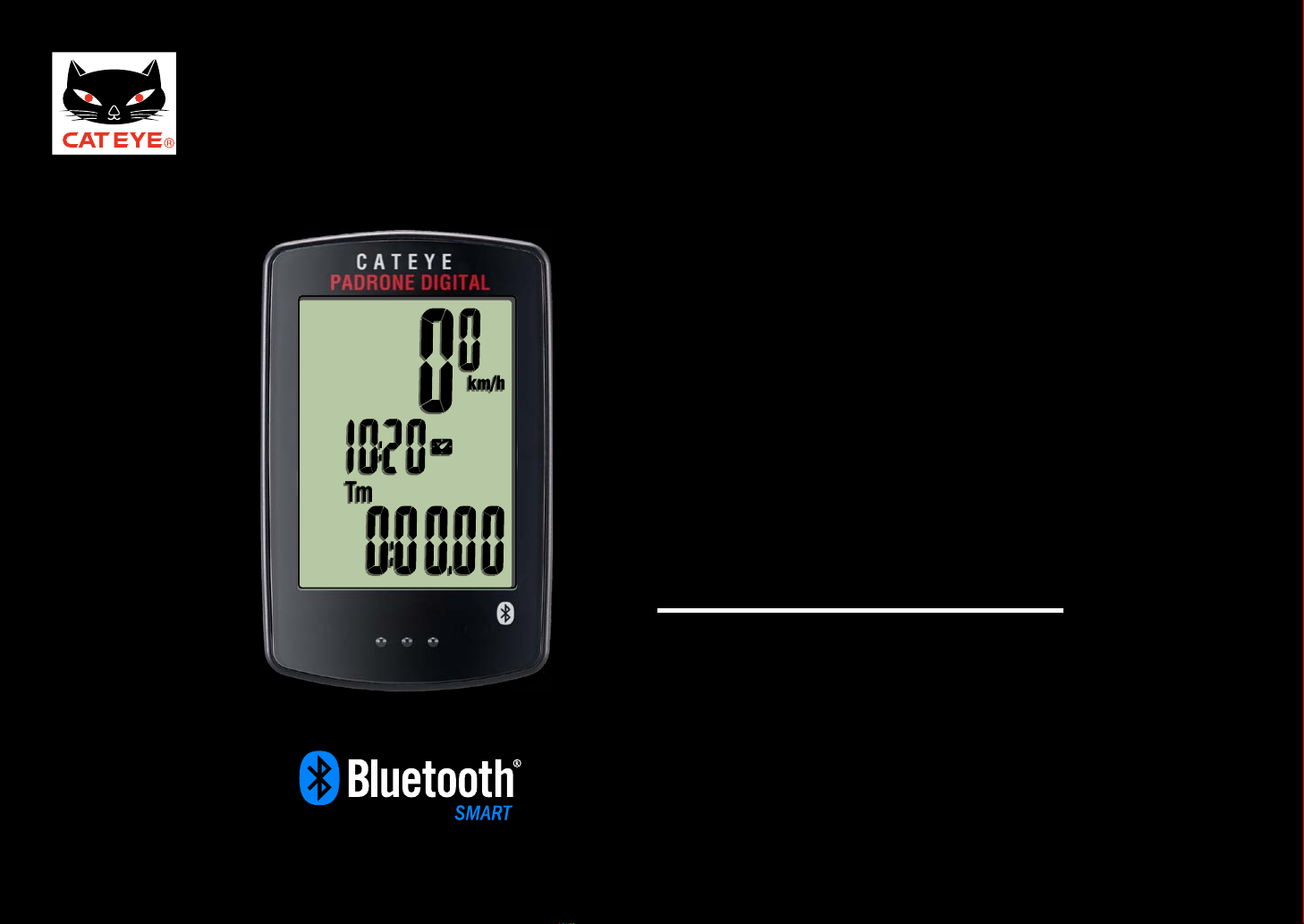
  9. Cateye PADRONE DIGITAL CC-PA400B User manual

Cateye PADRONE DIGITAL CC-PA400B User manual

Other manuals for PADRONE DIGITAL CC-PA400B

2

Other Cateye Bicycle Accessories manuals
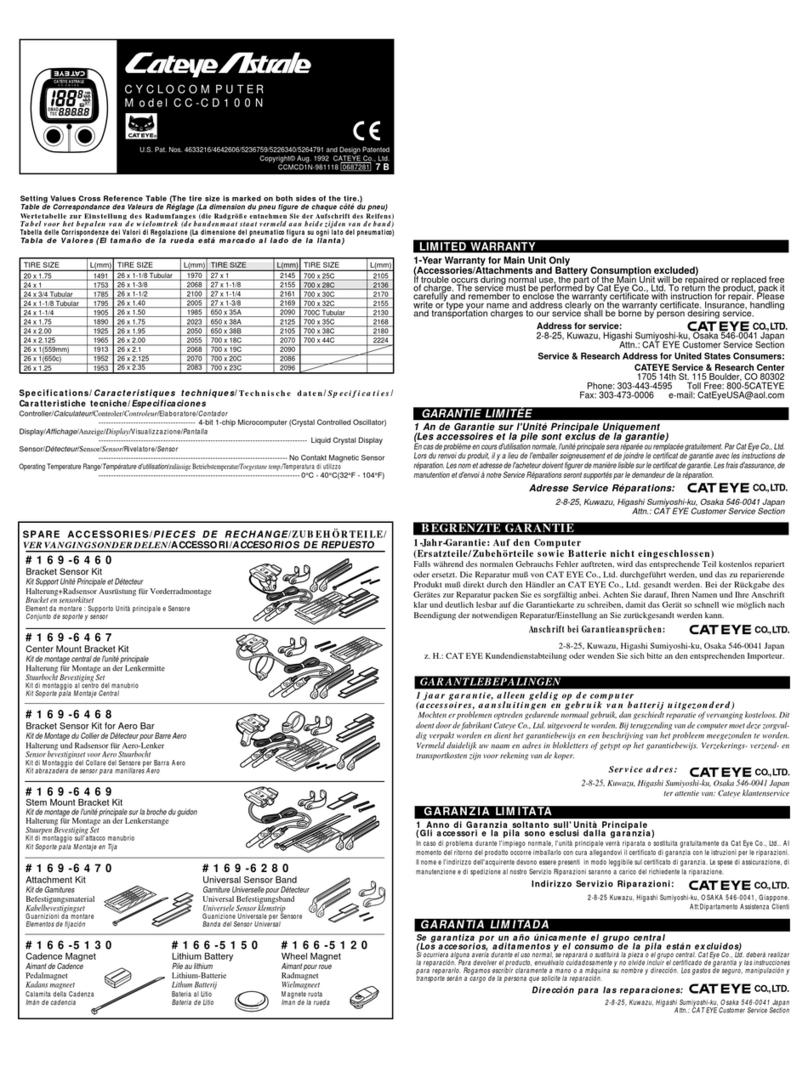
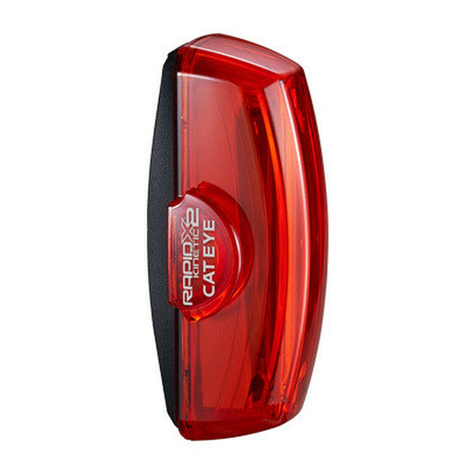
Cateye Rapid mini TL-LD635-R User manual

Cateye

Cateye Rapid mini TL-LD635-R User manual

Cateye CC-PA100W User manual

Cateye

Cateye CC-PA100W User manual

Cateye Adventure CCAT2W-110930 User manual

Cateye

Cateye Adventure CCAT2W-110930 User manual

Cateye CC-VT200W User manual

Cateye

Cateye CC-VT200W User manual

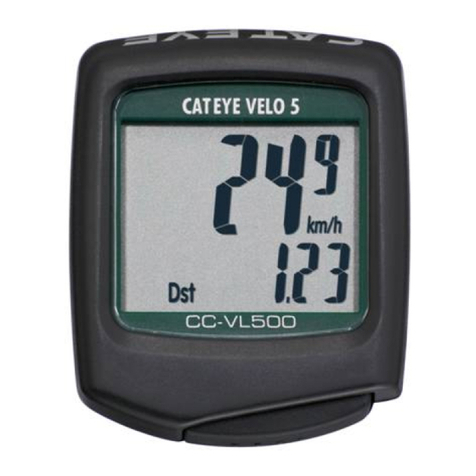
Cateye Velo5 CC-VL510 User manual

Cateye

Cateye Velo5 CC-VL510 User manual

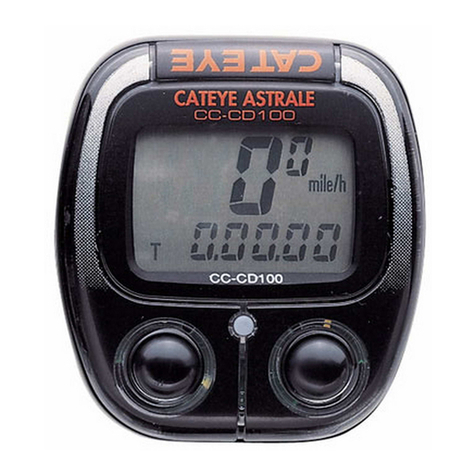
Cateye Astrale CC-CD100 N II User manual
Cateye

Cateye Astrale CC-CD100 N II User manual

Cateye CC-ST300 User manual

Cateye

Cateye CC-ST300 User manual

Cateye STRADA CC-RD100N User manual

Cateye

Cateye STRADA CC-RD100N User manual

Cateye CC-AT200W User manual

Cateye

Cateye CC-AT200W User manual

Cateye EL135 User manual

Cateye

Cateye EL135 User manual

Cateye DUAL CC-DU1OO User manual

Cateye

Cateye DUAL CC-DU1OO User manual

Cateye Tomo CC ST-200 User manual

Cateye

Cateye Tomo CC ST-200 User manual
Cateye Stealth EVO CC-GL11 User manual

Cateye

Cateye Stealth EVO CC-GL11 User manual

Cateye Tomo CC ST-200 User manual

Cateye

Cateye Tomo CC ST-200 User manual

Cateye HL-330 User manual
Cateye

Cateye HL-330 User manual
Cateye Avventura User manual
Cateye

Cateye Avventura User manual
Cateye Strada Digital Wireless CC-RD420DW User manual

Cateye

Cateye Strada Digital Wireless CC-RD420DW User manual

Cateye HL-EL120 User manual

Cateye

Cateye HL-EL120 User manual

Cateye CC-TR200DW (V2c) User manual

Cateye

Cateye CC-TR200DW (V2c) User manual

Cateye CC-MT400 User manual

Cateye

Cateye CC-MT400 User manual

Cateye COMPACT OPTICUBE User manual

Cateye

Cateye COMPACT OPTICUBE User manual

Cateye CC-TR100 User manual

Cateye

Cateye CC-TR100 User manual

Cateye MICRO Wireless User manual

Cateye

Cateye MICRO Wireless User manual

Cateye Stealth 10 CC-GL10 User manual

Cateye

Cateye Stealth 10 CC-GL10 User manual

Popular Bicycle Accessories manuals by other brands

Sigma BC 16.16 manual

Sigma

Sigma BC 16.16 manual

Playcore Dero Setbacks installation instructions

Playcore

Playcore Dero Setbacks installation instructions

VDO Cyclecomputing x3dw instruction manual

VDO Cyclecomputing

VDO Cyclecomputing x3dw instruction manual

buratti meccanica Clorofilla Trail Use and maintenance manual

buratti meccanica

buratti meccanica Clorofilla Trail Use and maintenance manual

Shimano SG-8R20 Service instructions

Shimano

Shimano SG-8R20 Service instructions

BOB YAK owner's manual

BOB

BOB YAK owner's manual

APLIC 303303/20190717TW012 user manual

APLIC

APLIC 303303/20190717TW012 user manual

SRAM AXS BlipBox user manual

SRAM

SRAM AXS BlipBox user manual

Garmin EDGE 500 owner's manual

Garmin

Garmin EDGE 500 owner's manual

Shimano FD-RX810 Dealer's manual

Shimano

Shimano FD-RX810 Dealer's manual

KMART 43115907 instructions

KMART

KMART 43115907 instructions

SIGMA SPORT Buster 2000 manual

SIGMA SPORT

SIGMA SPORT Buster 2000 manual

NVO Components STEM manual

NVO Components

NVO Components STEM manual

DAXYS BP188 user manual

DAXYS

DAXYS BP188 user manual

XLC BV-W17 manual

XLC

XLC BV-W17 manual

Deda Elementi SUPERBOX user manual

Deda Elementi

Deda Elementi SUPERBOX user manual

Key-Disp KD31M user manual

Key-Disp

Key-Disp KD31M user manual

SiliconCoach Dialed in Motion user manual

SiliconCoach

SiliconCoach Dialed in Motion user manual

https://manuals.online logo
https://manuals.online logoBrands
  • About & Mission
  • Contact us
  • Privacy Policy
  • Terms and Conditions

Copyright 2026 Manuals.Online. All Rights Reserved.

Click the button and follow the
instructions.
CATEYE
PADRONE DIGITAL
CC-PA400B
Quick Start
The Bluetooth® word mark and logos are owned by the Bluetooth SIG,
Inc. and any use of such marks by CATEYE Co., Ltd. is under license. Other
trademarks and trade names are those of their respective owners.
START
Thank you for purchasing our cyclocomputer CATEYE PADRONE DIGITAL.
This Quick Start Manual explains how to set up the PADRONE DIGITAL and how to install
the unit on your bicycle.
Please set up the unit according to the specified procedure, then it will be ready for use as a
cyclocomputer.
Before use, read the instruction manual that comes with the product thoroughly
to the end to understand the functions of this unit, and to use it safely in a correct
manner.
If you have purchased the double wireless kit
The model you have purchased does not come with the heart rate sensor and HR strap.
You can use all the functions written in this quick start manual, such as measurements relat-
ed to your heart rate, by using an optional heart rate sensor kit.
Next
This PDF contains a movie file.
When you click on the movie screen, a message regarding security appears. Click the “Trust
in the text” or “Play” button to close the message.
Click the screen again to play the movie.
Next
CATEYE PADRONE DIGITAL
Quick Start Manual
Back to ContentsBack to a Cover
Contents
Click the item you wish to view.
Setup with the PADRONE DIGITAL
How to install the speed sensor (ISC-12) (movie)
How to install the bracket (movie)
How to wear the heart rate sensor (HR-12) (movie) *Triple wireless kit only
Setup with a smartphone (Cateye Cycling™)
Importing measurement results to a smartphone (Cateye Cycling™)
Operation of buttons
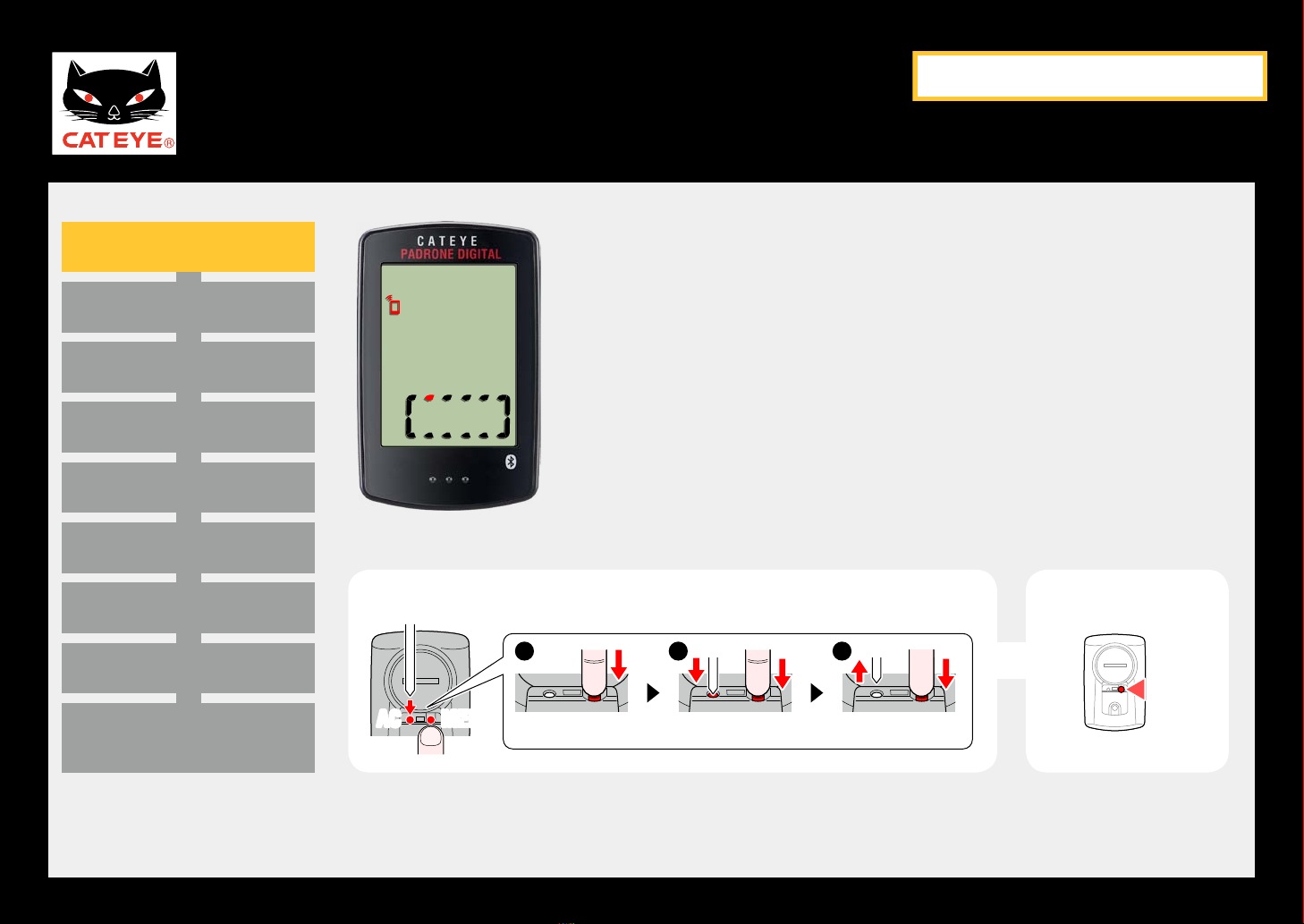
Set up the PADRONE DIGITAL by operating the buttons as follows.
Check the button position before you start setting up.
MENU
MODE
Back
Press the MENU button and the MODE button
on the back of the PADRONE DIGITAL.
Next
CATEYE PADRONE DIGITAL
Quick Start Manual
Back to Contents
Setup with the PADRONE DIGITAL
Setting the speed unit
Pairing with a sensor
Entering the tire circumference
Setting the clock display
Setting A.M./P.M.
Setting the hour
Setting the minute
Measurement screen
(Press and hold)
Formatting operation Formatting operation
While holding down the MENU button on the back of the
PADRONE DIGITAL, press and release the AC button.
The whole display turns on, and then the smartphone
search screen is displayed. Press the MENU button to
start setup of the PADRONE DIGITAL.
*If the smartphone search screen is not displayed, the
unit could not be formatted. Try to perform the opera-
tion again.
ACAC MENUMENU ACAC MENUMENU ACACACAC MENUMENU MENUMENU
1 2 3
MENU
To the next stepFormatting operation
Smartphone search
screen
Next
Back
CATEYE PADRONE DIGITAL
Quick Start Manual
Back to Contents
Setup with the PADRONE DIGITAL
Pairing with a sensor
Entering the tire circumference
Setting the clock display
Setting A.M./P.M.
Setting the hour
Setting the minute
Measurement screen
(Press and hold)
Setting the speed unit
Formatting operation
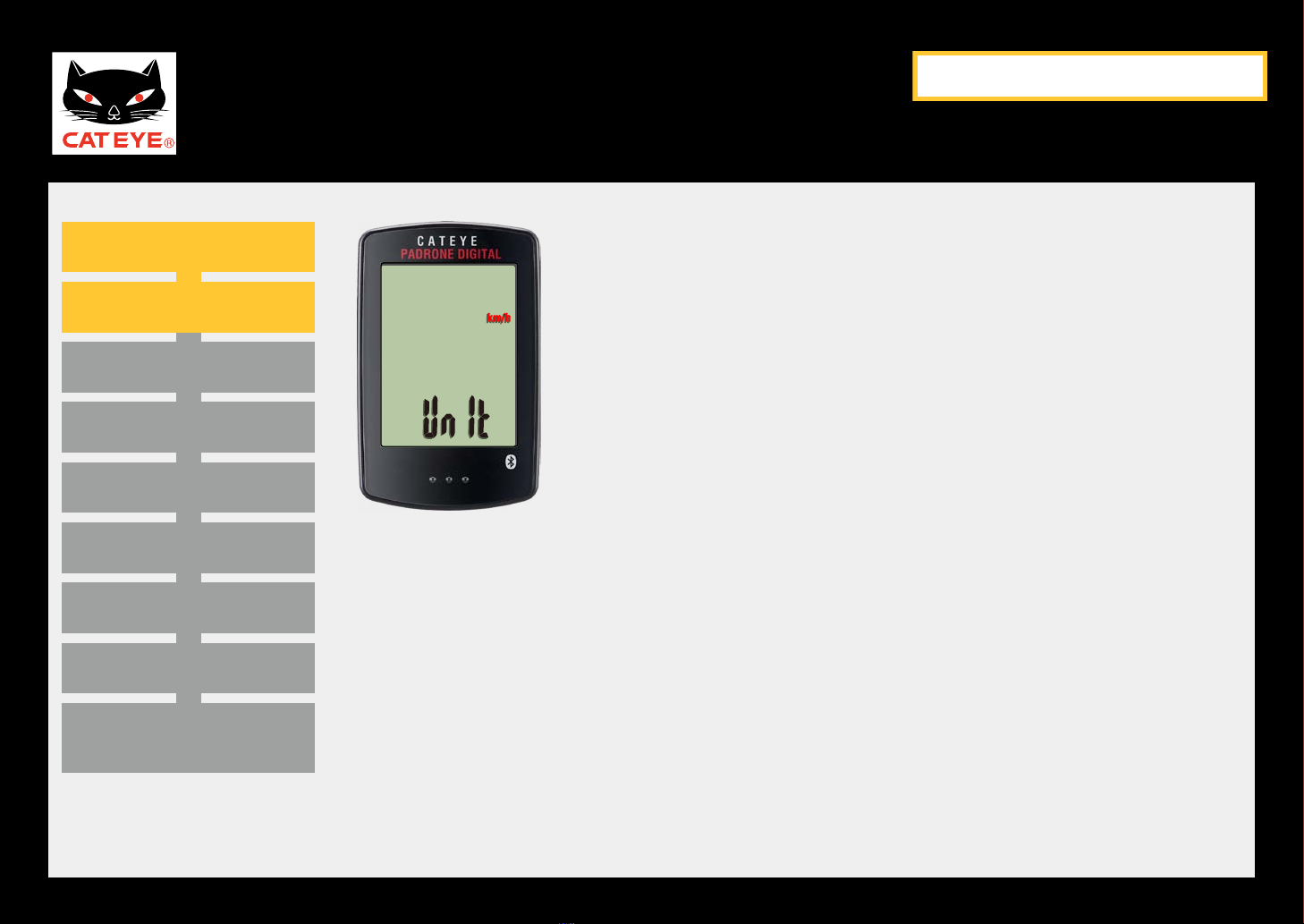
Setting the speed unit
When the MODE button is pressed, either “km/h” or
“mph” is selected for the speed unit display. Select the
unit of your choice.
Press the MENU button to confirm and proceed to the
next step “Pairing with a sensor”.
Next
Back
CATEYE PADRONE DIGITAL
Quick Start Manual
Back to Contents
Setup with the PADRONE DIGITAL
Entering the tire circumference
Setting the clock display
Setting A.M./P.M.
Setting the hour
Setting the minute
Measurement screen
(Press and hold)
Pairing with a sensor (1/3)
Setting the speed unit
Formatting operation
Pairing standby
screen
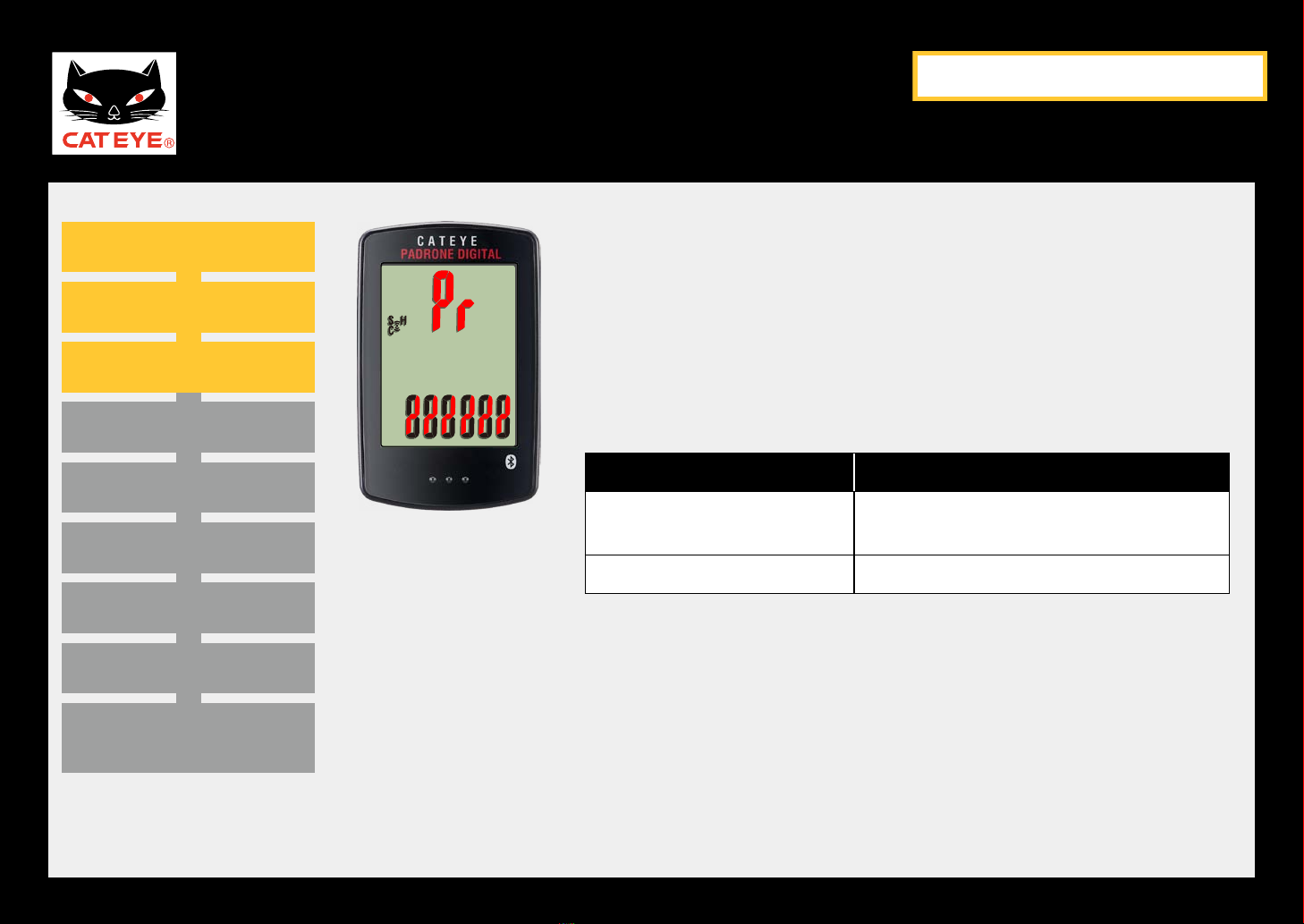
Pairing with a sensor (1/3)
To use this device, you have to pair it with a sensor that
supports the Bluetooth® SMART standard.
The unit switches to the pairing standby screen and Pr
flashes on the screen.
Activate the sensor.
CATEYE sensors Activating the sensor
Speed/Cadence sensor
(ISC-12)
Move the magnet through the sensor
zone several times. (Within 3 mm)
Heart rate sensor (HR-12)
Rub both electrode pads with your thumbs.
*With the speed/cadence sensor and heart rate sensor, you can
also activate the sensor by pressing the RESET button.
Next
Back
CATEYE PADRONE DIGITAL
Quick Start Manual
Back to Contents
Setup with the PADRONE DIGITAL
Entering the tire circumference
Setting the clock display
Setting A.M./P.M.
Setting the hour
Setting the minute
Measurement screen
(Press and hold)
Pairing with a sensor (2/3)
Setting the speed unit
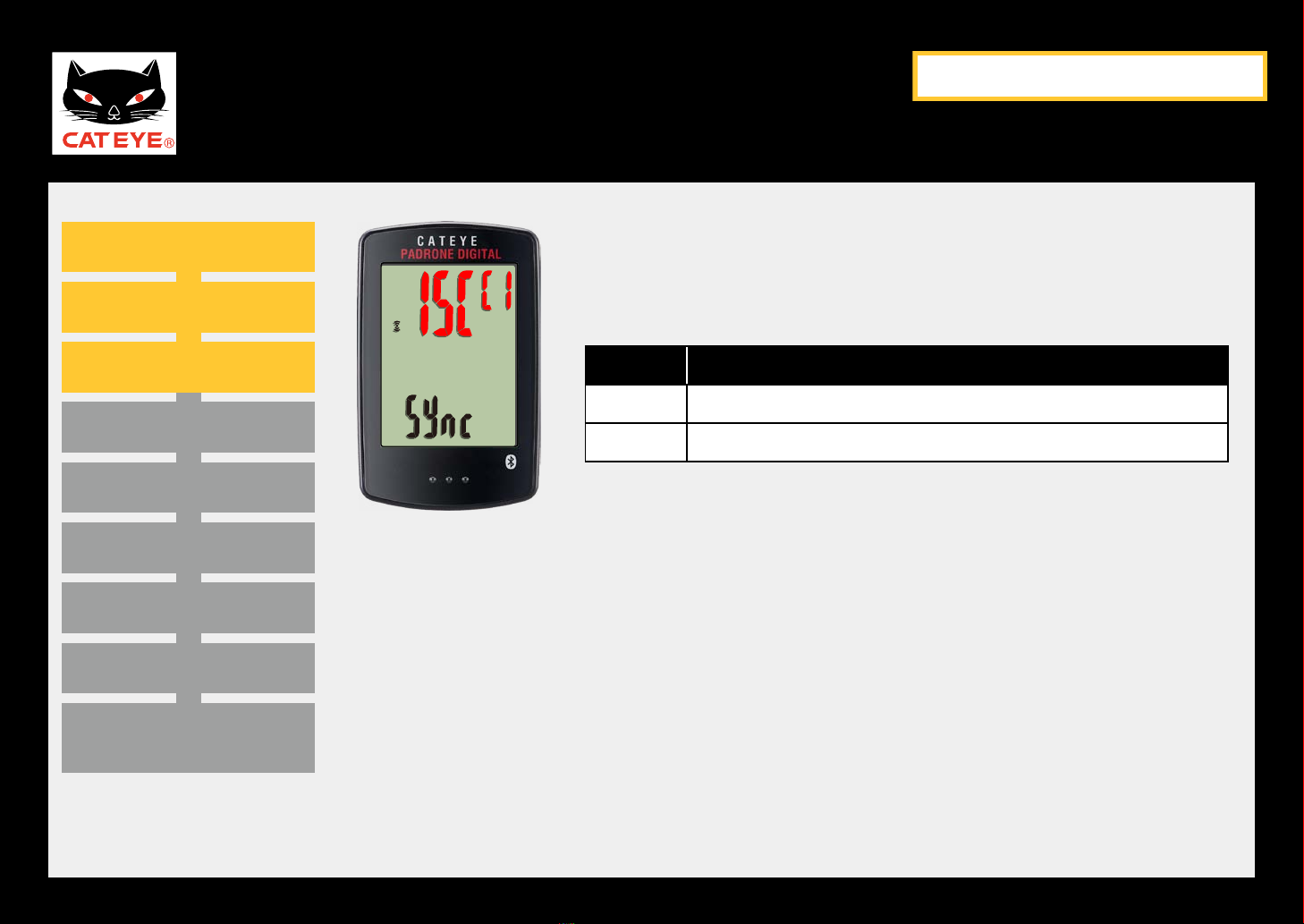
Formatting operation Pairing with a sensor (2/3)
Once pairing is complete, the name of the paired sensor
is shown in the upper display.
Display CATEYE sensors
ISC Speed/Cadence sensor (ISC-12)
Hr Heart rate sensor (HR-12)
*When pairing a sensor with the PADRONE DIGITAL, a
“C” is displayed after the sensor name.
Pairing complete
Next
Back
CATEYE PADRONE DIGITAL
Quick Start Manual
Back to Contents
Setup with the PADRONE DIGITAL
Entering the tire circumference
Setting the clock display
Setting A.M./P.M.
Setting the hour
Setting the minute
Measurement screen
(Press and hold)
Pairing with a sensor (3/3)
Setting the speed unit
Formatting operation
MENU
To the next step
Pairing with a sensor (3/3)
If you have multiple sensors, press and hold the MODE
button to go back to the Pairing standby screen.
Repeat the same procedure to pair different sensors with the
PADRONE DIGITAL.
Once you are finished pairing sensors with the unit, press
the MENU button to proceed to the next step “Entering the
tire circumference”.
Re-verify
MODE
(Press and hold)
Pairing complete
Next
Back
Pairing with a different sensor