EnglishDeutsch
 logo
Brands
  1. Home
  2. •
  3. Brands
  4. •
  5. Cateye
  6. •
  7. Bicycle Accessories
  8. •
  9. Cateye VOLT200XC User manual

Cateye VOLT200XC User manual

This manual suits for next models

1

Other Cateye Bicycle Accessories manuals

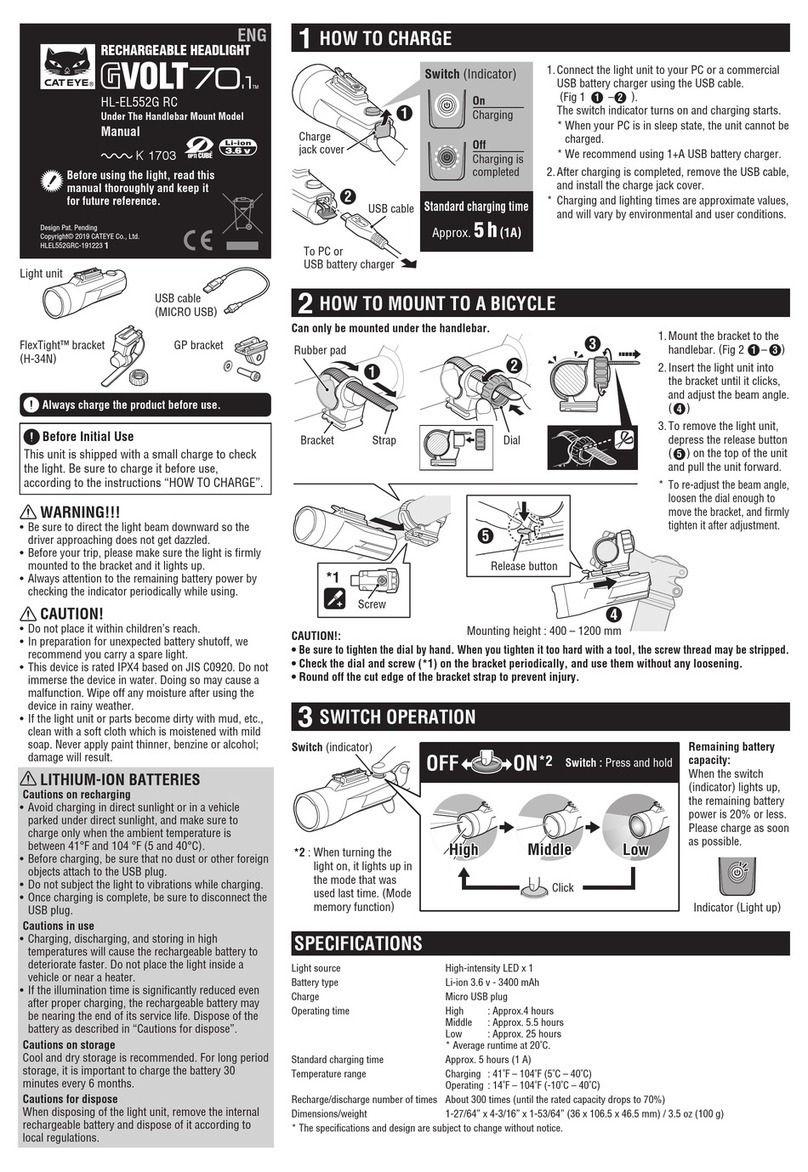
Cateye GVolt70.1 HL-EL552G-RC User manual

Cateye

Cateye GVolt70.1 HL-EL552G-RC User manual

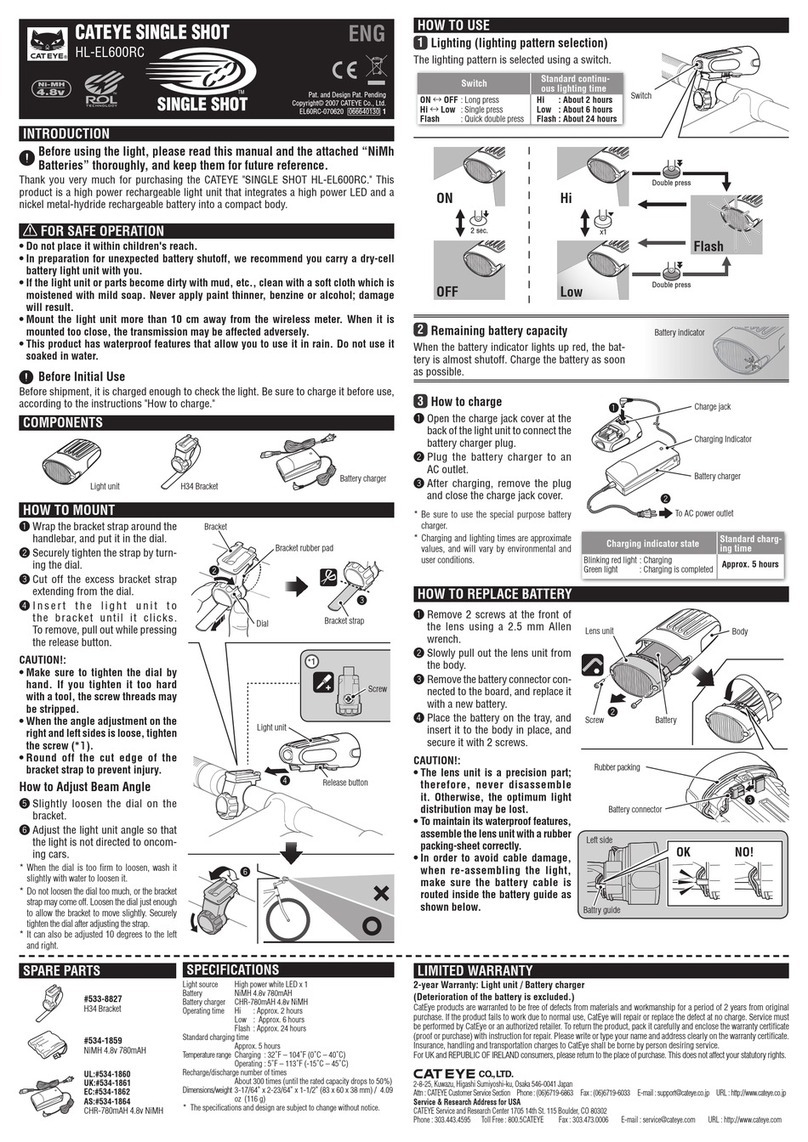
Cateye SINGLE SHOT HL-EL600RC User manual

Cateye

Cateye SINGLE SHOT HL-EL600RC User manual

Cateye CC-RS100W Troubleshooting guide

Cateye

Cateye CC-RS100W Troubleshooting guide

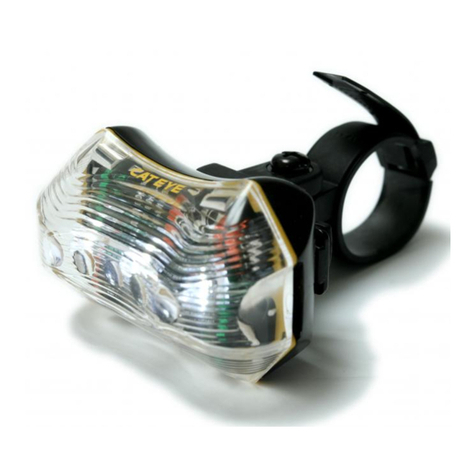
Cateye TL-LD170-W User manual

Cateye

Cateye TL-LD170-W User manual

Cateye Padrone Smart + CC-SC100B User manual

Cateye

Cateye Padrone Smart + CC-SC100B User manual

Cateye TL-LD150-F User manual

Cateye

Cateye TL-LD150-F User manual

Cateye Astrale 8 User manual

Cateye

Cateye Astrale 8 User manual

Cateye MSC-2DX N Operation and maintenance manual

Cateye

Cateye MSC-2DX N Operation and maintenance manual

Cateye CC-CL100 User manual

Cateye

Cateye CC-CL100 User manual

Cateye CC-VT100W User manual

Cateye

Cateye CC-VT100W User manual

Cateye Bicycle Accessories User manual

Cateye

Cateye Bicycle Accessories User manual

Cateye CC-VL500 User manual

Cateye

Cateye CC-VL500 User manual

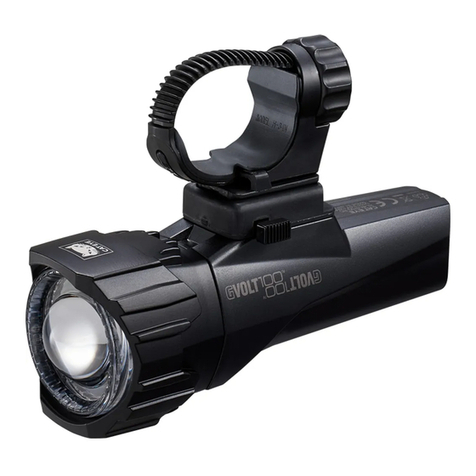
Cateye GVOLT100 User manual

Cateye

Cateye GVOLT100 User manual

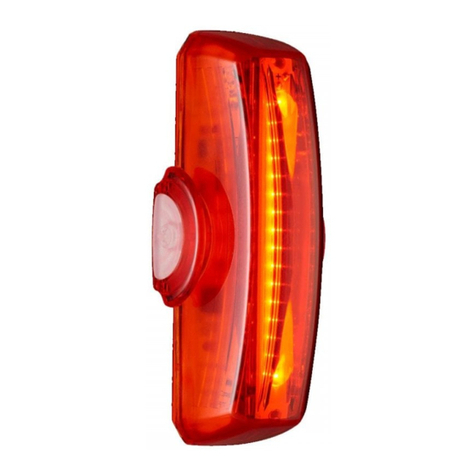
Cateye RAPIDX2 TL-LD710-R User manual

Cateye

Cateye RAPIDX2 TL-LD710-R User manual

Cateye Padrone Smart + CC-SC100B Guide

Cateye

Cateye Padrone Smart + CC-SC100B Guide

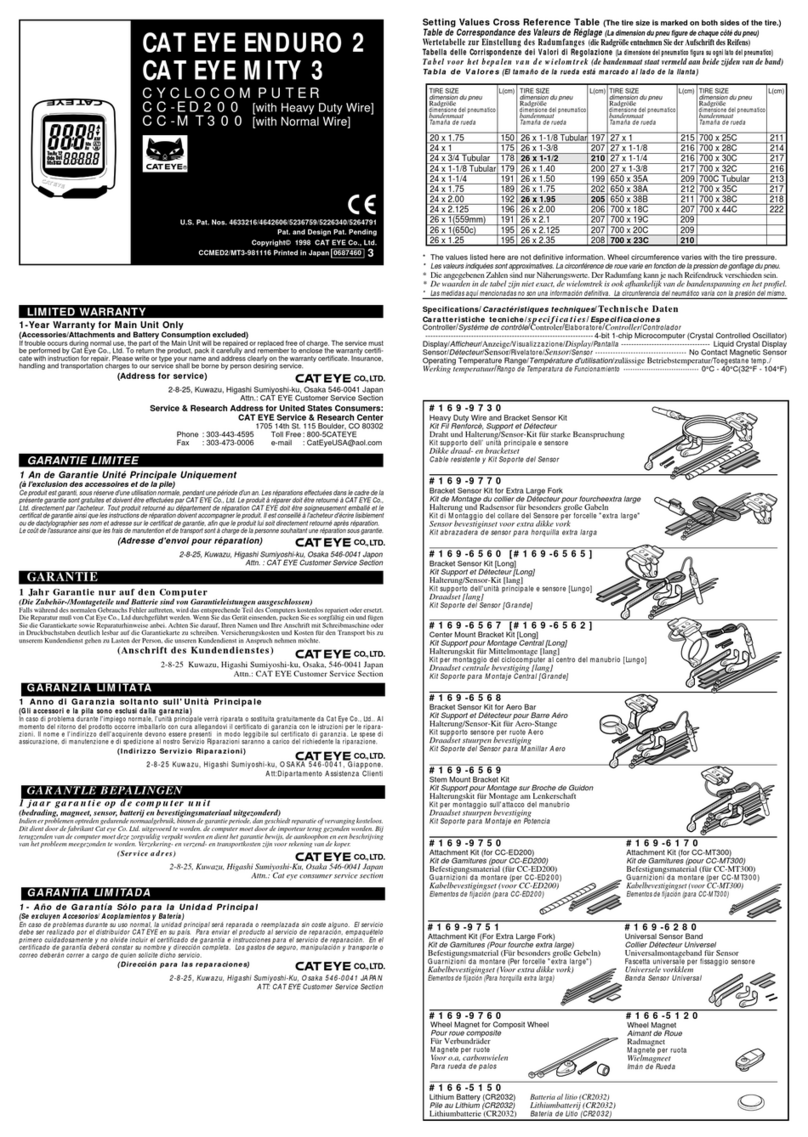
Cateye ENDURO 2 Use and maintenance manual

Cateye

Cateye ENDURO 2 Use and maintenance manual

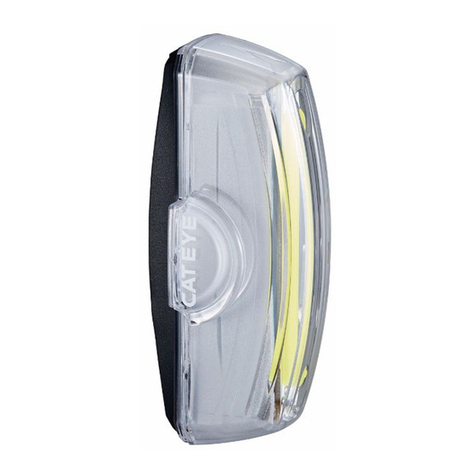
Cateye RAPID X2 User manual

Cateye

Cateye RAPID X2 User manual

Cateye VELO8 User manual

Cateye

Cateye VELO8 User manual

Cateye TR200DW280P User manual

Cateye

Cateye TR200DW280P User manual

Cateye CC-CD300DW User manual

Cateye

Cateye CC-CD300DW User manual

Cateye CC-MT200 User manual

Cateye

Cateye CC-MT200 User manual

Cateye CC-TR100 User manual

Cateye

Cateye CC-TR100 User manual

Cateye Astrale CC-CD100 N II User manual

Cateye

Cateye Astrale CC-CD100 N II User manual

Cateye MITY 3 User manual

Cateye

Cateye MITY 3 User manual

Popular Bicycle Accessories manuals by other brands

Sigma BC 16.16 manual

Sigma

Sigma BC 16.16 manual

Playcore Dero Setbacks installation instructions

Playcore

Playcore Dero Setbacks installation instructions

VDO Cyclecomputing x3dw instruction manual

VDO Cyclecomputing

VDO Cyclecomputing x3dw instruction manual

buratti meccanica Clorofilla Trail Use and maintenance manual

buratti meccanica

buratti meccanica Clorofilla Trail Use and maintenance manual

Shimano SG-8R20 Service instructions

Shimano

Shimano SG-8R20 Service instructions

BOB YAK owner's manual

BOB

BOB YAK owner's manual

APLIC 303303/20190717TW012 user manual

APLIC

APLIC 303303/20190717TW012 user manual

SRAM AXS BlipBox user manual

SRAM

SRAM AXS BlipBox user manual

Garmin EDGE 500 owner's manual

Garmin

Garmin EDGE 500 owner's manual

Shimano FD-RX810 Dealer's manual

Shimano

Shimano FD-RX810 Dealer's manual

KMART 43115907 instructions

KMART

KMART 43115907 instructions

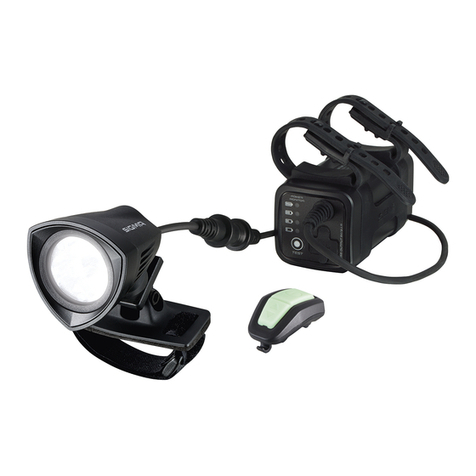
SIGMA SPORT Buster 2000 manual

SIGMA SPORT

SIGMA SPORT Buster 2000 manual

NVO Components STEM manual

NVO Components

NVO Components STEM manual

DAXYS BP188 user manual

DAXYS

DAXYS BP188 user manual

XLC BV-W17 manual

XLC

XLC BV-W17 manual

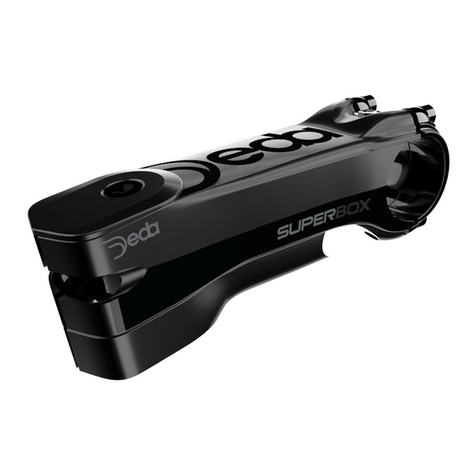
Deda Elementi SUPERBOX user manual

Deda Elementi

Deda Elementi SUPERBOX user manual

Key-Disp KD31M user manual

Key-Disp

Key-Disp KD31M user manual

SiliconCoach Dialed in Motion user manual

SiliconCoach

SiliconCoach Dialed in Motion user manual

https://manuals.online logo
https://manuals.online logoBrands
  • About & Mission
  • Contact us
  • Privacy Policy
  • Terms and Conditions

Copyright 2026 Manuals.Online. All Rights Reserved.

21
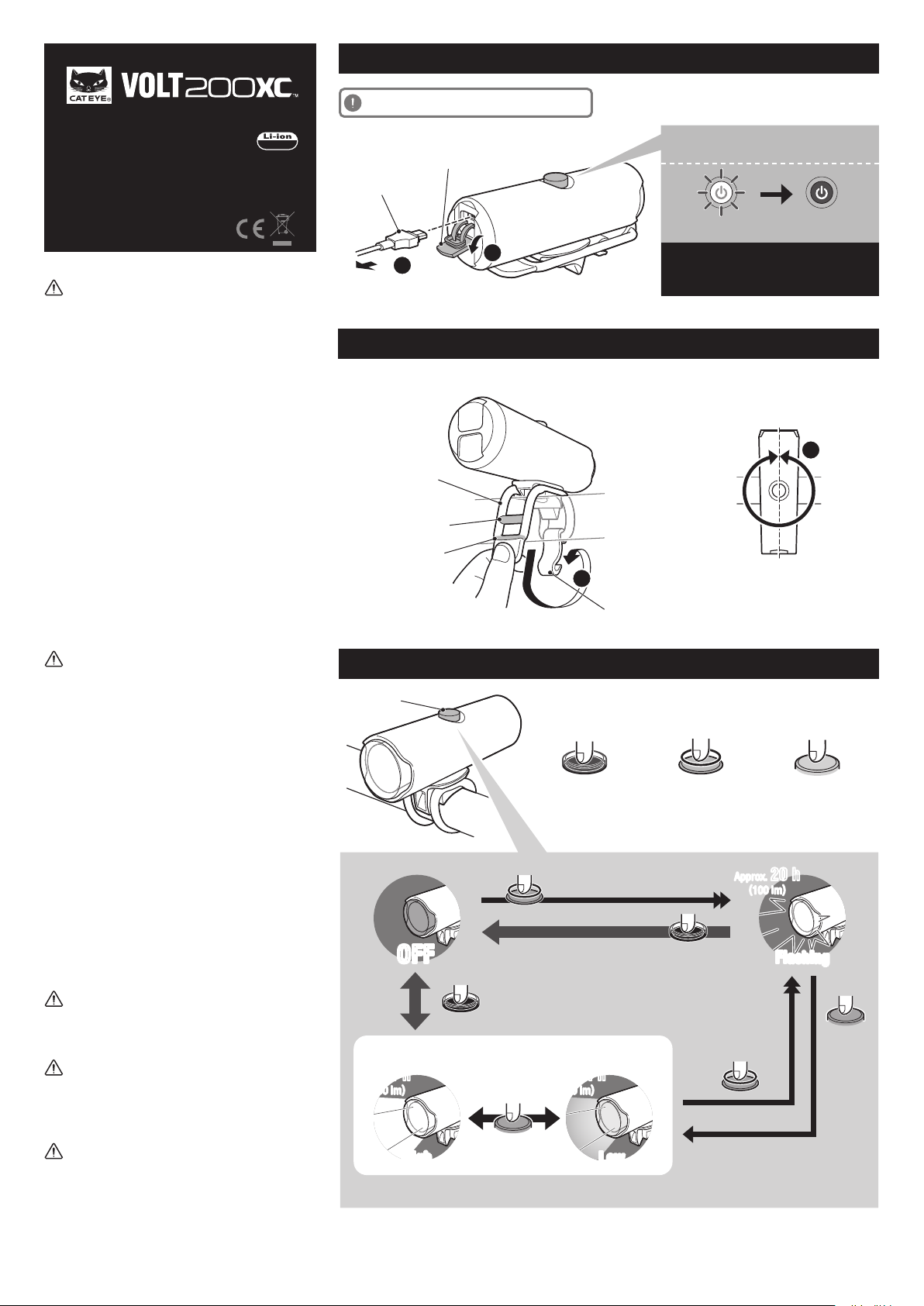
360°
ø22 mm〜
〜ø32 mm
1
2
USB cable
To PC or USB battery charger
Charge jack cover
Charging Charging is
completed
Switch (Indicator)
Standard
charging time
3
h
(USB 2.0)
Approx.
Rubber band
Hook
This light rotates 360 degrees
to adjust angle.
Attach securely in the mounting position.
Switch
Press and hold
Double-click
Click
* When the switch (indicator) lights up, the remaining battery power is 20% or less. Please charge as soon as possible.
OFFOFF
ON (*1)
Approx. 20 h
(100 lm)
FlashingFlashing
*1 When you turn the light on, it lights up in the last lighting mode you used. (Mode memory function)
Approx.1 h
(200 lm)
HighHigh
Approx.4 h
(30 lm)
LowLow
1
2
3
PRECAUTIONS ON USE
• Before your trip, please make sure the light is firmly
mounted to the bracket, it lights up, and the light is
not blocked by baggage, etc.
• Do not place it within children’s reach.
• In preparation for unexpected battery shutoff, we
recommend you carry a spare light.
• Mounting the light unit too close to a wireless
computer may adversely affect the reading of the
computer.
• Charging, discharging, and storing in high tempera-
tures will cause the rechargeable battery to
deteriorate faster.
Do not place the light inside a vehicle or near a
heater.
• This product is water-resistant under normal daily
use and can be used in the rain. However, do not
intentionally submerge it in water.
• If the light unit or parts become dirty with mud, etc.,
clean with a soft cloth which is moistened with mild
soap.
Never apply paint thinner, benzine or alcohol;
damage will result.
PRECAUTIONS ON CHARGING
• We recommend using 500+mA (USB2.0) USB battery
charger.
• Avoid charging in direct sunlight or in a vehicle
parked under direct sunlight, and make sure to
charge only when the ambient temperature is
between 5 and 40°C (41°F and 104 °F).
• Before charging, be sure that no dust or other foreign
objects attach to the USB plug.
• Do not subject the light to vibrations while charging.
• When your PC is in sleep state, the unit cannot be
charged.
• Once charging is complete, be sure to disconnect the
USB plug.
• Charging and lighting times are approximate values,
and will vary by environmental and user conditions.
• If the illumination time is significantly reduced even
after proper charging, the rechargeable battery may
be nearing the end of its service life. Dispose of the
battery as described in “PRECAUTIONS ON
DISPOSAL”.
PRECAUTIONS WHEN MOUNTING
Check periodically to ensure that the light unit is
attached securely. Do not use a damaged rubber band.
STORAGE PRECAUTIONS
Cool and dry storage is recommended.
For long period storage, it is important to charge the
battery 30 minutes every 6 months.
PRECAUTIONS ON DISPOSAL
When disposing of the light unit, remove the internal
rechargeable battery and dispose of it according to
local regulations.
Manual
Before using the light, read this manual
thoroughly and keep it for future reference.
ENG HOW TO CHARGE
SWITCH OPERATION
HOW TO MOUNT
Always charge the product before use.
3.7 v
Design Pat. Pending
Copyright© 2016 CATEYE Co., Ltd.
HLEL060RC-160726 2
HL-EL060RC

5441621 5342730
Rubber band and hook USB cable
(MICRO USB)
LIMITED WARRANTY
2-year Warranty: Light unit only (excludes battery deterioration)
CatEye products are warranted to be free of defects from materials and workmanship for a period of 2 years
from original purchase. If the product fails to work during normal use, CatEye will repair or replace the defect at
no charge. Service must be performed by CatEye or an authorized retailer. To return the product, pack it
carefully and enclose the warranty certificate (proof of purchase) with instruction for repair. Please write or
type your name and address clearly on the warranty certificate. Insurance, handling and transportation charges
to CatEye shall be borne by person desiring service.
For UK and REPUBLIC OF IRELAND consumers, please return to the place of purchase. This does not affect
your statutory rights.
Please register your CatEye product on the website.
http://www.cateye.com/en/support/regist/
Battery : Rechargeable lithium-ion battery (800 mAh)
Temperature range : 14˚F – 104˚F (-10˚C – 40˚C)
Recharge/discharge number of times
: About 300 times (until the rated capacity drops to 70%)
Dimensions/weight : 36-41/64” x 1-3/16” x 1-37/64”
(93.1 x 30.3 x 40 mm) / 2.65 oz (75 g)
* The specifications and design are subject to change without notice.
SPECIFICATIONS
2-8-25, Kuwazu, Higashi Sumiyoshi-ku,
Osaka 546-0041 Japan
Attn: CATEYE Customer Service
Section
Phone : (06)6719-6863
Fax : (06)6719-6033
E-mail : [email protected]
URL : http://www.cateye.com
[For US Customers]
CATEYE AMERICA, INC.
2825 Wilderness Place Suite 1200,
Boulder CO 80301-5494 USA
Phone : 303.443.4595
Toll Free : 800.5.CATEYE
Fax : 303.473.0006
E-mail : [email protected]
CO., LTD.
SPARE / OPTIONAL PARTS