3
1Introduction.............................................................................................................................................4
1.1 About the ISOBUS Terminal CCI 100/200 ........................................................................................ 4
2Conformity ..............................................................................................................................................5
3Safety.......................................................................................................................................................6
3.1 Identification of indications in the operating instructions ................................................................... 6
3.2 Intended use...................................................................................................................................... 7
3.3 Safety indications for the operator / user........................................................................................... 7
3.4 Safety indications for the installation of electrical devices................................................................. 8
3.5 Safety indications for the stop-button ................................................................................................ 9
4Structure and function.........................................................................................................................10
4.1 Overview.......................................................................................................................................... 10
4.2 Nameplate........................................................................................................................................ 10
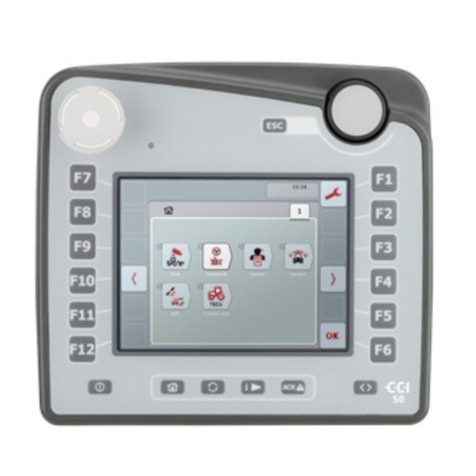
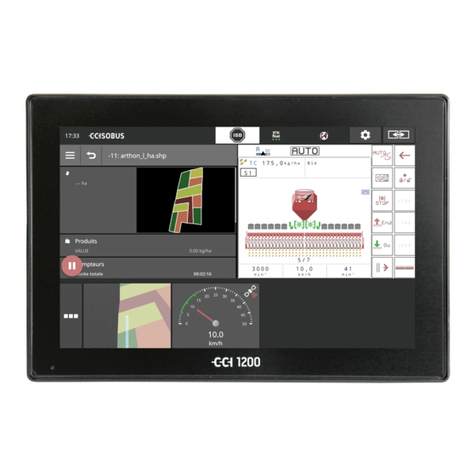
4.3 Operating elements ......................................................................................................................... 11
4.4 Interfaces......................................................................................................................................... 15
5Commissioning.....................................................................................................................................16
5.1 Mounting the terminal...................................................................................................................... 16
5.2 Connecting the Terminal.................................................................................................................. 17
6Operation...............................................................................................................................................18
6.1 Switching on the terminal................................................................................................................. 18
6.2 Entering values................................................................................................................................ 18
6.3 Setting up the terminal..................................................................................................................... 23
6.4 User settings.................................................................................................................................... 25
6.5 Country settings............................................................................................................................... 28
6.6 System settings ............................................................................................................................... 29
6.7 Info and diagnosis............................................................................................................................ 32
6.8 Creating screenshots....................................................................................................................... 34
7Troubleshooting ...................................................................................................................................35
7.1 Terminal errors ................................................................................................................................ 35
7.2 Diagnostics ...................................................................................................................................... 35
7.3 Error messages ............................................................................................................................... 36
7.4 Service............................................................................................................................................. 37
8Technical Information ..........................................................................................................................38
8.1 Mechanical Values........................................................................................................................... 38
8.2 Electronics ....................................................................................................................................... 38
8.3 CCI 100 Interfaces........................................................................................................................... 39
8.4 CCI 200 Interfaces........................................................................................................................... 40
9Menu structure......................................................................................................................................41
10 Warranty and guarantee ......................................................................................................................42
11 Contact Addresses...............................................................................................................................43
12 Glossary ................................................................................................................................................44
13 Index ......................................................................................................................................................45