manuals.online logo
Brands
  1. Home
  2. •
  3. Brands
  4. •
  5. Co2meter
  6. •
  7. Measuring Instrument
  8. •
  9. Co2meter 7755 User manual

Co2meter 7755 User manual

This manual suits for next models

3

Other Co2meter Measuring Instrument manuals
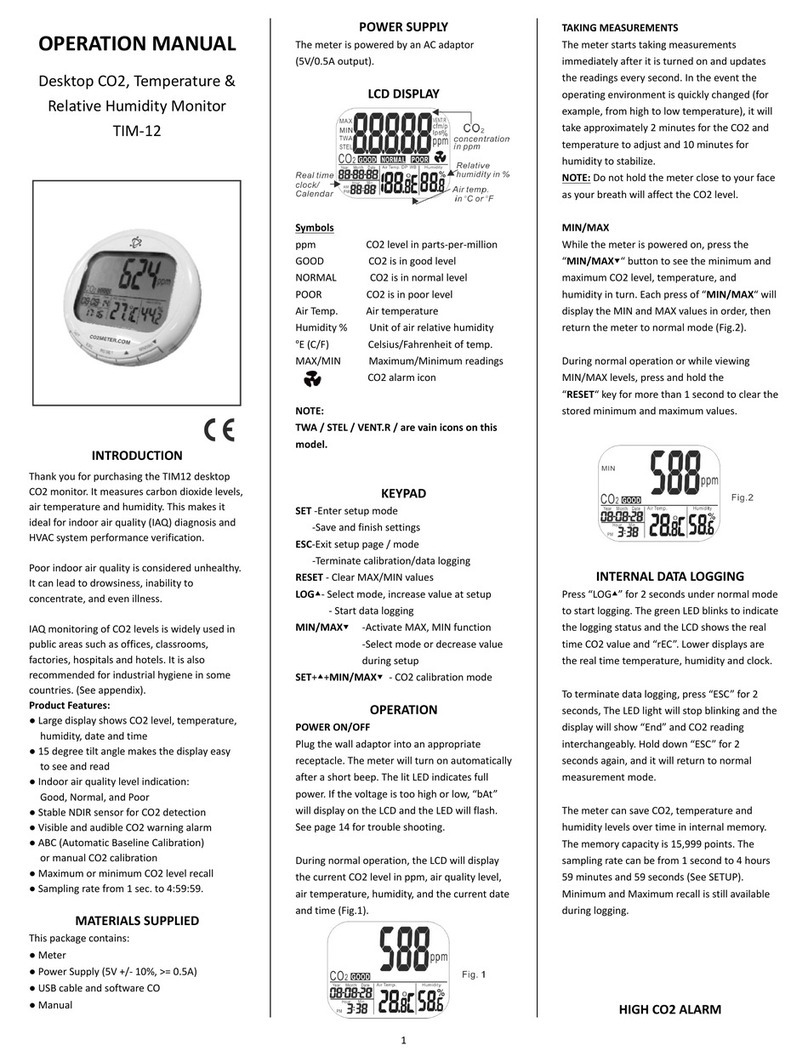
Co2meter TIM-12 User manual

Co2meter

Co2meter TIM-12 User manual

Co2meter CM-650 User manual

Co2meter

Co2meter CM-650 User manual

Co2meter TON-0007 User manual

Co2meter

Co2meter TON-0007 User manual
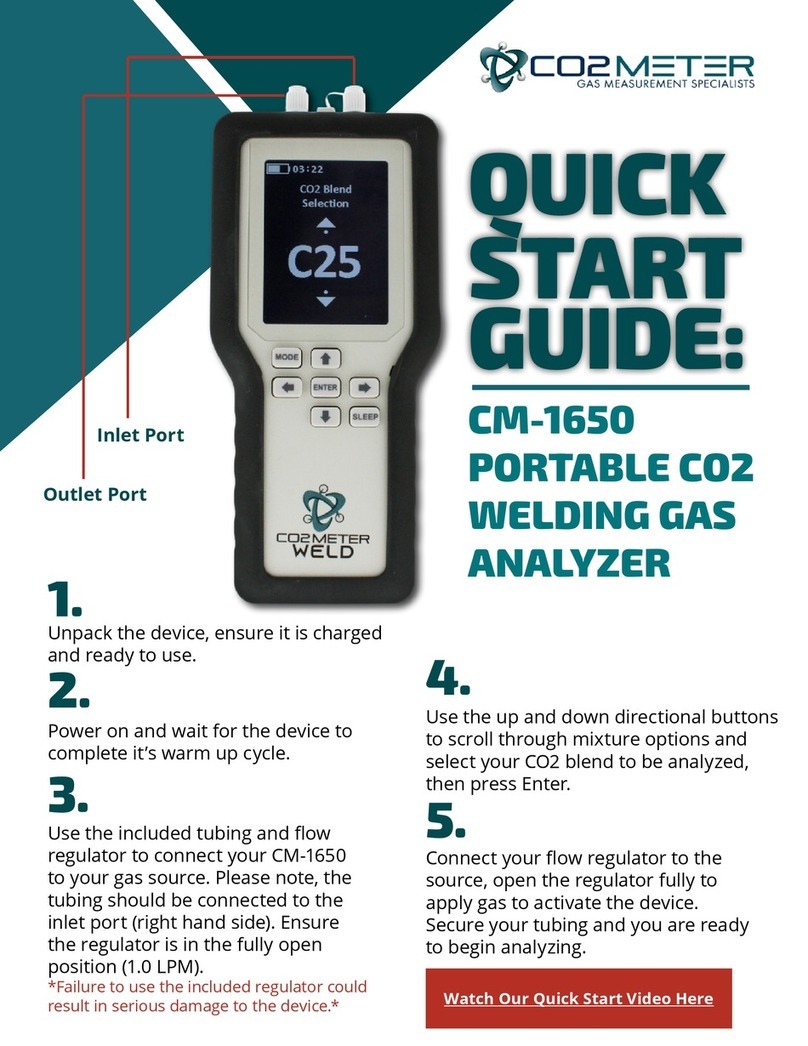
Co2meter CM-1650 User manual

Co2meter

Co2meter CM-1650 User manual
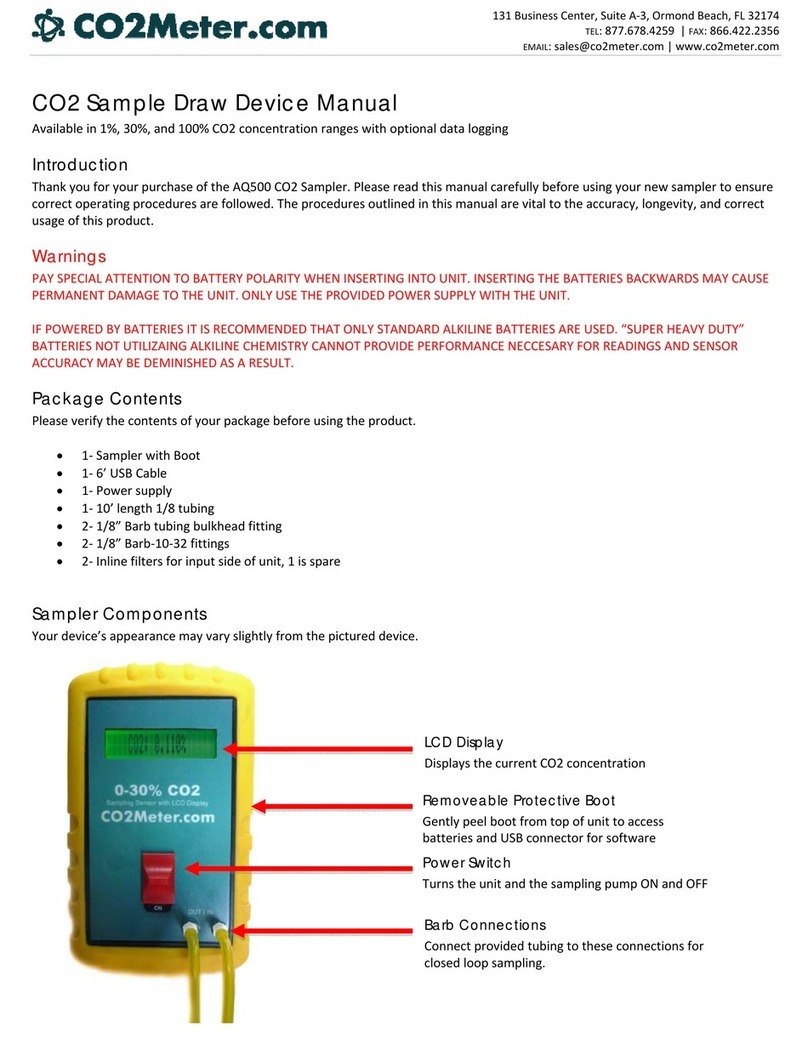
Co2meter AQ500 User manual

Co2meter

Co2meter AQ500 User manual
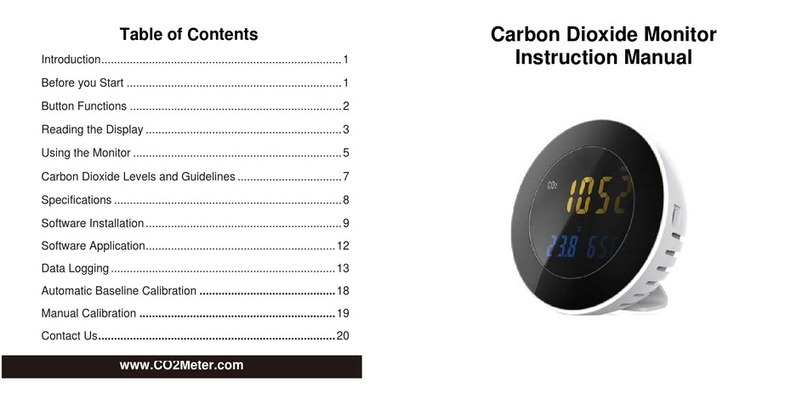
Co2meter XT-10 User manual

Co2meter

Co2meter XT-10 User manual

Co2meter eSENSE Outdoor SE-0036 User manual
Co2meter

Co2meter eSENSE Outdoor SE-0036 User manual

Co2meter SAN-10 User manual

Co2meter

Co2meter SAN-10 User manual

Co2meter SAN-0001 User manual

Co2meter

Co2meter SAN-0001 User manual

Co2meter RAD-0002 User manual

Co2meter

Co2meter RAD-0002 User manual
Co2meter Gastrack GAP-100 User manual

Co2meter

Co2meter Gastrack GAP-100 User manual
Co2meter Aranet4 PRO User manual

Co2meter

Co2meter Aranet4 PRO User manual

Co2meter 77597 User manual

Co2meter

Co2meter 77597 User manual
Co2meter AZ-0004 User manual

Co2meter

Co2meter AZ-0004 User manual
Co2meter CM-1650 User manual

Co2meter

Co2meter CM-1650 User manual
Co2meter TecPen MAP TS-200 O2 User manual
Co2meter

Co2meter TecPen MAP TS-200 O2 User manual

Co2meter RAD-0002-ZR User manual

Co2meter

Co2meter RAD-0002-ZR User manual
Co2meter AZ-0002 User manual

Co2meter

Co2meter AZ-0002 User manual
Co2meter SAN-10 User manual

Co2meter

Co2meter SAN-10 User manual
Co2meter SAN-20 User manual

Co2meter

Co2meter SAN-20 User manual
Co2meter CM-1650 User manual

Co2meter

Co2meter CM-1650 User manual

Co2meter AZ 77535 User manual

Co2meter

Co2meter AZ 77535 User manual

Popular Measuring Instrument manuals by other brands

Powerfix Profi 278296 Operation and safety notes

Powerfix Profi

Powerfix Profi 278296 Operation and safety notes

Test Equipment Depot GVT-427B user manual

Test Equipment Depot

Test Equipment Depot GVT-427B user manual

Fieldpiece ACH Operator's manual

Fieldpiece

Fieldpiece ACH Operator's manual

FLYSURFER VIRON3 user manual

FLYSURFER

FLYSURFER VIRON3 user manual

GMW TG uni 1 operating manual

GMW

GMW TG uni 1 operating manual

Downeaster Wind & Weather Medallion Series instruction manual

Downeaster

Downeaster Wind & Weather Medallion Series instruction manual

Hanna Instruments HI96725C instruction manual

Hanna Instruments

Hanna Instruments HI96725C instruction manual

Nokeval KMR260 quick guide

Nokeval

Nokeval KMR260 quick guide

HOKUYO AUTOMATIC UBG-05LN instruction manual

HOKUYO AUTOMATIC

HOKUYO AUTOMATIC UBG-05LN instruction manual

Fluke 96000 Series Operator's manual

Fluke

Fluke 96000 Series Operator's manual

Test Products International SP565 user manual

Test Products International

Test Products International SP565 user manual

General Sleep Zmachine Insight+ DT-200 Service manual

General Sleep

General Sleep Zmachine Insight+ DT-200 Service manual

Sensa Core Lacto Spark user manual

Sensa Core

Sensa Core Lacto Spark user manual

VOLTCRAFT UTS-1980 operating instructions

VOLTCRAFT

VOLTCRAFT UTS-1980 operating instructions

EBCHQ 94915 Operation manual

EBCHQ

EBCHQ 94915 Operation manual

Balluff BIP LD2-T017-01-EP-S4 Series user guide

Balluff

Balluff BIP LD2-T017-01-EP-S4 Series user guide

Pulsar IMP Lite Series instruction manual

Pulsar

Pulsar IMP Lite Series instruction manual

ETCR 6800 user manual

ETCR

ETCR 6800 user manual

manuals.online logo
manuals.online logoBrands
  • About & Mission
  • Contact us
  • Privacy Policy
  • Terms and Conditions

Copyright 2025 Manuals.Online. All Rights Reserved.

INTRODUCTION
Features:
Triple displays of CO level, temp.
2
and humidity.
s
asy calibration
humidity
PC connect
Stable NDIR sensor for CO detection
2
Statistics of weighted average
TWA (8 hours weighted average)
STEL(15 minutes weighted average)
Backlight for working in dark area
Audile CO warning alarm
2
Battery and adaptor power supply
E manual on CO and
2
via RS232 interface
1
Thank you for purchasing this portable
CO meter. The meter measures CO
2 2
level, air temp., dew point, wet bulb temp.
and humidity(DP, WB, RH are for models
7755/77535) and is an ideal instrument
for indoor air quality (IAQ) diagnosis.
Poor indoor air quality is considered
unhealthy because it causes tiredness,
loss of ability to concentrate, and even
illness(ex. Sick Building Syndrome). IAQ
monitoring and survey, especially on CO
2
level and air ventilation become widely
applied in public areas such as offices,
classrooms, factories, hospitals and
hotels. It is also suggested in regulations
of industrial hygiene in some countries.
(Appendix)
The portable CO meter uses NDIR (non-
2
dispersive infrared) technology to ensure
the reliability and long term stability. It’s
useful in verifying HVAC system perform-
ance and air ventilation control.
MATERIAL SUPPLIED
Meter
4pcs AA batteries
Operation manual
Hard carrying case
This package contains:
Optional accessory:
33% calibration salt (VZ0033AZ1)
75% calibration salt (VZ0075AZ1)
RS232 cable and software
Adaptor (9V/100~240Vac)
POWER SUPPLY
The meter is powered by either 4 AA
batteries or a DC adaptor(9V/1A output).
Install the batteries into the battery
compartment on the rear and make sure
they are in correct polarity and good
contact.
nd
“Lob” will appear on the LCD .
And beeper sounds.
atter
When an adaptor is used, it will
cut off the power supply from batteries.
The adaptor can’t be used as a battery
charger.
When battery voltage gets low, a
(Fig.1)
The CO sensor
2
can’t work under low voltage, so it beeps
to indicate failed CO measurement
2
(press any key but to stop the beeps)
and the readings won’t be displayed.
Please replace with fresh b ies or
connect with an adaptor.
%%
OO
CO2
OO
CO2
7752/77532 7755/77535
Fig.1
2
SET
3
LCD DISPLAY
TWA Time weighted average(
STEL hort-term exposure limit
(15 minutes weighted
MIN/MAX Minimum/Maximun readings
Low battery indicator
DP Dew point temperature
AIR Air temperature
WBT Wet bulb temperature
% Unit of relative humidity
oE (C/F) Celsius/Fahrenheit
AVG/ftm/m/s Vain icons in these models
8 hours)
S
average)
HOLD Readings are freezed unchanged
%%
OO
TWA
STEL
HOLD
ftm
m/s
CO2
CO2
concentration
in ppm
Relative
humidity in %
Air temp.
Dew point
Wet bulb
temp. in
oC or F
o
Symbols
Turns on and off the meter.
Enters setup mode.
Sets as non-sleep mode with .
SET
CAL
Esc
DP/WBT
N
X
M /AV
Exits setup page/mode.
Enters CO calibration with .
2
Enters RH calibration with .
Freezes the current readings.
Cancels data hold function.
Activates or cancels the backlight.
Selects unit or increases value in setup.
Selects AIR, DP, WBT temps display.
.
Selects unit or decreases value in setup.
Activates MIN,MAX,STEL,TWA function.
Saves and finishes settings.
DP/WBT
KEYPAD
4
OPERATION
Press to turn the meter on and off.
At power up, it emits a short beep and
performs 30 seconds countdown(Fig.2)
for meter warm up, then enters normal
mode with current CO , temperatures,
2
and humidity readings
displayed (Fig.3).
SET
%%
OO
CO2
Fig. 2
Fig 3
Model 7752/77532 Model 7755/77535
DP/WBT
%%
OO
CO2
%%
OO
CO2
Fig.4 Fig.5
TAKING MEASUREMENT
OO
CO2
Press to switch temperatures
display. The lower left display will cycle
from air temperature, dew point temp.
(Fig.4), and wet bulb temp.(Fig.5).
The meter starts measurement when
power on and update readings every
second. In the condition of operating
environment change (ex. from high to
low temp.), it takes 30 sec to respond
for CO sensor and 30 minutes for RH.
2
NOTE: Do not hold the meter close to
faces in case exhalation affects CO
2
levels.
POWER ON/OFF
AIR(all models),DP,WBT
DATA HOLD
Press to freeze the readings,
"HOLD” icon is displayed on the left
top of LCD(Fig.6). All current readings
are kept unchanged, except STEL and
TWA. Press again to cancel the
hold function.
%%
OO
HOLD
CO2
Fig.6
BACKLIGHT
Hold down for more than 1 second
to activate and cancel backlight function.
MIN,MAX,STEL,TWA
Under normal mode, press to see
the minimum, maximum, and weighted
average readings. Each press of ,
it displays MIN, MAX, STEL, TWA in
sequence and returns to normal mode.
In MIN and MAX modes, it shows the
minimum and maximum readings of
CO on main display and of AIRor Dpor
2
WB temperatures and humidity
on the lower displays. (Fig.7)
N
X
M /AV
%%
OO
CO2
Fig.7
In STEL and TWA modes, the main
display shows the
(STEL) and 8 hours(TWA).
weighted average of
CO readings for the past 15 minutes
2
The lower
displays are the current AIR, DP/WB
temperatures and humidity.
. (Fig.8)
5
N
X
M /AV
%%
OO
STEL
CO2
Fig.8
NOTE:
1.
While all readings are held unchanged,
STEL and TWA will keep updating
every 5 minutes.
If the meter is turned on for shorter
than 15 minutes, the STEL value will
be the weighted average of readings
taken since power on. Same for TWA
values appear before 8 hours.
2.It takes at least 5 minutes to calculate
STEL and TWA. The display shows
“----” (Fig.9) during the first 5 minutes
from power on.
3.
SET
%%
OO
STEL
CO2
Fig. 9
The meter turns off automatically after
20 minutes of inactivity. To override the
function, hold down and for 2
seconds to turn on the meter until “n”
appears. NOTE: Auto sleep function
will be disabled during calibration mode.
6
SET
AUTO POWER OFF
ALARM
The meter features audible alarm to
give warnings when CO concentration
2
exceeds the limit. (See P1.0 in setup
for setting alarm threshold). It emits
beeps(Abt.80dB)when CO level goes
2
over the set value and stops when any
key (but ) was pressed or readings
fall below the set value. It beeps again
when value goes over the limit. Restart
the meter if beeper can't be stopped.
SETUP
Hold down un
setup mode.
To exit setup, press in P1.0 or P3.0
and it returns to normal mode.
Note: P2.0 is not applicable in these
models but for future model with
CO and CO measurement.
2
P1.0 CO ALARM
2
When entering setup mode, P1.0 and
“AL” (Fig.10) are displayed on the LCD.
Press to go into P1.1 for setting
CO alarm threshold. The current set
2
value will be blinking on LCD
Press to increase the value or
to decrease. Each press tunes
and the alarm range is from
100 to 9900ppm. When the preferred
alarm value is set, press to save
the setting or without saving and
return to P1.0.
P3.0 TEMPERATURE SCALE
Press or in P1.0 to access P3.0
for setting up temperature scale(Fig.12).
Press and it goes into P3.1 with
o o
blinking C or F current set(Fig.13) on
the lower left display. To switch
press to
save the setting or without saving
and return to P3.0.
der normal mode for
more than 1 sec to enter
(Fig11).
100 ppm
o o
C or F,
press and . Then
SET
CAL
Esc
N
X
M /AV
DP/WBT
N
X
M /AV
CAL
Esc
CO2CO2
Fig. 10 Fig. 11
DP/WBT
N
X
M /AV
DP/WBT
N
X
M /AV
CAL
Esc
Fig. 12 Fig. 13
7
OO
8
CO CALIBRATION
2
CAUTION:
Do not calibrate the meter in the air
with unknown CO concentration.
2
Otherwise, it will be calibrated as
400ppm by default and leads to
inaccurate measurements.
CAL
Esc
CO2
Fig. 14
NOTE:
Ensure the batteries are with full voltage
during the calibration to prevent from
interruption or failed calibration.
The manual calibration is suggested to
to be done in fresh outdoor air that is
well ventilated and in sunny weather.
Place the meter in the calibration site.
Turn on the meter and hold down
and simultaneously to enter CO
2
calibration mode (Fig.14). 400ppm and
“CAL” are blinking on the LCD while
performing calibration.
Wait about 5 minutes until the blinking
stops and the calibration is completed
automatically and back to normal mode.
To abort the calibration, turn off the
meter at any time.
The meter is calibrated at standard
400ppm CO concentration in factory.
2
It’s suggested to do manual calibration
regularly to maintain good accuracy.
Note:
When the accuracy becomes a concern
after a long time usage, return to dealers
for standard calibration.
9
33% calibration
Plug the sensor probe into 33% salt
bottle. Hold down and under
normal mode to enter 33% calibration
(Fig.15). “CAL” and calibrating value
(32.7% if at are blinking on the
LCD with current temperature at the left.
Meter is now calibrating, and will finish
in about 60 minutes when “CAL” and
humidity stop blinking. (Fig.16)
o
25 C)
The meter defaults to be calibrated the
humidity with 33% and 75% salt solution.
The ambient condition is recommended
o
to be at 25 C and stable humidity(better
to be close to the calibrating value). To
abort calibration, just turn off the meter.
(7755/77535)
RH CALIBRATION
CAL
Esc DP/WBT
%%
OO
Fig. 15
%%
OO
Fig. 16
%%
OO
Fig.17
75% calibration
After 33% calibration, plug the sensor
probe into 75% salt bottle, then press
to enter 75% calibration (Fig.17).
N
X
M /AV
CAUTION:
Do not calibrate the humidity without
the default calibration salt. Otherwise,
it will cause permanent damage.
Contact the dealer for calibration salt
or services.