manuals.online logo
Brands
  1. Home
  2. •
  3. Brands
  4. •
  5. Co2meter
  6. •
  7. Measuring Instrument
  8. •
  9. Co2meter CM-1650 User manual

Co2meter CM-1650 User manual

Other manuals for CM-1650

2

Other Co2meter Measuring Instrument manuals

Co2meter RAD-0002 User manual

Co2meter

Co2meter RAD-0002 User manual

Co2meter SAN-0001 User manual

Co2meter

Co2meter SAN-0001 User manual
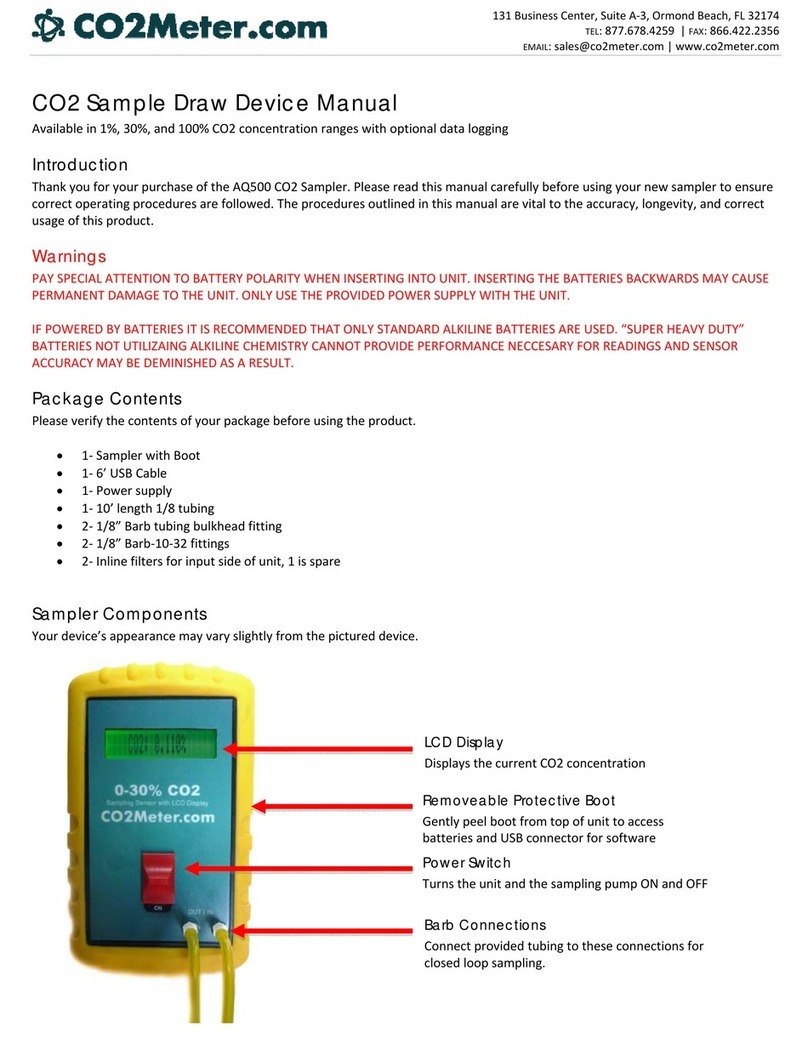
Co2meter AQ500 User manual

Co2meter

Co2meter AQ500 User manual
Co2meter SAN-20 User manual

Co2meter

Co2meter SAN-20 User manual
Co2meter XT-10 User manual

Co2meter

Co2meter XT-10 User manual
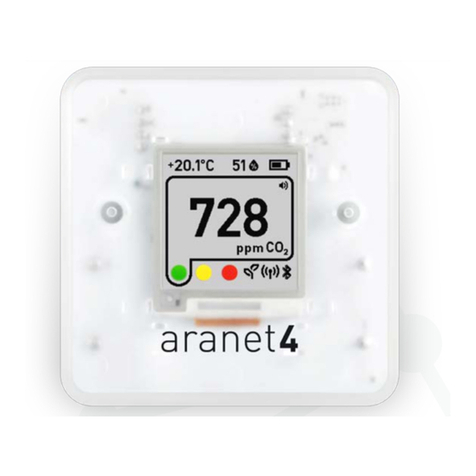
Co2meter Aranet4 PRO User manual

Co2meter

Co2meter Aranet4 PRO User manual
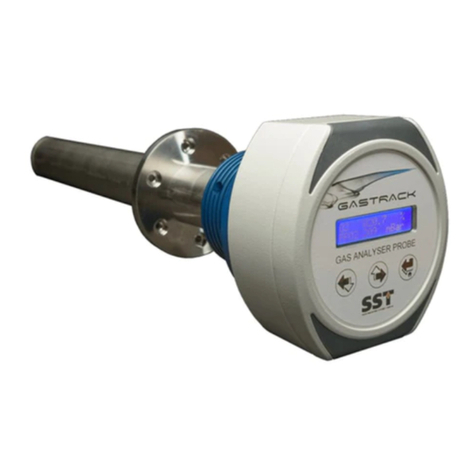
Co2meter Gastrack GAP-100 User manual

Co2meter

Co2meter Gastrack GAP-100 User manual

Co2meter eSENSE Outdoor SE-0036 User manual
Co2meter

Co2meter eSENSE Outdoor SE-0036 User manual

Co2meter SAN-10 User manual

Co2meter

Co2meter SAN-10 User manual

Co2meter 77597 User manual

Co2meter

Co2meter 77597 User manual
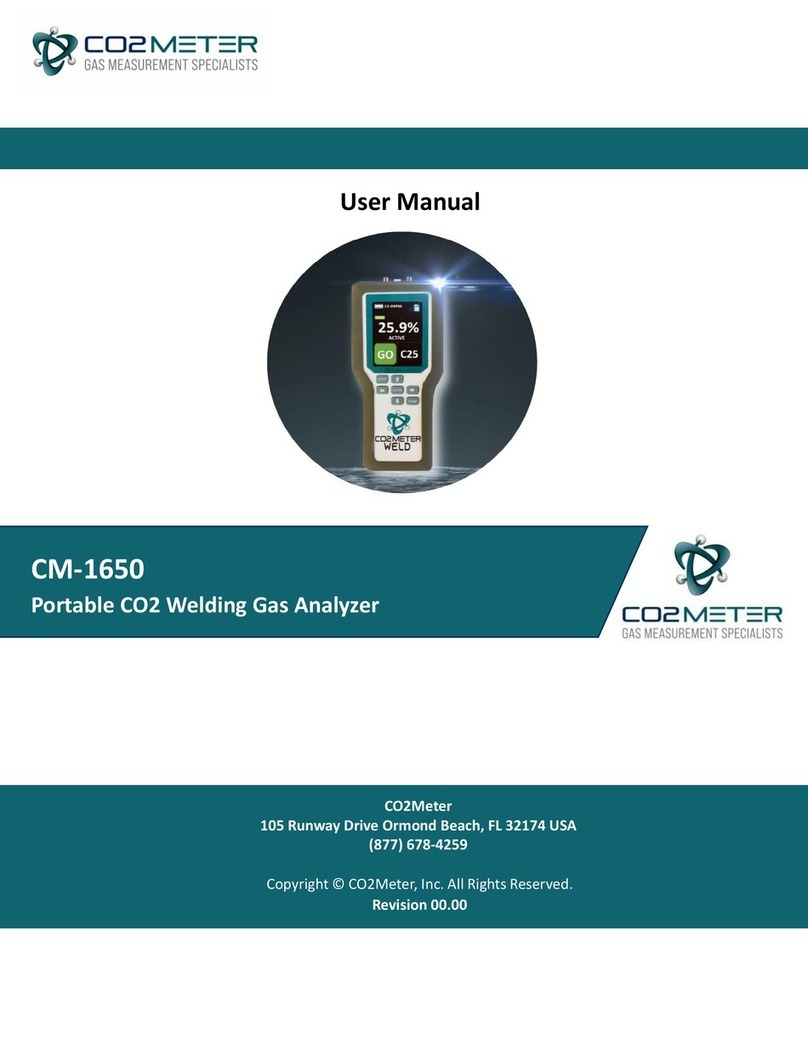
Co2meter CM-1650 User manual

Co2meter

Co2meter CM-1650 User manual

Co2meter TON-0007 User manual

Co2meter

Co2meter TON-0007 User manual
Co2meter SAN-10 User manual

Co2meter

Co2meter SAN-10 User manual
Co2meter TecPen MAP TS-200 O2 User manual
Co2meter

Co2meter TecPen MAP TS-200 O2 User manual

Co2meter RAD-0002-ZR User manual

Co2meter

Co2meter RAD-0002-ZR User manual
Co2meter TIM-12 User manual

Co2meter

Co2meter TIM-12 User manual
Co2meter AZ-0002 User manual

Co2meter

Co2meter AZ-0002 User manual
Co2meter CM-1650 User manual

Co2meter

Co2meter CM-1650 User manual
Co2meter 7755 User manual

Co2meter

Co2meter 7755 User manual
Co2meter AZ-0004 User manual

Co2meter

Co2meter AZ-0004 User manual

Co2meter AZ 77535 User manual

Co2meter

Co2meter AZ 77535 User manual

Co2meter CM-650 User manual

Co2meter

Co2meter CM-650 User manual

Popular Measuring Instrument manuals by other brands

Powerfix Profi 278296 Operation and safety notes

Powerfix Profi

Powerfix Profi 278296 Operation and safety notes

Test Equipment Depot GVT-427B user manual

Test Equipment Depot

Test Equipment Depot GVT-427B user manual

Fieldpiece ACH Operator's manual

Fieldpiece

Fieldpiece ACH Operator's manual

FLYSURFER VIRON3 user manual

FLYSURFER

FLYSURFER VIRON3 user manual

GMW TG uni 1 operating manual

GMW

GMW TG uni 1 operating manual

Downeaster Wind & Weather Medallion Series instruction manual

Downeaster

Downeaster Wind & Weather Medallion Series instruction manual

Hanna Instruments HI96725C instruction manual

Hanna Instruments

Hanna Instruments HI96725C instruction manual

Nokeval KMR260 quick guide

Nokeval

Nokeval KMR260 quick guide

HOKUYO AUTOMATIC UBG-05LN instruction manual

HOKUYO AUTOMATIC

HOKUYO AUTOMATIC UBG-05LN instruction manual

Fluke 96000 Series Operator's manual

Fluke

Fluke 96000 Series Operator's manual

Test Products International SP565 user manual

Test Products International

Test Products International SP565 user manual

General Sleep Zmachine Insight+ DT-200 Service manual

General Sleep

General Sleep Zmachine Insight+ DT-200 Service manual

Sensa Core Lacto Spark user manual

Sensa Core

Sensa Core Lacto Spark user manual

VOLTCRAFT UTS-1980 operating instructions

VOLTCRAFT

VOLTCRAFT UTS-1980 operating instructions

EBCHQ 94915 Operation manual

EBCHQ

EBCHQ 94915 Operation manual

Balluff BIP LD2-T017-01-EP-S4 Series user guide

Balluff

Balluff BIP LD2-T017-01-EP-S4 Series user guide

Pulsar IMP Lite Series instruction manual

Pulsar

Pulsar IMP Lite Series instruction manual

ETCR 6800 user manual

ETCR

ETCR 6800 user manual

manuals.online logo
manuals.online logoBrands
  • About & Mission
  • Contact us
  • Privacy Policy
  • Terms and Conditions

Copyright 2025 Manuals.Online. All Rights Reserved.

QUICK
START
GUIDE:
CM-1650
PORTABLE CO2
WELDING GAS
ANALYZER
Unpack the device, ensure it is charged
and ready to use.
Use the up and down directional buttons
to scroll through mixture options and
select your CO2 blend to be analyzed,
then press Enter.
Connect your ow regulator to the
source, open the regulator fully to
apply gas to activate the device.
Secure your tubing and you are ready
to begin analyzing.
Power on and wait for the device to
complete it’s warm up cycle.
Use the included tubing and ow
regulator to connect your CM-1650
to your gas source. Please note, the
tubing should be connected to the
inlet port (right hand side). Ensure
the regulator is in the fully open
position (1.0 LPM).
*Failure to use the included regulator could
result in serious damage to the device.*
1.
4.
5.
2.
3.
Watch Our Quick Start Video Here
Outlet Port
Inlet Port
CM-1650 PORTABLE CO2
WELDING GAS ANALYZER
TROUBLE
SHOOTING:
Symptom / Issue Possible Cause / Resolution
Device does not power ON
Make sure the power supply is connected properly and that there is
power from the outlet.
Ensure the device’s internal batteries are charged.
Slow Response Check the air ow channels to make sure they are not obstructed.
Reading Error Ensure that the Inlet/Outlet Luer Cap Fittings are removed to enable an
accurate means of sampling.
Red SD Card Icon Appears This indicates that the SD Card is either damaged, missing, or full of
data. Replace SD Card.
LCD Display Turns O
During Measurements
Reference the “settings” section to adjust back light / auto power o
from default settings.
LCD Screen Troubleshooting
During Use
If the user experiences issues with the screen orientation, this setting
can be changed by referencing the “settings” section and adjusting the
“screen auto rotate” to “NO”.